Under the guise of the “national messenger,” so many fakes have proliferated that I’ve seen more counterfeit MAX builds than I’d like. The scammers’ scheme is always the same: slip you a fake MAX app from a shady website, gain access to your SMS and contacts, and then hijack your account. I’ve been analyzing these clones for months, so let me break down how to spot a fake MAX before you even install it.
Here’s how to tell the real MAX from a fake
Where Fake MAX Apps Come From and Where to Download the Real One
Demand breeds fakes. After some Russian apps were removed from the App Store, people started massively installing the messenger while also grabbing APK files from the first website they found. That’s exactly what scammers count on.
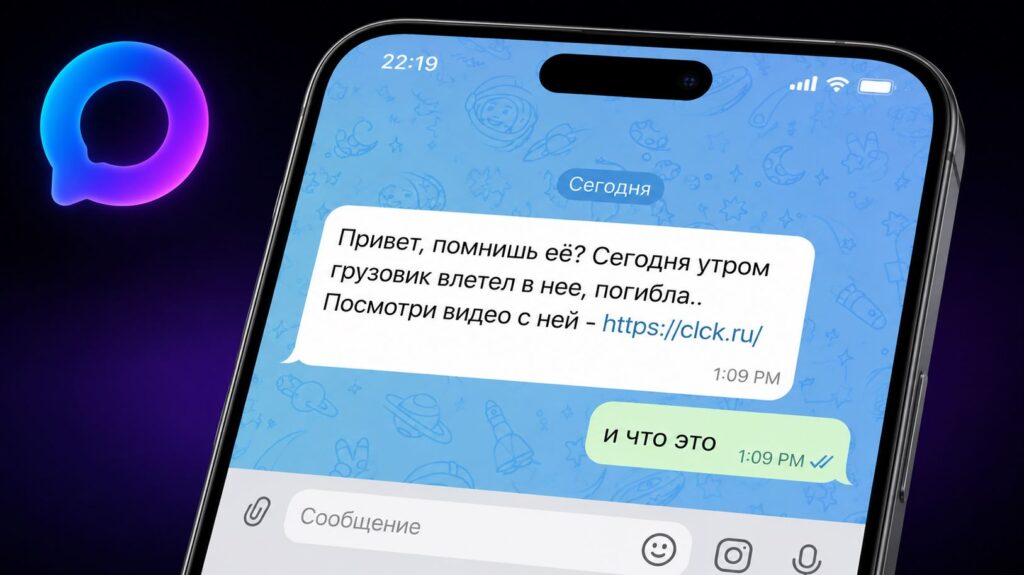
Scammers regularly distribute fake apps
Remember this simple rule: you can safely download MAX only from:
Links from SMS messages, emails, chats, and banners screaming “install urgently” should be dismissed immediately — a fake MAX is almost always hiding behind them.
How to Check MAX for Authenticity
Before installing, check who the developer is. The real MAX app listing shows an official publisher, millions of downloads, and a long update history. A fake, on the other hand, has a recent publication date, a couple thousand installs, and a developer with a generic name.
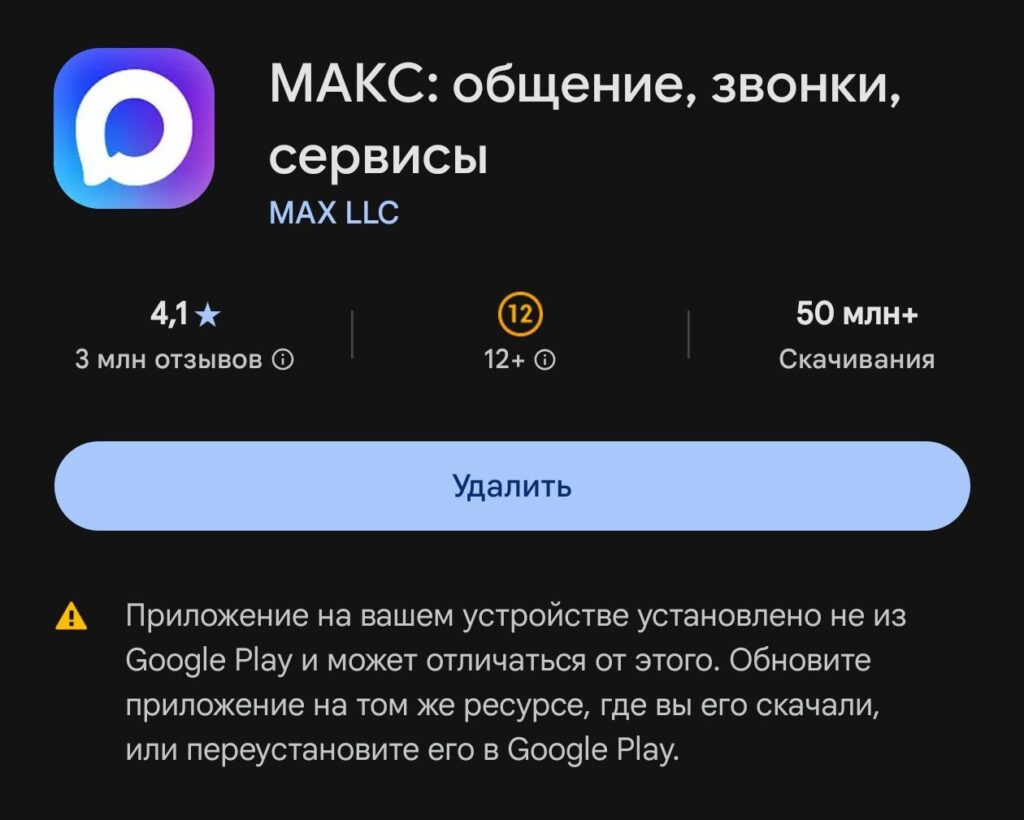
Pay attention to the warning in Google Play: it may mean you have a non-original client
This is the first honest filter: a fake MAX almost never accumulates real statistics — they’re released in batches and get banned just as quickly. Verify the exact publisher name on the messenger’s official website; scammers love names that are “almost like the real thing.”
A MAX Clone Is Betrayed by Its Name, Icon, and Description
The devil is in the details. A MAX clone almost always gives itself away through small things: additions like “MAX Pro” or “MAX Messenger Plus,” Latin characters mixed into Cyrillic text, a slightly distorted logo, and descriptions with errors and sloppy translations. The real MAX is a fully functional messenger with working features, like read receipts, while a fake MAX app is usually an empty shell whose only purpose is to extract your data.
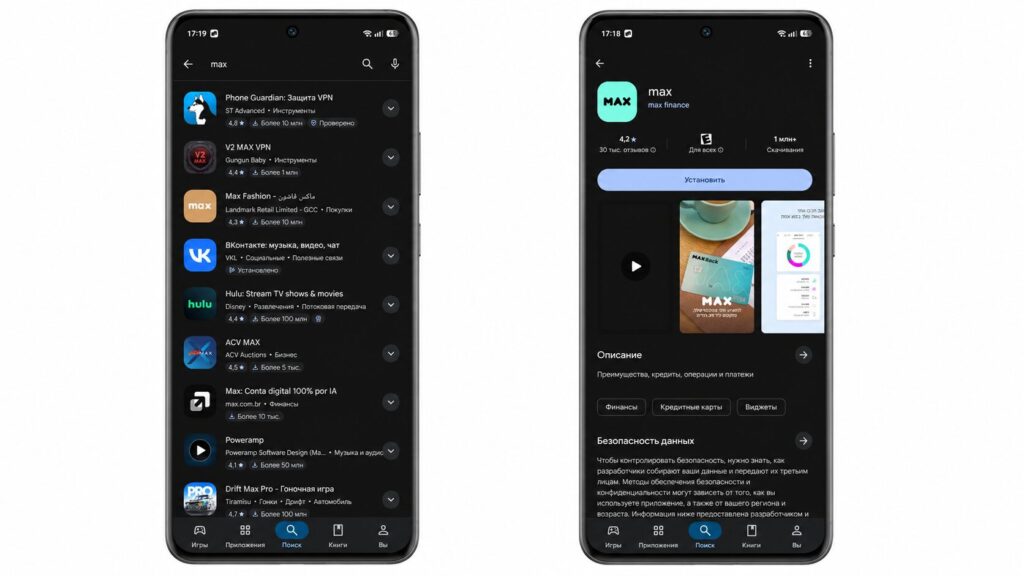
It’s easy to stumble upon other MAXes in Google Play
If the icon or text raises even the slightest doubt, don’t install it. At the very least, you might end up downloading a completely different MAX than the one you wanted — for example, some foreign delivery service or streaming platform. Google Play is full of them.
What Permissions Does MAX Request
This is the most important part. Check what the app asks for during installation and login. Access to SMS, accessibility services, and device administrator rights are direct red flags — this is how MAX hacking happens: by intercepting codes from SMS, scammers in MAX hijack your account and also gain access to government services.
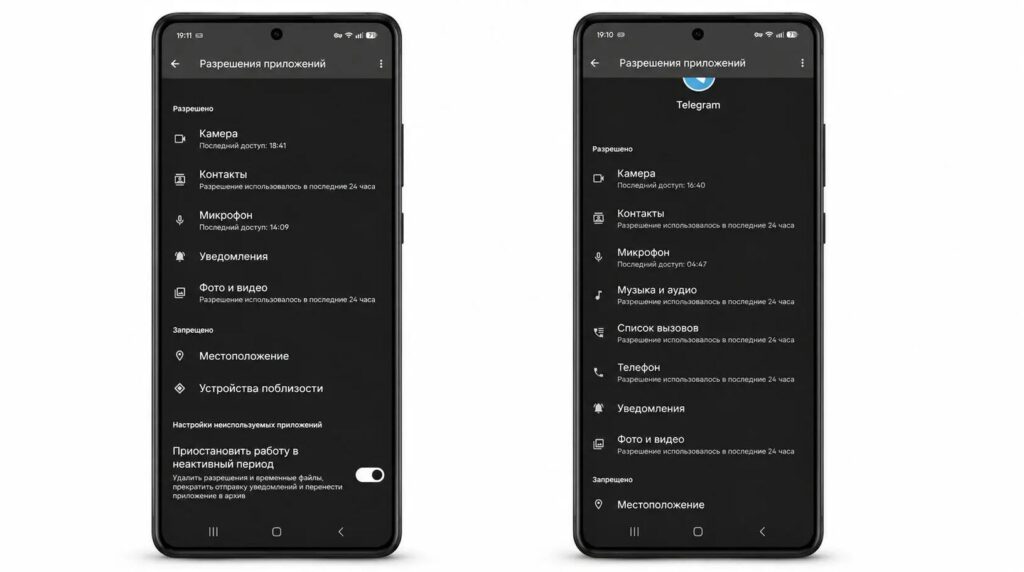
If you feel the app requests too many permissions, compare them with Telegram
The real national messenger doesn’t ask you to enter a code on a third-party website, doesn’t request card details, and doesn’t try to convince you to disable Play Protect. The logic is the same as with apps that can ruin your Android TV: excessive permissions almost always mean trouble.
| Sign | Real MAX | Fake |
|---|---|---|
| Source | RuStore, Google Play, AppGallery, official website | link from SMS, chat, or ad |
| Publisher | official developer | generic or almost-similar name |
| Downloads | millions, long history | a few thousand, recent date |
| Name and icon | simply MAX, clean logo | “MAX Pro,” Latin mixed with Cyrillic, distorted icon |
| Permissions | within messenger scope | SMS, accessibility, admin rights |
| Login | within the app | code on third-party site, card details |
What to Do If You’ve Already Installed a Fake MAX
If you installed a fake MAX, you need to act fast
Don’t panic — a fake MAX won’t steal your data instantly. In this situation, it’s important to act as follows.
- If a fake MAX is already installed, delete the app, scan your phone with antivirus software, and change passwords on important services — starting with government services.
- Then install the real MAX from an official source and check active sessions — disconnect any unfamiliar ones.
- If your account has already been hijacked, contact the messenger’s support team and warn your contacts that scammers may be messaging on your behalf.
The sooner you catch it, the less damage they can do.