Using Android Auto during hot weather can push a smartphone to uncomfortable temperatures — hot to the touch, sluggish, and potentially throttling performance. The source author reports experiencing this problem regularly during summer drives, when temperatures exceed 38 °C (100 °F). The good news: no special cooling gadgets are needed. A few habit changes before and during a drive can make a significant difference.
What you need to know
- Android Auto simultaneously runs navigation, car connectivity, music streaming, and charging — four heat-generating tasks at once.
- Wireless charging adds extra heat through induction, compounding the problem when paired with Android Auto.
- Thick rubber or silicone cases trap heat inside the phone, slowing passive cooling.
- Direct sunlight on the phone can raise its temperature significantly, even with air conditioning running in the car.
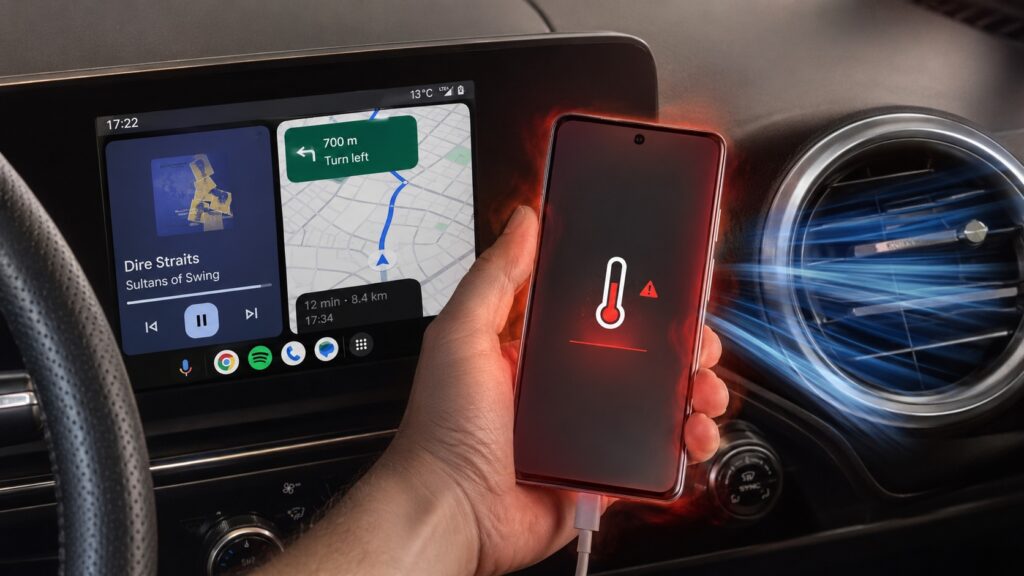
A smartphone can overheat quickly when running Android Auto in a hot car
Why phones overheat during Android Auto use
The core issue is multitasking under load. When Android Auto is active, the phone is simultaneously handling navigation, maintaining a connection to the car’s head unit, streaming music, and — in most setups — charging. Each of these tasks generates heat on its own. Combined with a bright screen at full brightness and background processes, the thermal load adds up quickly.
On a hot day, the ambient temperature inside a parked or sun-exposed car makes things worse. In everyday use — messaging, phone calls — the heat is barely noticeable. But under the sustained, multi-threaded workload of Android Auto, the phone can become uncomfortably hot and start to lag.
Mount the phone near an air-conditioning vent
One of the most effective changes the source author reports was switching from leaving the phone on the armrest or passenger seat to mounting it on an air-conditioning vent using a vent-clip holder. Surfaces inside a car cabin — hard plastic, leather, fabric — can themselves be surprisingly warm and do little to dissipate heat.

A vent mount gives the phone a constant stream of cooled air while Android Auto is running. According to the source, the air conditioning does not need to be set to maximum; a comfortable cabin temperature is enough for the airflow to keep the phone’s body cool.
Remove the case before long drives
The source author reports removing the phone case before longer trips. Thick rubber and silicone cases act as insulation, trapping heat inside the device rather than letting it radiate away.
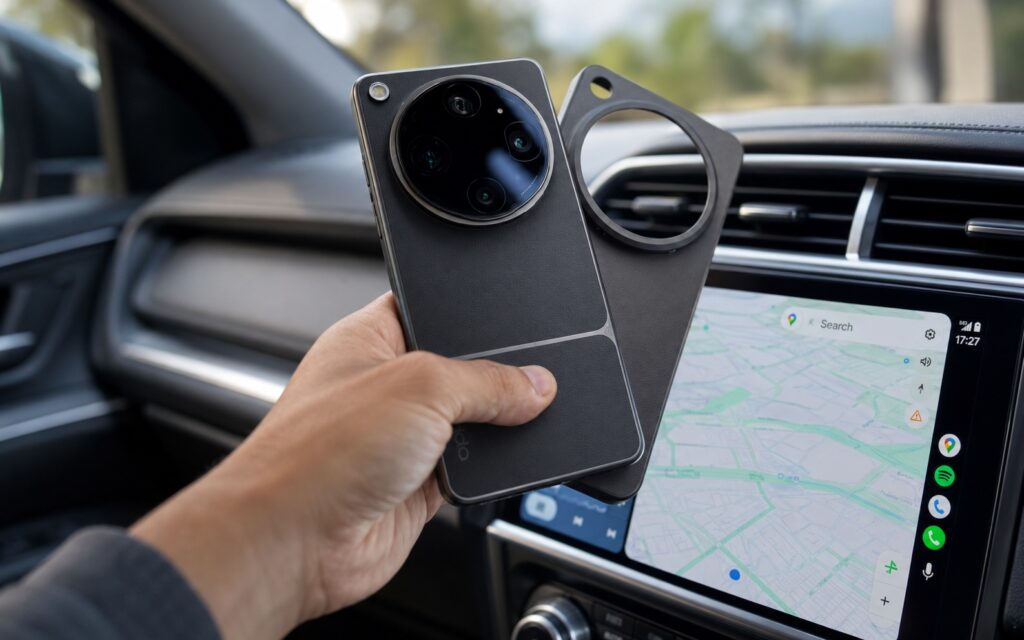
Removing the case helps the phone shed heat faster
In normal daily use, the insulating effect of a case is negligible. But during a long drive with a bright screen and heavy background tasks, the source author reports a noticeable difference. Combined with a vent mount, the phone stays considerably cooler. And even if it does heat up, a caseless phone cools down much faster once the load decreases.
Use a cable instead of wireless charging
Wireless charging is convenient, but it is one of the fastest ways to compound overheating during Android Auto use. Heat is an inherent byproduct of inductive energy transfer — more so than with a wired connection. When you add the thermal load from Wi-Fi, Bluetooth, and mobile data on top of wireless charging, the phone charges slowly and stays warm.

The source author reports switching to a wired USB connection instead. A cable provides a more stable, typically faster charge while eliminating one significant heat source.
Keep the phone out of direct sunlight
This may seem obvious, but it is worth emphasizing: direct sunlight on a phone running Android Auto can raise the device’s temperature dramatically, even with the car’s air conditioning on.
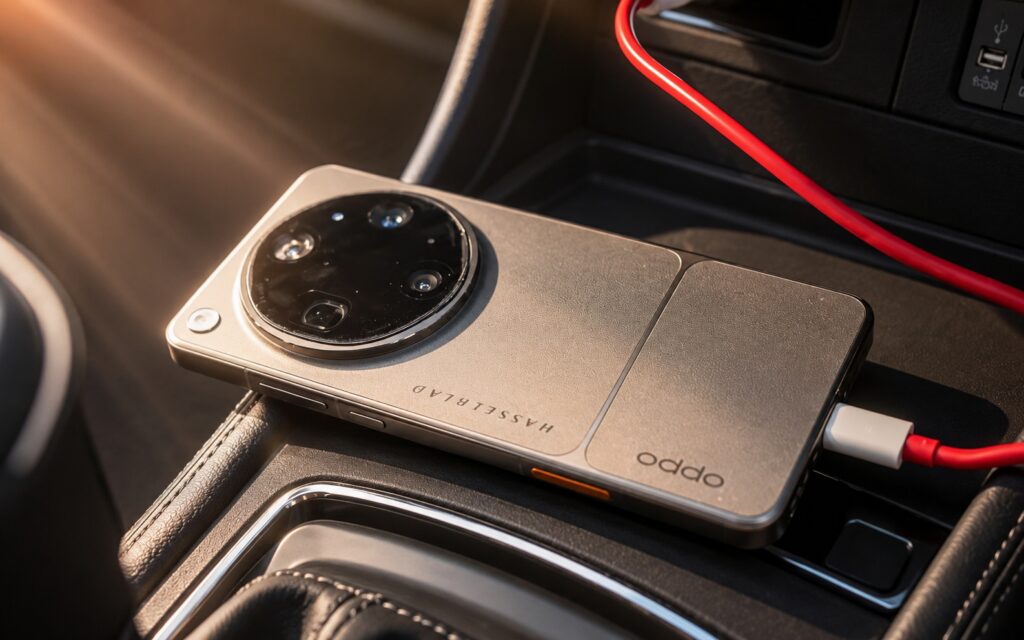
Leaving a phone in direct sunlight on the dashboard is a recipe for overheating
The source author notes that even with Android Auto turned off, a phone sitting on the dashboard in the sun quickly becomes hot. With an active connection, the effect is amplified. Even when using a vent-mounted holder, it is worth angling or positioning the phone so that direct sunlight does not fall on the screen or back panel.
Putting it all together
None of these steps requires purchasing specialized cooling accessories. According to the source, the combination of four simple adjustments — mounting the phone at an AC vent, removing the case, using a wired connection instead of wireless charging, and keeping the device out of direct sun — is enough to keep a smartphone noticeably cooler during Android Auto sessions, even in high summer temperatures. Each step removes or reduces one source of heat, and together they address the problem from multiple angles.


