Low Power Mode on iPhone has always been a compromise. You turn it on to make it to the nearest charger, and in return you get a slightly sluggish smartphone: the camera opens with a delay, animations stutter, and apps launch slower than usual. In iOS 27, Apple has finally tackled this problem.
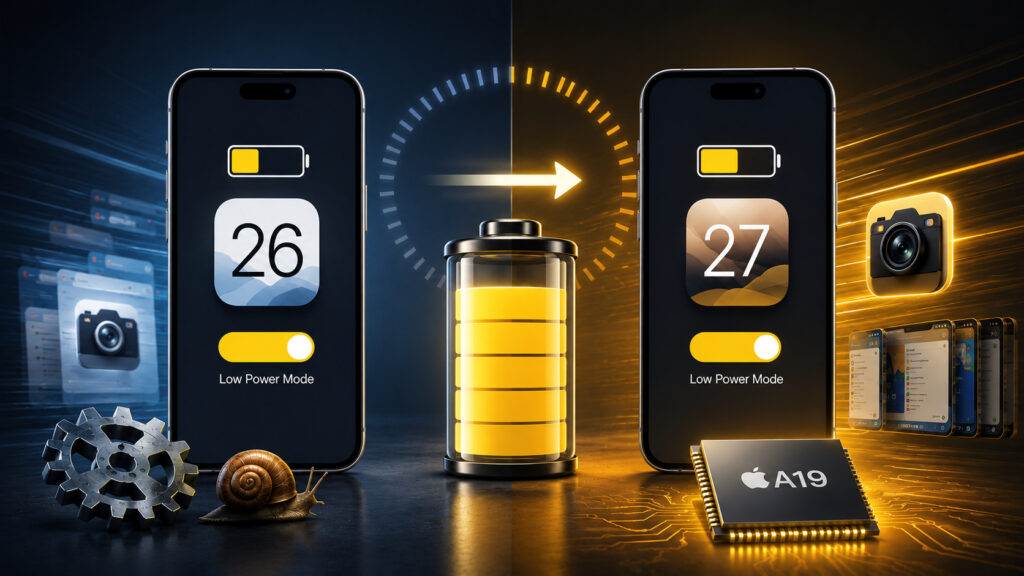
iPhone in Low Power Mode now works normally
What’s New in iOS 27 Low Power Mode
iOS 27 will be remembered not only for new features like the Liquid Glass-style slider and updates for CarPlay, Apple Wallet, Messages, and Notes. This year, Apple specifically invested in speed: fixing bugs and optimizing the system, and it’s noticeable throughout the entire interface. The full list of changes is impressive.
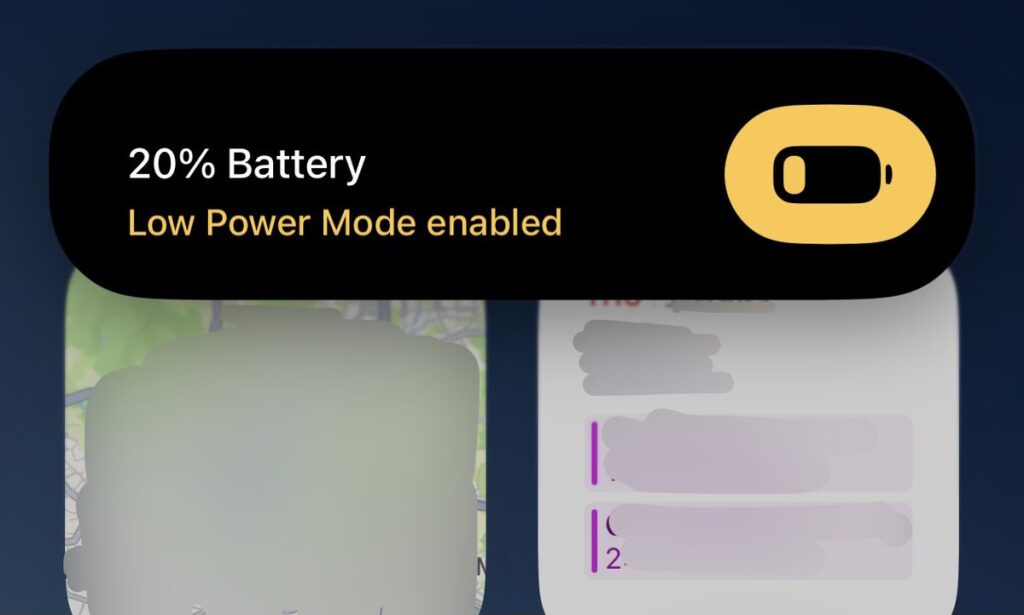
Low Power Mode hadn’t changed for a long time, and Apple has finally tweaked it
At the WWDC presentation, the company cited specific numbers. App launches are 30% faster, loading new frames in Photos is 70% faster, and AirDrop file transfers are 80% faster. Against these claims, Low Power Mode could easily be overlooked, but it also made the list of improvements.
In the official list of hundreds of iOS 27 changes, Apple highlighted two items specifically related to Low Power Mode:
- Camera launches faster in Low Power Mode
- Camera uses less power in Low Power Mode
Sounds minor. But if you’ve ever tried to capture the perfect shot on an iPhone with 15% battery, you know how annoying that one-second pause is before the camera opens. It’s especially frustrating when you miss the shot because of it.
As a reminder, the mode itself first appeared in iOS 9 back in 2015 and has worked the same way since. When the battery drops to 20%, iPhone offers to enable it, after which it cuts background activity, checks email less frequently, disables some visual effects, and on ProMotion models reduces the screen refresh rate from 120 to 60 Hz. Background app refresh and automatic iCloud uploads are also throttled. The savings are obvious, but responsiveness suffered as a trade-off.
The camera was always the weak link in this setup. Launching it requires resources, and in Low Power Mode the system deliberately held back the processor to prevent it from ramping up unnecessarily. That’s where the delay before opening came from. The fact that Apple specifically addressed this scenario shows attention to the small things that genuinely annoy people every day.
How Much Faster Does iPhone Work in Low Power Mode
This is where it gets really interesting. Based on early tests, the improvements aren’t limited to just the camera. Testers note that the entire Low Power Mode in iOS 27 behaves much more responsively than in previous versions.
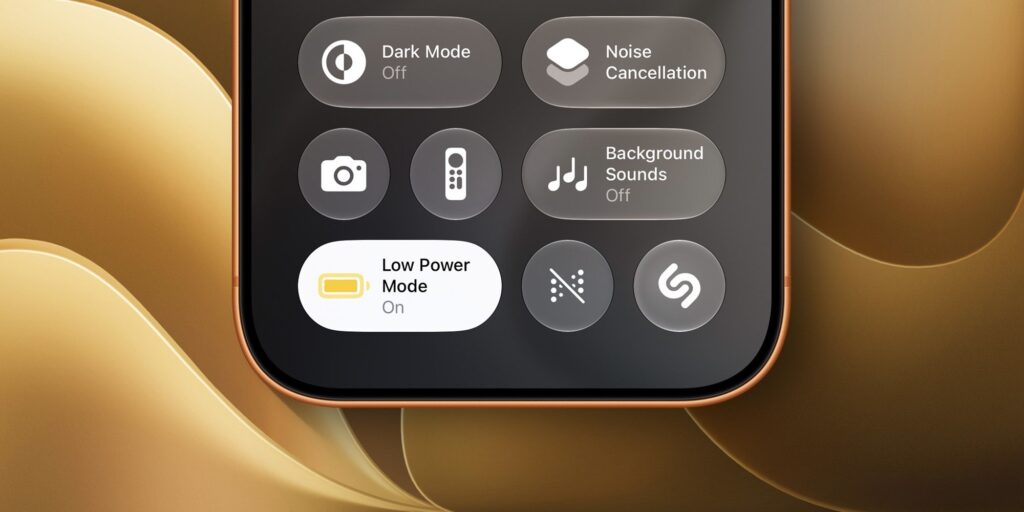
Everyone testing iOS 27 notes that Low Power Mode has gotten significantly better
Well-known blogger Benjamin Mayo, who has been digging into betas for years, shared a similar observation: in iOS 27, Low Power Mode subjectively feels snappier. And this matches the impressions of other people who installed the first beta.
Previously, enabling Low Power Mode turned iPhone into a slightly sluggish version of itself. The interface became sticky, scrolling stuttered, and transitions between screens lost their smoothness. It seems Apple decided that battery savings don’t have to go hand in hand with lag.
I keep this mode on almost constantly on my iPhone 16 Plus because the battery lasts noticeably longer that way, and my main complaint has always been about responsiveness.
On Which iPhones Does Low Power Mode Work Faster
Just don’t rush to update solely for this. The Low Power Mode speed improvement heavily depends on the iPhone model, and the difference is significant.
According to social media feedback, owners of newer devices notice a real difference: the camera opens more quickly, scrolling is smoother, and apps start without long pauses. On older iPhones, the picture is different. Some users complain that Low Power Mode still noticeably slows things down, and the first beta hasn’t changed anything yet.
The explanation is simple. Newer Apple chips have more performance headroom, so it’s easier for them to remain responsive even with reduced power consumption. Older models have to save more aggressively, and optimizations help them less. If you have an iPhone that’s three or four years old, don’t expect miracles, though the camera should open a bit faster even there.
And don’t forget that everyone currently only has the first beta of iOS 27. Before the fall release, Apple will push out several more test builds, and they almost always improve performance and fix bugs. So even if everything is laggy on your iPhone right now, the situation may well improve by the final version.
Is It Worth Enabling Low Power Mode on iPhone
If you’re used to keeping your iPhone in Low Power Mode, you’ll definitely notice the difference
In short, Low Power Mode in iOS 27 is moving in the right direction. The camera opens faster while draining less battery, and overall responsiveness has improved, though not equally for everyone.
This is exactly the case where a modest change on paper turns out to be more useful in real life than flashy percentage improvements in AirDrop speed, which you use maybe once a week at most. Many people enable Low Power Mode every day, and every saved second counts here. Especially toward the evening, when the battery is draining and the charger is still far away.
It’s too early to draw final conclusions from the first beta, but Apple has chosen the right direction. And if you already have iOS 27 installed, share whether Low Power Mode has become more responsive on your iPhone.