Google has released its September 2026 Android Drop, a bundle of five new features rolling out through Google app updates rather than a full system upgrade. Some of these features actually began arriving in August, and availability depends on your Android version. Here is what each feature does, who can use it, and what requirements apply.
What you need to know
- The September 2026 Android Drop includes five features delivered via Google app updates — no firmware installation required.
- Gemini can now remember where you store physical items and save that information in Find Hub (requires Android 16+).
- A new Guided Vision mode in Gemini Live provides spoken descriptions of what the camera sees, aimed at accessibility (Android 9+).
- Motion Assist, designed to reduce motion sickness while using your phone in a moving vehicle, requires Android 17.
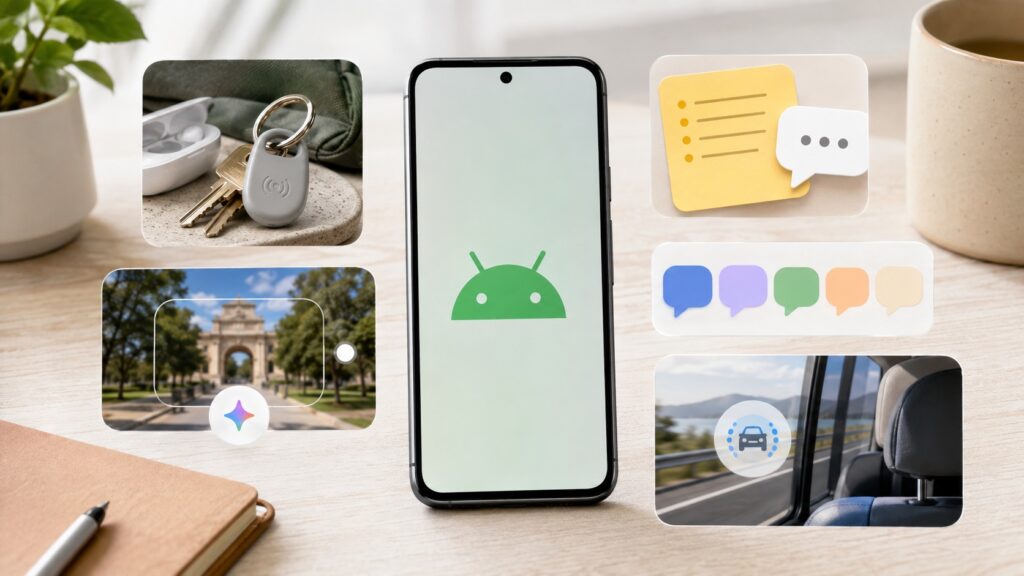
Google’s large September 2026 Android update
What is an Android Drop and how do you get it?
An Android Drop is not a traditional system update. It is a package of features that Google rolls out through its own apps and services — Gemini, Google Messages, Find Hub, and system components. Most of the new functionality arrives via Google Play app updates, so keeping your Google apps up to date is all that is needed. Features will appear gradually as Google completes the server-side rollout.
Gemini remembers where you put things via Find Hub
Gemini can now store the location of physical items inside Find Hub — Google’s app for locating devices and belongings. The feature is designed for objects that do not have a Bluetooth tracker attached. For example, you can say something like “OK Google, remember in Find Hub that I put my passport in the bedroom nightstand drawer,” and Gemini will save that location. You can also attach a photo. Later, you can either browse the list of remembered items in the Find Hub tab or simply ask Gemini where a specific item is.
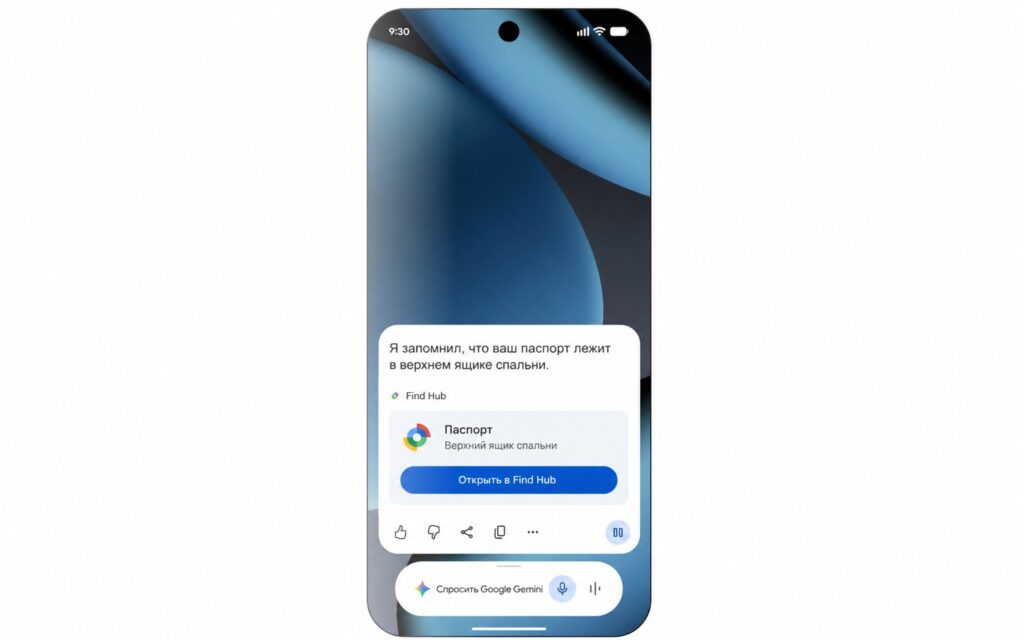
Gemini is now integrated with Find Hub
Availability: Devices running Android 16 and above, in countries where both Gemini and Find Hub are supported.
Google Keep notes and lists inside Google Messages
Google has embedded Google Keep notes and lists directly into the Google Messages app, leveraging RCS (the modern chat standard that replaces traditional SMS). You can now share and collaboratively edit a shopping list or trip notes without leaving a conversation.
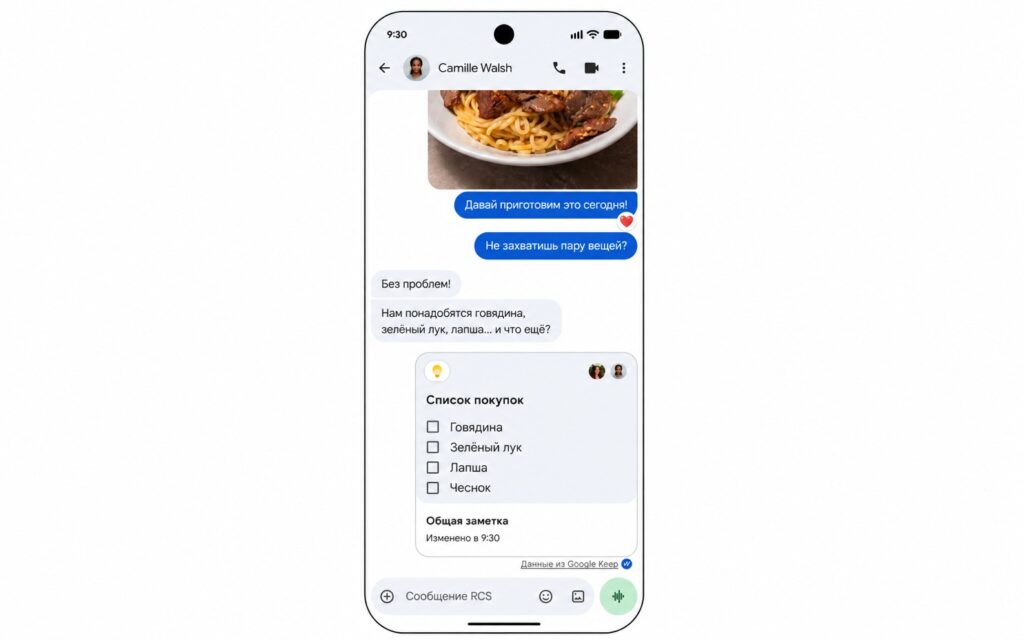
Google Keep is now integrated into Google Messages
Once shared, the list or note can be updated directly within the chat, and the other person sees changes — useful for joint grocery shopping or vacation planning. This feature began working from the moment of announcement.
Guided Vision in Gemini Live describes what is in front of you
Google previously introduced visual hints in Gemini Live alongside the Pixel 10, where the assistant could highlight objects with a dot or frame while dimming the rest of the camera feed. The new Guided Vision mode takes this further with a focus on accessibility.
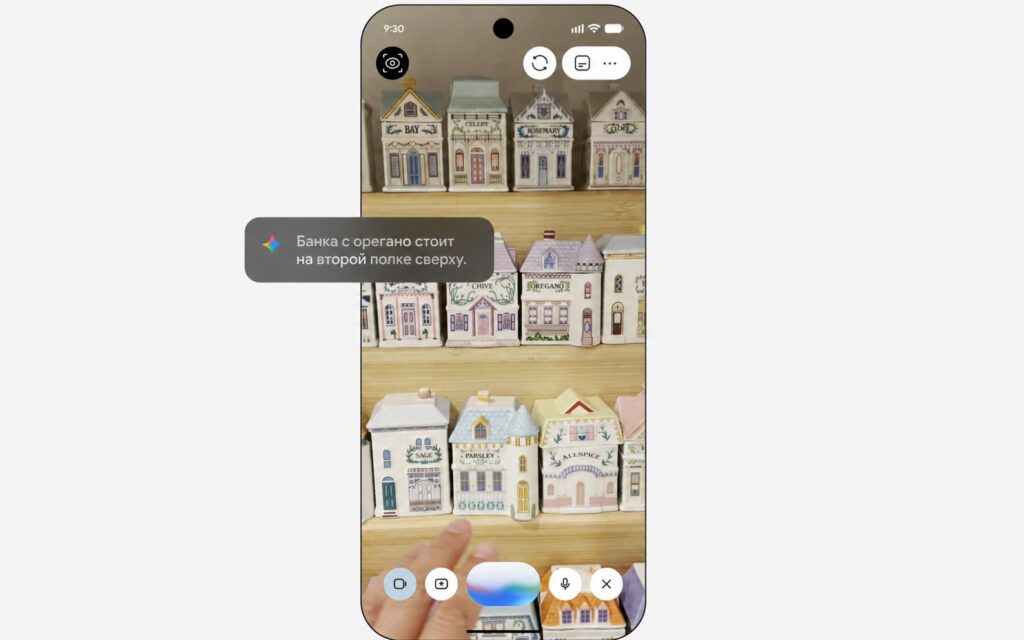
Guided Vision describes what it sees through the smartphone camera

With Guided Vision, you share your camera feed with Gemini Live and hear a spoken description of what is in front of you. It is helpful for reading fine print on product labels, deciphering a menu in a dimly lit restaurant, or finding an object at home. If the camera is pointed in the wrong direction, voice prompts guide you to reposition it.
There are two ways to launch the mode:
- Add Guided Vision to your Accessibility shortcuts.
- Launch it directly from the TalkBack menu (Android’s screen reader for visually impaired users).
Availability: Guided Vision via Gemini Live will come to phones running Android 9 and above in countries where Gemini is available. Google has described the timeline as “coming soon.”
Chat Themes in Google Messages
Google Messages now officially supports Chat Themes, allowing users to personalize individual conversations. The source describes this as perhaps the most visible and anticipated feature in the drop, noting that personalization options were previously lacking in the app.
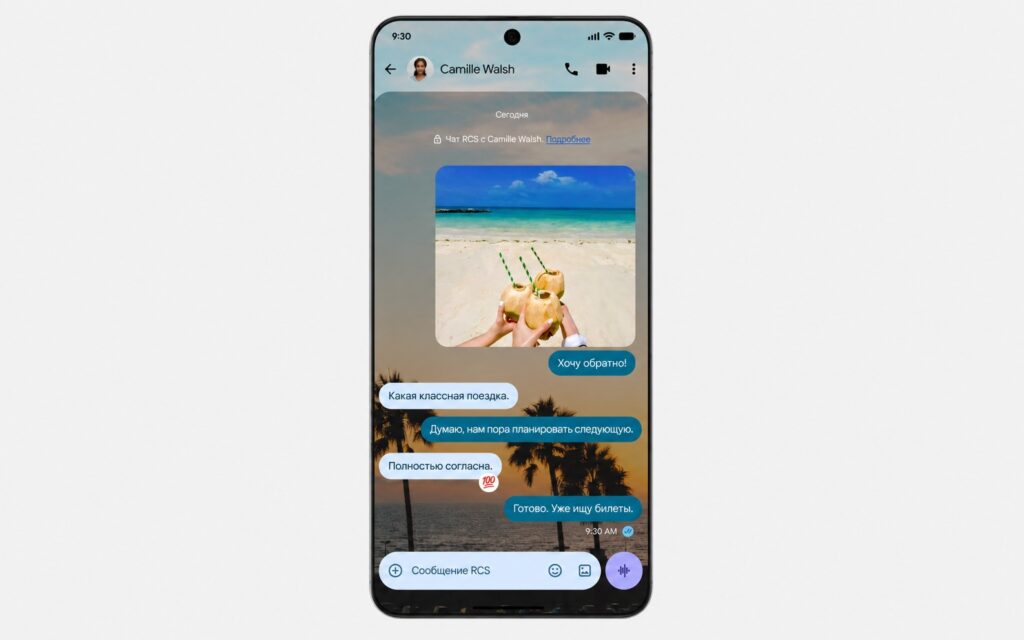
Google Messages now supports chat theme customization
You can choose a wallpaper or photo for a chat, and the message bubbles automatically adjust their colors to match. Custom colors can also be set manually, giving each conversation its own distinct look.
Motion Assist aims to reduce motion sickness
Motion Assist is a feature designed to reduce motion sickness when using your phone in a moving vehicle. It places a semi-transparent “bubble” overlay on the screen that moves in the direction the vehicle is traveling, which is intended to help the brain reconcile what the eyes see on screen with the actual physical movement.
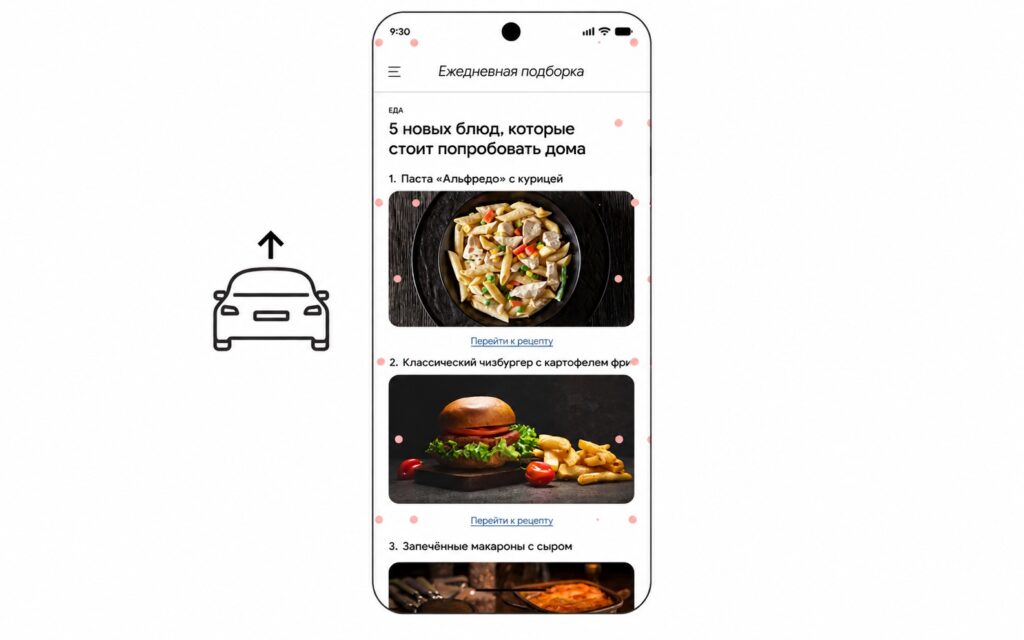
Motion Assist aims to prevent motion sickness for Android 17 users
Although Google included Motion Assist in the September Android Drop announcement, the rollout actually began in August on devices running Android 17. Notably, Google is not restricting this feature to Pixel phones, so it should eventually reach a wider range of smartphones — provided they run Android 17.
Which features apply to you
Here is a quick summary of version requirements:
- Android 16+ — Gemini item reminders via Find Hub.
- Google Messages users (no specific Android version noted) — Google Keep lists in chats and Chat Themes.
- Android 9+ — Guided Vision in Gemini Live (for accessibility and general use).
- Android 17 — Motion Assist for motion sickness reduction.
No separate installation is required for any of these features. Keeping your Google apps updated through Google Play is sufficient — the features will arrive as Google completes the server-side rollout. Which features reach your device depends on your Android version and regional availability.


