Xiaomi appears set to become the next manufacturer whose phones support Google’s Scam Detection, the feature in the Google Phone app that warns you mid-call when the person on the other end sounds like a fraudster. The clue comes from the code of a beta version of the Google Phone app, where Xiaomi now appears in the list of supported manufacturers. Today the feature works only on Google Pixel phones and the Samsung Galaxy S26 line, and it is limited to a handful of countries. Which Xiaomi models will get it first, and when, has not been confirmed.
What you need to know
- Xiaomi was found in the supported-manufacturer list in the code of a Google Phone app beta; Google has not officially announced the expansion.
- Scam Detection analyses speech on-device using local AI models (Gemini Nano on Pixel 9 and newer) and, according to Google, does not store or upload call audio or transcripts.
- The feature is off by default, checks only unknown numbers, and Google itself labels it a beta that is not 100% accurate.
- Availability is currently limited to the US (Pixel 6 and newer) and to Australia, India, Canada, Ireland and the UK (Pixel 9 and newer, except the Pixel 9a), plus the Galaxy S26 in the same regions.
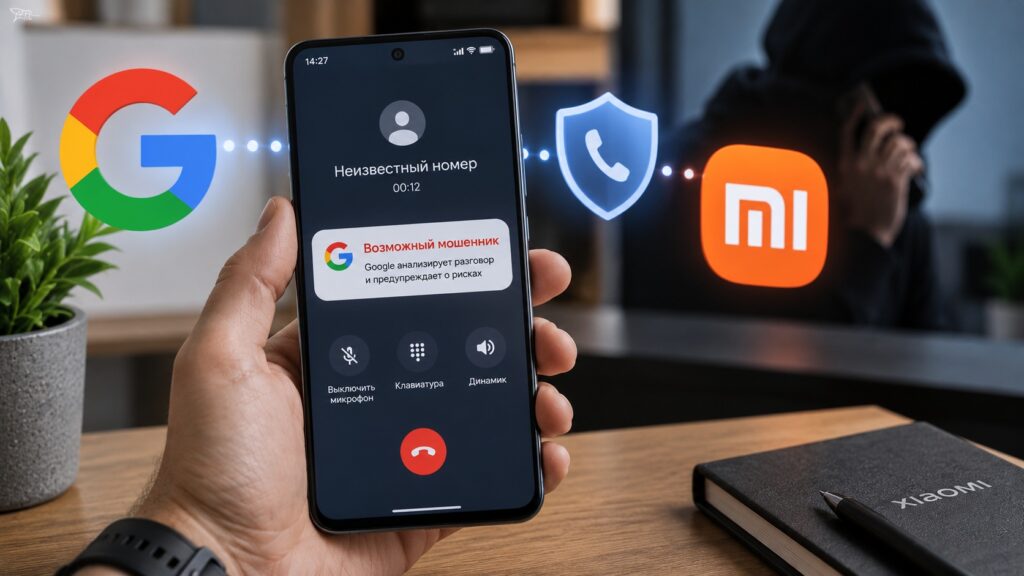
The Google Phone app on Xiaomi devices is expected to learn to flag scam callers
How Scam Detection works: on-device AI, no cloud upload
Scam Detection analyses what is being said during a call using a neural network that runs directly on the phone. According to Google’s help documentation, on the Pixel 9 and newer this is handled by the Gemini Nano model; older Pixels use other local Google models. Google states that neither the audio nor a transcript of the conversation is saved on the device or sent to Google’s servers.
If the caller starts behaving like a scammer — for example, claiming to be a bank employee and demanding an urgent money transfer — the phone vibrates, plays a sound and shows a red on-screen warning about suspicious activity. Two buttons appear alongside it: end the call, or mark the caller as not a scammer. The feature does not check calls from people in your contacts, only unknown numbers.

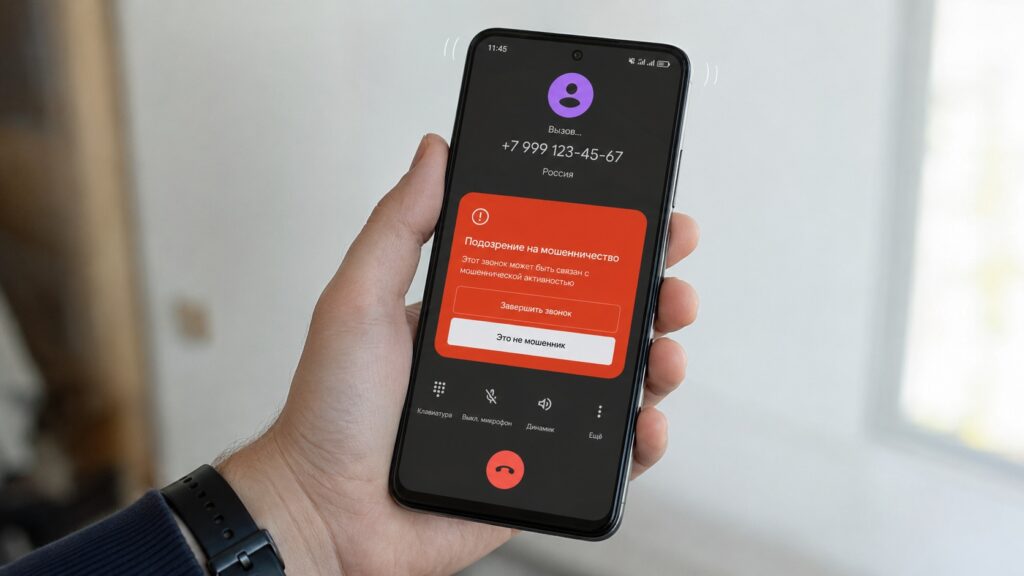
The warning is triggered by what the person on the other end of the line says
An important caveat: Google itself describes the feature as a beta and acknowledges that it is not 100% accurate. Android Authority has also noted in its testing that detections are far from perfect. In other words, this is an extra layer of protection, not a substitute for your own caution.
Xiaomi would be the fourth manufacturer after Google, Samsung and vivo
The feature debuted on Pixel phones, then reached the Galaxy S26 line, and signs of upcoming vivo support were recently found in the same app. Xiaomi is now the latest addition to the list. Notably, Xiaomi has traditionally offered strong call-related tools of its own, and Google has borrowed ideas from the company on more than one occasion.
The code does not reveal which Xiaomi models will receive the protection first. Android Authority suggests that the foldable Xiaomi 18 Fold, shown at IFA 2026, would be a logical candidate, but that device has so far been confirmed only for China. The publication therefore considers it more likely that Scam Detection will first appear on a global Xiaomi flagship — though this, too, is the outlet’s speculation rather than a confirmed fact.
How to enable Scam Detection where it already works
According to Google and specialist publications, the feature is available in the US on the Pixel 6 and newer, and in Australia, India, Canada, Ireland and the UK on the Pixel 9 and newer (excluding the Pixel 9a). Galaxy S26 owners have access in the same regions as Pixel users. Google has not announced dates for expanding to other countries. The protection is off by default: Google requires the user to turn it on manually. If your phone and region qualify, the steps are as follows:

- Update the Google Phone app to the latest version via Google Play.
- Open the app and tap the three-dot menu in the top-right corner.
- Choose Settings, then Scam Detection.
- Switch the toggle to On.
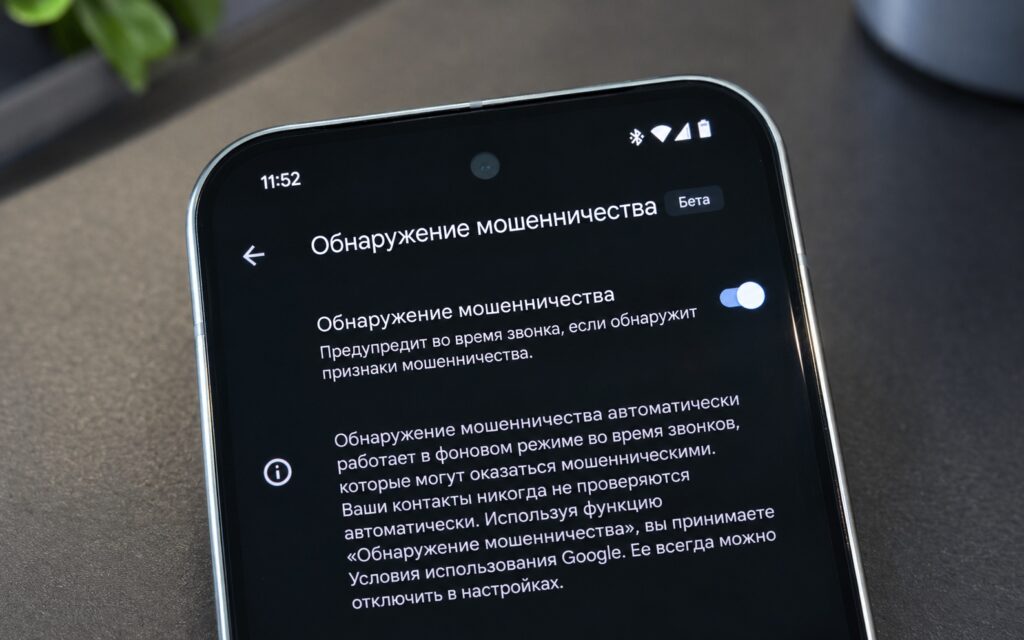
The feature is enabled through the Google Phone app settings
You can also turn off analysis for a single call while it is in progress: tap the three-dot menu on the call screen and uncheck Scam Detection. This does not affect other calls.
The in-call beep and other limitations
So that the other party knows the analysis is running, the app plays a short audible tone at the start of the call and repeats it every few minutes. This is a transparency requirement from Google, but some users and their callers find the beep irritating — something to bear in mind if you frequently speak with strangers by phone for work.
The second limitation is regional. Even once Xiaomi support goes live officially, that does not mean the feature will switch on for every Xiaomi phone in every country: Google expands geographic availability separately from the device list, and no timeline has been given for regions beyond those currently supported.


