The FSB announced a major operation by foreign intelligence services against Russian officials. Their smartphones were infected with spyware — data was extracted, conversations were monitored, and the environment around the device was surveilled. And the worst part: the victim didn’t need to tap anything to get infected. All it took was a single iMessage that you wouldn’t even have seen. Let’s break down how this attack works, why it took so long to discover, and what you can do to protect your smartphone.
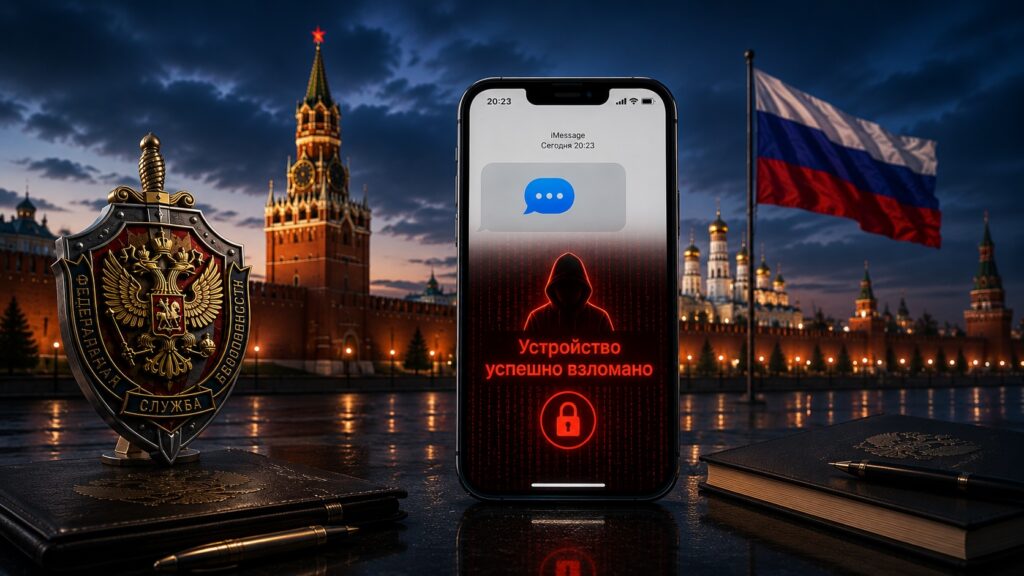
An invisible iMessage could hack your iPhone, but there are a few nuances
How the iPhone Hack Through iMessage Works
The technical side of the attack was explained by Igor Kuznetsov, director of the Global Research and Analysis Team at Kaspersky Lab. This refers to the same campaign that was dubbed “Operation Triangulation” in 2023 — at the time, it was one of the most sophisticated iPhone hacks in history.
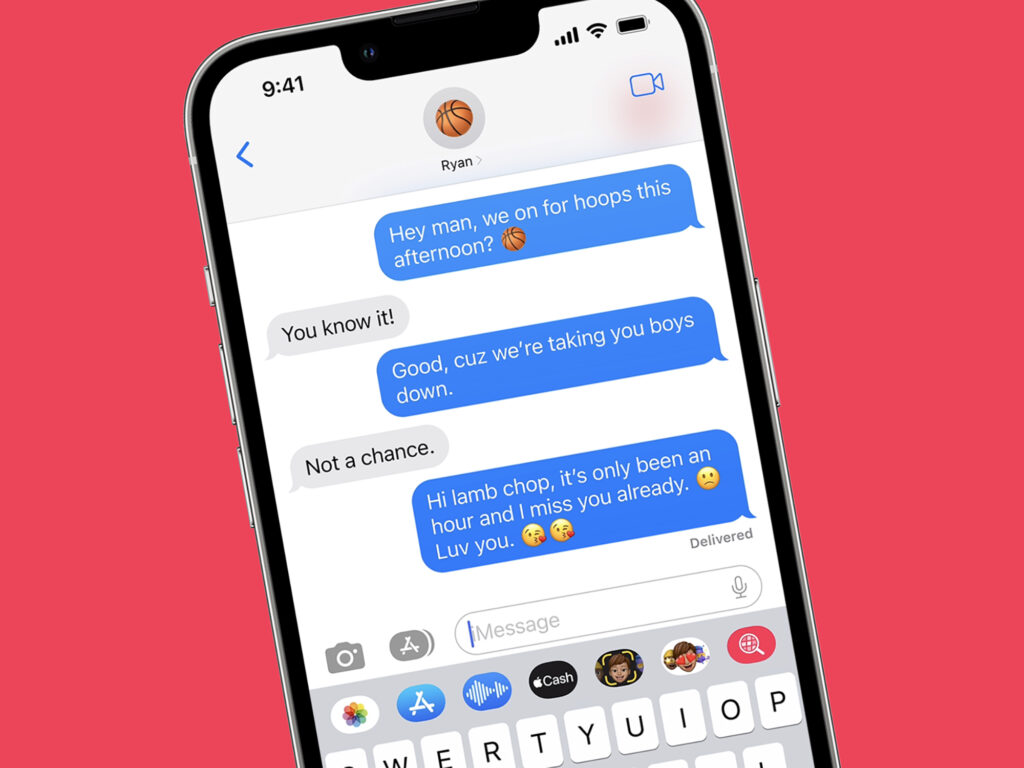
The message didn’t even show up in chats
It all started with an iMessage that arrived on the device with a special attachment. No spam, links, or suspicious files that needed to be opened. According to Kuznetsov, as soon as the message arrived on the phone, the attack was already underway.
Next came a technique that specialists call zero-click — meaning without a single tap. As soon as the system began processing the message, malware launched on the device. The message itself was immediately deleted — which is why it’s called invisible. You would never have guessed that anything happened.
Then exploits came into play — specially crafted code that bypasses iOS’s built-in security systems. One after another, they escalated privileges, removed software restrictions, and ultimately gave the attacker full control over the device. All of this happened completely invisibly to the owner.
What Data Can Be Stolen from an Infected iPhone
After infection, a whole set of modules was deployed on the device — each responsible for its own task. It wasn’t a single program but a full-fledged surveillance platform.
One module activated the microphone and recorded audio around the phone. The device would start an audio recording for the next several hours — regardless of whether there was an internet connection at that moment. As soon as connectivity appeared, the recording was sent to the attackers’ server. Other modules collected correspondence: for example, they extracted messages from the last three days.
Besides audio and messages, the attackers were interested in geolocation, photos from messengers, and data about the owner’s activities. Essentially, the phone turned into the perfect eavesdropping device that the owner didn’t even suspect. The goal of the campaign, according to researchers, was espionage.
How Kaspersky Discovered the Spyware Attack on iPhones
The discovery story is almost like a detective novel. According to Kuznetsov, it all began in 2023 at Kaspersky Lab’s own office. During routine monitoring of the corporate Wi-Fi network, experts noticed suspicious activity. When they investigated which devices were generating it, they were surprised: it was only Apple devices — employees’ iPhones.
The researchers then began examining their colleagues’ infected smartphones. They proceeded carefully: the camera on the phone was immediately covered with tape. The logic was simple — on the other end there could be an operator watching what was happening, and at the slightest suspicion, the attack would simply be shut down.
Reconstructing the full picture took more than six months. Kaspersky Lab turned out to be the only organization that managed to fully reconstruct the attack’s history, analyze the compromise tools, and publicly disclose them. An interesting detail from that investigation: the oldest traces of infection dated back to 2019, and the earliest vulnerable system version on infected devices was iOS 15.7. In other words, the attack had been running for years and remained undetected.
How Dangerous Are iMessage Attacks for Regular iPhone Owners
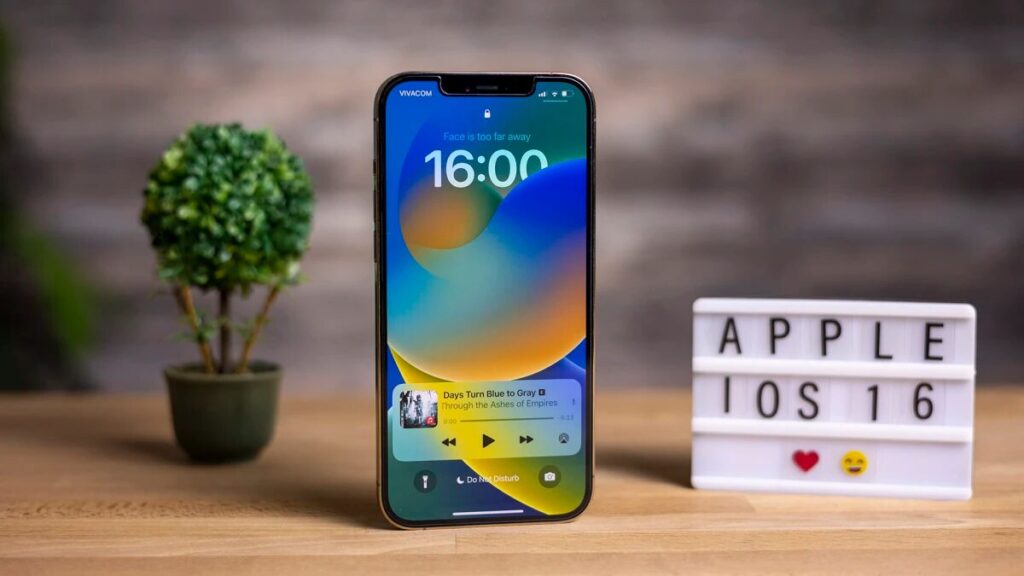
To be fair, Apple closed this vulnerability back in iOS 16.5.1
Let’s clarify right away: “Operation Triangulation” was a targeted attack. Specific individuals were targeted, not all iPhone owners. No one would infect millions of devices this way — it’s too expensive and complex. So there’s no need to panic.
But the takeaway from this story is important for everyone. Even the most locked-down and protected system can be compromised if people with serious resources are involved. iMessage has repeatedly become an entry point for similar hacks precisely because it processes incoming data automatically, without your involvement.
The good news is that Apple has already patched the vulnerabilities used in this campaign. So the main advice is basic but effective: update iOS on time. Most such attacks survive only until a patch is released.
How to Protect Your iPhone from Hacking Through iMessage
It’s impossible to fully protect yourself from intelligence-agency-level attacks using ordinary methods. But you can reduce risks and close the most obvious gaps.
- Always install iOS updates — this is exactly where Apple patches vulnerabilities like those used in Triangulation.
- Enable Lockdown Mode — it significantly limits attachment processing in iMessage and blocks most sophisticated attacks.
- Don’t store unnecessary data on your device if it involves truly sensitive information.
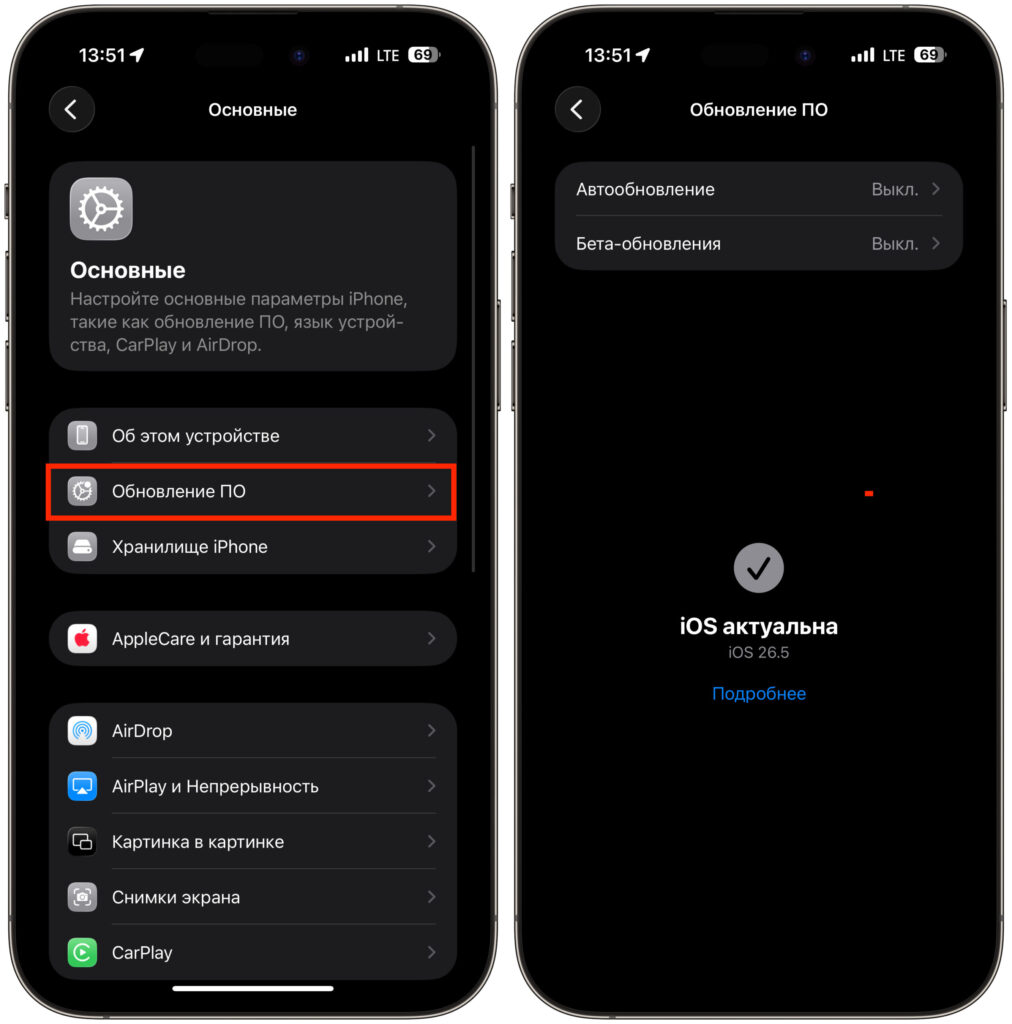
Always update your iPhone
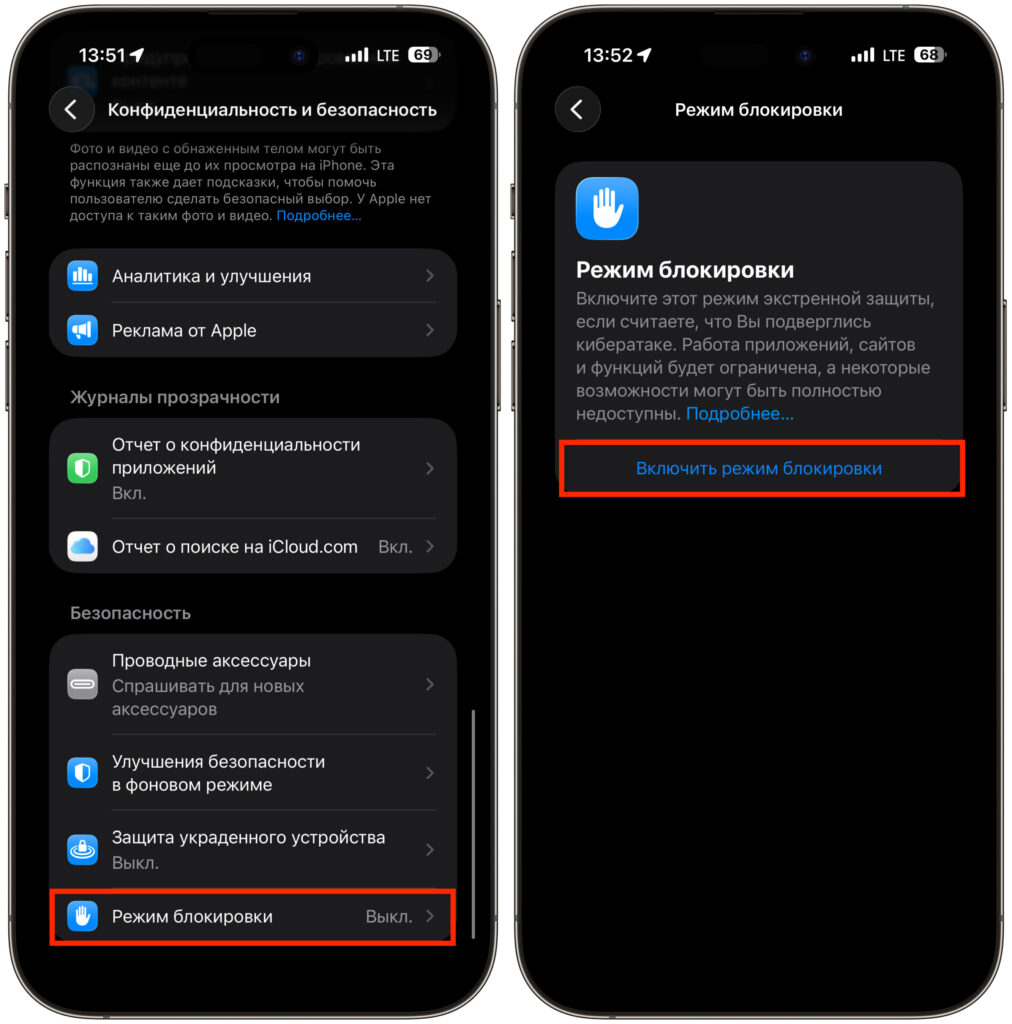
Don’t forget that Lockdown Mode exists and can help protect against hacking
The most helpful measure here is the special Lockdown Mode on iPhone — Apple created it specifically to protect against threats like this.