Four Android apps stand out this September, according to an AndroidInsider roundup: Notability, the note-taking app formerly exclusive to iOS, has left beta and shipped a stable Android version; HiLight Studio, a GitHub-hosted tool, unlocks far more control over the HiLight LED on the Pixel 11 Pro; Bare Browser packages a desktop Chromium build without Google services, complete with extension support; and Sea Temperature is a weather-style app built around water conditions at the coast. Each solves a narrow problem, and each comes with caveats worth knowing before you install.
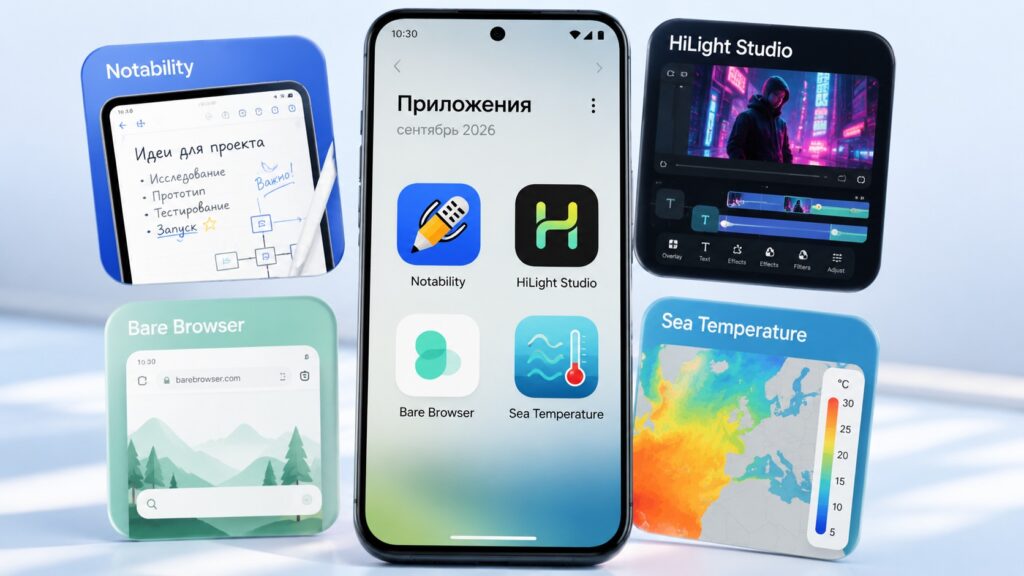
The most interesting Android apps of September
What you need to know
- Notability, previously iOS-only, now has a stable Android release after several months in beta; full features require an account and a subscription starting at $4.99 per month, with basic features available for free.
- HiLight Studio is not on the Play Store: it is distributed via GitHub and requires the Shizuku helper utility to obtain system permissions without root.
- Bare Browser (formerly Chromium Extend) is back in alpha after its rename and weighs about 464 MB, so the source advises against using it as a primary browser for now.
- Sea Temperature is free and ad-supported, with widgets, historical and real-time data, and beach-condition details sold as paid extras.
Notability: a digital notebook for students and meetings
Notability, long an iOS exclusive, has arrived on Android. It is a digital notebook that accepts both handwriting and typed text, and the source reports it runs on Pixel, Samsung and other devices.
The app spent several months on Android as a beta before a stable version was released recently. It is aimed primarily at students: it includes a flashcard creator for memorisation and a quiz tool. A speech-transcription feature, which converts voice to text, also makes it usable for work meetings.
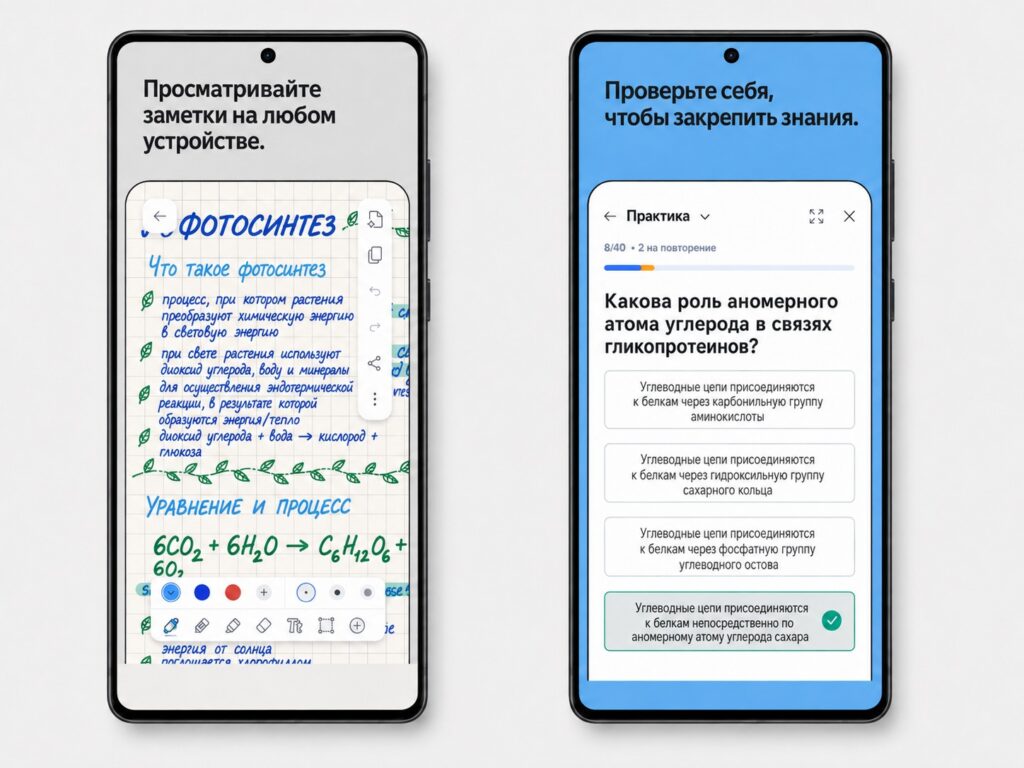
The source author calls it the best note-taking app now available on Android
Notability is not free. You must create an account to use it, and the full feature set is unlocked by a subscription starting at $4.99 per month. Basic functionality remains accessible without paying.

HiLight Studio: making the Pixel 11 Pro LED useful
The Pixel 11 Pro has a feature called HiLight: an LED embedded in the glass panel above the camera, similar to lights found on other phones such as the realme P4. The source’s complaint is that, out of the box, this LED does very little despite obvious potential. Third-party developers have stepped in.
HiLight Studio gives Pixel 11 Pro owners far more control over the LED. According to the source, it can pull colours from your wallpaper, apply different effects, adjust how long the light stays on, save presets and more. The author argues it highlights how little effort Google put into the HiLight feature itself.
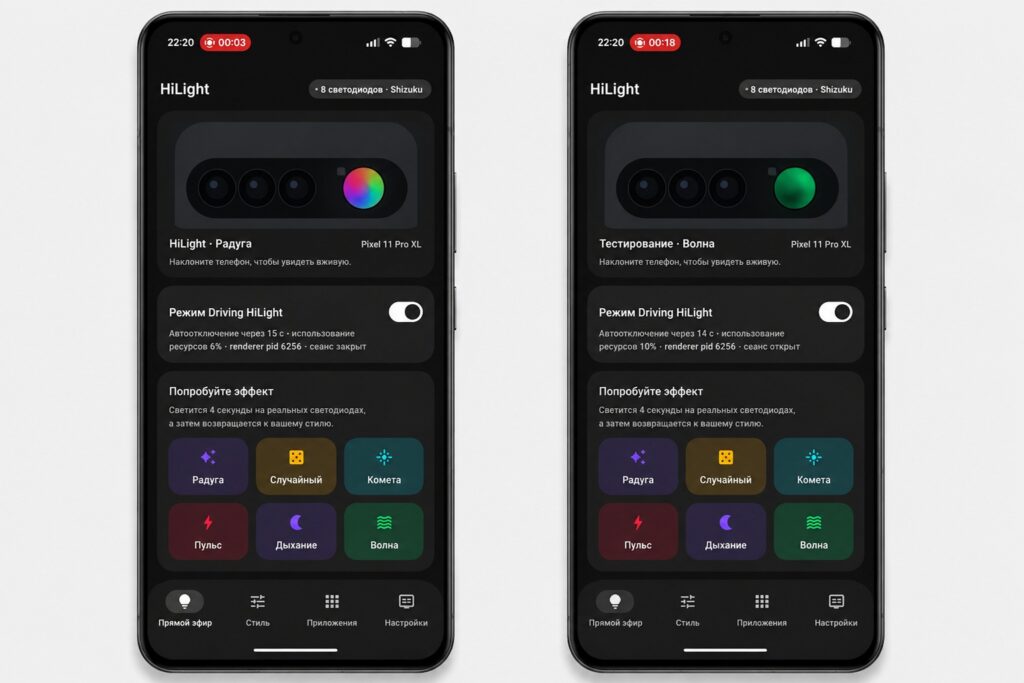
A must-have app for Pixel 11 Pro owners, according to the source
Installation caveats
An important detail: the app is not on the Play Store and has to be downloaded from GitHub. It also depends on Shizuku, a helper utility that grants apps access to the required system permissions without root access. The source describes the setup as not the simplest, but says that once done, the Pixel 11 Pro’s headline feature finally starts earning its keep.
Bare Browser: desktop Chromium without Google services
Bare Browser, formerly known as Chromium Extend, is a full desktop Chromium build with Google services stripped out, running directly on a phone.
One might expect such a package to be sluggish, but the source author reports that it is not. Its headline feature is support for browser extensions, something that matters to many users. It also lets you add custom search engines, works with a third-party download manager, and is entirely free of Gemini and other Google add-ons.

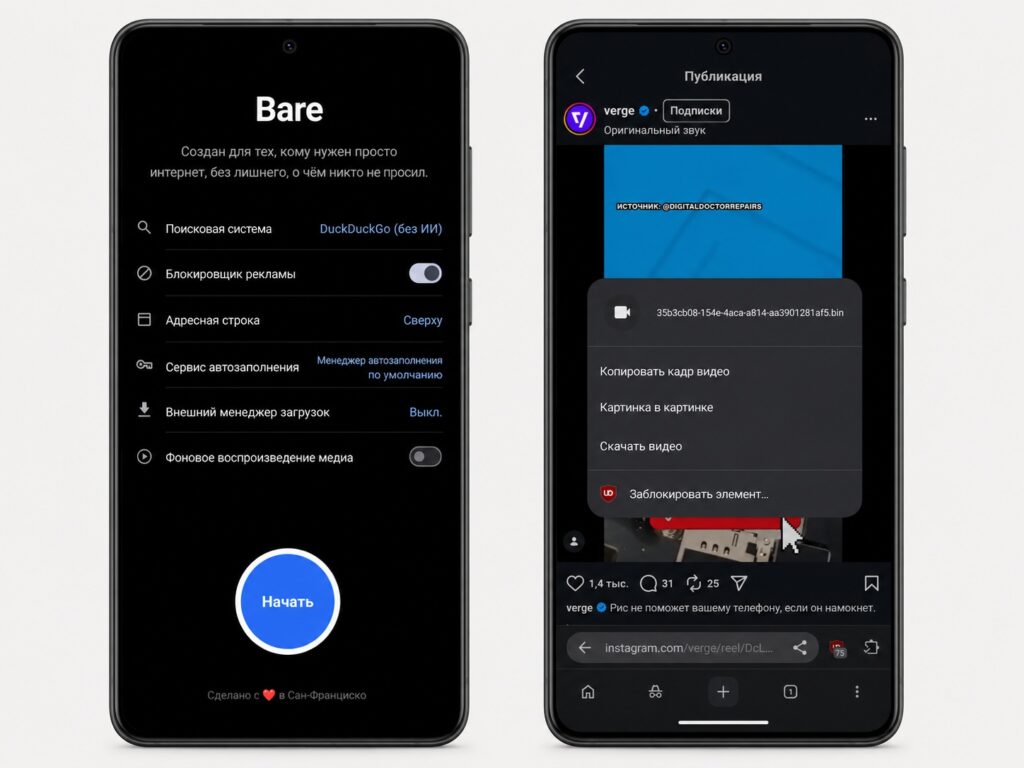
A capable browser with extension support
Two serious warnings
First, following the rename the project is back in alpha, so the source recommends against making it your primary or work browser for now. Second, it is a hefty download at roughly 464 MB, which is what you would expect from a repackaged desktop browser. If storage is not a concern, the author says it is well worth a try.
Sea Temperature: a forecast for the sea and the beach
The roundup closes with an unusual pick. Sea Temperature works like a weather app, but for the sea. Choose a point on the coastline and the app shows water temperature, conditions for swimming and other water activities, a short weather overview, and temperature readings from nearby locations.
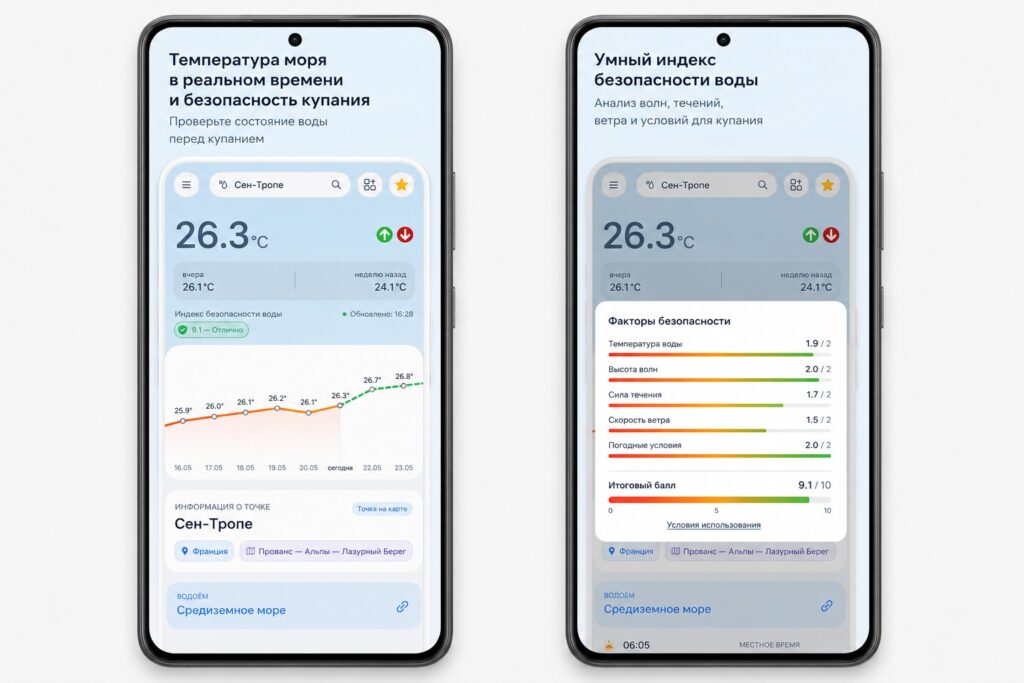
An app that shows the water temperature
Sea Temperature on Google Play
The source finds it handy if you are looking for the best beach to swim at in an unfamiliar area. The app is free and ad-supported; a paid tier adds widgets, historical and real-time data, and information on beach conditions.


