OpenAI has rolled out an update to mobile ChatGPT and brought Codex into it — a coding agent that previously only worked on desktop. Now Codex runs on Mac, and you can control it from your iPhone: assign tasks, monitor status, retrieve results — all without going back to your laptop. Below is what this offers in practice, who it’s useful for, and where the feature has limitations.
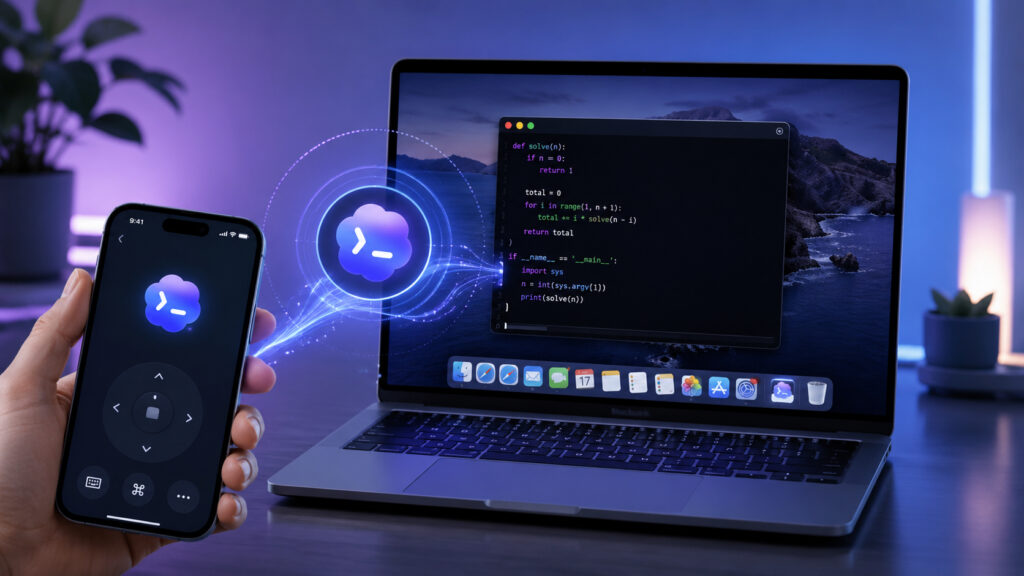
Codex has arrived on iPhone too, but with a certain caveat
What Is Codex in ChatGPT and What Is It For
Codex is an OpenAI agent for working with code. Unlike a regular ChatGPT conversation, it doesn’t just answer questions — it performs tasks: opens projects, edits files, runs commands. AI assistants are gradually becoming full-fledged helpers within Apple devices — Codex is moving in the same direction, but specifically for developers.
Did you know what Codex is?
Recently, OpenAI also released a Codex extension for Chrome: the agent can open tabs, click on elements, fill out forms, and handle website authorization. This helps it better understand the context of tasks — for example, seeing exactly how a web application works that it’s been asked to improve.
Why Launch Codex Tasks from Your Phone
The main idea behind the update is simple: Codex tasks take a long time to run, and you don’t have to sit in front of your Mac the entire time. The agent can spend minutes or even tens of minutes analyzing a project, rewriting files, and running tests. Previously, you had to go back to your computer to check on it. Now the status and result are visible right in the ChatGPT app on your phone.
This is useful in two scenarios. The first is when you’ve assigned the agent a heavy task and stepped away: you can check from your phone whether it’s finished and immediately give the next one. The second is when you need to quickly draft a new task from the road or the couch without opening your laptop.
How to Connect Codex on iPhone to Mac
No separate accounts or complicated setup required — everything runs within one ChatGPT account. Here’s the process:
- Install or update the ChatGPT app on your iPhone to the latest version.
- Download and launch Codex on your Mac, then sign in with the same OpenAI account as on your phone.
- The desktop app will offer to link Codex to iOS — agree to this action.
- In the mobile app, open the Codex section — there you’ll see tasks and sessions linked to your computer.
- Create a new task or open an already running one to check the status and result.
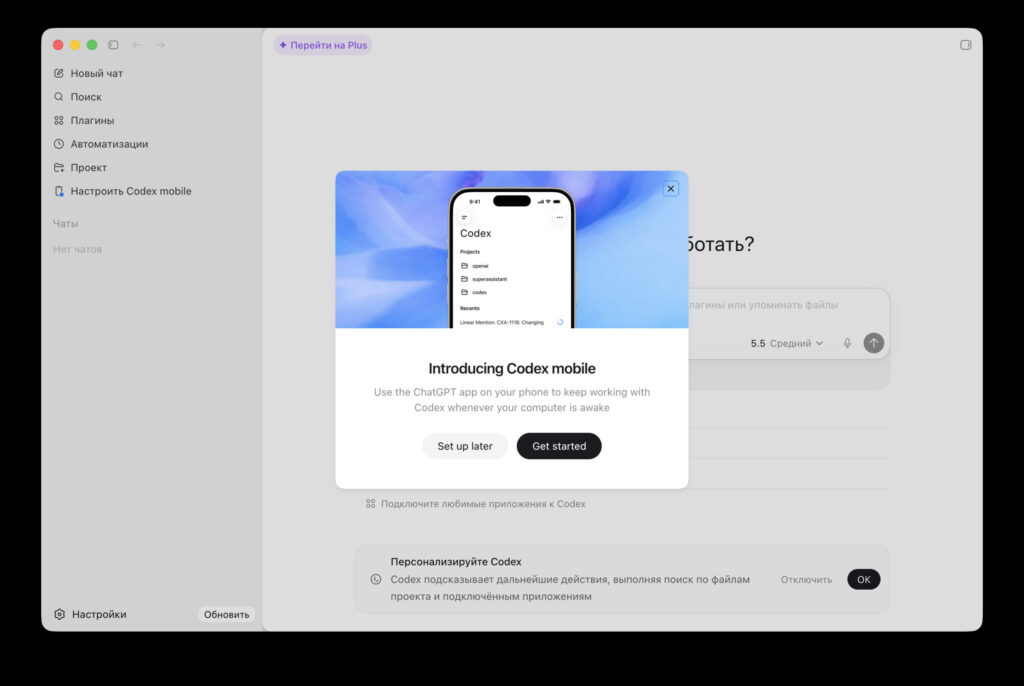
The app will offer to link Codex to iOS — go ahead and agree
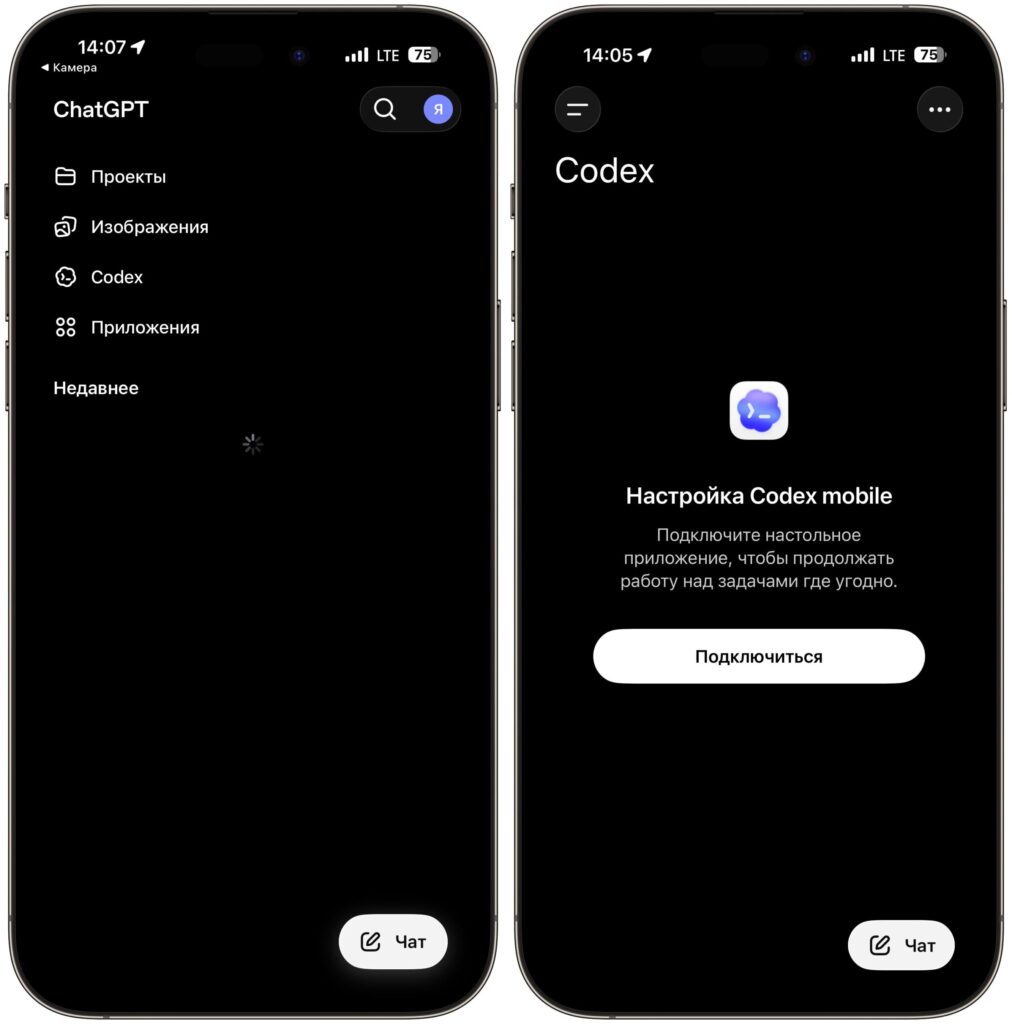
Do the same in the mobile app
Essentially, the phone acts as a remote control: computations and file operations happen on the Mac, while the app shows you the progress and outcome.
Which Codex Tasks Are Visible in the ChatGPT App
It’s important to understand: this is not a full remote desktop. Through ChatGPT on iOS, you don’t get the Mac screen, you don’t move the mouse around macOS, and you don’t launch third-party programs. What you see are specifically Codex entities — agent tasks, their status, code changes, logs, and responses.
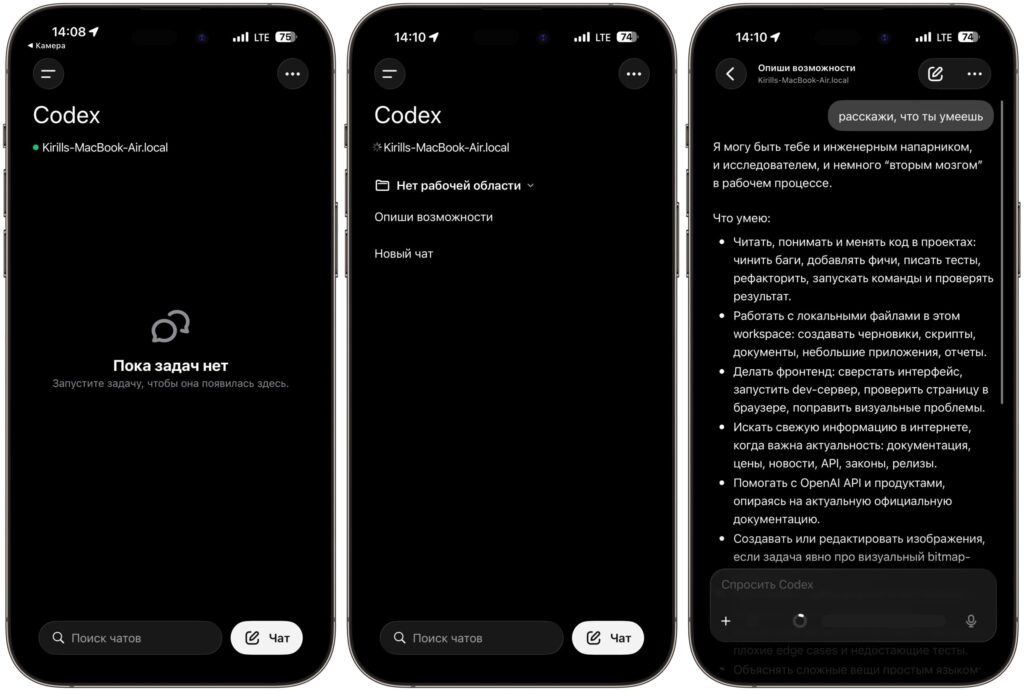
From your smartphone, you’ll see the tasks given within Codex and their execution progress
For comparison, if you need true remote access to your computer with screen and control, there are separate tools for that like Apple’s Universal Control or third-party solutions.
Who Should Use Codex on iPhone
The update is primarily for developers who already use Codex on Mac. If you write code and regularly delegate tasks to the AI agent, mobile access saves time: you don’t need to keep your laptop open just to check every ten minutes whether the agent has finished running tests.
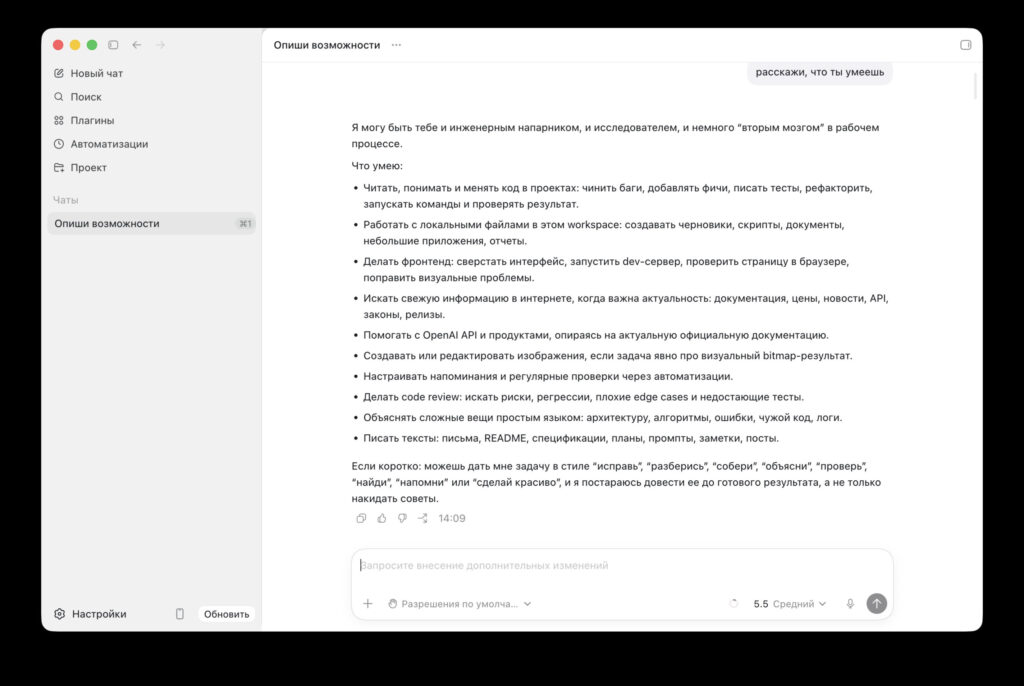
I asked Codex from my smartphone to tell me about its capabilities, and a ready chat immediately appeared on the computer
For other iPhone owners, the feature is essentially unnecessary: Codex is a tool for programmers, not a “remote-control my Mac” assistant. If you don’t write code and don’t work with repositories — just update ChatGPT as another version update; you won’t get any specific benefit from Codex.
Codex on Windows and Free Plans
Codex only works on paid ChatGPT plans. Free users don’t get access to the full agent.