There’s an old and painful question in messengers: did the person read the message or not. On one hand, there are checkmarks in WhatsApp, Telegram, and Max, whose workings we’ve already explored. On the other hand, when the recipient has read receipts turned off, the question becomes even more pressing. Let’s figure out what you can actually find out and where you’ll have to accept that there won’t be an answer.

Many people want to know if they can reliably tell whether their message has been read. Let’s find out.
How “Read” Checkmarks Work in WhatsApp and Telegram
The principle is almost the same everywhere. One checkmark means the message has left your device. Two checkmarks mean it has been delivered to the recipient’s phone. And two blue (or filled) checkmarks appear when the person has opened the chat and seen the message on screen. But if a message is deleted, neither in TG nor in MAX can it be recovered — this is also worth keeping in mind.
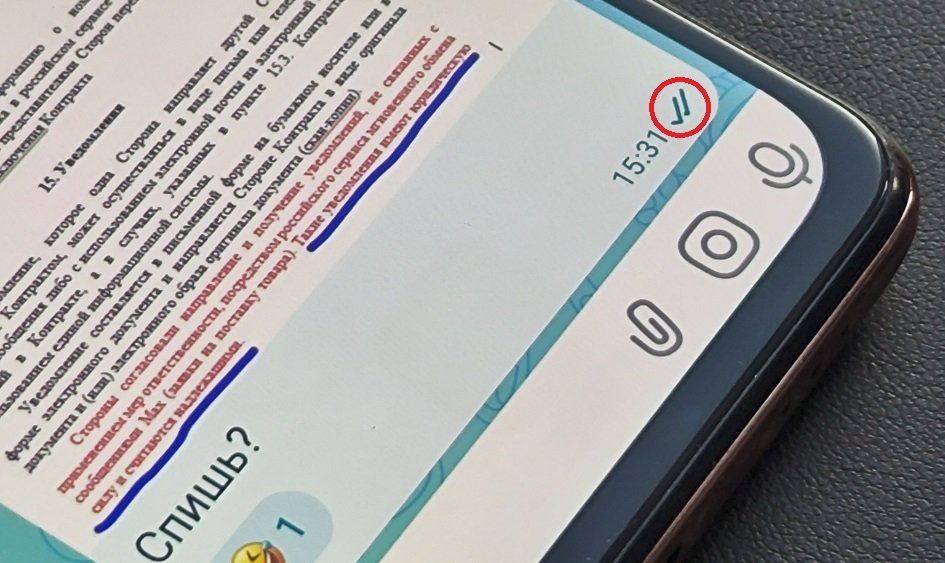
Two checkmarks are the read receipt indicator
In WhatsApp, these are blue checkmarks, while in Telegram and MAX they are double filled checkmarks. But the logic is the same in both: the color or appearance of the checkmark changes only after the chat is opened. This is convenient in itself, but that’s exactly why many people turn off the receipts — they don’t want to be tracked.
Can You Tell If a Message Was Read in WhatsApp and Telegram Without Checkmarks?
The short honest answer: there’s no reliable way. Read receipts are turned off specifically so the other person can’t see the status. If someone has disabled read receipts in WhatsApp, the app won’t show you that the message was seen through any workaround. The checkmarks will remain gray.
Yes, in WhatsApp this setting works both ways. By turning off receipts for yourself, you also stop seeing others’ receipts. In other words, a person who hid their read status from you also doesn’t know whether you’re reading their messages. In Telegram, by comparison, read receipts in private chats cannot be disabled. But who does that help?
What Gives Away That a Message Was Read, Even With Checkmarks Disabled
There’s no direct status confirming the message was read, but there are indirect signs. You can’t rely on them as fact, but they sometimes hint that a person visited the conversation.
- Last seen time — if it updated shortly after your message, the person most likely opened the messenger.
- “Online” status right now — means the app is open, although this doesn’t prove that your specific chat was read. The person might simply be busy.
- A reaction or reply — the most reliable sign that the message was definitely seen.
- Read receipts in groups — in WhatsApp and Telegram group chats, the list of people who read the message is often visible, even when receipts are disabled in private chats.
Another nuance: reading a message from the notification shade is possible without opening the chat at all — whether in WhatsApp, Telegram, or MAX. In this case, neither blue checkmarks nor status will trigger, yet the person already knows the content of the message. So the absence of a read receipt doesn’t mean you weren’t read.
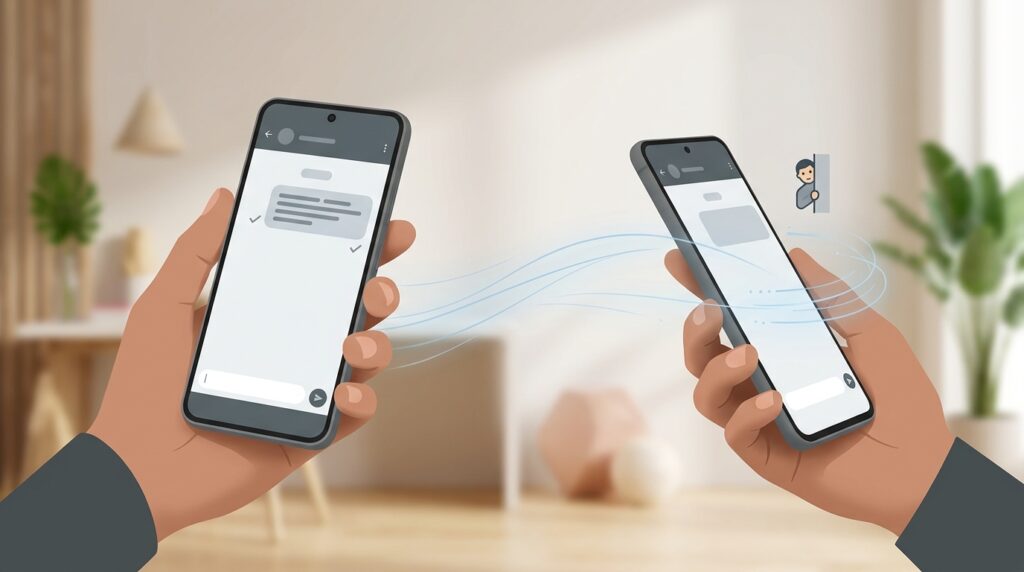
Can You Tell If Someone Read Your Message When They Turned Off Read Receipts
Is the Last Seen Time Visible in Telegram, WhatsApp, and Max?
Last seen time is a separate setting, unrelated to checkmarks. In WhatsApp and Telegram, last seen time can be hidden completely or shown only to selected contacts. If a person has closed off this setting, you won’t see either “last seen recently” or an exact time.
In Telegram, the reciprocity principle applies: by hiding your own last seen time, you stop seeing others’. In the Max messenger, last seen time is also displayed, but it can be restricted in privacy settings if desired. The logic is similar everywhere: privacy matters more than curiosity, and platforms deliberately allow hiding your status.
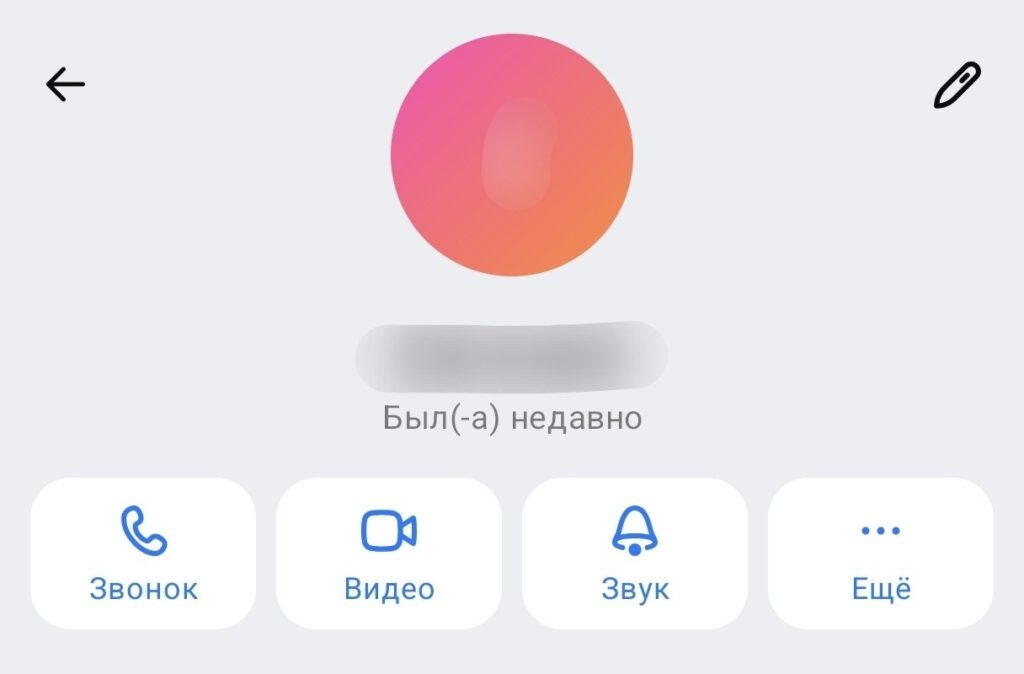
This person was recently online
How to Hide That You Read a Message in WhatsApp
If your own peace of mind matters more than someone else’s status, turn off receipts for yourself. In WhatsApp, here’s how:
- Open the app settings.
- Go to the privacy section.
- Find the read receipts option and turn it off.
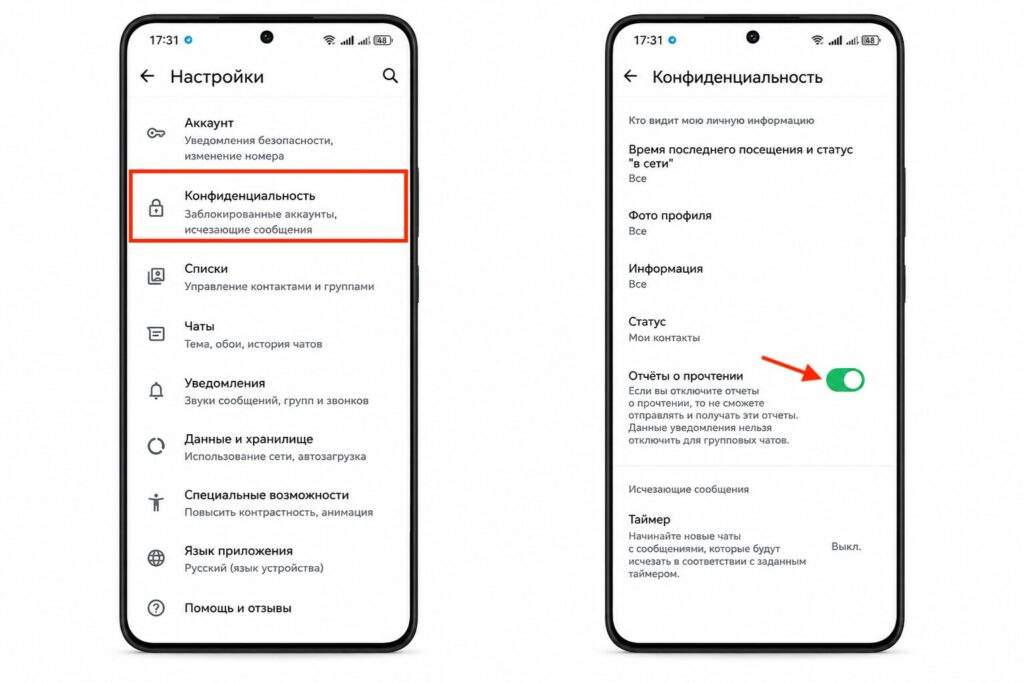
Read receipts can only be disabled in WhatsApp
After that, your contacts won’t see blue checkmarks, but you’ll also stop seeing theirs. In group chats, read receipts usually remain active. If you need to read a message discreetly right now, there’s an old trick — read the text in the notification shade without entering the chat.
A separate option for one-time cases is to turn on airplane mode, open and read the message, then close the app and turn off airplane mode. The read receipt often doesn’t get sent in this case, but the method is unreliable and depends on the app version.