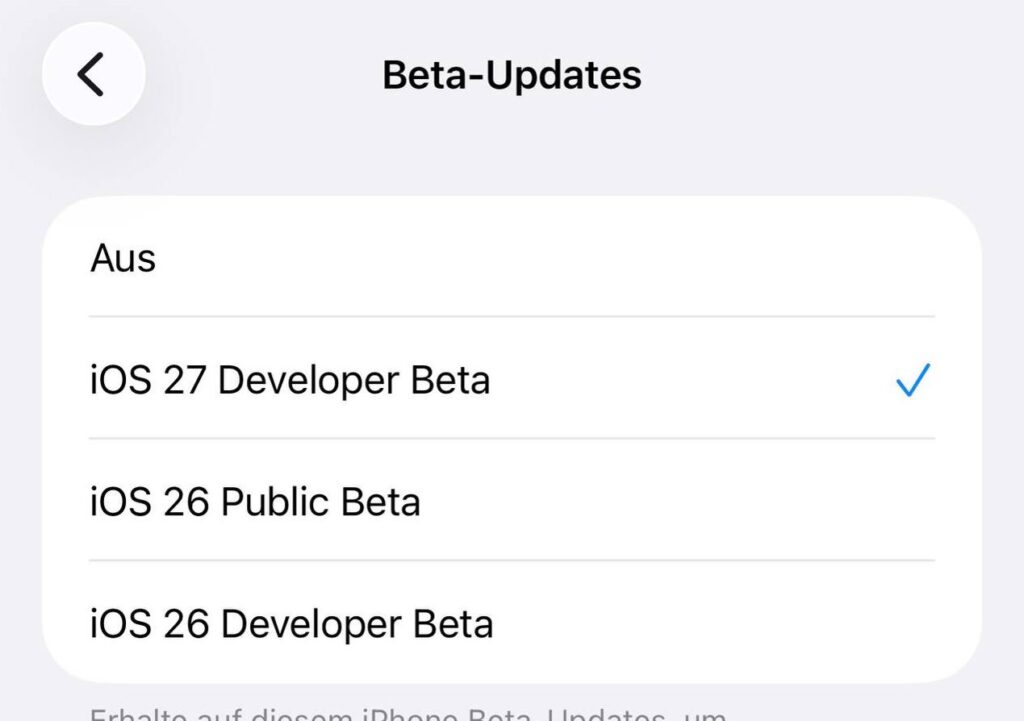
Today at the WWDC 2026 presentation, Apple showed not only iOS 27 but also the new iPadOS 27. A year ago, the biggest iPadOS update in history — iPadOS 26 — was released with a redesigned window system, and this time the company decided to build on that success. The main iPadOS update of 2026 focuses on performance speed and refinement of last year’s features. Here’s what’s new coming specifically to the iPad.
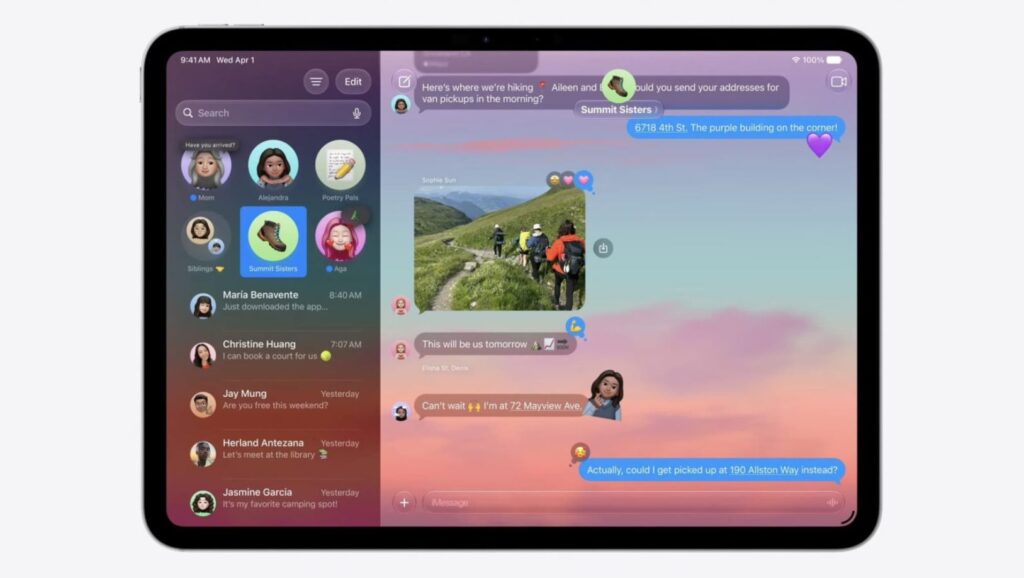
Apple presented iPadOS 27. Lots of new features
New Siri Features in iPadOS 27
The main highlight of the update is a completely redesigned Siri, which now lives in a separate app. It’s no longer just a voice assistant but a full-fledged AI-powered tool. Along with it, the new iPadOS 27 brings an updated search system: it has become noticeably smarter and relies on Apple Intelligence capabilities.
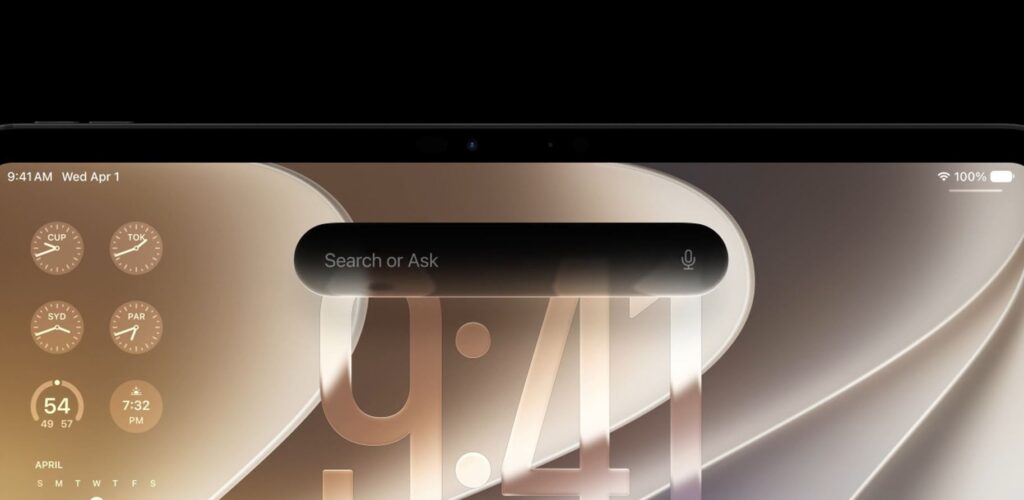
Siri is now completely different on both iPad and iPhone
Some of the AI features are familiar from iOS. A Write with Siri feature appeared for composing texts right from the keyboard, an Ask Siri button when selecting any text for quick analysis, as well as system-level grammar checking. On a large tablet screen with a connected keyboard, all of this works especially seamlessly.
How Multitasking Changed in iPadOS 27
In iPadOS 26, Apple rebuilt the window management system, and now the system has received logical refinements. The main thing to know about iPadOS 27 for multitasking enthusiasts — the menu bar can now be pinned to the screen permanently so it’s always at hand rather than appearing via a gesture. Window closing and switching have become noticeably faster, and app extensions launch more quickly.
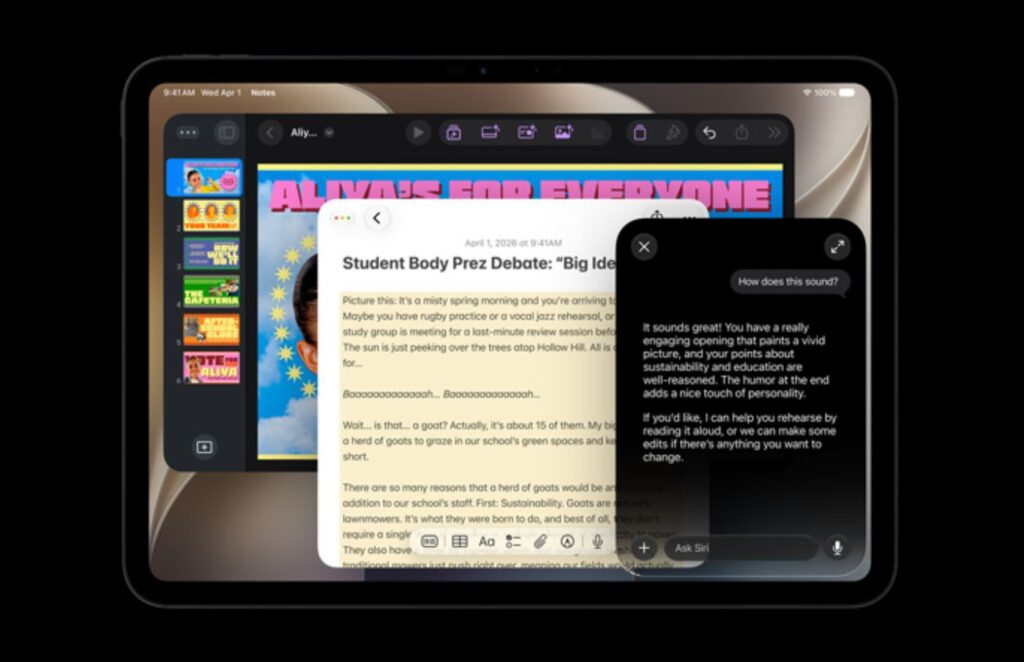
Overall, it’s the same, just a bit faster
A convenient detail worth noting separately: the name of the active app is now displayed in the status bar. When there are multiple windows on screen, you immediately know what you’re working with. Also, iPhone apps on the tablet can now resize, so software without a tablet version no longer stretches awkwardly across the entire display.
How iPadOS 27 Design and Liquid Glass Changed
The signature Liquid Glass visual style has been refined and made more customizable than ever. The iPadOS 27 design addressed readability complaints from last year, and users now have more control over the interface appearance.
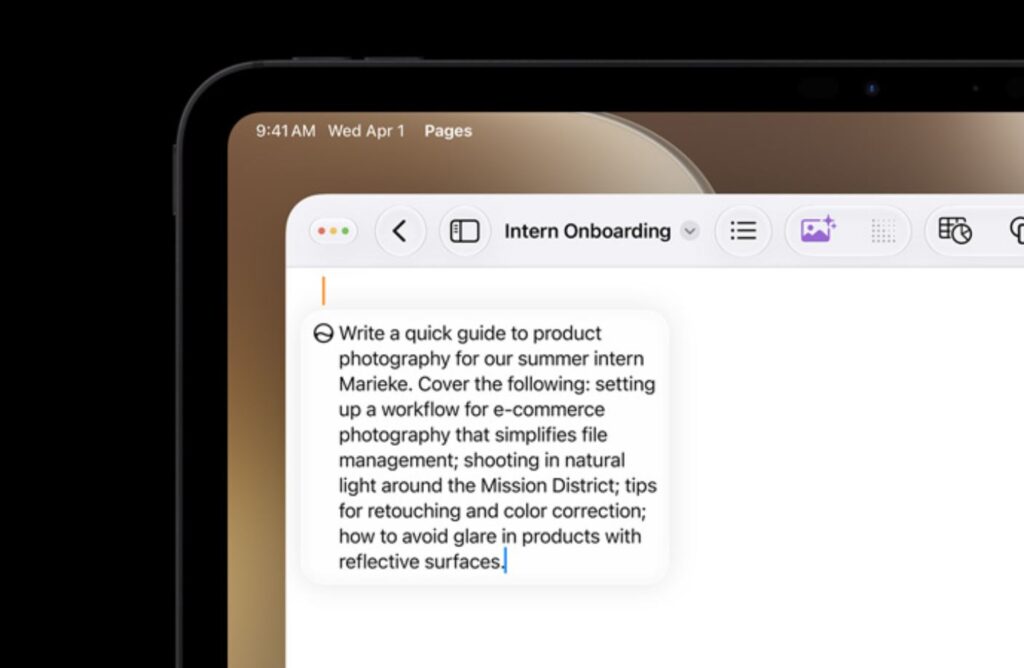
The design has become significantly neater than in iPadOS 26
But what’s even more important is what doesn’t catch the eye immediately. Apple invested in optimization, and in terms of iPadOS 27 performance, it’s noticeably snappier than its predecessor. This is the kind of work on speed and stability that iPad owners have been waiting for.
App Updates and Parental Controls in iPadOS 27
Screen Time has been seriously revamped. Parental controls in iPadOS 27 have become simpler and clearer, with new tools for managing a child’s device.
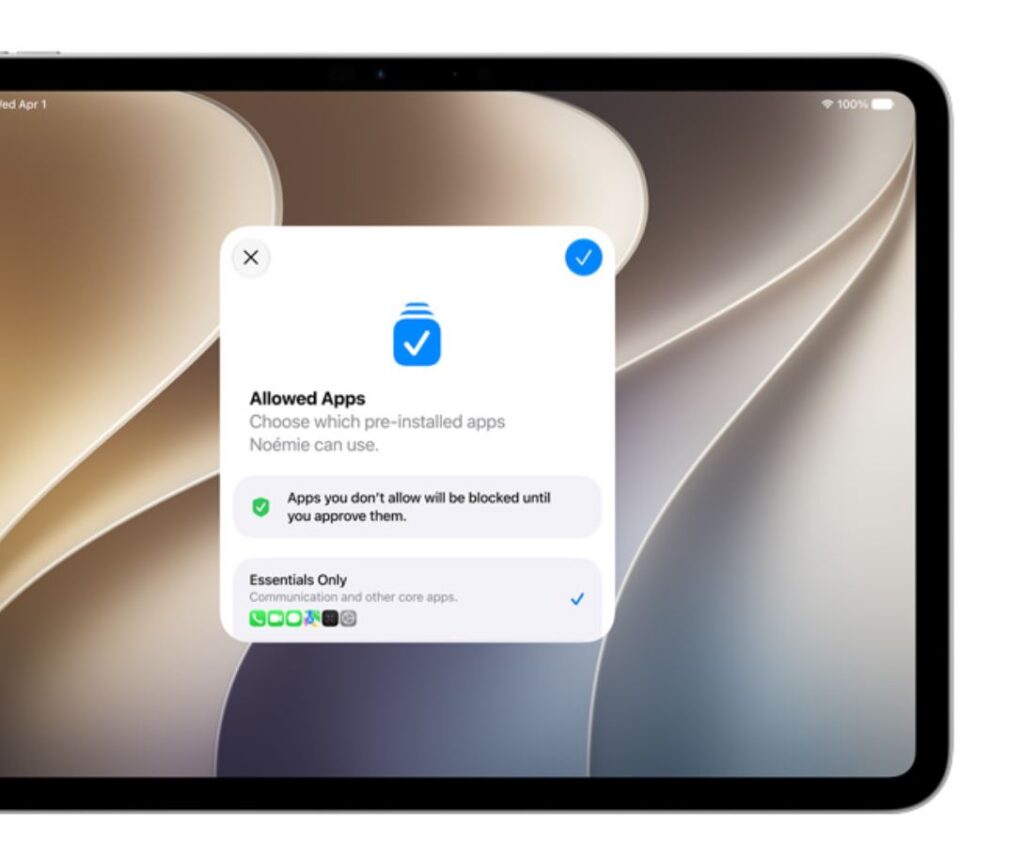
New parental control features. We approve
Standard apps have also been updated. In Safari, tabs are now grouped by topic, which is convenient when working with dozens of open pages. The Photos app now features slideshow customization, and iCloud shared albums are now accessible even from Android and Windows devices.

There are changes in the photo editor
Among the nice small additions — faster file transfer and viewing in Files, expanded touch support with article narration.
List of iPads Supporting iPadOS 27
iPadOS 27 support extends to tablets with the M1 chip and newer, as well as several A-series models. For Apple Intelligence to work, at least an M1 and 8 GB of RAM are required, so the proprietary AI features are not available on all compatible devices. Here is the full list of compatible iPads:

iPadOS supports a lot of tablets, including older ones
- iPad Pro (all models with M1, M2, M4 chips and newer)
- iPad Air (5th generation with M1, as well as M2 and M3 models)
- iPad mini (6th and 7th generation)
- iPad (10th and 11th generation)
If your tablet has a chip older than M1, the proprietary AI features won’t work, but some A-series models will still receive the basic update. The oldest iPad Pro models from 2018 with the A12X chip remain in question and are considered the main candidates for being dropped.
When Will iPadOS 27 Be Released for Everyone
Many are wondering when iPadOS 27 will be released in its stable version. Beta versions for developers were released today, right after the presentation. The public beta, which anyone can install, will appear in July. Apple will release the final version for all users in fall 2026, traditionally alongside iOS 27, macOS 27, watchOS 27, tvOS 27, and visionOS 27.