The message on the screen “iPhone is locked by owner” can stun anyone. And if it’s accompanied by a window saying “Apple Account Deactivated”, you might lose your mind a little, because essentially what you have in front of you isn’t a smartphone — it’s a brick. You can’t call, open apps, or even properly go through setup — the device freezes on one screen and won’t let you proceed. It sounds like a death sentence, but in reality, this is one of the most common situations that can absolutely be resolved. The key is understanding exactly what you’re dealing with and what position you’re in.
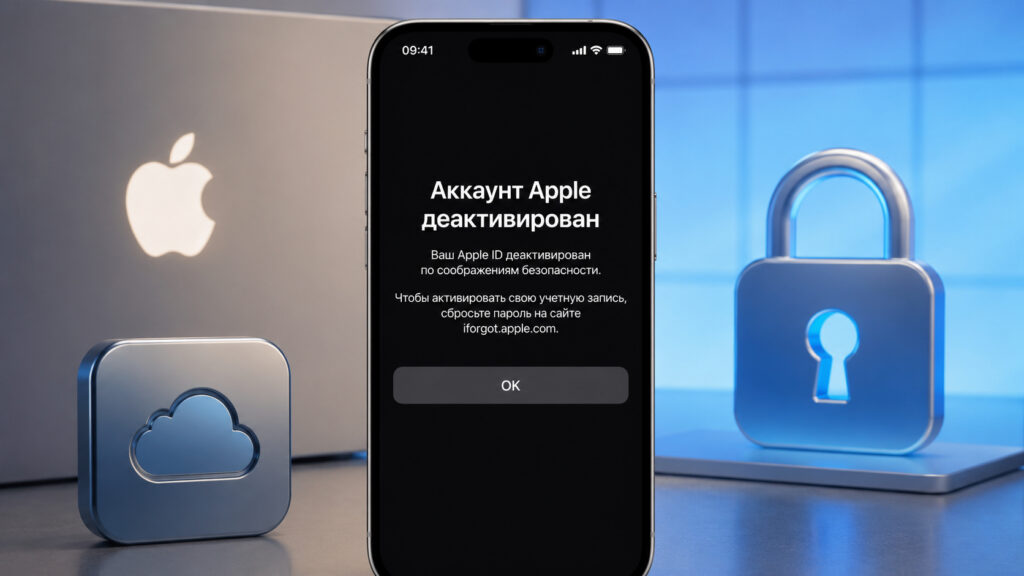
This notification can stun anyone
I’ll be honest right away: there’s no single magic solution here. Everything depends on whether it’s your account or not, and whether you still have any access to it. This determines the complexity of the procedure, the timeline, and whether it’s even possible to bring the device back to life. So let’s go through this step by step, without fluff or promises to “unlock in five minutes.”
What Does the “Apple Account Deactivated” Message Mean
Apple temporarily disables an account when it detects something suspicious. Most often it’s multiple incorrect password attempts, a long-inactive account, or an incomplete subscription payment. Sometimes the automation triggers after switching devices or detecting unusual login activity from another country. The system decides to play it safe and locks access to all services — iCloud, App Store, Apple Music, and so on.
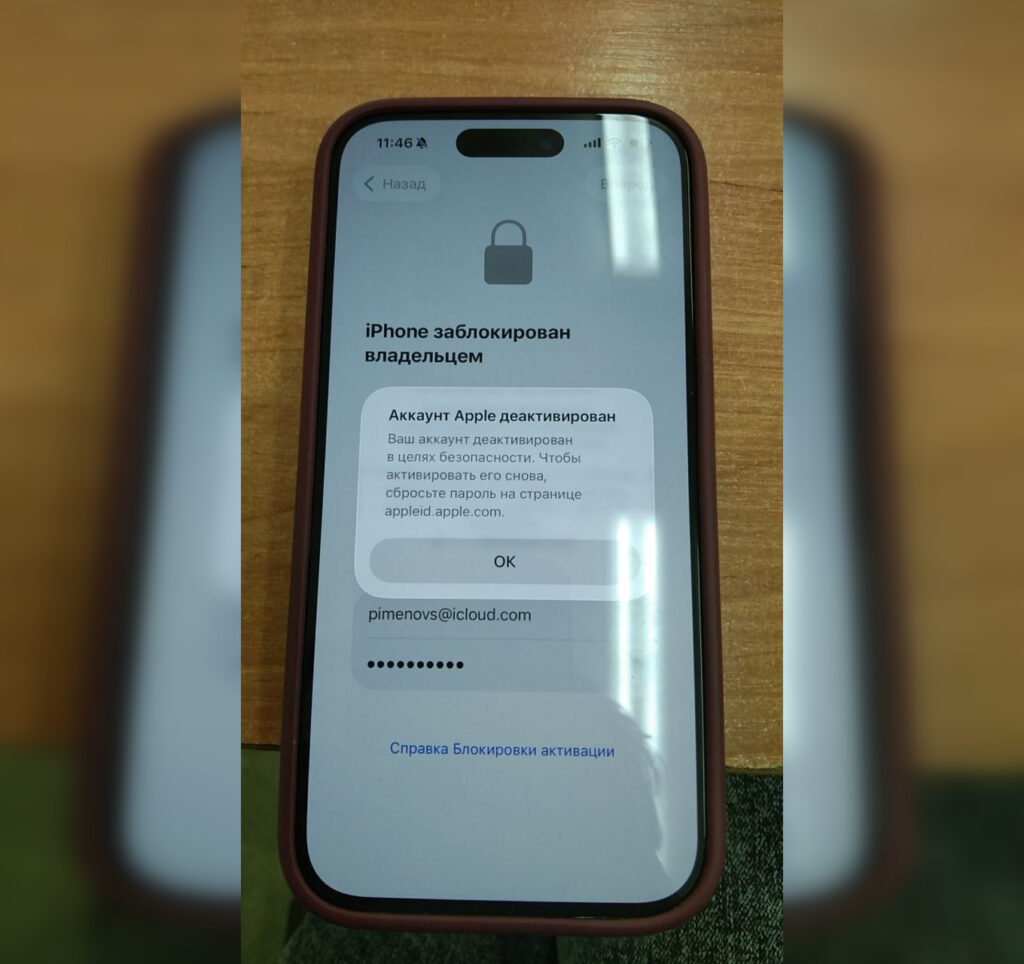
One of our readers encountered this surprise
It’s important to understand: this is not data deletion. Your photos, contacts, and backups don’t disappear anywhere — access to them is simply frozen. As soon as you regain control of your account, everything will be right where you left it, safe and sound. In such cases, Apple itself asks for only one thing — reset your password and confirm that you’re the real owner.
iPhone Requires Apple ID After Reset: What This Means
There are two fundamentally different situations here, and which one you’re in determines absolutely everything.
The first — this is your own iPhone that you reset or restored, and it’s now asking for the password of the linked account. This is Activation Lock at work — a feature that prevents strangers from using a lost or stolen device. It activates automatically along with Find My and ties the device to your Apple ID. Apple pays a lot of attention to protecting iPhones from theft, and Activation Lock is one of those mechanisms. If the account is yours, the issue is resolved by restoring access.
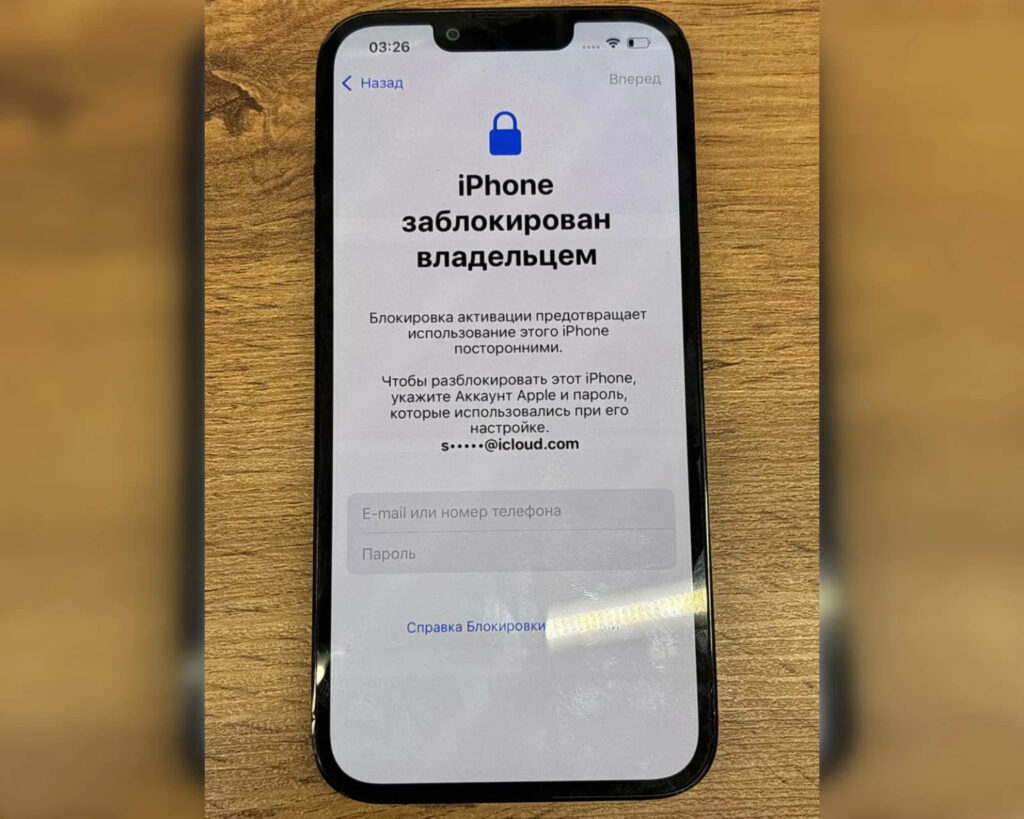
Activation Lock with a deactivated account is the most unexpected surprise
The second situation is much more unpleasant — the iPhone is tied to someone else’s account. This happens with devices bought secondhand. If the activation screen shows an unfamiliar email address, there’s a good chance the device is still “linked” to the previous owner. In this case, without their help or official purchase documents, there’s no legal way to remove the lock.
How to Restore Access to Apple ID Through the Apple Website
If the account is yours and you remember at least something, start simple. Go to account.apple.com from any device — a computer, someone else’s phone, it doesn’t matter. Enter your Apple ID (this is always an email address) and request a password reset. This is exactly what Apple itself recommends.
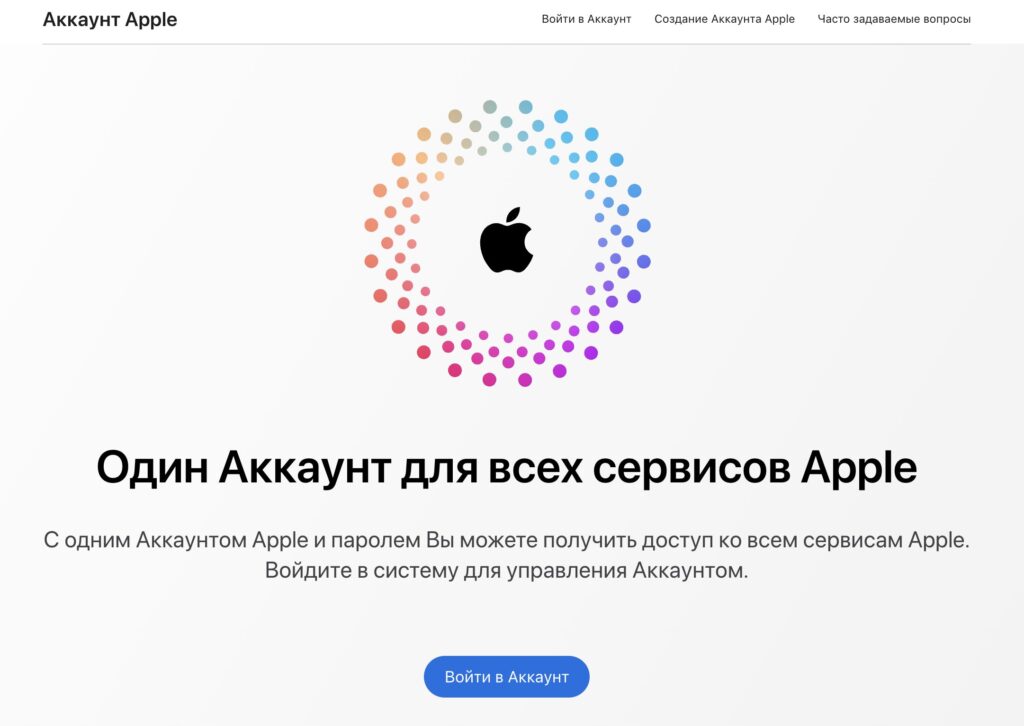
If you have access to your email, restoring the account won’t be a problem
Next, Apple will ask you to verify your identity. If two-factor authentication is enabled on the account and you have access to the trusted number or another Apple device, the whole process takes just a few minutes. The code will arrive via SMS or pop up on a second iPhone, iPad, or Mac where you’re already signed in. Enter it, set a new password — and the account comes back to life.
If you have access to the backup email specified during registration, the link will be sent there. Also quick and stress-free. After resetting, it makes sense to immediately check your security settings: update your trusted number and linked email so you don’t end up in the same trap next time.
How to Restore Apple ID Without Access to Email and Phone
This is the most painful scenario. Email is inaccessible, you don’t remember the number, and there’s nowhere for the code to go. Don’t panic yet — Apple has a separate procedure called account recovery.
It’s initiated at iforgot.apple.com or through contacting support. You specify the account, provide an available phone number for contact, and confirm that it’s really you. After that, a waiting period begins — from several days to a couple of weeks. This is intentional: it’s how Apple filters out scammers trying to steal someone else’s account. If everything works out in your favor, you receive a notification with instructions on how to sign in and change your password.
Contacting support may solve your problem, but don’t expect a 100% guarantee. Apple may refuse
To improve your chances, have everything that confirms ownership ready: old phone number, receipt or device box, data about past App Store purchases. The more evidence you have, the higher your chance of success.
And a separate warning: don’t fall for bypass tools. The internet is full of programs and “specialists” who promise to remove Activation Lock for money. They work through dubious databases and gray-market schemes, and the results are unpredictable. In the best case, you’ll lose money; in the worst case, you’ll end up with a permanently bricked device or become an accomplice in fencing stolen goods. The only honest path, if the account belongs to someone else, is to request Activation Lock removal through Apple’s official form with purchase documents.
So not all is lost. If the iPhone is yours — you’ll almost certainly regain access, it just might take some time. And if it’s tied to someone else’s account, be prepared that the process will be more complicated and the outcome is not guaranteed.


