Most Android users know the usual places to check for updates: system updates in Settings, Google services updates in Security & Privacy, and app updates in the Google Play Store. But there is another, less obvious page buried in Android’s settings that lists pending updates for critical system components — and the source author reports finding several important updates waiting there that had never triggered a notification.
What you need to know
- A hidden “System Services” page in Android settings collects updates for Google-managed system components such as Android System WebView, Google Play services, and Private Compute Services.
- The source author reports finding pending updates on multiple phones that had not been installed automatically and generated no notifications.
- The page separates components awaiting updates from those already current, but it does not bypass Google’s compatibility checks or staged rollouts.
- Updating system services from this page does not require a reboot, unlike full system or Google Play services updates.
Where Android hides its system component updates
Keeping an Android phone fully up to date involves checking multiple locations. Here is the standard set most users are familiar with:
- System updates and security patches: Settings → System → Software Update
- Google services updates: Settings → Security & Privacy
- App updates: Google Play Store
However, there is a fourth location. The source author discovered it on a vivo X300, though the exact menu names may vary by manufacturer and software version. The path described is:
- Open Settings and select Google.
- Go to All services.
- Open the System services tab under the “Privacy & Security” section.
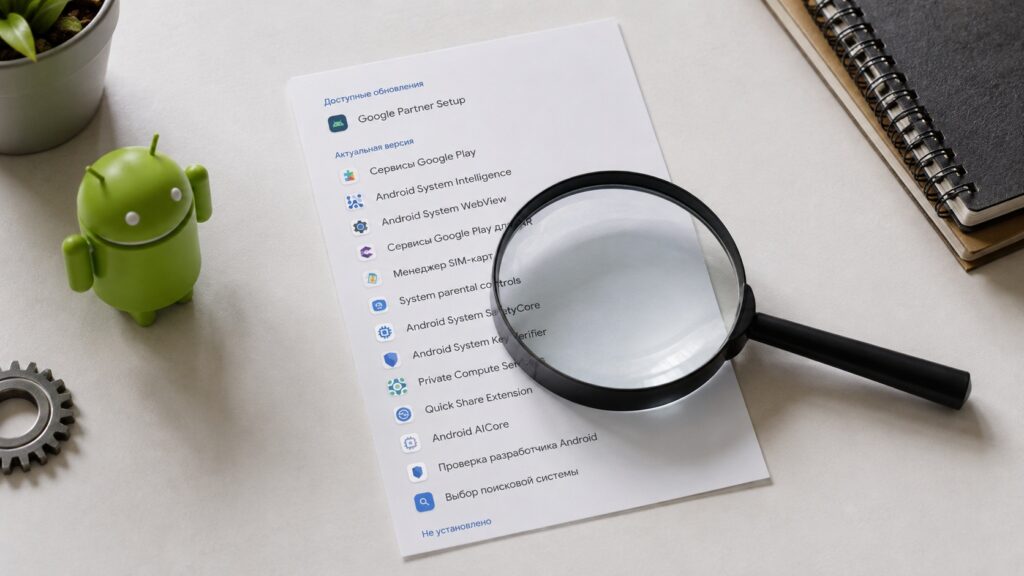
This hidden menu lists several unknown pending updates
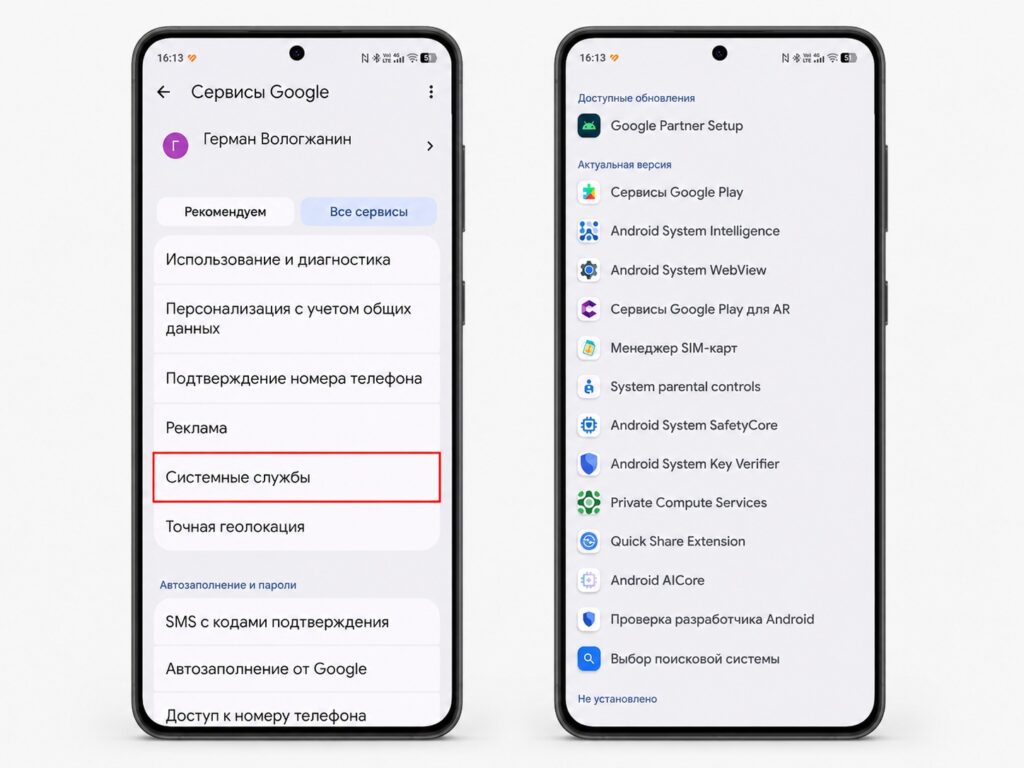
The path to the hidden updates section in Android settings
Note that the exact path and menu labels may differ depending on your phone’s manufacturer and the version of its Android skin. Look for equivalent menu items if the names do not match exactly.

What updates live on this page
This page collects system components managed by Google. According to the source, these include Android System WebView, Google Play services, Private Compute Services, and others. While the names may sound obscure, these components serve important functions:
- Android System WebView is responsible for rendering web content inside apps.
- Google Play services underpins account sign-in, location services, and the connection between your device and Google’s ecosystem.
- Private Compute Services handles on-device processing for privacy-sensitive features.
Google officially states that these services update automatically in the background alongside security patches or system updates. However, the source author reports checking this section on multiple phones and finding components with long-available updates that had never been installed — with no notifications, no flags in Google Play, and no indication in the Google services settings section.
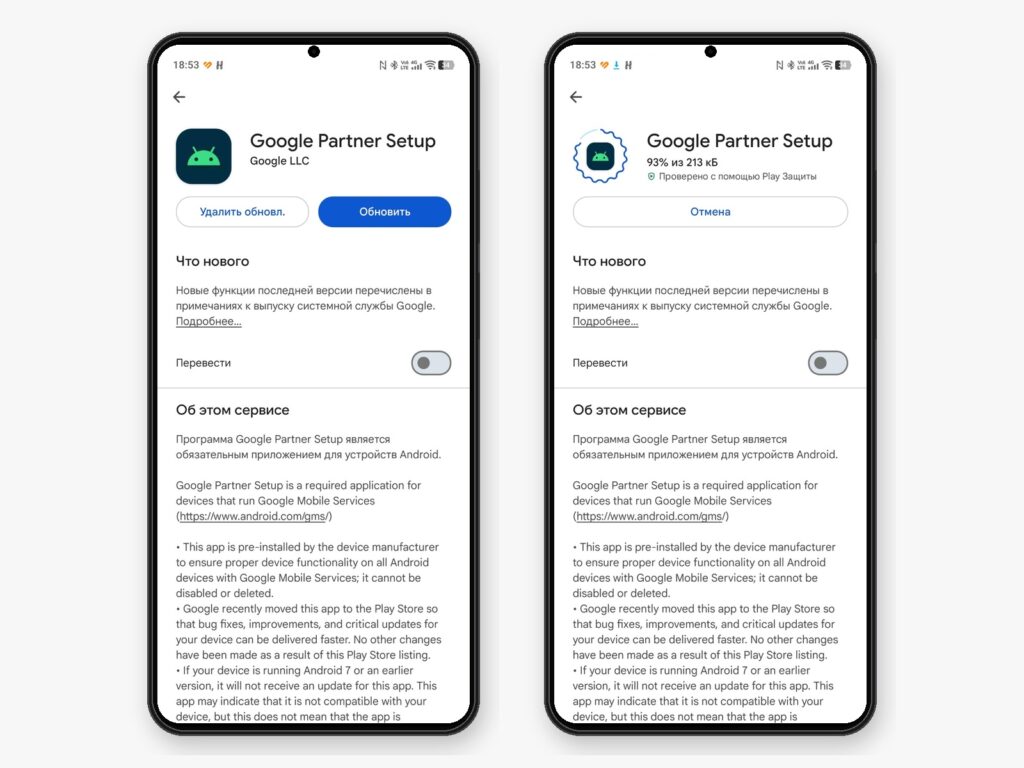
You need to open each service’s page to trigger its update
What this menu can and cannot do
The practical benefit is straightforward: the page separates components that are waiting for an update from those already current. Some of these system services are nearly impossible to find through a normal Google Play search, so having them collected in one place is convenient. You can manually install pending updates without waiting for Google’s background schedule.
That said, the source is clear about the limitations:
- This is not early access to new features — it only installs the latest build Google has already made available for your specific device.
- It does not bypass compatibility checks or Google’s staged rollout process.
- Updating system services here does not require a reboot, unlike full system updates or Google Play services updates.
- It will not speed up your phone or fix longstanding bugs.
Should you bother checking it?
If you simply use your phone without worrying about whether a particular update arrives a couple of weeks late, background updates will eventually catch up on their own. But for users who want to keep everything current immediately, participate in beta programs, or simply prefer more control, this page offers a useful shortcut. The source author reports now checking it every few days and manually installing anything that is pending.


