Yandex has rolled out a major update for Alice AI, and the set of new features is quite interesting: the assistant now understands voice directly in chat, can share conversations via links, offers suggestions for continuing the conversation, and finally works properly on tablets. Against the backdrop of foreign AI services being difficult to access in Russia, such updates from local solutions are becoming increasingly interesting. I went through all the new features and am here to tell you what has actually changed in Alice AI.

Alice update is out. What has changed?
Voice Input in Alice AI
The most noticeable update is voice input for queries in chat. Previously, Alice AI only worked with text: you had to type manually or copy from somewhere. Now a microphone icon has appeared in the input field — you tap it and simply speak your query.
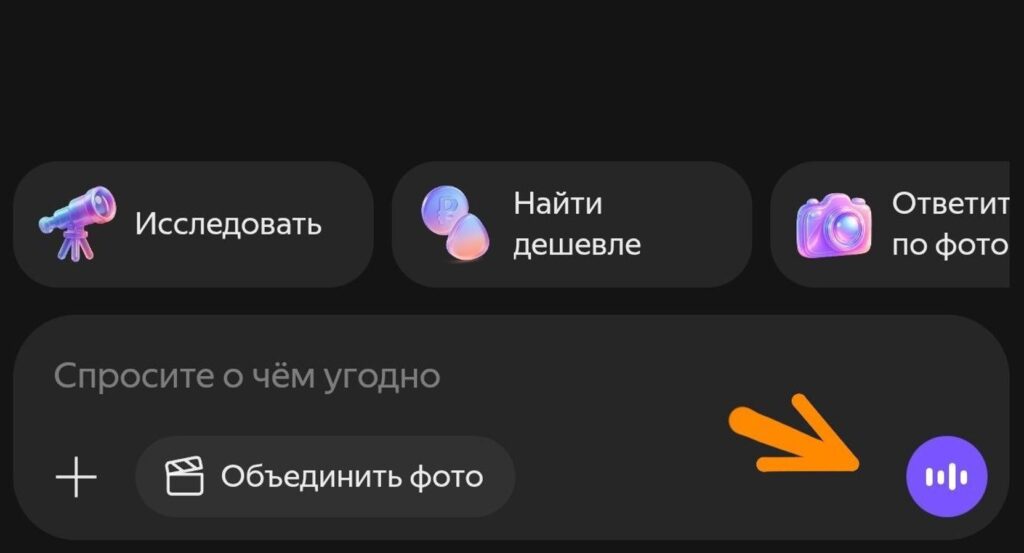
Voice input makes it a bit easier to communicate with AI
The feature works in the web version and mobile apps on iOS and Android. Recognition is available in Russian, and voice input can be used not only by authorized users but also by guests of the service — meaning you can try it without registering.
In terms of convenience, this is very reminiscent of how voice input is implemented in ChatGPT or with Siri on iOS — you formulate a long, complex query in a couple of seconds without losing your train of thought while typing. This is especially convenient on a phone, where typing long, detailed prompts by hand is quite a chore.
How to Share a Chat with Alice AI
The second major new feature is the ability to share a chat with Alice AI. Previously, to show someone an interesting response from the neural network, you had to take screenshots or manually copy the text. Now a “Share” button has appeared in the interface. Here’s how it works:

Screenshots are no longer needed — there’s a “Share” button
- Press “Share” in any part of the conversation
- The service automatically generates a link
- You can share the entire dialogue or a single question-answer pair
The resulting link can easily be sent to colleagues, friends, or dropped into a work chat. For those who have decided to use Alice AI for work — for example, for brainstorming or searching for information — this feature genuinely saves time. Logically, this is similar to how chat sharing in ChatGPT has worked for a long time, but for Russian users, this is the first such solution in a local AI assistant.
Suggestions for Continuing the Dialogue
The third feature is Alice’s suggestions after responses. After each answer or during input, options now appear for how to develop the topic further. The assistant itself suggests clarifying questions or related directions that you can dig deeper into.
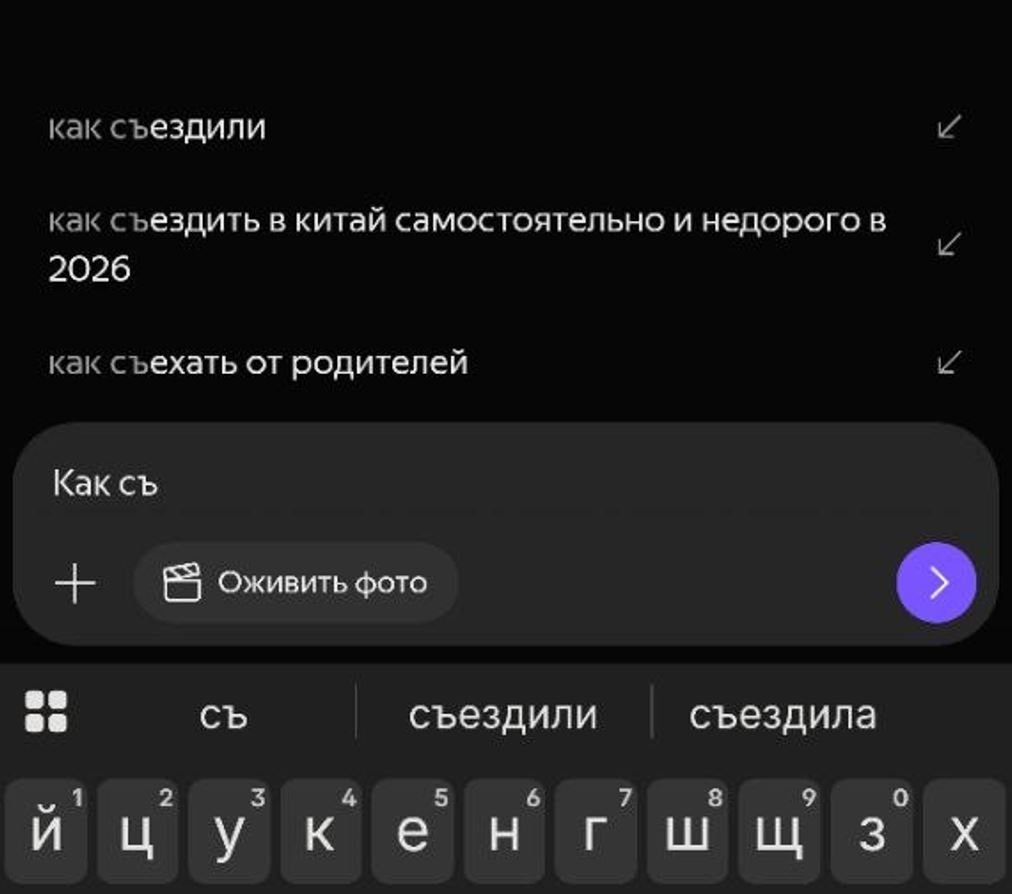
Alice now offers ideas for queries
This is convenient when you don’t fully understand what exactly you want to ask, or when the topic is large and it’s unclear which side to approach it from. Essentially, the assistant takes on part of the work of formulating queries — and for many users, this is the hardest part of working with neural networks. Similar suggestions have long been available in Gemini and ChatGPT, and it’s nice that Yandex has also implemented this mechanic.
Alice AI on Tablets
The developers also worked separately on the tablet version. Now Alice AI supports landscape mode — previously the interface was designed for smartphones and didn’t look great on tablets. Here’s what specifically changed:

Alice now works in landscape mode on all devices
- Increased interaction zones (buttons, input fields)
- Improved navigation for wide screens
- Optimized use of space
For iPad and Android tablet owners, this is a solid update — using the assistant in landscape orientation has become genuinely more convenient. Especially if you work with a large screen and don’t want to rotate the device every time you need an answer from the neural network. On Android smartphones, by the way, Alice in landscape mode is also available.
Is It Worth Using Alice AI?
In short — yes, if you work with Russian-language content. Voice input in Alice AI plus suggestions make the service noticeably more user-friendly for those who don’t like formulating long text queries. Dialogue sharing is a great feature for teamwork. And tablet support addresses a long-standing interface issue.
On the downside — it’s still unclear how well voice input handles accents and specific terminology, and how smart the suggestions really are. But overall, the update looks like a logical step toward Alice AI being able to compete on equal footing with foreign counterparts like Yandex Browser did.