I’ve been wearing smartwatches for years, tried dozens of models, and recently settled on the OnePlus Watch 4 — after several years with Apple Watch and CMF Watch 3 Pro, it’s currently the optimal Wear OS option for me. And here’s an observation I’ve accumulated over that time: 9 out of 10 people wear smartwatches incorrectly. And then they wonder why their heart rate jumps from 70 to 180 during a run, sleep tracking is inaccurate, and after a month there’s a red itchy spot under the strap. The problem isn’t the watch. The problem is how we wear them. Let me break down the main mistakes — and also explain how to actually wear a smartwatch properly.
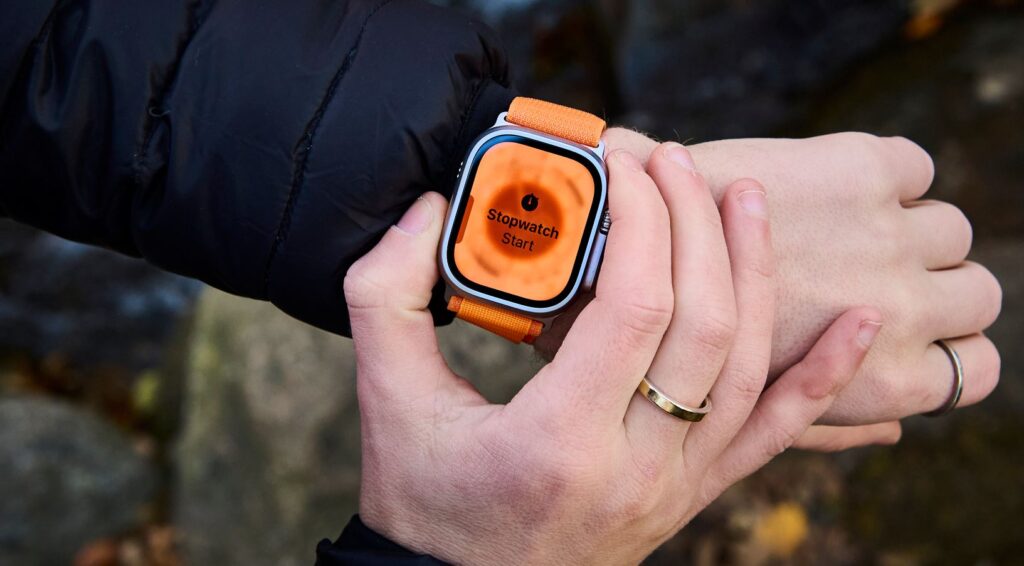
Let’s figure out how to properly wear a smartwatch to avoid damaging it
How to Tighten a Smartwatch Strap
This is where everyone stumbles between two extremes. Some tighten the strap so much that the watch seems sewn to their arm — because “otherwise it’ll fall off.” Others loosen it to the point where the watch dangles and slides up and down the wrist with every movement. Both options are wrong.
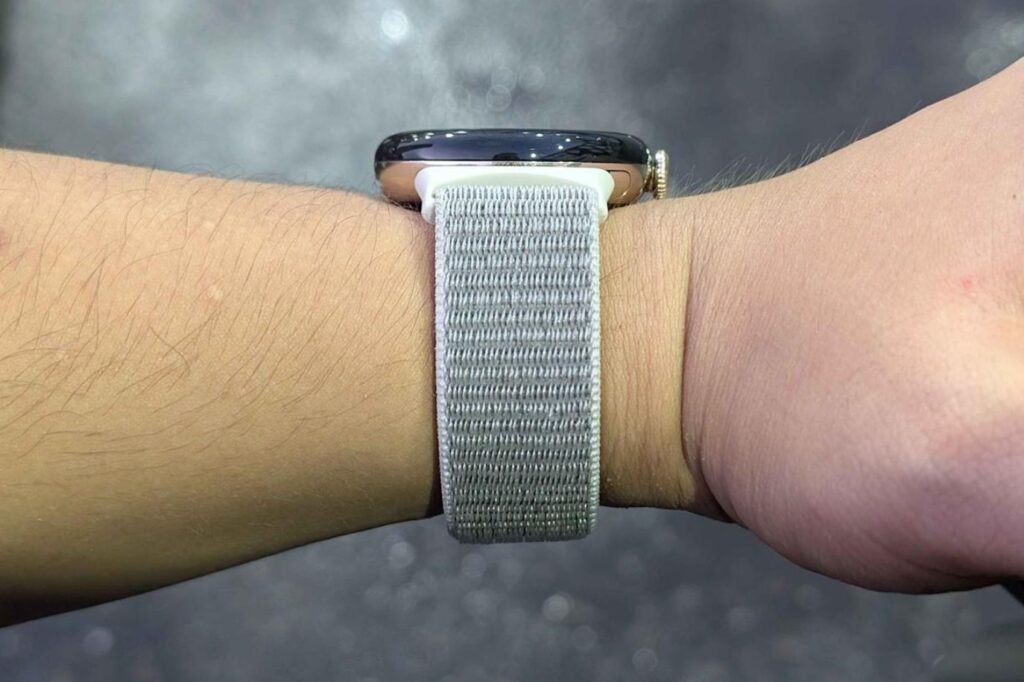
Don’t overtighten the strap on your arm: it should fit “just right”
If you tighten it too much, you compress the capillaries. The optical heart rate sensor works by shining green light through the skin and reading blood flow changes. No normal blood flow — no normal data. Plus, the skin can’t breathe, sweat accumulates under the strap, friction begins, and in a week or two you get that familiar red stripe everyone knows. Strap irritation is almost always a story about too tight a fit, not about the material.
If you loosen it too much — the watch slides around, a gap appears between the sensor and skin where ambient light gets in, and the heart rate starts showing nonsense. Proper watch fit on the wrist looks like this:
- Your pinky finger can slide freely under the strap;
- The watch doesn’t slide around your wrist when you shake your hand;
- There are no indentation marks on the skin after removal;
- For workouts — tighten one notch, then loosen it back afterward.
Which Hand to Wear a Smartwatch On and Where Exactly on the Wrist
Another classic mistake: people put their smartwatch right on the wrist bone. With mechanical watches this is fine — they don’t need to measure anything. But for smartwatches, this is the worst spot. If you want your gadget to know everything about you, pay attention to the following details.
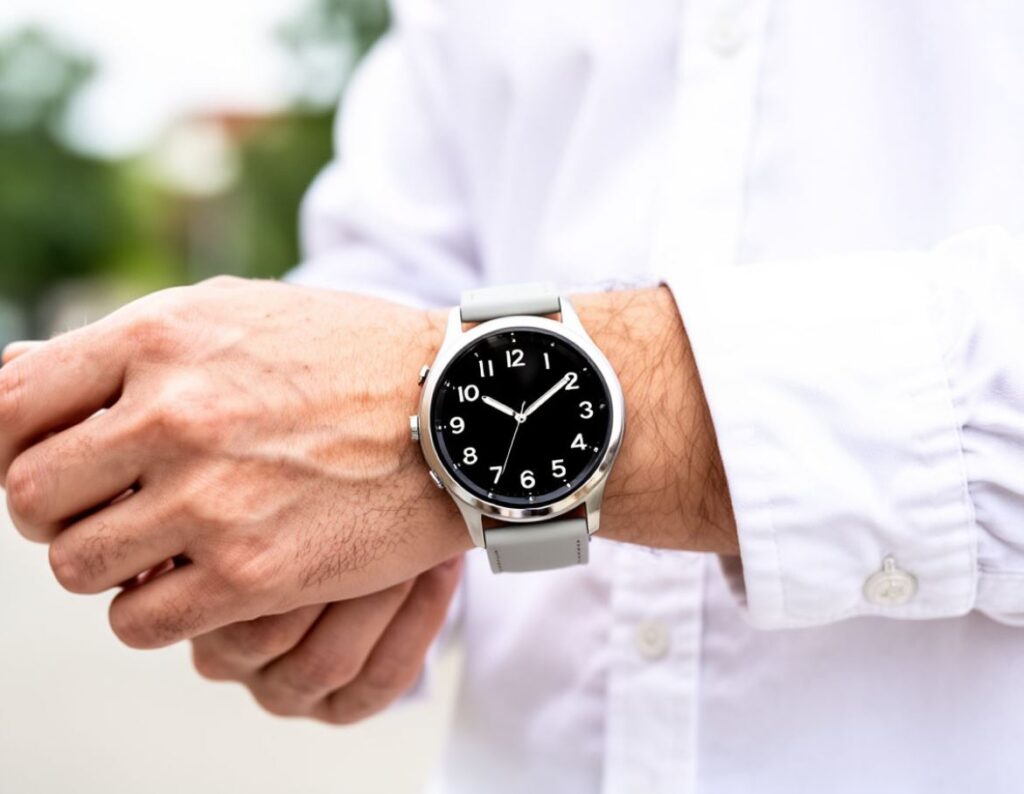
Any smartwatch is designed to be worn on either hand
On the wrist bone, the skin is thin, blood supply is weak, and it constantly moves when you bend your wrist. The sensor in this position picks up more noise than signal. That’s why all manufacturers — from Apple to OnePlus — say the same thing: the watch should sit about two fingers above the wrist bone, closer to the forearm. There, the skin is thicker, blood flows more evenly, and the watch itself sits more stable because the forearm doesn’t narrow like the area near the bone. Typically, before taking measurements on the OnePlus Watch 4, a corresponding recommendation appears.
Regarding which hand to wear a smartwatch on — there’s no strict rule. Classic etiquette says to wear it on the non-dominant hand (for right-handers — on the left), and this is convenient: you bump the screen less, the dial doesn’t get scratched against the desk. But if you’re left-handed and used to wearing it on the right — wear it on the right; the crown side can be changed in the app settings in seconds.
Why Smartwatches Show Incorrect Heart Rate During Workouts
Why do watches show incorrect heart rate? If everything is set up correctly, you need to wipe them from time to time. The thing is, after every workout, a film of sweat, sunscreen, lotion, or hand cream remains on the back cover. All of this blocks light from the sensor, and the heart rate starts being measured through a greasy, cloudy lens. It’s solved with one wet wipe once a day.
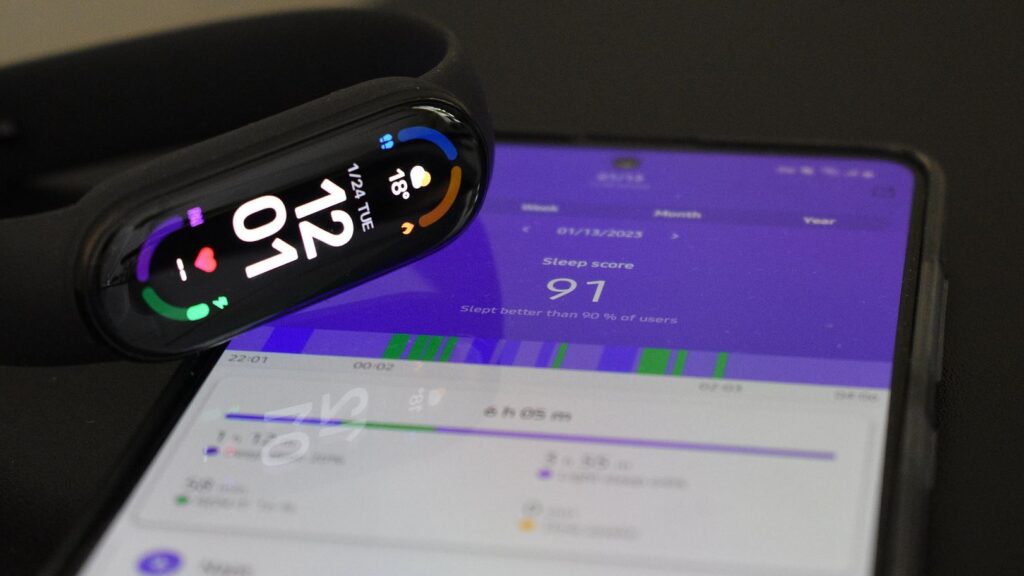
Watches and fitness bands may show incorrect workout data, as well as heart rate or sleep data
Runners often encounter the concept of Cadence lock — this is when the watch starts showing your step frequency instead of heart rate. If you’re running at 160 steps per minute, the watch may lock onto 160 beats per minute and refuse to budge. Most often, it’s fixed by tightening the strap and moving the watch slightly higher up the arm. Here’s a quick checklist if your smartwatch shows incorrect heart rate:
- Wipe the back cover clean of sweat, cream, and sunscreen;
- Tighten the strap one notch and move the watch above the wrist bone;
- Do a short warm-up before running, otherwise you’ll get a low heart rate at the start;
- If you run seriously — get a chest strap heart rate monitor; wrist optics fundamentally can’t match ECG straps in accuracy.
Can You Wear a Smartwatch 24 Hours a Day
Manufacturers sell the idea of “wear it 24/7 — track everything.” This is marketing, and it works against your skin. The area under the watch is the best environment for bacteria, fungi, and irritation. Plus, soap, sweat, and shampoo residue inevitably get under the strap and sit on the skin for hours.
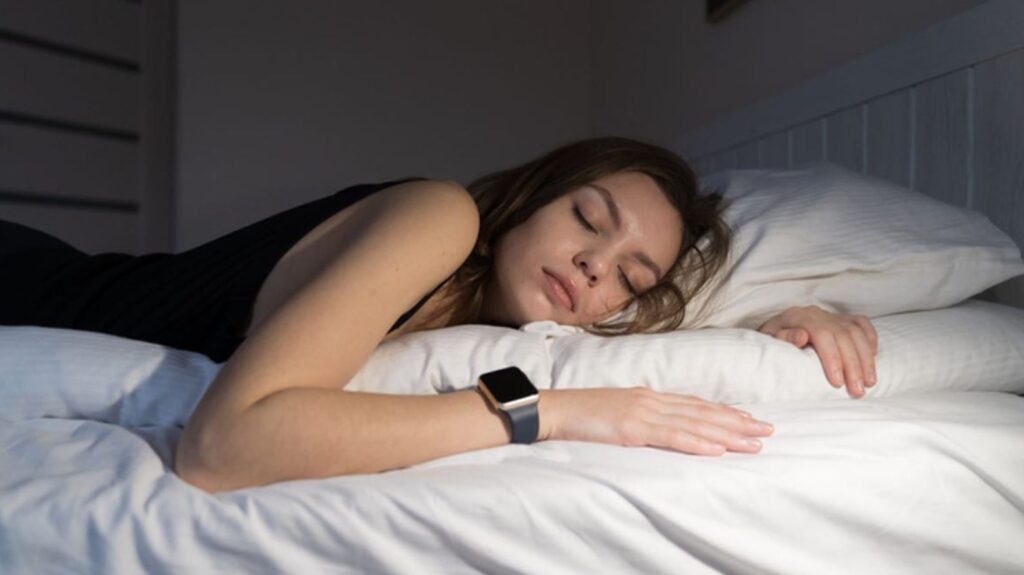
From time to time, you should still take the watch off
So here’s a simple rule: your wrist should be watch-free for at least 20–30 minutes a day. The most convenient time is during a shower. You can wipe the watch, rinse the strap, and let your skin breathe. Basic hygiene that almost nobody follows:
- Once a week


