A tech writer recently shared eight free (or generously free-tier) Android apps that became daily essentials in 2026. The selection covers note-taking, task management, time tracking, structured data, bookmark management, and phone automation. All eight apps are available on Google Play and offer enough functionality on their free plans to be genuinely useful without paying. Here is a breakdown of each app and what makes it worth installing.
What you need to know
- Notesnook is an open-source note app with end-to-end encryption and a free tier that includes rich-text editing, attachments, notebooks, sub-folders, and tags.
- Obsidian serves as a personal knowledge base and can sync across devices for free using the community plugin Remotely Save.
- TickTick’s free tier supports natural-language task creation (e.g., “meeting tomorrow at 8 PM”), recurring tasks, subtasks, and priority levels.
- MacroDroid automates Android routines via trigger-and-action macros — for example, auto-deleting screenshots older than 30 days or launching a Spotify playlist when connecting to a car.
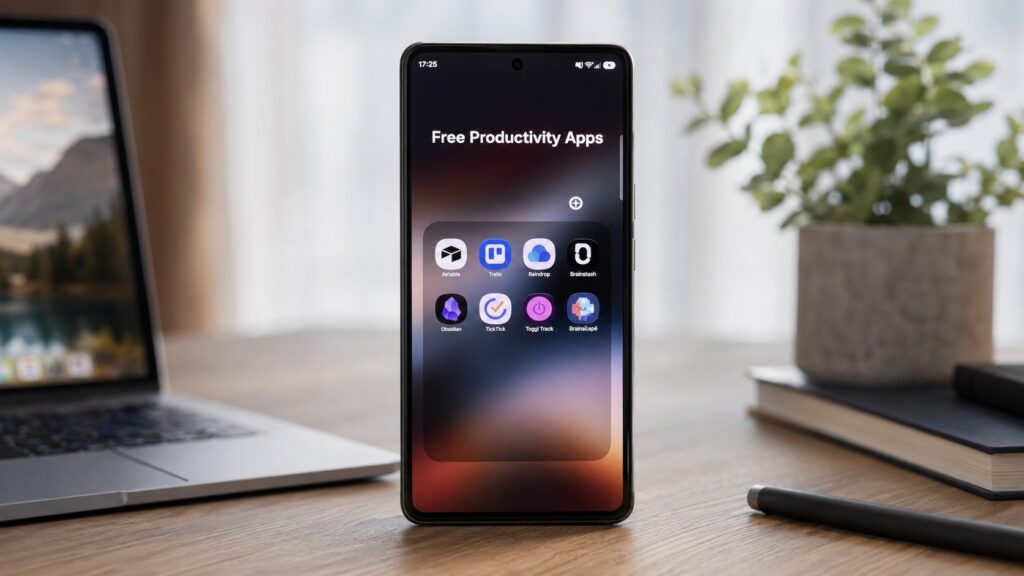
Eight genuinely useful free Android apps
Notesnook and Obsidian: Everyday Notes and a Personal Knowledge Base
Notesnook is a free, open-source note-taking app with end-to-end encryption. The author switched to it for quick captures — ideas, thoughts, and snippets of information that need to be accessible on any device. Notes sync across all platforms automatically.
The free tier is notably generous: it includes a rich-text editor, attachments, tables, checklists, notebooks, sub-folders, tags, and color labels. For everyday note-taking, the author reports no need to upgrade to a paid plan.
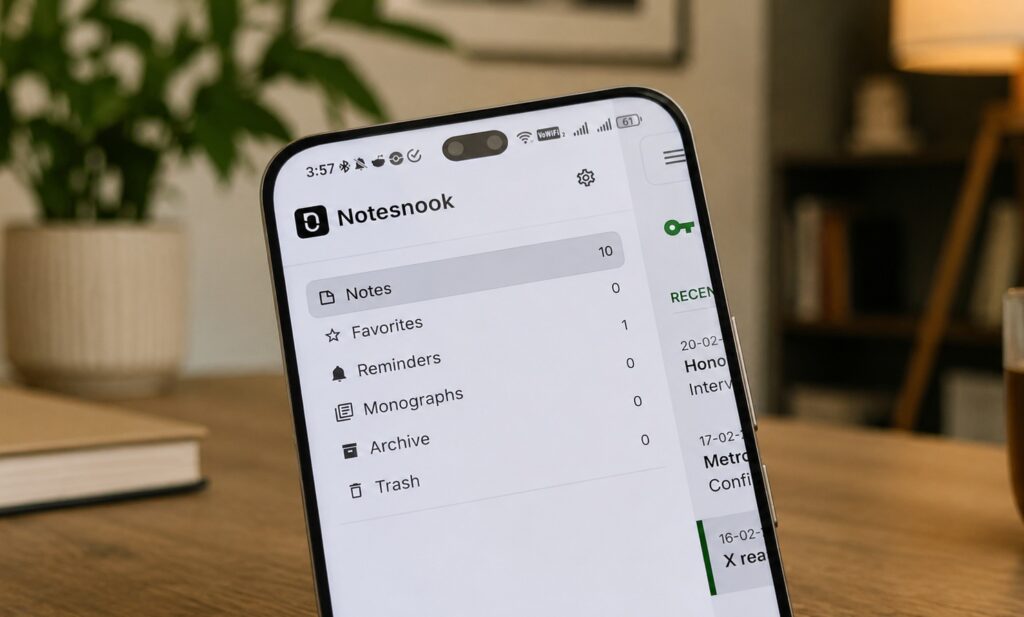
Free notes with extensive customization options
Obsidian serves a different purpose — the author uses it as a personal knowledge base for structured, long-term notes: skill-learning summaries, reading lists, and personal project documentation. Cross-device sync is handled through the free community plugin Remotely Save.
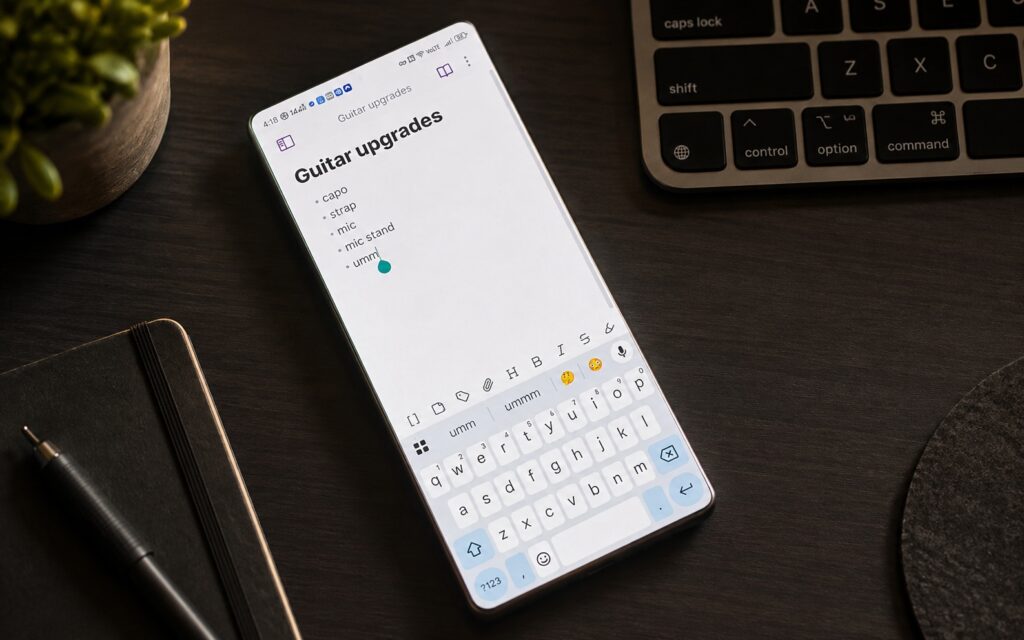
An app built for long-form, structured notes
Plugins are Obsidian’s greatest strength, allowing near-limitless extensibility. The author highlights Bases, Graph View, Advanced Tables, Excalidraw, and Templater as favorites. For users who simply want to jot down thoughts without configuring plugins, Notesnook is the more straightforward choice.
TickTick and Trello: Daily Tasks and Project Management
TickTick is described as a daily task manager the author has relied on for several years. While not entirely free, the free tier covers everyday needs: rich-text formatting, attachments, checklists, subtasks, tags, and comments.

A standout feature is natural-language recognition. Typing something like “meeting tomorrow at 8 PM” automatically creates a task with the correct date and time — no manual calendar tapping required. The author also highlights recurring tasks (for bill payments, invoicing, and insurance renewals) and priority levels for distinguishing urgent items from those that can wait.
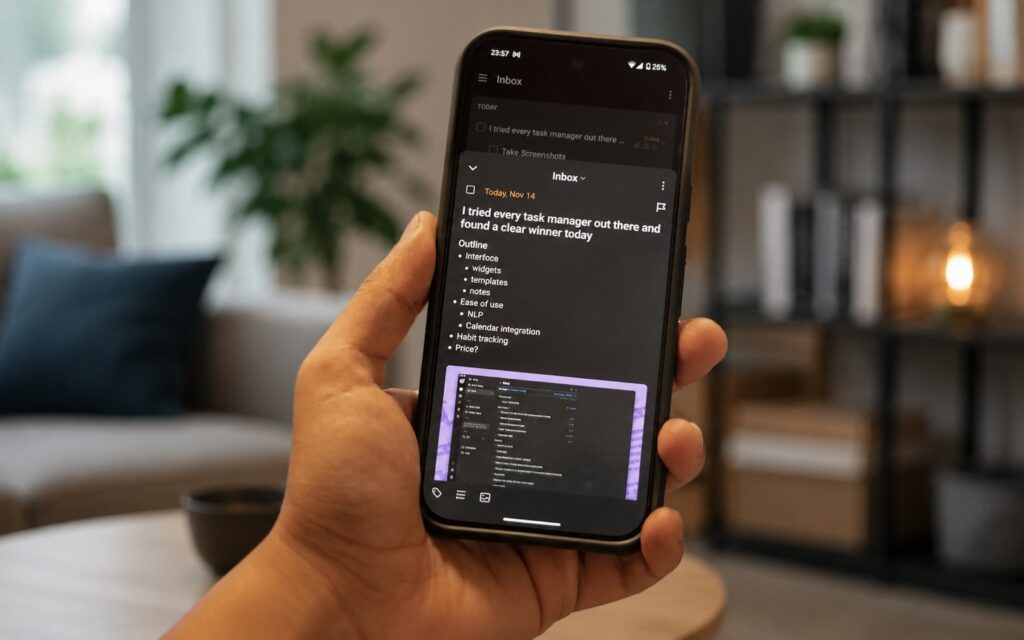
A solid app for managing daily tasks
Trello handles project-level work. The author uses it to track tasks across different clients and monitor personal projects. One reason for choosing Trello was that none of the author’s clients use it, avoiding the need to juggle two accounts. It also offers a generous free tier and convenient kanban-style boards.
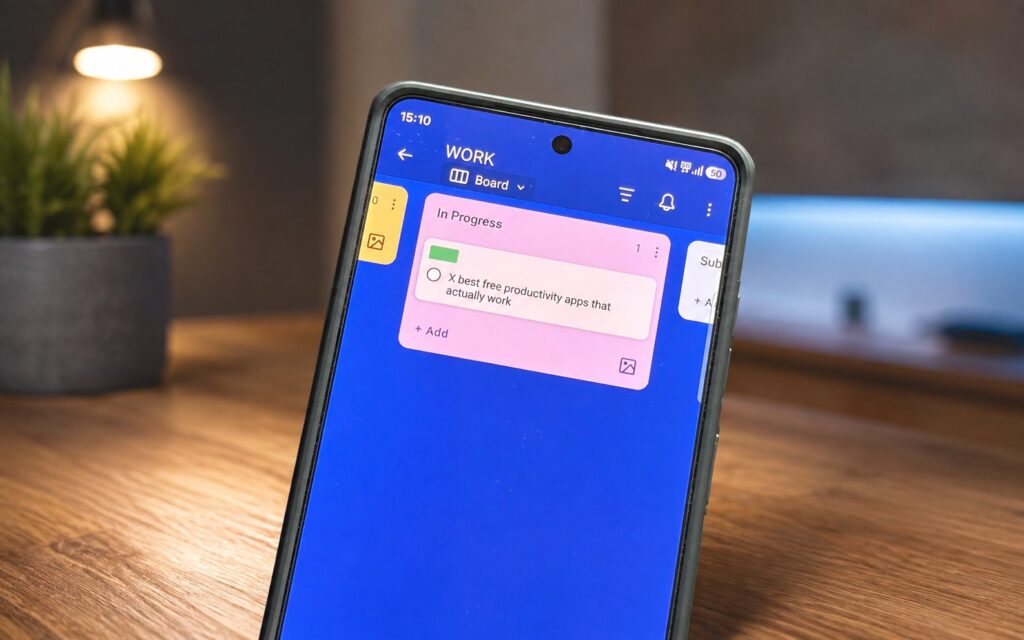
An app for detailed project breakdowns
Useful details: custom fields let you attach two dates to a single card — a publication deadline and a personal “finish by” date. Subtasks help break work into stages (e.g., “draft,” “shoot,” “edit”). Filters make it easy to sort cards by status and labels for each client at the end of the month.
Toggl Track: Understanding Where Your Work Hours Actually Go
Toggl Track is a time-tracking app the author adopted to get an honest picture of how work hours are spent. The workflow is simple: start a timer before a task, stop it when done, then add a description, project name, and tag to group similar sessions.
An app for keeping track of your work hours
The app’s calendar view shows how an entire month was spent. The author particularly values the widget that lets you stop an active timer directly from the phone’s home screen — useful when stepping away from a computer and forgetting to pause. There is also an auto-tracker feature that records computer time automatically, though the author keeps it turned off.

Airtable: A Spreadsheet-Database Hybrid for Tracking Anything
Airtable is used for structured data storage. It functions like a spreadsheet with rows and columns (similar to Excel) but offers multiple views for analysis. The author initially started using it to track review devices — which gadget is where, what has been returned, and what is still on hand.
A convenient app for managing tables and structured data
Over time, additional use cases emerged: an investment tracking board with notes on purchase rationale and recent-year returns, an office inventory tracker, and a wish list for items like watches and accessories.
Raindrop.io: A Bookmark Manager to Replace Pocket
Raindrop.io is an all-in-one bookmark manager. The author reports switching to it after Pocket shut down, using it to save articles, web pages, images, and videos for later reference.
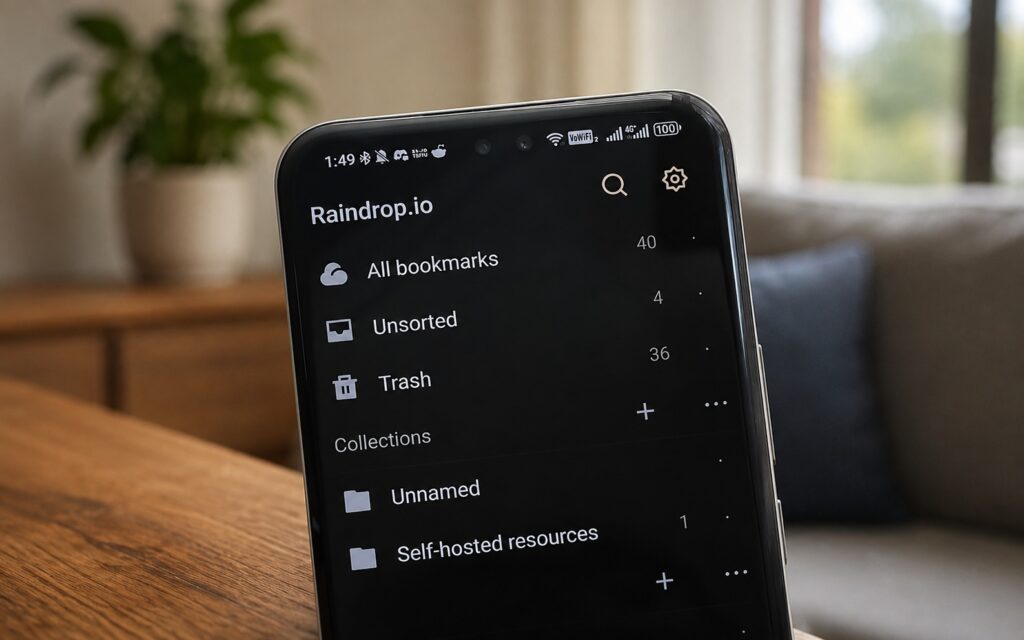
A practical bookmark manager for Android
On mobile, links are saved via the system Share menu; on desktop, a browser extension handles the job. Tags and folder-based collections keep things organized, and the author notes that the parametric search is surprisingly fast and accurate when manual browsing is not practical.
MacroDroid: Automating Everyday Phone Routines
MacroDroid is described as one of the best apps for Android automation. It works through macros: you choose a trigger (an event) and an action (what the phone does in response), eliminating repetitive manual steps.
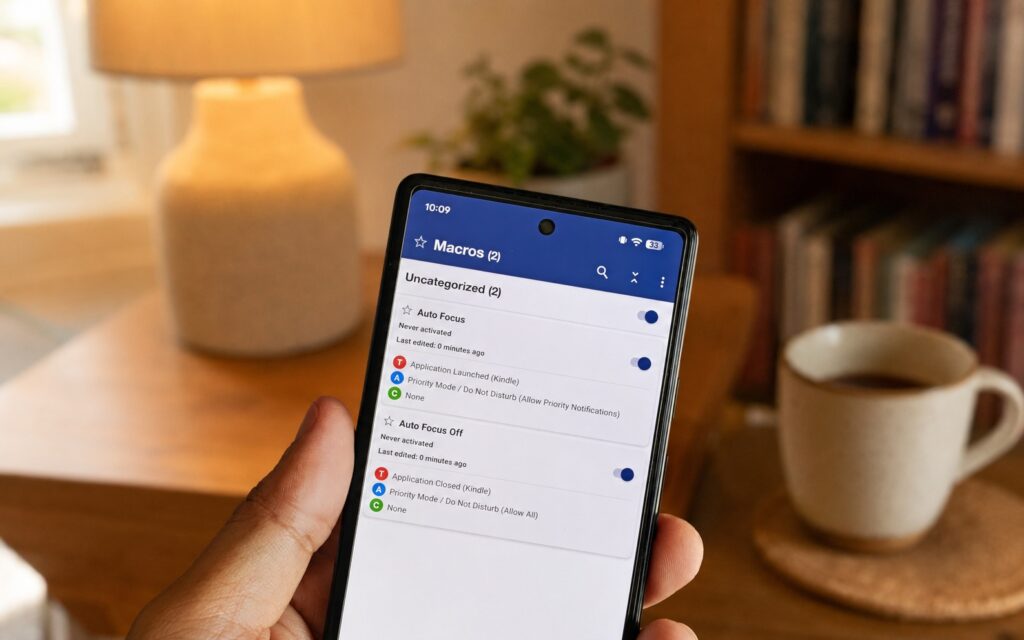
A powerful app for automating Android actions
Examples from the author’s setup: one macro automatically deletes screenshots older than 30 days; another auto-rotates the screen when YouTube or Netflix is opened (and reverts when closed); a third launches a favorite Spotify playlist whenever the phone connects to a car. The author notes that this kind of small-task automation is especially helpful on older smartphones.


