Six AI apps for Mac that I kept after several months of testing — and continue to open every day. These aren’t just another ChatGPT wrapper, but tools for specific tasks: speeding up typing, replacing manual meeting transcriptions, organizing file folders with voice commands. These aren’t AI agents whose full capabilities many people don’t even realize, but useful tools for everyday users. Below — what they can do, which ones work locally, and which ones require a subscription.
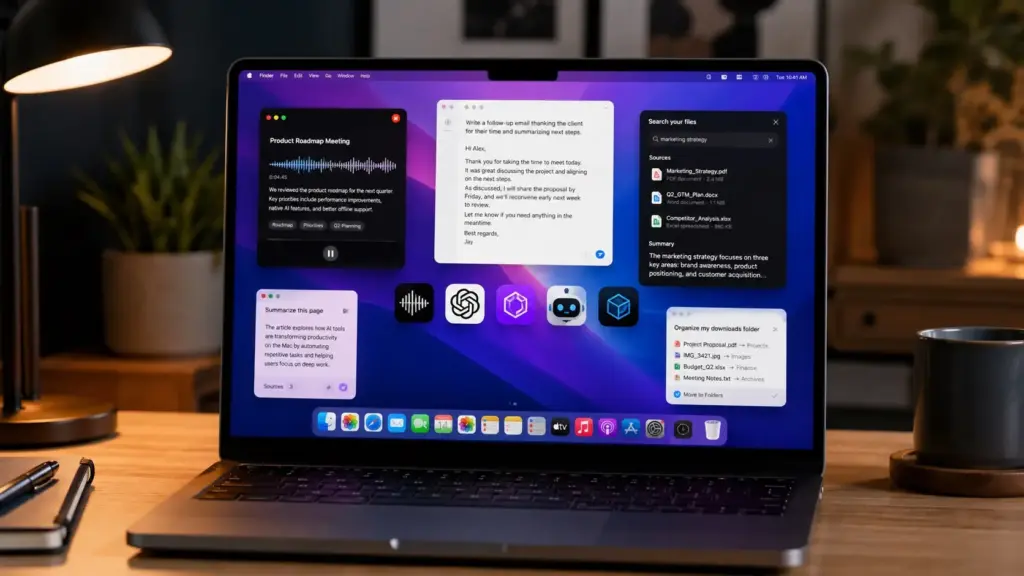
7 best AI apps for Mac and how I actually use them
Which AI Tools You Can Use on Mac Without a Browser
Most users know AI through chatbots like ChatGPT, Gemini, and Claude, or through Apple Intelligence. But modern Mac apps use AI not just to automate routine tasks, but to help you right during your workflow — these aren’t chatbots wrapped in a desktop app, but tools on a different level.
The key practical difference — some of these apps run directly on your Mac, without sending data to the cloud. This matters for privacy and for working offline. If you have a Mac with Apple Silicon, local models launch quickly.
Speed Up Typing on Mac with AI
Cotypist speeds up typing with AI-powered suggestions. The app analyzes what you’ve already typed and suggests the next words: you accept the next word with the Tab key, or the entire suggestion with the ~ key.
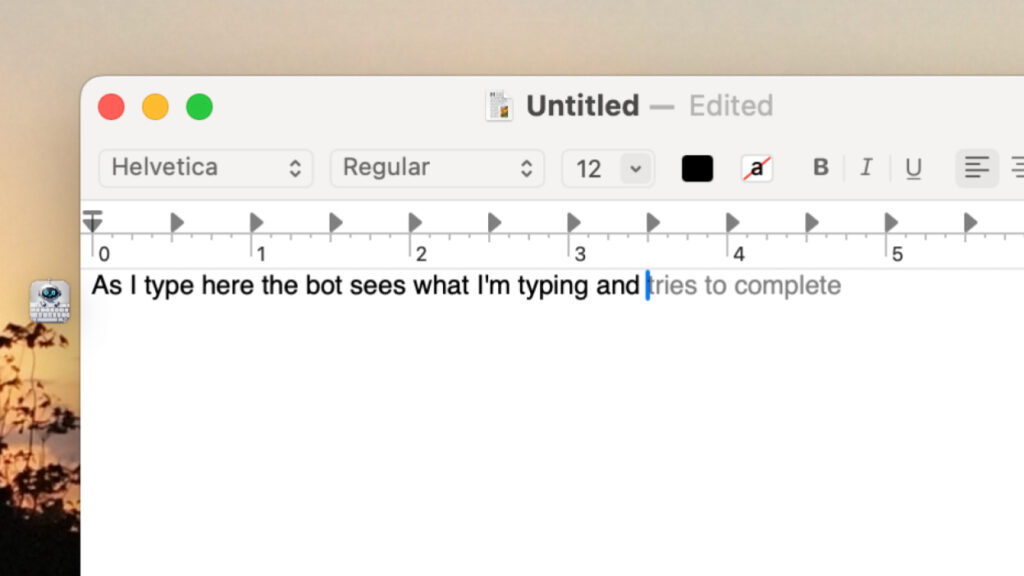
The app will try to guess the next word, and you just agree or not
In my experience, Cotypist on average automatically predicts 400–500 words per day, which reduces fatigue and helps you stay in the flow. An important point for those concerned about privacy: the app works completely offline, downloads a small AI model to your Mac, and automatically selects the right one based on your computer’s age and specs, so your data never leaves the device and isn’t used for training.
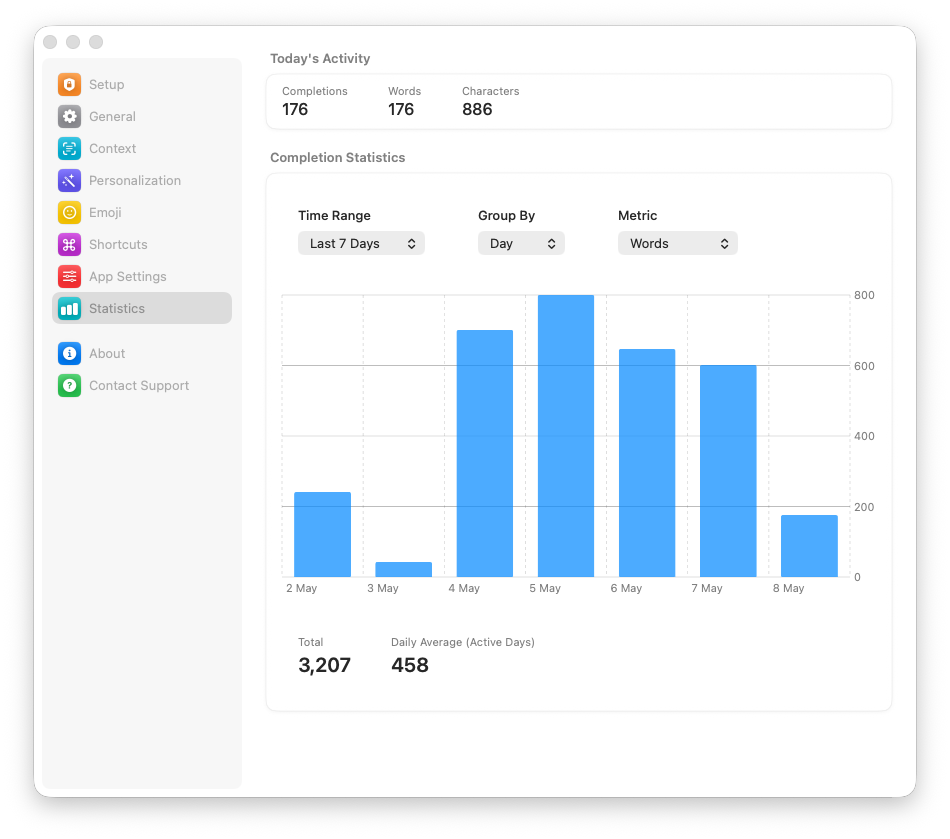
You can check statistics and see how much faster you’ve become at typing
There’s also fine-tuning: you can set British or American English, style and tone — suggestions will follow them. Besides English, Cotypist supports other languages, but it’s optimized specifically for English — suggestion quality in Russian is noticeably lower for now. Currently, Cotypist is in beta with a free 30-day Pro trial, but the developer openly states that paid plans will appear after the official release.
Voice Input on Mac Without Internet
If you’re used to dictating text, the main pain point with popular solutions like Wispr Flow is sending audio to the cloud. Without internet, such a dictation tool doesn’t work, plus there’s always the risk that your recorded voice will be used for model training.
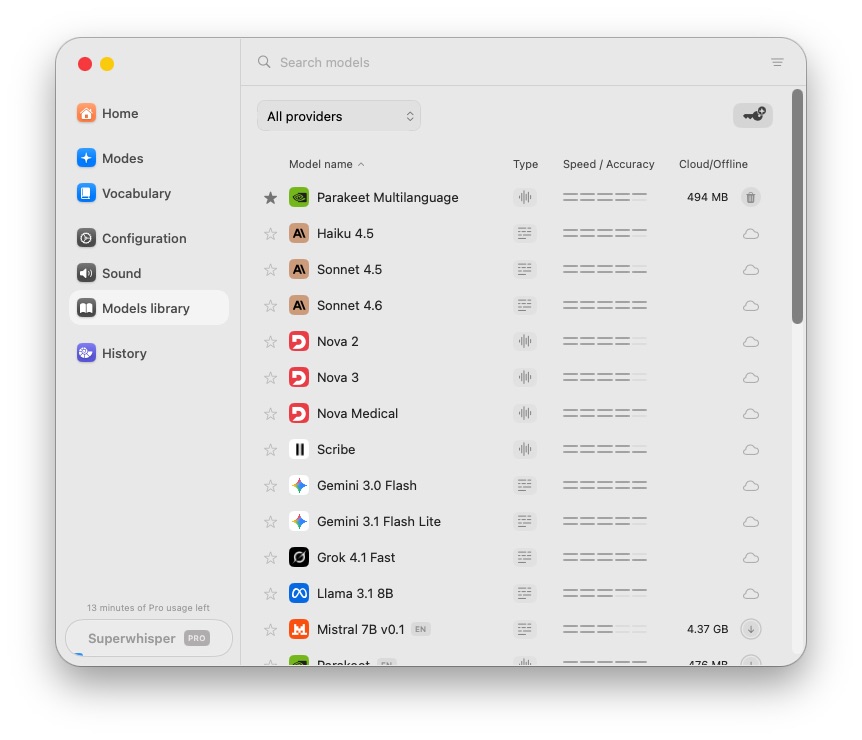
There’s a large selection of different models to choose from
Superwhisper solves this differently. The app downloads an AI model locally to your Mac and transcribes audio to text right on the device. In my experience, the features feel similar to Wispr Flow: you can add custom words to the dictionary, set modes for different apps, and use multilingual support. Among the models, I’d particularly highlight Parakeet by Nvidia. Superwhisper supports over 100 languages, including Russian — you can dictate in Russian and get quality transcription.
Regarding pricing: with the small local model, Superwhisper is free, while advanced features — unlimited access to online and local models, translation from any language to English, audio and video file transcription — are included in the Pro plan at $8.49 per month.
How to Take Notes from Online Meetings on Mac with AI
Granola is an AI assistant for online meetings. The key difference from typical “bots in a call”: Granola works locally on your Mac, without a virtual bot joining the call — the app uses system audio for recording and transcription.
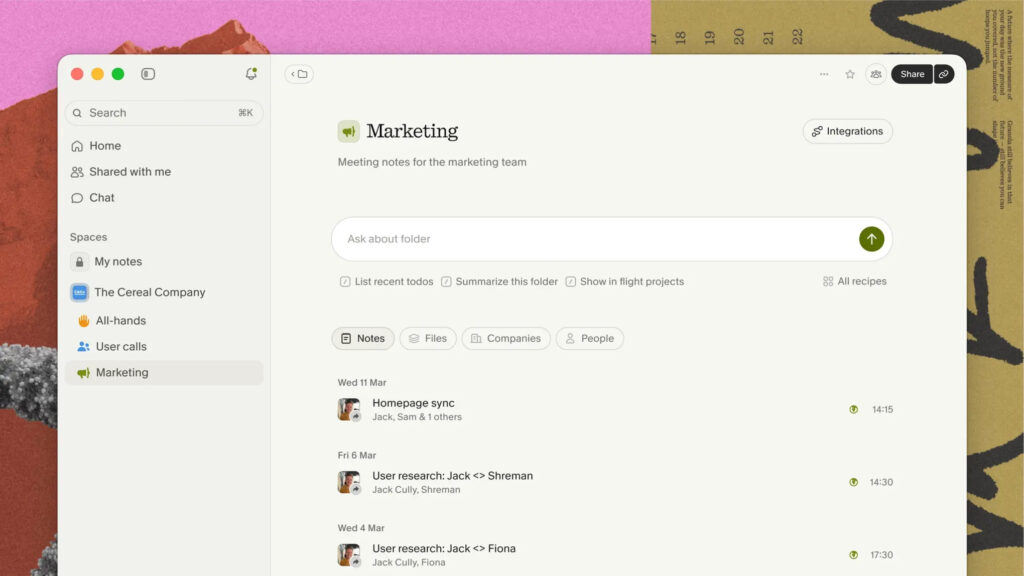
AI will break down the call for you
The logic is simple: you take brief notes during the meeting, and after the call, Granola analyzes your notes and fills in the gaps using the audio transcription. You can then ask questions about these records, and the app finds answers in the transcript. Granola works with all popular video conferencing services — Zoom, Google Meet, Slack, Teams, and others.
It’s not without drawbacks, though. Granola can make transcription errors due to poor audio, strong accents, or overlapping voices, it doesn’t distinguish between speakers, and you can’t edit the finished transcription — if something was recorded incorrectly, it stays that way. However, the app supports Russian for transcription: Russian is available in the language list on macOS and Windows in Multi-language mode. Transcription quality in Russian is lower than in English, but it’s sufficient for basic tasks.
Regarding pricing: the free version provides access to AI notes, shared folders, templates, and multi-language support, but meeting history is limited to 30 days. The Business plan at $14 per month removes limits and adds advanced models and integrations with Notion, Slack, HubSpot, and others.
ChatGPT, Claude, and Gemini on Mac: Why Apps Are Better Than the Browser
Three “big” AIs that now have full-fledged apps for Mac. The main difference from web versions is deeper system integration.
- Claude Cowork can operate inside a folder on your Mac: organize files, summarize contents, create reports and presentations. I use this for monthly reports: I put exported data into a folder and give instructions.