Google Chrome for Android is quite limited. At the very least, you can’t install free extensions for convenient work. The desktop version, on the other hand, can be customized down to the smallest detail. I’ve tried dozens of Chrome plugins and kept only those I use every day. No junk, no spyware — just proven solutions and truly useful tools respected by users around the world. Here are the best Google Chrome extensions I’ve personally tested.
Check out the best Chrome extensions in 2026. Photo: qubika.com
Best Ad Blocker for Chrome — uBlock Origin Lite
After Google killed the full-fledged uBlock Origin in Chrome, the Lite version came as a replacement — and it still does an excellent job. The extension blocks ads, trackers, miners, and pop-ups right after installation. It runs on Manifest V3, doesn’t require excessive permissions, and barely loads the CPU — filtering happens at the browser level itself.
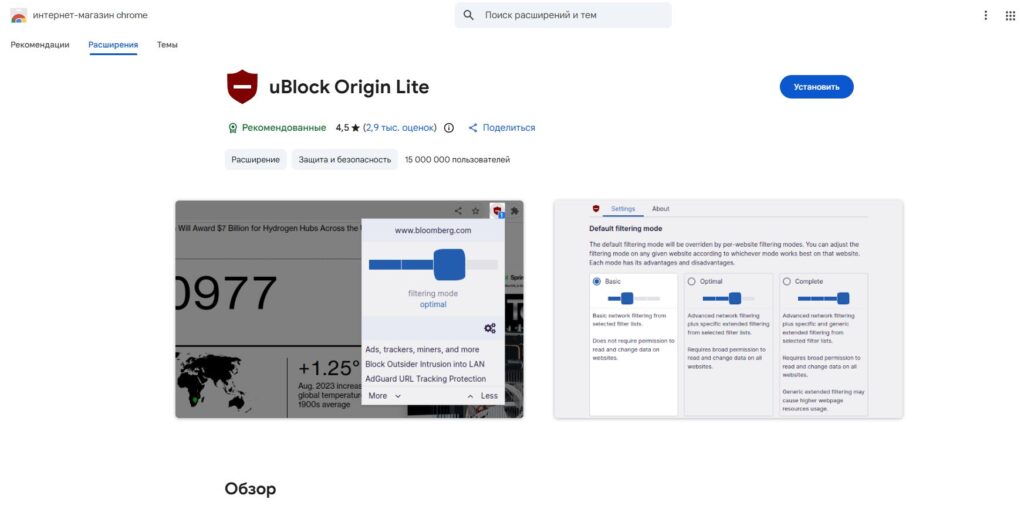
An excellent ad blocker that doesn’t interfere with website functionality
The first thing you should do after installation is switch the filtering mode to “Complete” in the settings, because the default “Optimal” mode lets some ads through. The Chrome extension is completely free and open-source. It has zero impact on PC performance and doesn’t break page layouts. I’ve been using it for over 5 years and couldn’t be happier.
Best Free Password Manager for Chrome — Bitwarden
If you still store passwords in a notepad or use the same password on every site — Bitwarden will solve this problem once and for all. The Google Chrome extension generates complex unique passwords, stores them in an encrypted vault, and automatically fills them in when logging into websites.
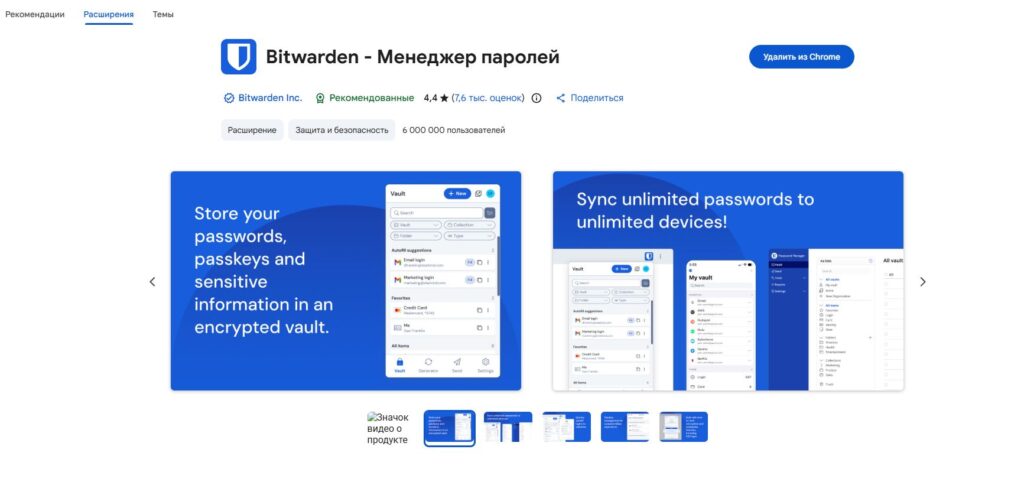
A password storage extension. Reliable, convenient, works across different OS
Everything syncs between devices — phone, laptop, tablet. The main advantage over competitors is that Bitwarden is completely free, open-source, and undergoes regular independent security audits. Unlike Chrome’s built-in manager, your data isn’t tied to the Google ecosystem, meaning you can easily use your website passwords on Android, iPhone, and Windows simultaneously.
Dark Theme for All Websites in Chrome — Dark Reader
Many websites have a dark mode toggle, but not all of them. Fortunately, you can do it yourself with Dark Reader. The browser add-on applies a dark theme to websites, but does it smarter than Chrome’s built-in mode. Dark Reader analyzes page styles and generates adaptive styling rather than simply inverting colors like other plugins do.
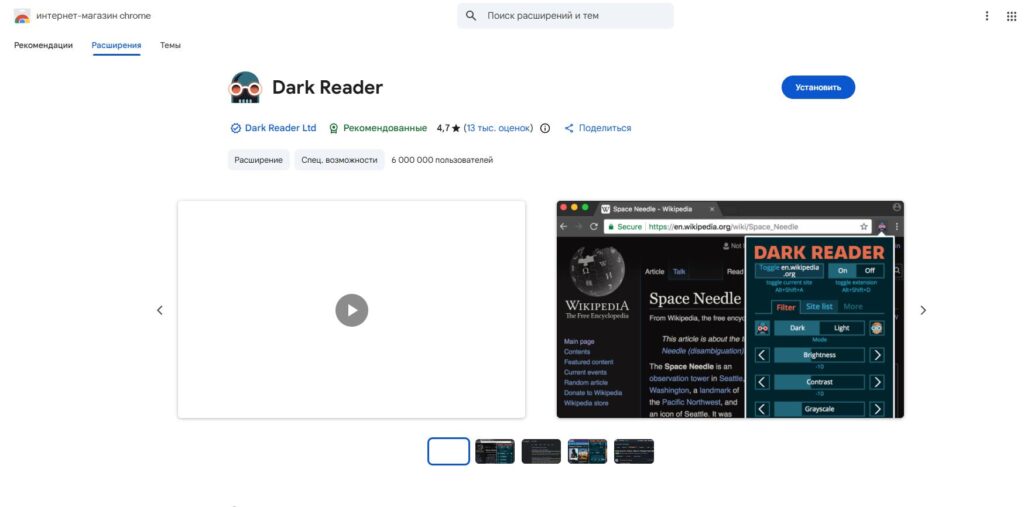
Want to make a website’s design dark? No problem with Dark Reader
You can adjust brightness, contrast, sepia, font — and all of this separately for each website. It’s especially helpful in the evening and at night when a white screen literally hurts your eyes. The dark theme extension is free, doesn’t collect data, and has been around since 2014 — over that time, more than 10 million people have started using it. It weighs less than a megabyte.
How to Download Photos and Videos from AliExpress — AliSave Extension
Anyone who’s ever tried to save a product video or photo from AliExpress knows the pain — right-click doesn’t work, and screenshots give terrible quality. AliSave adds a download button right on the product page. With a single right-click, you can save all photos from AliExpress, including color variants and images from the description.
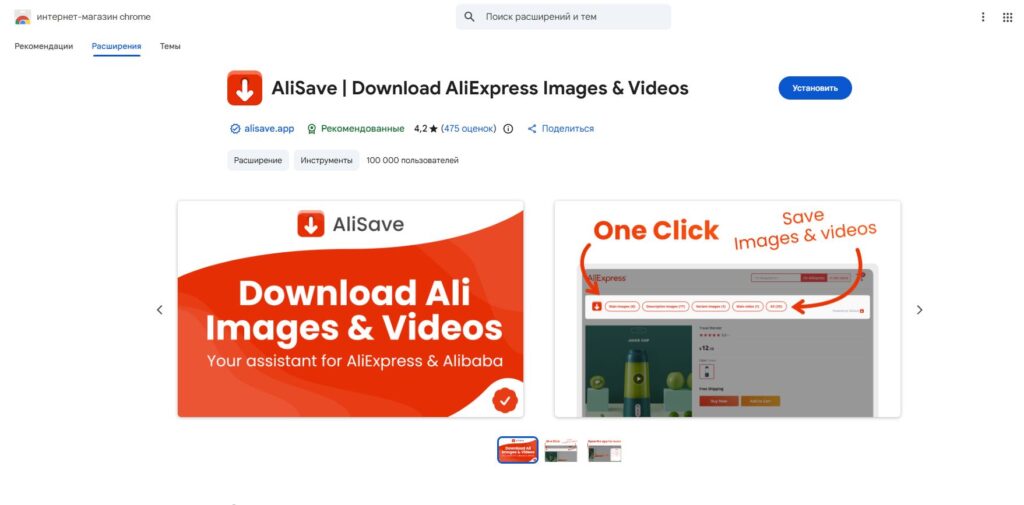
If you love studying AliExpress products thoroughly, this extension will come in handy
The free version downloads photos in maximum quality with automatic conversion from WebP to JPG, as well as videos, photos from reviews, and packs everything into a ZIP archive. An indispensable tool for those who shop consciously on Ali or carefully study products before purchasing.
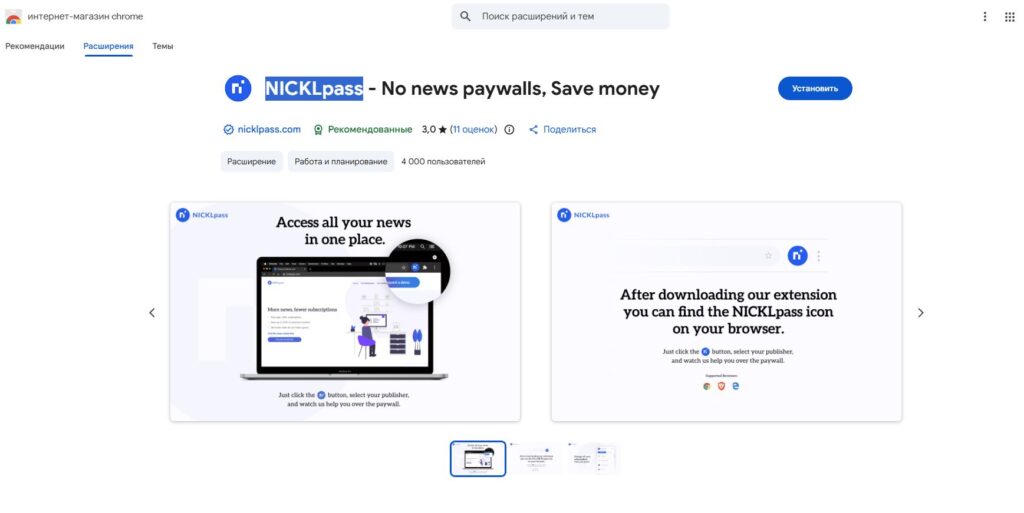
Bypassing Paywalls on Websites — NICKLpass for Chrome
Stumbled upon an interesting article only to find it hidden behind a paywall? NICKLpass removes restrictions on hundreds of news websites — The New York Times, The Washington Post, Bloomberg, and many others, including Russian ones. The add-on clears cookies, spoofs request headers, and uses search engine caching. The result: you visit a site, click the button, and the article opens without a subscription.