Every June, the same scene repeats itself. Apple takes the WWDC stage, ceremoniously presents “new” features, and Android owners watch the stream recognizing things they’ve been using for several years already. WWDC 2026 took place on June 8, and iOS 27 didn’t break this tradition. Some of the system’s fresh capabilities are genuinely useful, but almost every one of them has long existed on competitors’ smartphones. Let’s break down what’s new for iPhone and where Android got there first.
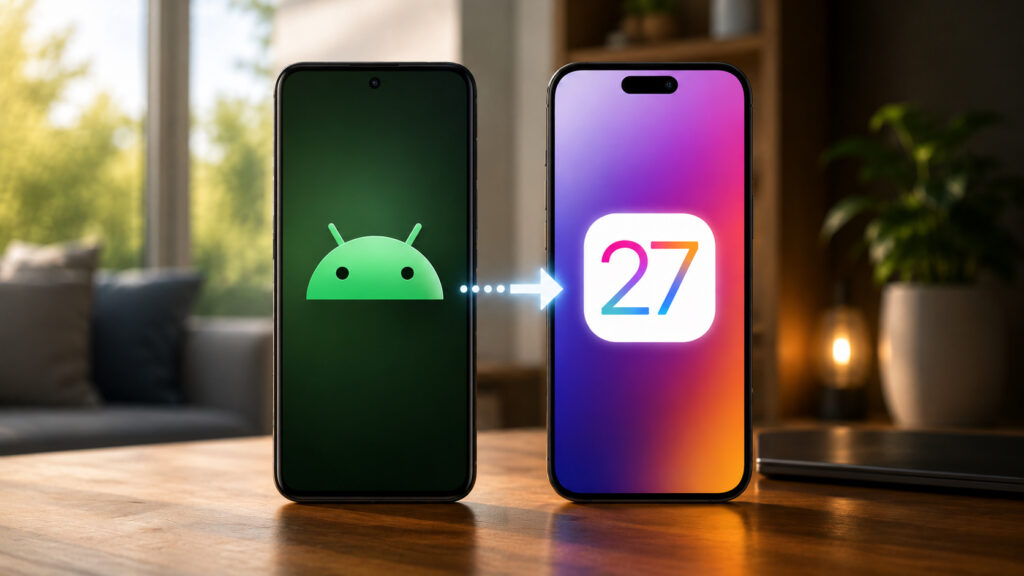
Some iOS 27 features were indeed borrowed from Android
Interface Transparency Settings in iOS 27
A year ago, along with iOS 26, Apple rolled out the Liquid Glass design, which many people immediately disliked. By release, the glass effect was significantly reworked, but full customization was never provided. In iOS 27, a transparency slider finally appears, allowing you to adjust the interface to your liking: whether you want more glass or less, you decide — not the designers in Cupertino.
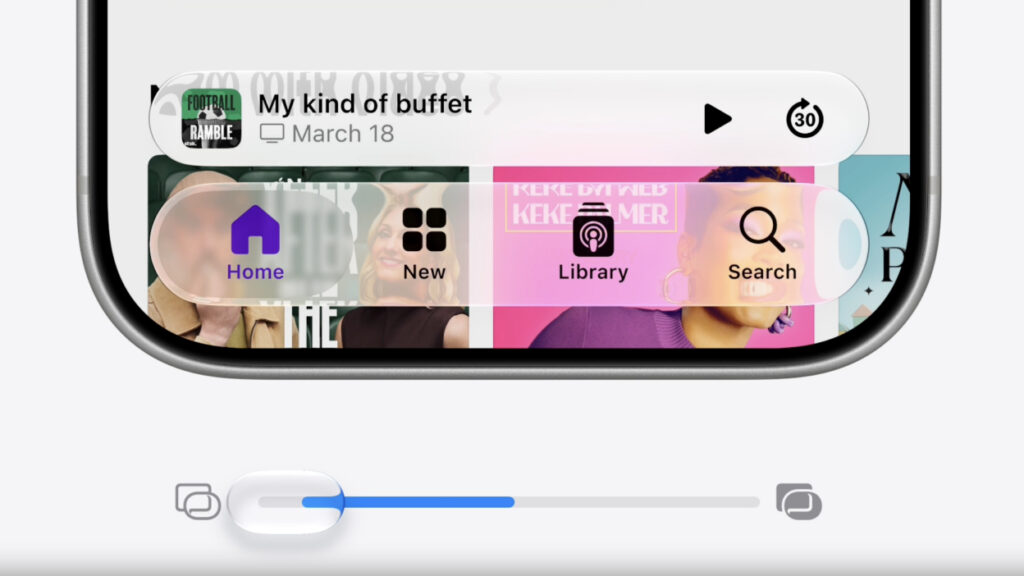
The coveted slider awaits you in Settings
The problem is that last fall, most Android manufacturers had already added a similar glass effect to their skins based on Android 16. And almost all of them offered a choice: either disable the effect entirely or adjust it. Honor, for example, had such a slider right from the start. Apple separately boasted about smoother animations throughout the system, although competitors have been emphasizing interface smoothness for a couple of years already.
New Wi-Fi, Password, and Messaging Features in iOS 27
Next comes a section from the “how did this not exist before” category. Apple proudly announced that iPhone can now seamlessly switch between Wi-Fi and cellular networks without dropping the connection. The presentation made it seem like a technological breakthrough, even though Android has had the same feature working for many years.
The Messages app is only now getting a “still sending” indicator for cases when a message hasn’t reached the recipient. AirPods now support a custom equalizer for those who want personalized sound. On Android, manual frequency adjustment and modes like Dolby Atmos have been available for a very long time.
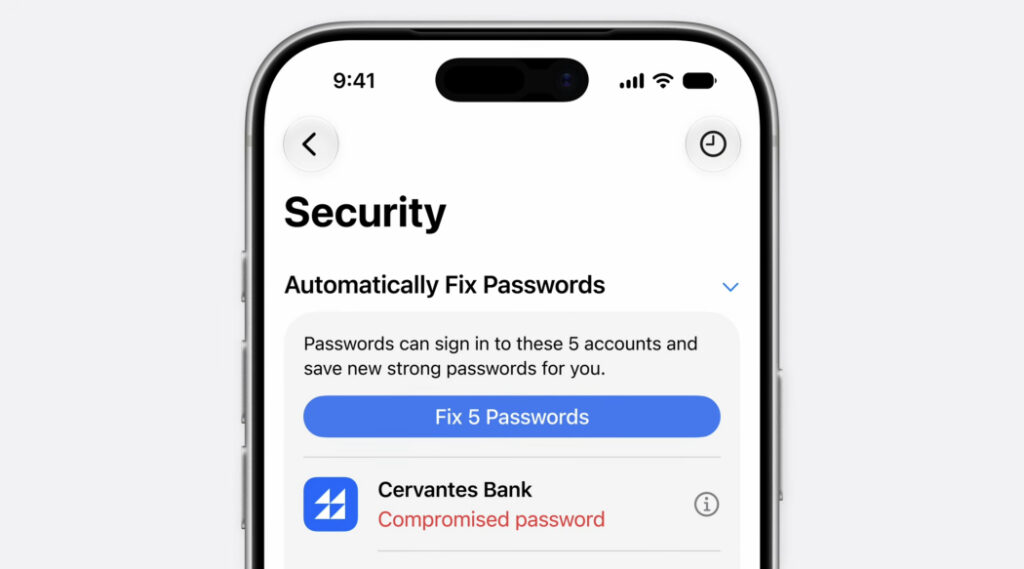
The Passwords app helps replace individual passwords
Apple’s password manager has learned to find compromised passwords and help change them, although Google Password Manager has been doing this for over five years. The Photos app added shared albums and automatic photo sharing, and parental controls largely mirror Google Family Link, albeit with a more polished interface.
New Gemini-Powered Siri: What the Assistant Can Do
The biggest intrigue of the year concerned Siri, and here Apple confirmed what had been rumored since fall: the brain of the new assistant is now Google Gemini. The logical conclusion follows: almost everything presented as a novelty is already available to Android owners through Gemini, Galaxy AI, and proprietary assistants from other brands.
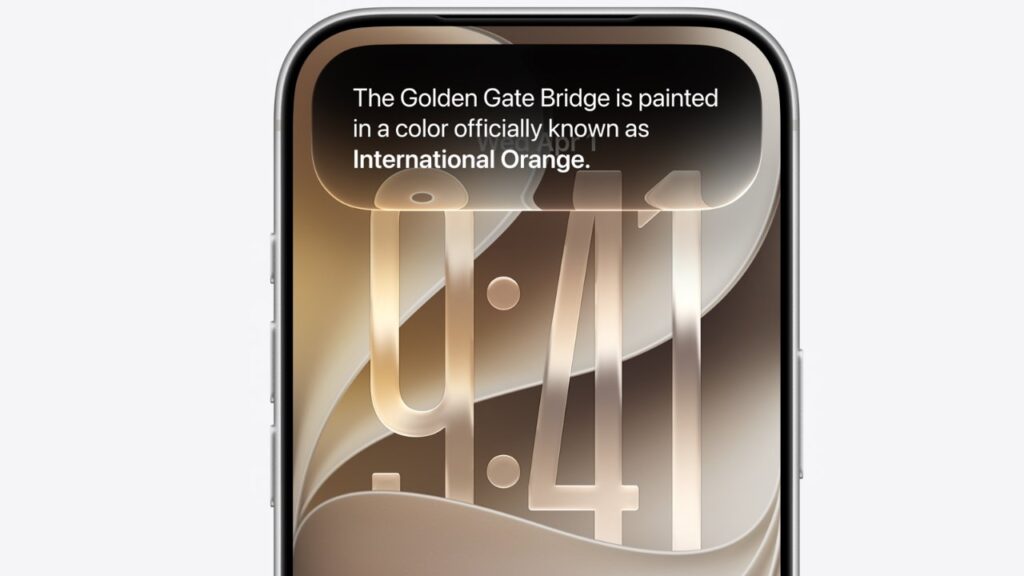
Siri has become smarter but only works in English
Siri finally gets a customizable voice that no longer sounds like it’s from the dial-up internet era. A dedicated Siri app has appeared, collecting your queries and related data. A Siri camera mode was also added, which is a dead ringer for Google Lens, built into Android since 2017. The assistant is also coming to Apple Watch.
There are important caveats. Siri’s new capabilities will launch only in the US and in English, with other regions following later once Apple sorts out regulatory restrictions. For comparison, Gemini already speaks 70 languages, and iPhone owners in Russia are no strangers to this contrast.
New Apple Intelligence Features on iPhone
Apple Intelligence now unifies all AI features not directly tied to Siri queries. After a failed launch a year earlier, the company essentially started from scratch. The system can pull up relevant data right into apps: for example, when calling an airline, booking information automatically appears on your phone. Google demonstrated exactly this scenario with Magic Cue on the Pixel 10.
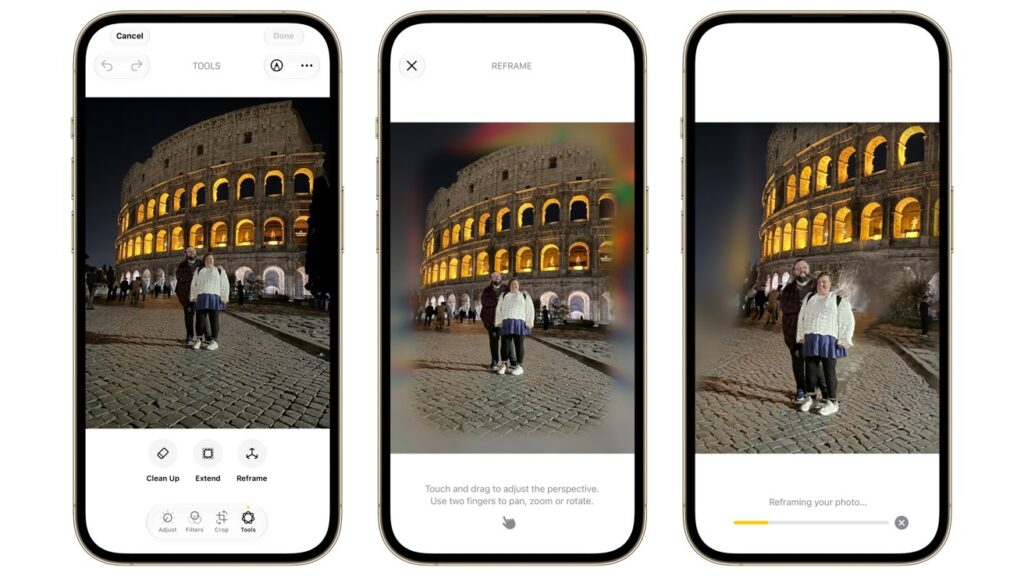
Photos can now be expanded using AI and even have their angle changed
Contextual buttons appeared for on-screen search, along with new editing tools in Photos, image generation with mandatory labeling, and improved voice dictation. The Home app also gets an AI upgrade: Siri answers questions about camera recordings and analyzes smart home data.
The conclusion is predictable. Android users have long been living with capabilities that will only arrive on iPhone with the iOS 27 release in a few months.


