Apple’s fresh lineup of systems under the common index 27 brought not only new features but also unpleasant news for owners of older devices. A total of 16 devices are losing support in the new versions of macOS, iPadOS, watchOS, and tvOS. Meanwhile, iPhones were almost unaffected this time: the iOS 27 update was made available for exactly the same models as last year. While smartphone owners on the previous system can easily update to iOS 27, other devices were far less fortunate.
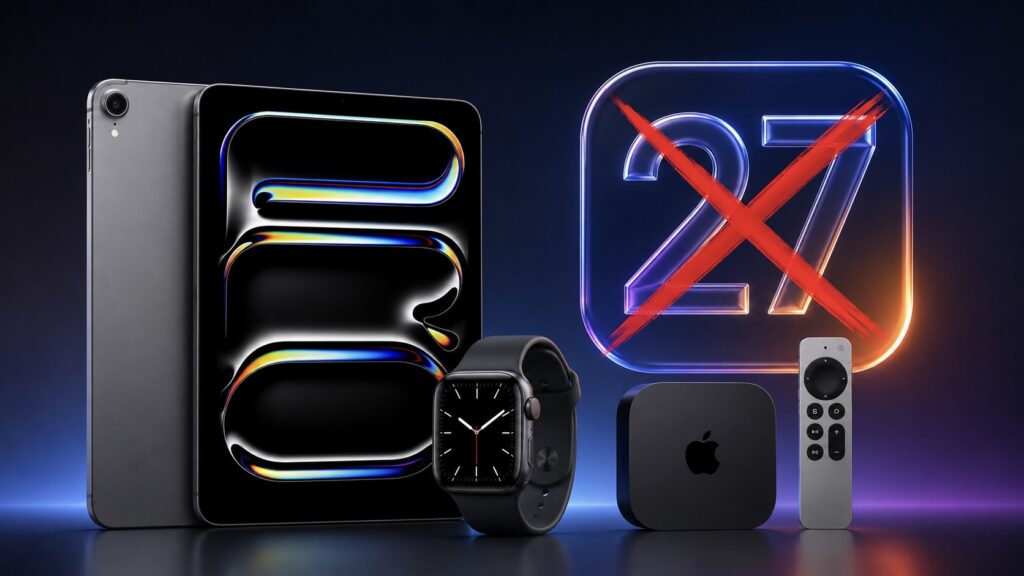
16 gadgets will lose support all at once this year
Which Apple Devices Won’t Update to New Versions in 2026
Every year, new system versions cut off some older devices, and there’s nothing unusual about that. But this time the list is particularly large: nearly all device categories were affected, except for smartphones and the HomePod smart speaker. Even those who are used to replacing gadgets rarely and hold on to their trusted model until the very end may find themselves left out of major updates this year.
The gist of what’s happening is quite simple. Devices on the list will remain on last year’s system versions and will continue to work as if nothing happened. Only one thing changes: they won’t receive new features anymore, and regular security updates will also eventually come to an end.
Which Macs Won’t Update to macOS 27
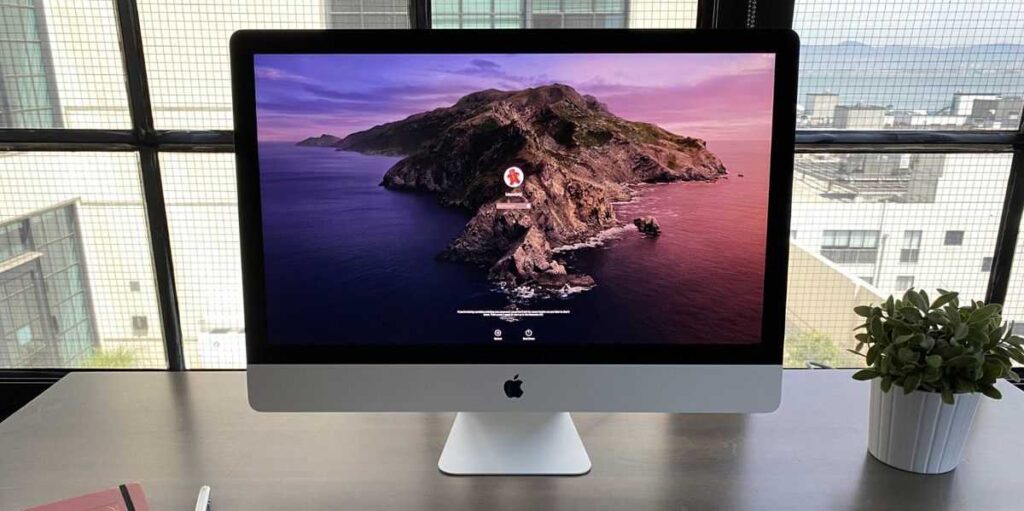
The iMac in its classic design will no longer receive new OS
For Mac computers, the last available version will remain macOS Tahoe. The following four models will be left without the new system this year:
- MacBook Pro 13-inch (2020, with four Thunderbolt 3 ports)
- MacBook Pro 16-inch (2019)
- iMac (2020)
- Mac Pro (2019)
There’s one important detail here: this exclusively concerns models with Intel processors. Macs with Apple silicon didn’t make this list at all. So if you own one of the listed computers, there’s definitely no reason to panic just yet. macOS Tahoe will continue to receive security updates for some time — usually about a couple of years.
Which iPads Won’t Update to iPadOS 27
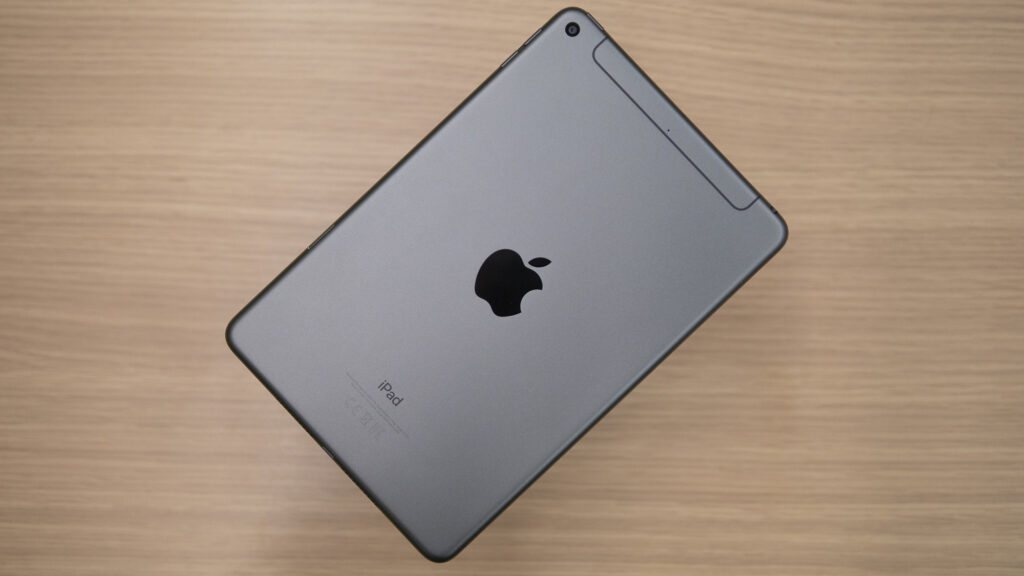
The old mini with the Home button also won’t update to iPadOS 27
Tablets lost a total of five models. For them, the last version will be iPadOS 26:
- iPad Pro 12.9-inch (3rd generation)
- iPad Pro 11-inch (1st generation)
- iPad (8th generation)
- iPad mini 5
- iPad Air 3
The most sensitive item here for the average user is the iPad 8th generation. An affordable and very popular model that was actively purchased for studying and simple household tasks. But there’s no need to rush here either. If you only pick up your tablet for watching videos, taking notes, and browsing the web, there’s absolutely no reason to upgrade right now — the device will remain fully functional and familiar.
List of Apple Watch Without watchOS 27 Support
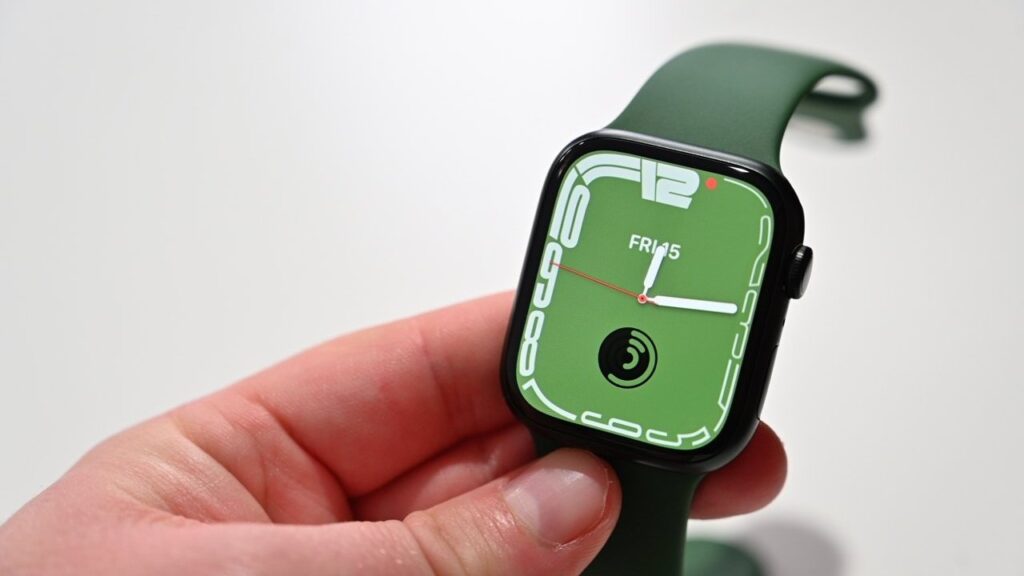
Apple Watch owners will be the most upset. 6 models at once will be left behind
Watches got hit the hardest this year: a total of five models dropped from the compatibility list, and some of them are quite recent. The last version will be watchOS 26:
- Apple Watch Ultra (1st generation)
- Apple Watch Series 8
- Apple Watch Series 7
- Apple Watch Series 6
- Apple Watch SE (2nd generation)
This point is worth pausing on. The loss of support for the first Apple Watch Ultra and Series 8 looks particularly frustrating: these are relatively new and far from cheap watches. The watches from this list, of course, aren’t going anywhere: they’ll continue to measure heart rate, track workouts, and display notifications just as before.
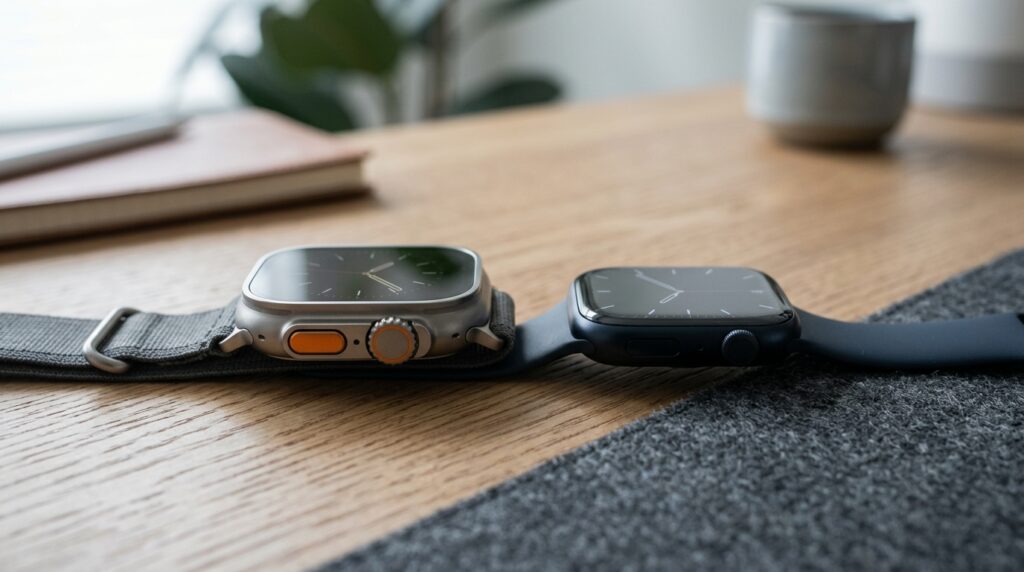
Even relatively recent Apple Watch Ultra and Series 8 were left without watchOS 27
Which Apple TV Set-Top Boxes Will Stay on tvOS 26
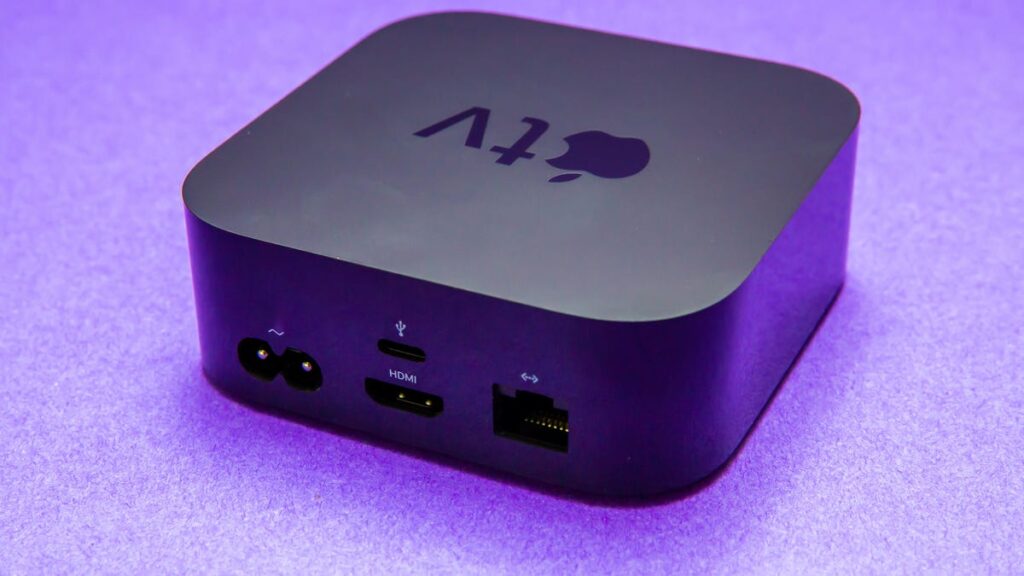
Older Apple TVs will also be left behind
With set-top boxes, everything is much simpler. tvOS 26 will be the last version for the two oldest models:
- Apple TV 4K (1st generation)
- Apple TV HD
For owners of these set-top boxes, this is hardly a cause for concern. Apple TV works for years without any pressing need for new features, and major streaming services will continue to launch on the previous system version for a very long time. In everyday use, you’ll likely not notice any difference at all: everything turns on just the same as it did a year or two ago.
What Happens When an Apple Device No Longer Receives Updates
The main thing to understand: losing support doesn’t turn a device into a brick. All 16 models will continue to work on their current system versions, and in daily use, you’ll barely notice it. Only one thing changes: they won’t receive major new features anymore.
Only two categories of users should seriously consider upgrading. The first category: those who critically need the latest features of a specific system right now. The second: those thinking about security for years ahead, since security updates will eventually stop. If your device is on the list but completely satisfies your needs, there’s no need to rush to the store — just keep using it.
The only two platforms that didn’t lose a single device this year are iOS 27 and the HomePod system. So iPhone and smart speaker owners have nothing to worry about this time around.