Remember how I recently told you that I ordered a MacBook Neo from the US and ended up regretting it? Well, that very laptop has finally arrived. I ordered it, by the way, not for myself or even for my daughter, but for my wife — she needed a lightweight computer for work from any corner of the apartment. But we opened the box in the evening, and by morning the laptop had already migrated to my daughter’s desk. It happens: you buy tech for one person, and someone completely different ends up using it. Here’s how the cheapest MacBook turned into a kids’ laptop in just a couple of days — and why I didn’t take it back.
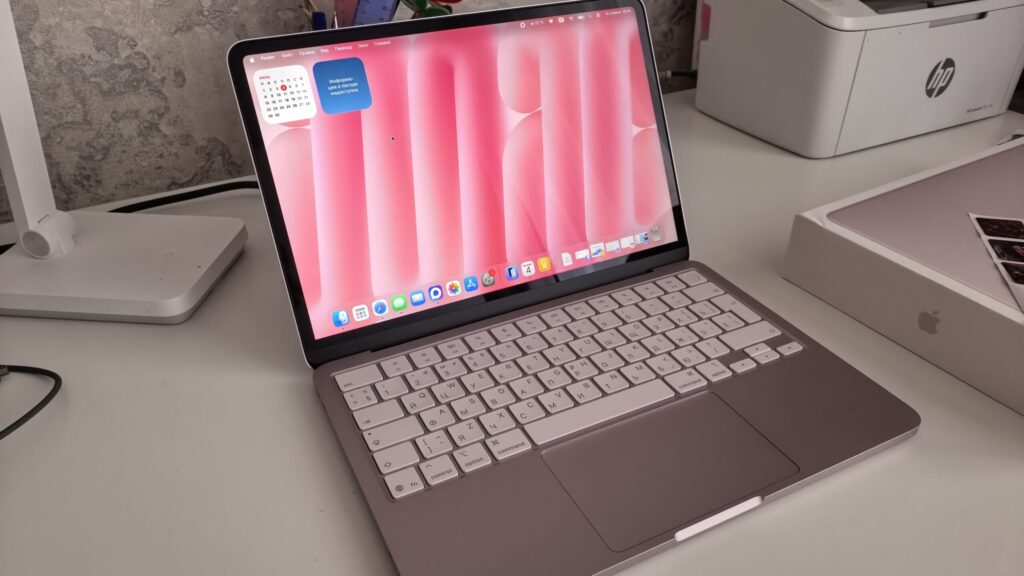
The MacBook Neo’s design is top-notch, of course
How to Choose a Laptop for a Child
The scenario was simple. My wife needed a computer — something compact so she could work from any corner of the apartment instead of being tied to one desk. The MacBook Neo fit all the criteria: 13 inches, weight just over a kilogram, thin body. I ordered it, waited for delivery, and plugged it in to charge.
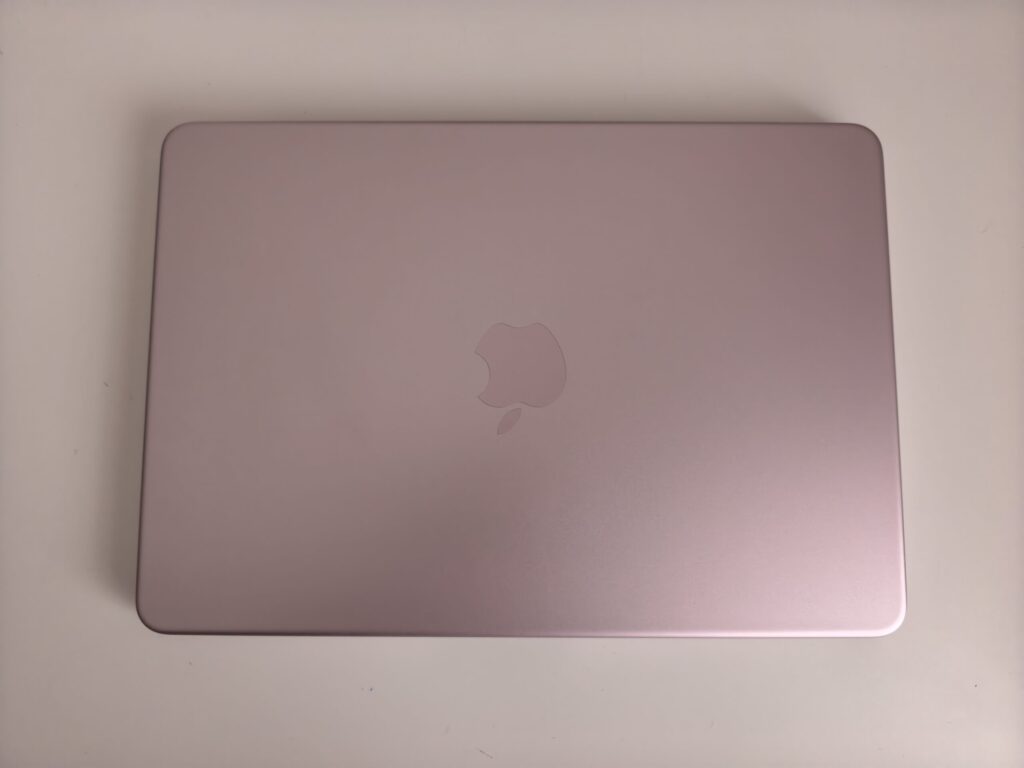
A cute pink computer — no wonder my daughter liked it
My daughter came over out of curiosity — to check out the new thing on the table. She opened the lid, swiped across the trackpad, found the browser, and started watching cartoons. Within ten minutes it was clear the laptop had a new owner. She didn’t ask how anything worked. She just sat down and started using it as if the computer had always been hers.
I ended up ordering a second one for my wife. And this one stayed as the kids’ laptop.
Why a MacBook Is Easier Than a Windows Laptop for a Child
The main discovery — the child didn’t need any explanation. The macOS interface logic is designed so that someone with zero experience can figure it out. Icons are large, trackpad gestures are intuitive, and apps open with a single tap.
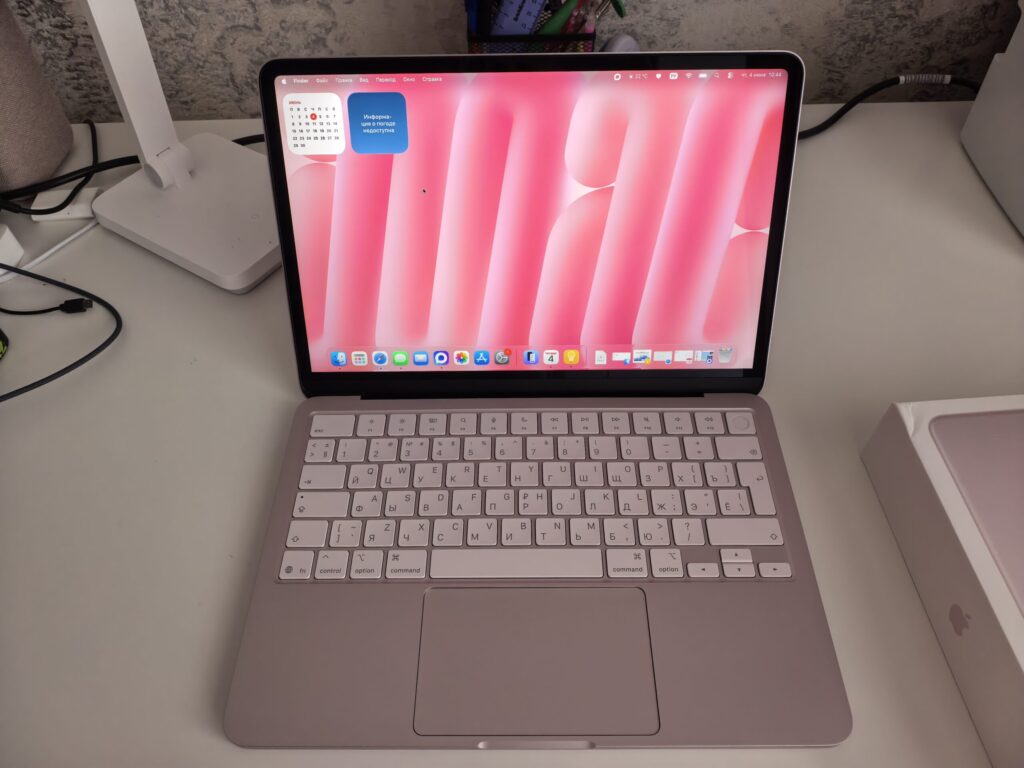
I got the MacBook with a Russian keyboard right away
My daughter figured out on her own how to turn up the volume, how to switch between tabs, and how to minimize a window. No settings, no “Dad, where is the…” moments. For me, this turned out to be a separate advantage: no need to sit next to her and play tech support. I’d also like to highlight parental controls. Through “Screen Time” you can limit computer time, block unwanted websites, and set a schedule. It takes five minutes to set up right from my iPhone. For a laptop that a child uses, this matters more than any specs.
Everything works fine, by the way. Browser, video, simple games from the App Store, educational apps — the Neo handles all of this without lag. It has nothing to get hot from when watching cartoons: the cooling system is passive, there’s no fan at all, so the laptop runs completely silent.
MacBook Neo for School: Display, Memory, and Battery Life
Now to the hardware — brief and to the point. The MacBook Neo is built on the A18 Pro processor. Yes, it’s the same chip found in the iPhone 16 Pro, and for an Apple laptop this is a first — previously, Mac computers only ran on M-series chips. It sounds like a compromise, but in practice the A18 Pro outperforms the aging M1 in many scenarios, and the M1 still holds up great in laptops. I once compared the Neo with a MacBook Pro in real-world use — there’s a difference, but for kids’ tasks the headroom is more than enough.
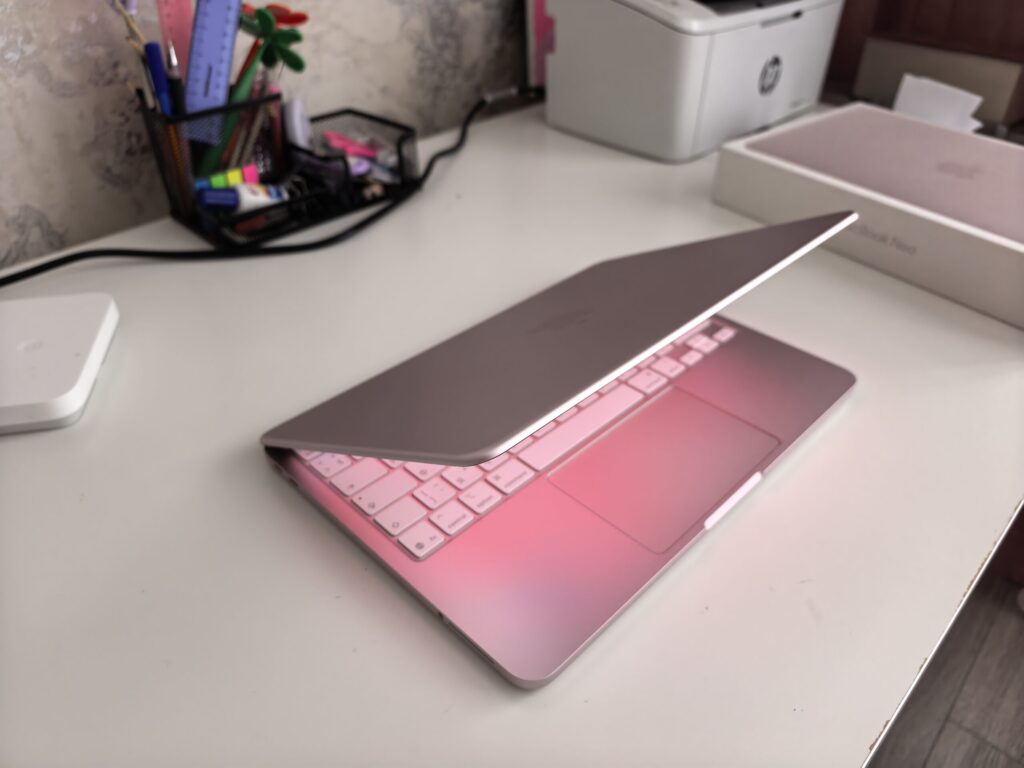
The computer is also compact enough to take along if needed
The display is a 13-inch Liquid Retina with a resolution of 2408×1506 pixels and up to 500 nits of brightness. The image is sharp, a billion colors, cartoons and photos look great. There’s 8 GB of RAM, and storage is 256 or 512 GB depending on the version. The body is aluminum, with four color options: silver, pink, bright green, and dark blue.
Battery life — that’s what you actually buy a laptop for. Apple promises up to 16 hours of video playback and about 11 hours of web browsing. In practice, my daughter sits down with it after school, and there’s no need to charge it until evening. The Neo weighs 1.23 kg at a thickness of 1.27 cm — a child can easily carry it from room to room.
Obviously, this isn’t the choice for video editing or heavy tasks. But for studying, browsing, presentations, and entertainment, the headroom is more than enough.
How Much Does the MacBook Neo Cost on Ozon
The most interesting part — the price. The MacBook Neo is the cheapest Apple laptop in the company’s entire history. In the US it started at $599, and the educational version for students costs just $499.
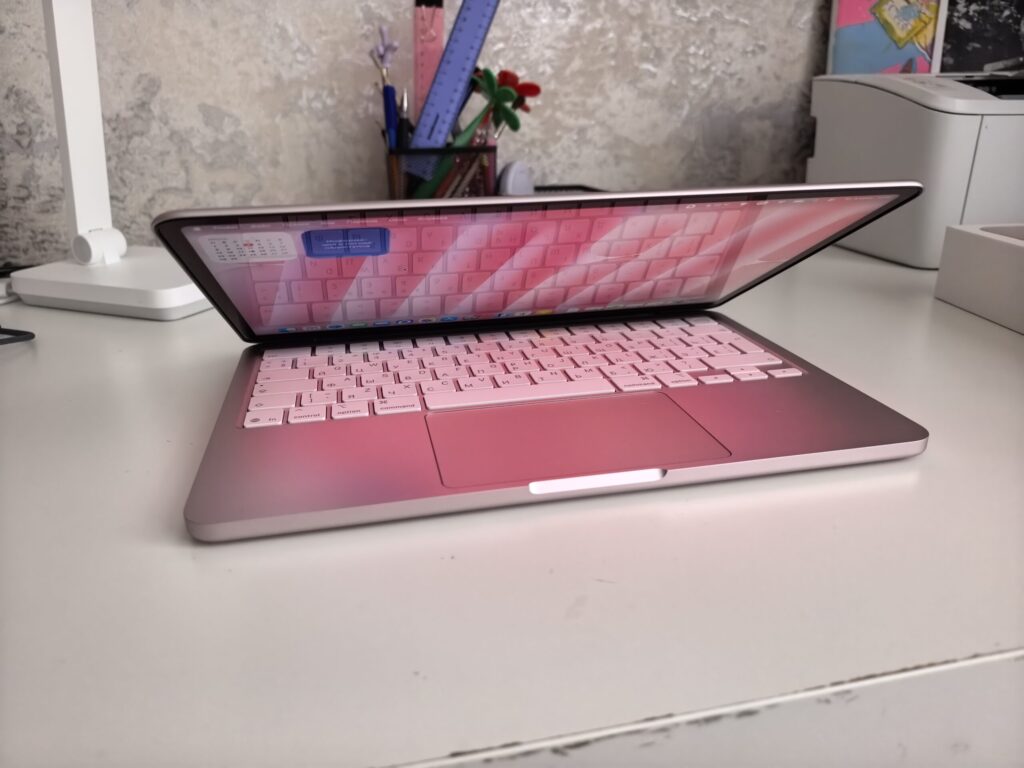
Right now you can buy the computer at a pretty good price
In Russia, you can get it on Ozon. The laptop itself costs 47,300 rubles, plus you’ll need to pay 5,400 rubles in customs duty. That brings the total to about 52,700 rubles for a new MacBook. For comparison: in offline retail and from some sellers, the Neo goes for 57,000–80,000 rubles. By the way, the MacBook Neo price in Russia has recently gotten close to the US price, so finding good deals has become noticeably easier.
If you’re choosing a first laptop for your child and don’t want to overpay, the MacBook Neo is an excellent candidate. Intuitive macOS, solid battery life, silent operation, parental controls out of the box, and a reasonable price. I ordered it for my wife, but I haven’t regretted for a second that the computer ended up with my daughter — she mastered it without a single question. And that is probably the best indicator for a kids’ laptop.