You’ve already heard that Apple released a fresh iOS update, opened Settings, navigated to the Software Update section — and it’s not there. The system stubbornly shows iOS 26.5 as the latest available version. Sound familiar? We’re here to reassure you: your iPhone isn’t broken and nothing has “frozen.” The reason is far more mundane, and we’ll break it all down for you now. On the eve of WWDC 2026, Apple released a point update, iOS 26.5.1. The release received build number 23F81 and came out three weeks after iOS 26.5. Seems routine — but this particular update triggered a wave of questions from iPhone owners.
Not everyone will be able to find the latest update
Which iPhones Support iOS 26.5.1
The main reason your iPhone can’t find iOS 26.5.1 is frustratingly simple: the update wasn’t released for everyone. Apple released it exclusively for the iPhone 17 lineup and the iPhone Air. The list includes iPhone 17, iPhone 17 Pro, iPhone 17 Pro Max, iPhone 17e, and iPhone Air — and no one else.
If you have an iPhone 16, iPhone 15, or an older model, the Software Update section will continue to show iOS 26.5 as the latest version. This isn’t a bug, not an Apple server glitch, and not a regional restriction. Your device simply isn’t among those this update is intended for.
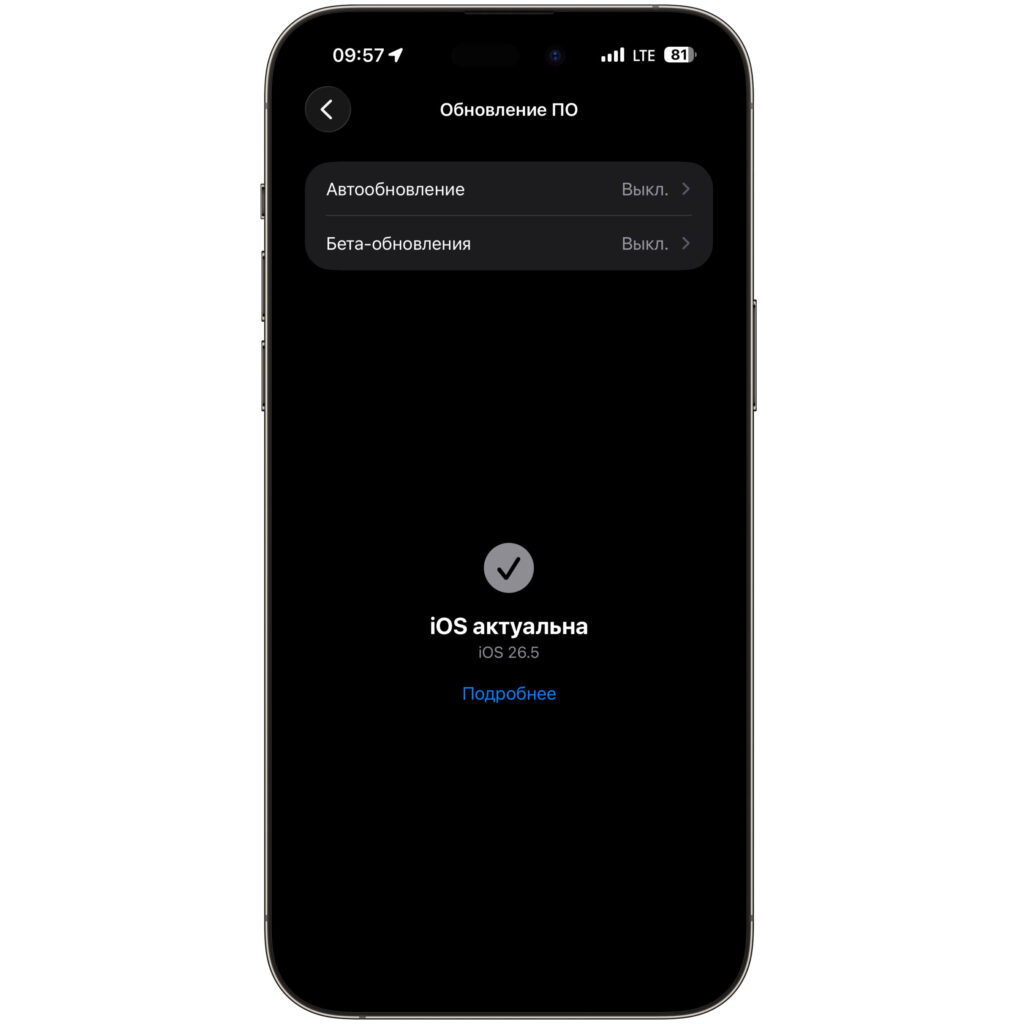
My iPhone 16 Plus naturally didn’t find the update either
No amount of rebooting, resetting settings, or repeated checks will change the situation — the update for your model simply doesn’t physically exist in this version. Why does Apple do this? It comes down to the nature of the fix. The update addresses a problem that only occurs on new chips and power controllers, so distributing it to older models doesn’t make sense.
What’s New in the iOS 26.5.1 Update
Now about the substance of the update. In Apple’s official release notes, there’s a single fix listed, and it concerns charging. The update resolves an issue affecting a small number of users that could prevent wired charging on iPhone Air and iPhone 17 models when the battery is nearly depleted.
The update fixes a charging bug on iPhone 17
It sounds harmless, but in practice the bug caused serious inconvenience. Imagine: your phone dies completely, you plug in a cable — and it won’t charge. For some users, it looked like a completely “dead” device that refused to come back to life from a cable.
It’s important to understand: the issue affected only a small number of users. Most iPhone 17 and Air owners never encountered it at all. So if your smartphone charges without any issues, there’s no need to panic — the update is more of a preventive measure.
As often happens, Apple may have quietly fixed other minor rough edges as well: in release notes, the company traditionally doesn’t list all changes. No CVE security entries were published this time, which indirectly confirms that the update targets specifically the power-related bug.
How to Update iPhone 17 to iOS 26.5.1
If you’re a happy owner of an iPhone 17 of any variant or iPhone Air, and you’ve experienced that charging bug, installing the update is worthwhile. The process is standard. Before starting, we recommend making a backup to iCloud — it certainly won’t hurt.
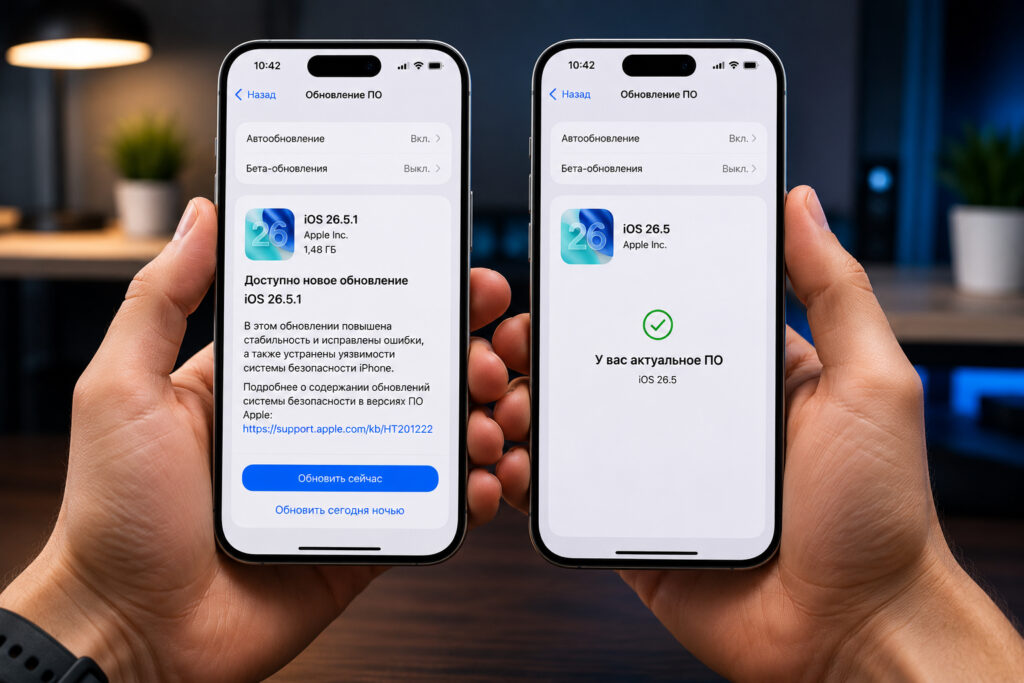
On iPhone 17 and other devices in the lineup, the update is installed through Settings
The steps are simple:
- Open the Settings app on your iPhone.
- Go to the “General” section.
- Select “Software Update.”
- Wait for iOS 26.5.1 to appear and tap “Update Now.”
- Let the phone finish the installation — it will restart automatically.
A separate note: if your iPhone has already fallen into that situation and doesn’t respond to a cable at all, try placing it on a wireless charger first. This way the device will come back to life, after which you can calmly download the update and forget about the problem forever. The update size varies among users — some report substantial gigabytes, so it’s better to download over Wi-Fi.
A useful note for Mac owners as well: simultaneously, Apple released macOS 26.5.1. This update fixes a rare issue where computers with the M5 chip could unexpectedly shut down when using certain network extensions for content filtering. It mainly affects corporate users, but if you have a new Mac with M5, updating wouldn’t hurt either.
When Will the Next Update Arrive for Other iPhones
Now this is the question most people care about. In short — iOS 26.5.1 will never come to older iPhones. This is the final version for the iPhone 17 lineup and Air, and Apple has no plans to expand the list of compatible models. For all other devices, iOS 26.5 remains the current version.
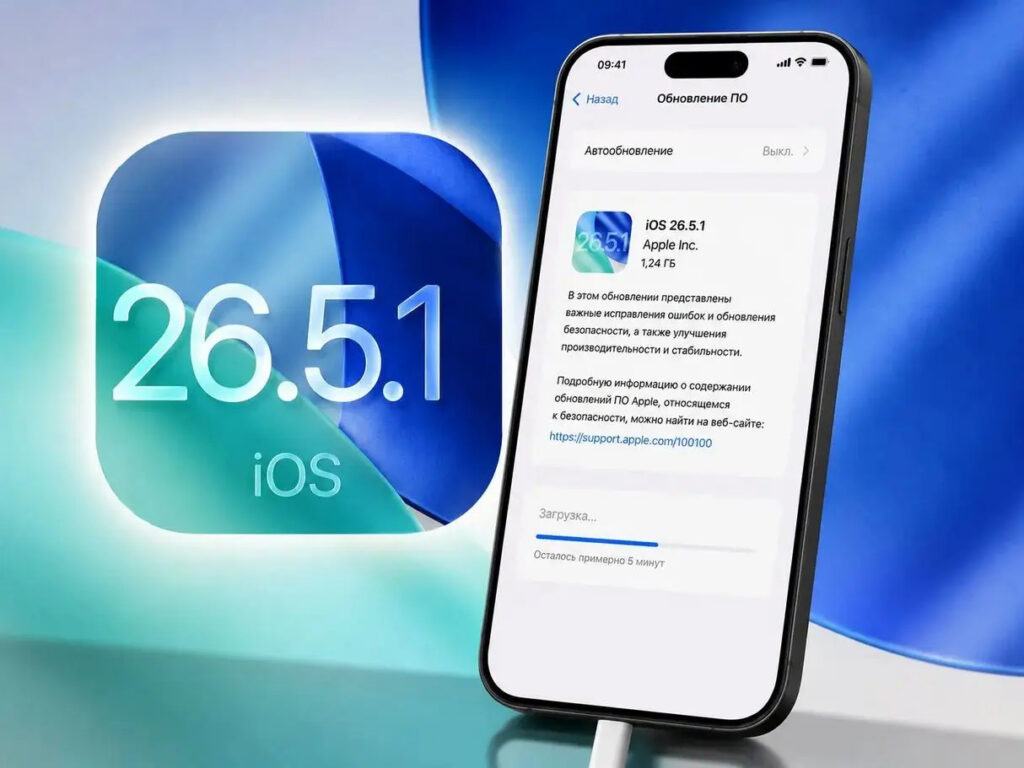
iOS 26.5.1 won’t be released for other smartphones
But that doesn’t mean other iPhones have been forgotten. The next universally available update for everyone is iOS 26.6, which is currently undergoing beta testing. That’s when owners of earlier models will receive their fresh batch of fixes. Work on the iOS 26 branch continues even in the lead-up to WWDC, so you won’t be left without updates.
Speaking of the conference — on June 8, Apple will hold the main WWDC 2026 presentation, where they’ll showcase iOS 27, an updated Siri, and much more. The system itself will be released for all users in the fall, as is customary for major releases.
So if you opened Settings and didn’t find iOS 26.5.1 — now you know everything is fine. The update simply passed your model by, and that’s completely normal. And for the lucky owners of iPhone 17 and Air, all that’s left is to tap a couple of buttons and forget about finicky charging.