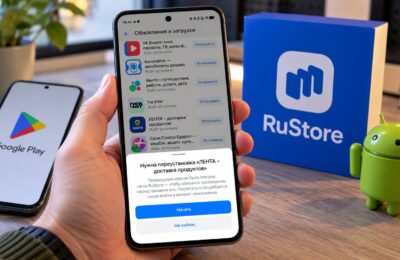
Mobile banking has long become the main way to manage money: transfers, utility payments, loans and deposits — all right from your smartphone. Customers of Ural Bank for Reconstruction and Development (UBRiR) usually have one question — where to download the UBRiR app and how to install it on Android without unnecessary hassle. The good news: the UBRiR app is available in several places at once, and installation takes just a couple of minutes.
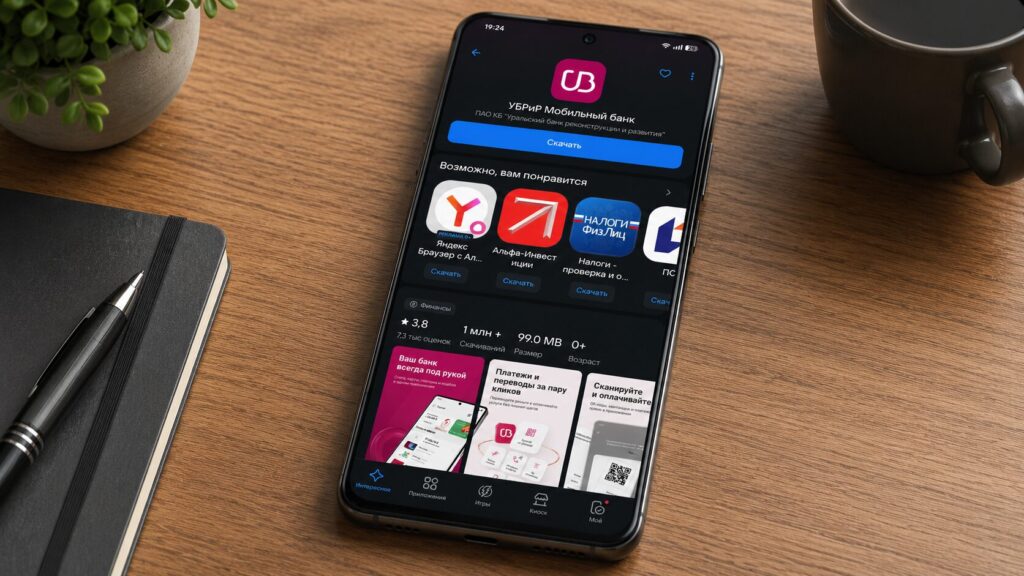
Here’s where to download the UBRiR bank app on your phone
Where to Download the UBRiR App on Android
Unlike sanctioned banks, the UBRiR app is available in app stores and nobody is rushing to remove it. You can download the mobile bank from:
- RuStore — the Russian app store by VK and the Ministry of Digital Development.
- AppGallery — the proprietary store on HUAWEI smartphones.
- From the official website.
Choose any store that’s already on your device. If you don’t have the needed app store, you’ll have to install it separately first. You can also download UBRiR Online directly from the bank’s official website — more on that below.
How to Download the UBRiR App APK
If you don’t want to use app stores, there’s a second way — an APK file from the official website (this is the name of the installation package for Android apps). Go to the page ubrr.ru/mp, point your camera at the QR code or press the download button and confirm the download.
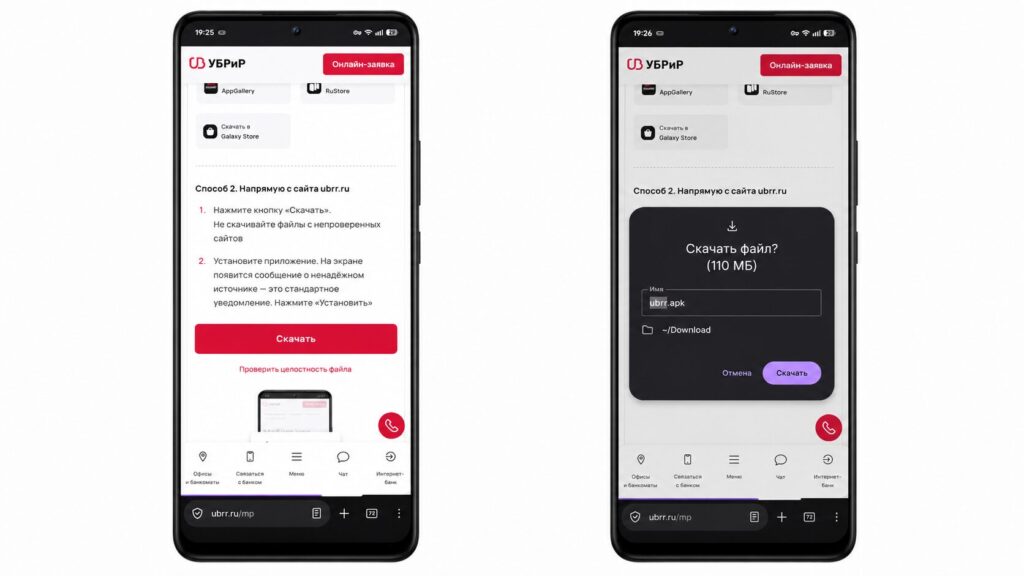
You can download the installation file directly from the website
You should download the APK only from the official UBRiR website. Installation packages from dubious websites and forums may contain malicious software that disguises itself as a banking client and hunts for your data.
How to Install the UBRiR App on Your Smartphone
If you downloaded the mobile bank through a pre-installed store like AppGallery, the UBRiR app will install automatically, and its icon will appear on your home screen. When installing through RuStore or APK, the system will ask for confirmation in a separate window. Here’s the procedure for installing the APK:
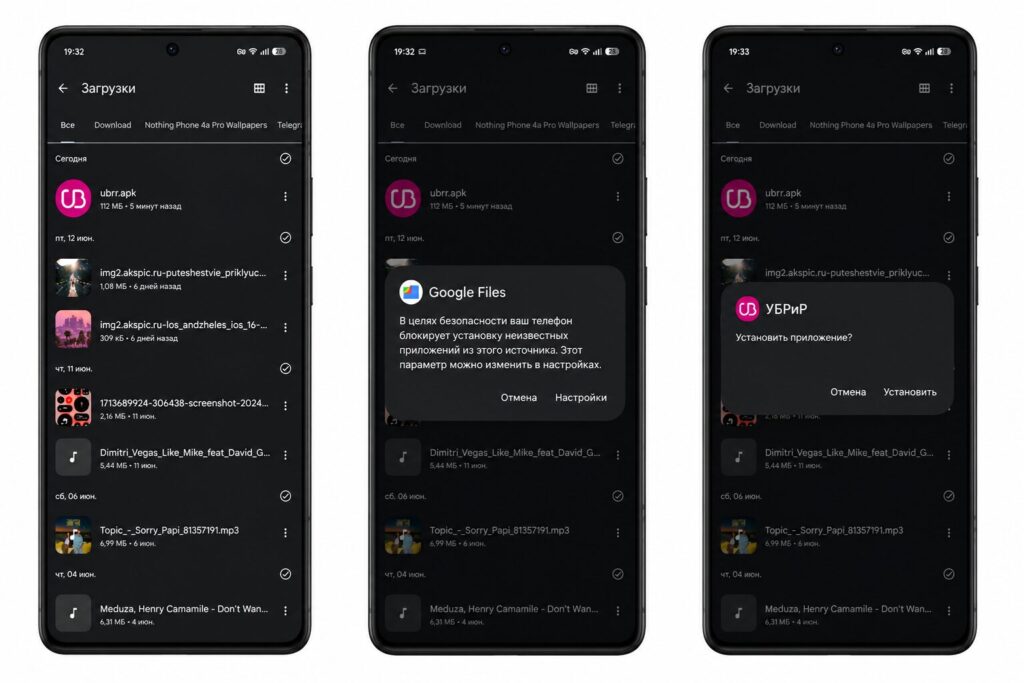
When opening the APK, you’ll need to grant permission to install from unknown sources
- Find the downloaded file on your phone.
- Open it through the notification shade or the “Downloads” folder.
- Confirm the installation.
- Wait for the process to complete.
If you’re installing an app via APK or a third-party store for the first time, your smartphone may request permission to install from unknown sources. Simply activate the toggle that appears, and the installation will continue. Next time, this permission won’t be asked again.
How to Update UBRiR Online on Android
After installation, you’ll need to periodically update UBRiR to the new version: developers regularly release updates with new features and fixes. If you ignore updates, some features may stop working, and logging into the bank may freeze.
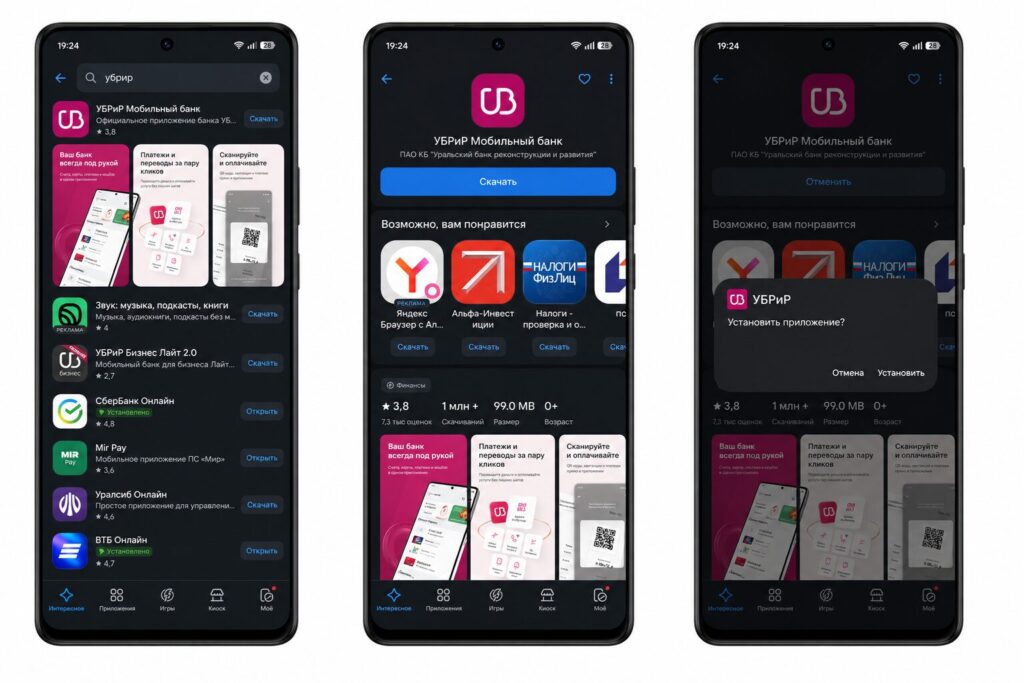
The easiest way to install and update is through RuStore
The easiest way to update the UBRiR app is through RuStore — updates arrive there automatically. If you installed via APK, simply download the latest version from the ubrr.ru website and confirm the installation without deleting the old app.
What the UBRiR Mobile App Can Do
Despite the simple installation, the app’s functionality is impressive. Inside you’ll find cards, deposits, and loans, transfers and bill payments, as well as transaction history with an expense chart by category. Logging into the UBRiR app is done via login and password, fingerprint, or Face ID. Essentially, it’s a full-fledged bank in your pocket that’s on par with apps from major banks.
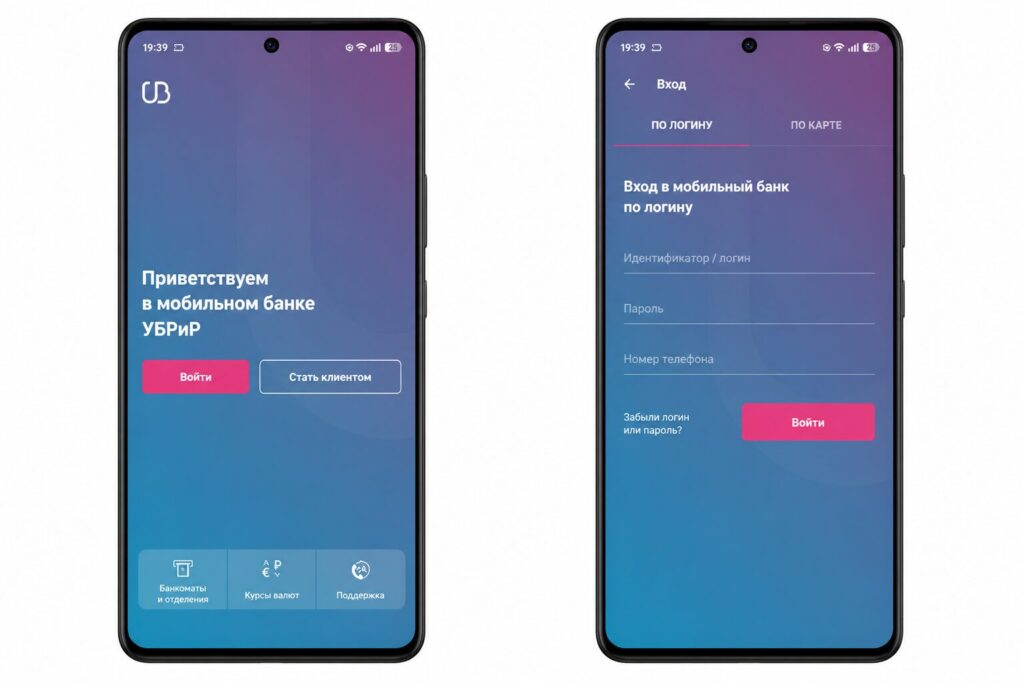
Logging into the app is done via login or card number
It’s also convenient for tracking automatic debits through the app.