If you or your parents still have an iPhone 6s, 7, or first-generation SE, it’s time to check the settings. WhatsApp* developers have raised the minimum requirements, and starting in late November, the messenger will stop launching on older iOS builds. While some are discussing new features in iOS 27, owners of older iPhones face a much more practical concern. Let me reassure you right away: no model is being completely dropped, but you do need to update.
WhatsApp will soon stop working on some older iPhones
Which Older iPhones Will Continue to Support WhatsApp
Starting November 30, 2026, WhatsApp* will require iOS 15.5 or newer. Currently, the minimum is iOS 15.1, so it’s a small but mandatory step forward. For most owners of current iPhones, nothing changes at all: iPhones from recent years have long been running iOS 18 or iOS 26, and this threshold is far below what they’re on.
You’ll need to update to iOS 15.8.8
The changes affect only five models. All of them stopped receiving major iOS versions long ago, and the most they can run is iOS 15.8.8. To make it clearer, here’s a table:
| Model | Year Released | Maximum iOS Version |
|---|---|---|
| iPhone 6s | 2015 | iOS 15.8.8 |
| iPhone 6s Plus | 2015 | iOS 15.8.8 |
| iPhone SE (1st generation) | 2016 | iOS 15.8.8 |
| iPhone 7 | 2016 | iOS 15.8.8 |
| iPhone 7 Plus | 2016 | iOS 15.8.8 |
The good news is that 15.8.8 is more than enough: this build is significantly newer than the required 15.5. So nobody is being completely cut off. Any iPhone that can run iOS 15.1 can easily update to 15.5 and continue using the messenger as if nothing happened. The key is to do it before the deadline — otherwise the app will simply refuse to open.
How to Check Your iOS Version Before WhatsApp Shuts Off
First, check which version of the system you’re running. Go to Settings — General — About and look at the “Software Version” line. If it’s anything below 15.5, it’s time to update. The rest is simple and takes just a couple of minutes:
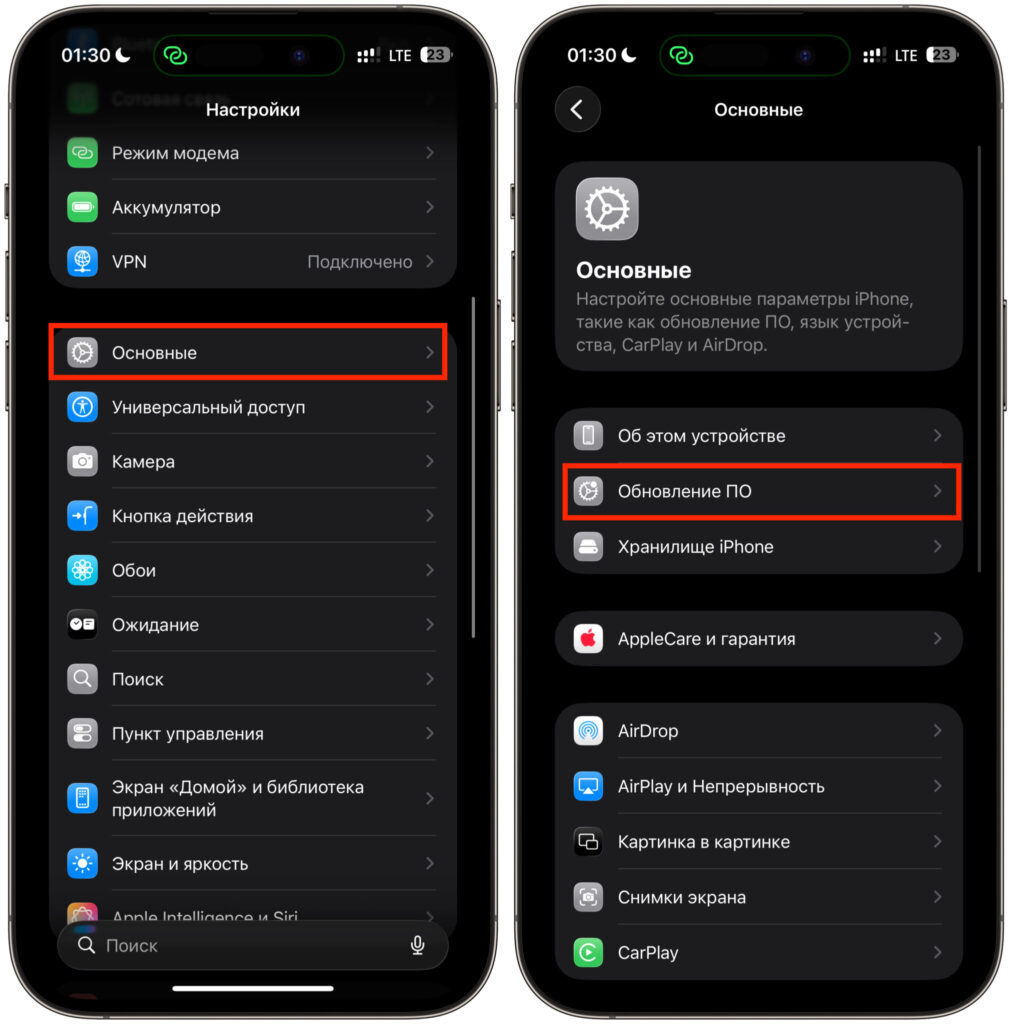
Check the “Software Update” section
- Connect your iPhone to Wi-Fi and plug it in to charge.
- Open Settings — General — Software Update.
- If the system offers a newer version, accept it and wait for the installation to complete.
For those who haven’t updated in a while, I recommend freeing up storage space beforehand and making a backup to iCloud or via computer. Older iPhones can sometimes be finicky during installation, and a backup will save you headaches if something goes wrong. On 2015-2016 models, downloading and unpacking the update may take not five minutes but half an hour, so it’s better not to start this right before heading out the door.
After updating, a confirmation will appear inside the messenger that your version is compatible. And if you’ve noticed a warning about upcoming end of support, that’s your signal to head to the update section. Just don’t trust dubious instructions from search engines: today AI can generate screenshots indistinguishable from real ones, and under the guise of help, you can easily fall for a scam. Genuine updates only come through system settings.
Which iPhones Have Already Lost WhatsApp Support
The current requirement increase looks mild, especially compared to last year’s. In June 2025, WhatsApp* officially said goodbye to the iPhone 5s, iPhone 6, and iPhone 6 Plus. These models can’t update past iOS 15.0, so their owners had no workaround: the only option became the web version of the messenger at web.whatsapp.com. And that, frankly, is a crutch: the phone essentially turns into a slab of glass without its primary means of communication.
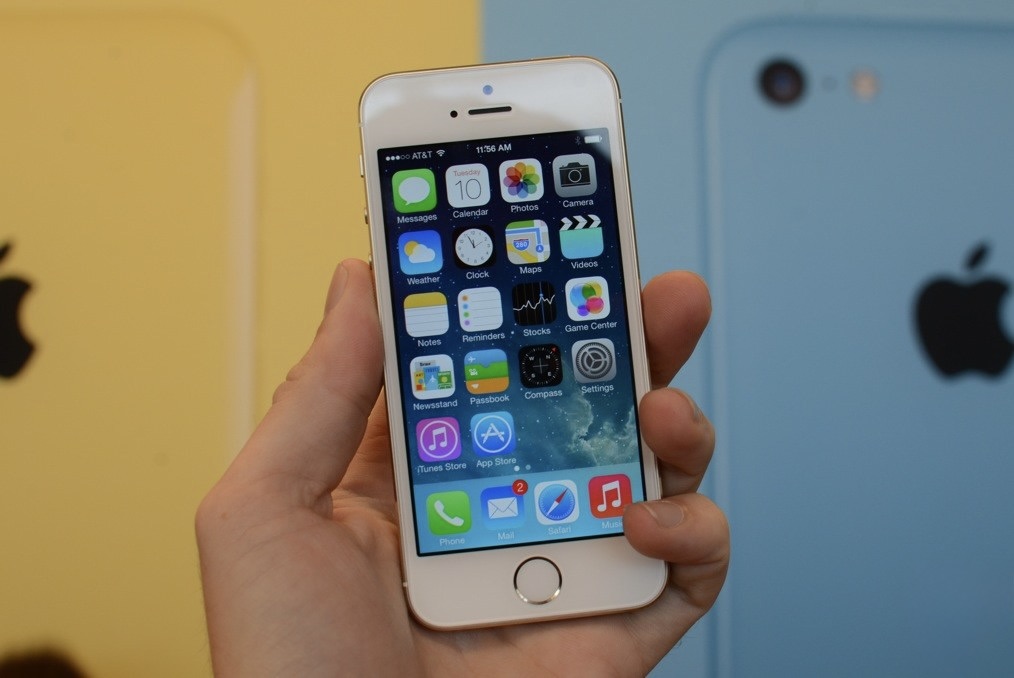
This old-timer can no longer be updated
This time, the situation is different. Since all affected devices can easily reach iOS 15.5, all you need to do is press the update button and continue messaging from your phone rather than a browser. The difference is fundamental: last year people were essentially shown the door, while now they’re just being asked to take a step inside.
Why WhatsApp Stops Supporting Older iOS Versions
The list of supported operating systems is reviewed once a year. Versions with the fewest users and those least protected by recent security patches are usually the ones to go. The logic is clear: maintaining compatibility with outdated builds is expensive and insecure, and the share of such devices shrinks every year. It’s easier for developers to drop a couple percent of users than to test every update on decade-old hardware.
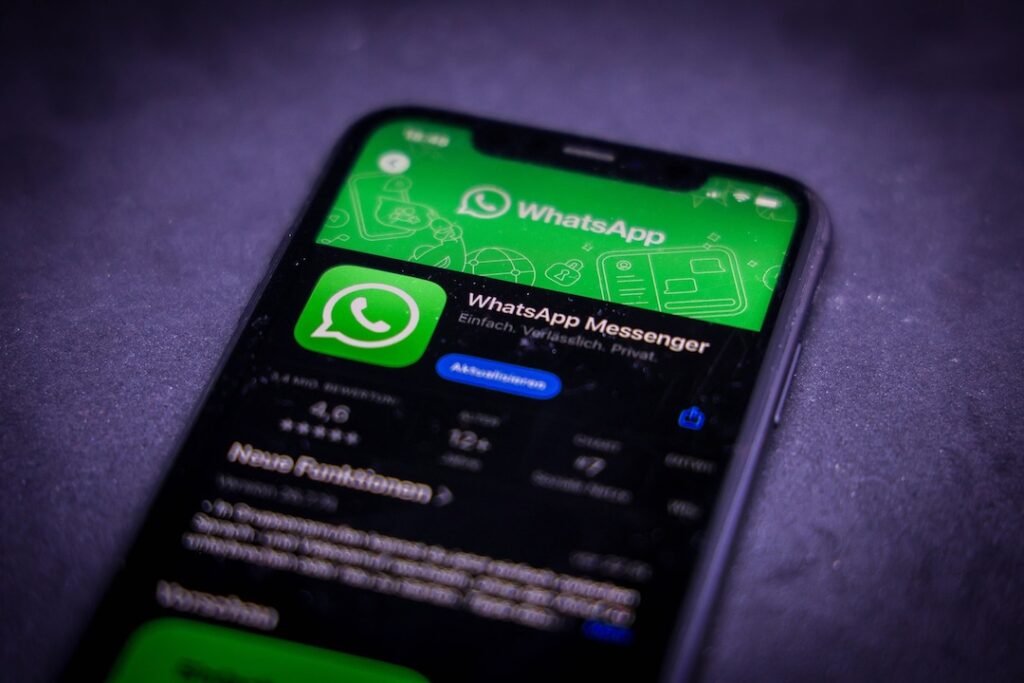
You need to update not just WhatsApp but the OS too
For Russian users, this story has an additional dimension. WhatsApp* has been operating in the country with restrictions for over six months: calls go through with difficulty, messages are sometimes delayed, and authorities have repeatedly mentioned a possible complete block. So even a fresh iOS doesn’t guarantee stable connectivity — and the issue there isn’t about app requirements but about regulatory decisions.
If you’re still sticking with the messenger, updating your old iPhone still makes sense. Version 15.8.8 patches some known vulnerabilities, and keeping the system up to date is beneficial in its own right. Details about the new requirements are published in the official support section.
*WhatsApp is owned by Meta, which has been designated as an extremist organization and banned in Russia.


