You open your iPhone in the morning, and there’s a stack of Telegram messages that arrived overnight. No sound, nothing on the lock screen, no badge with a number. If this keeps happening day after day, the problem is not in your phone settings and not in the messenger itself. As a reminder, Telegram has been blocked in Russia for several months now, and the silence in notifications is a direct consequence of this situation.

Have you experienced Telegram notifications not coming through?
How Telegram Notifications Work on iPhone
The root cause is not in the messenger or in iOS. To understand what’s happening, you need to recall how an iPhone receives push notifications in the first place. Apps don’t reach out to you directly — they hand the message to a middleman, and that middleman delivers it to your screen. On iPhone, this middleman is called Apple Push Notification Service, or APNs for short. On Android, a similar role is played by Google’s service called Firebase Cloud Messaging, or FCM.
The mechanics work like this. When someone messages you on Telegram, the messenger’s server first sends a short technical signal not to you, but to Apple’s or Google’s servers. Only after that does the phone’s operating system wake the app and show the notification on screen.
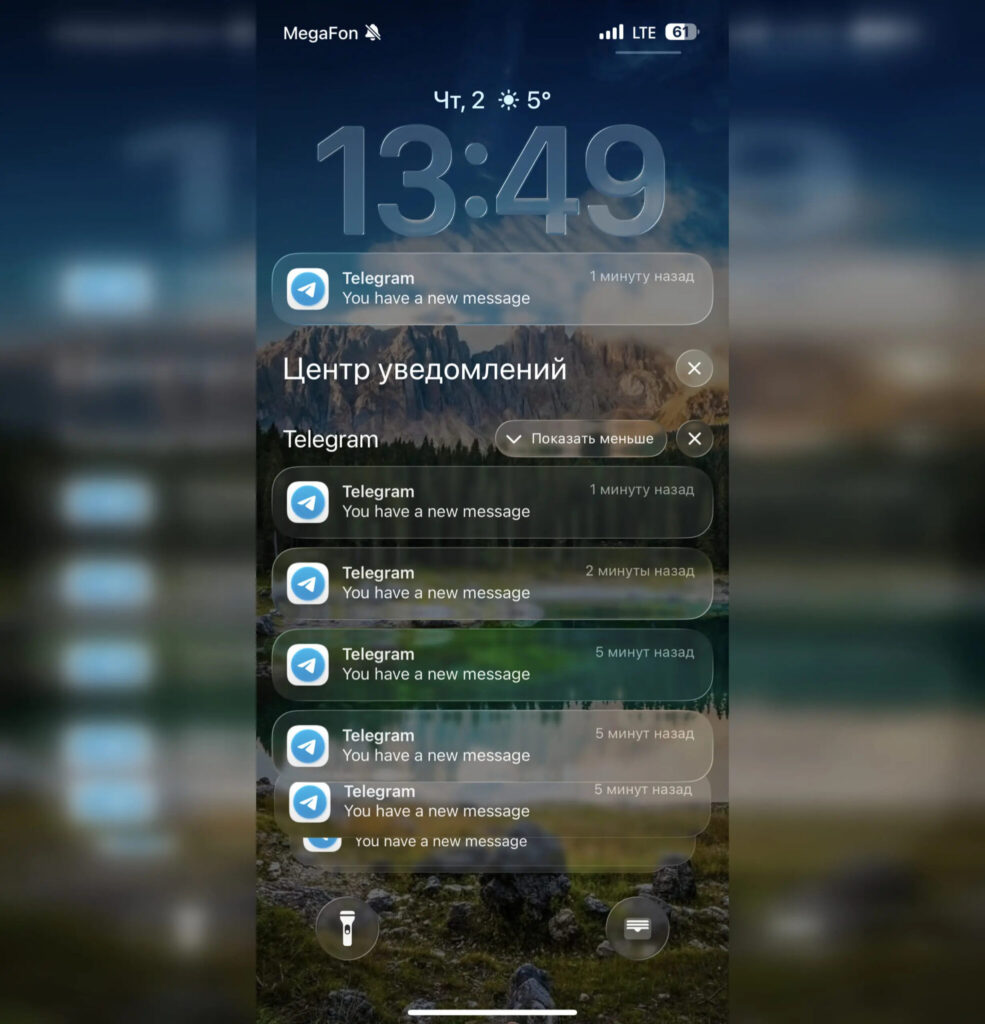
Some people receive notifications like this. Without text or sender info
And here’s the most important part. It’s not Apple’s or Google’s servers that are under restrictions, but Telegram’s own traffic. The proof is right on the surface: push notifications from email, banks, and other apps arrive as usual. This means Apple’s delivery system works normally — it’s specifically the messenger that stumbles. While the app is open, it maintains a live connection to its servers and pulls messages on its own. As soon as that connection hits restrictions, notifications have nowhere to come from.
This is why the situation is so confusing. Notifications are enabled both in the app and in iOS settings, the phone reliably shows pushes from everything else, yet Telegram remains silent. It’s not about checkboxes — it’s about how far the messenger’s traffic can reach.
When Telegram Notifications Arrive Without Delays
In some cases, notifications arrive correctly and without any workarounds. If the app is currently open or running in the background within the system-allowed interval, the message can arrive directly from Telegram’s servers. In that case, the notification appears instantly.
Everything breaks the moment you lock your smartphone and iOS offloads the app from memory to save battery. There’s no longer a live connection to Telegram’s servers, and the messenger can’t restore it quickly enough through the throttled traffic. So the typical pattern looks like this: during the day, while the phone is in your hands, the conversation works almost normally, but as soon as you put the iPhone in your pocket for a couple of hours, messages turn into a silent stack.
The same dependency on system pushes extends to other Apple devices as well, so the issue is definitely not limited to just the iPhone.
Complaints about this have been coming in waves since winter. Back in February and March, users from different regions reported delivery delays and selective notifications, and by summer the problem became widespread. In June, dozens of publications noticed it simultaneously, so this is definitely not a glitch with one carrier or a specific firmware issue.
What Affects Telegram’s Connection to Its Servers
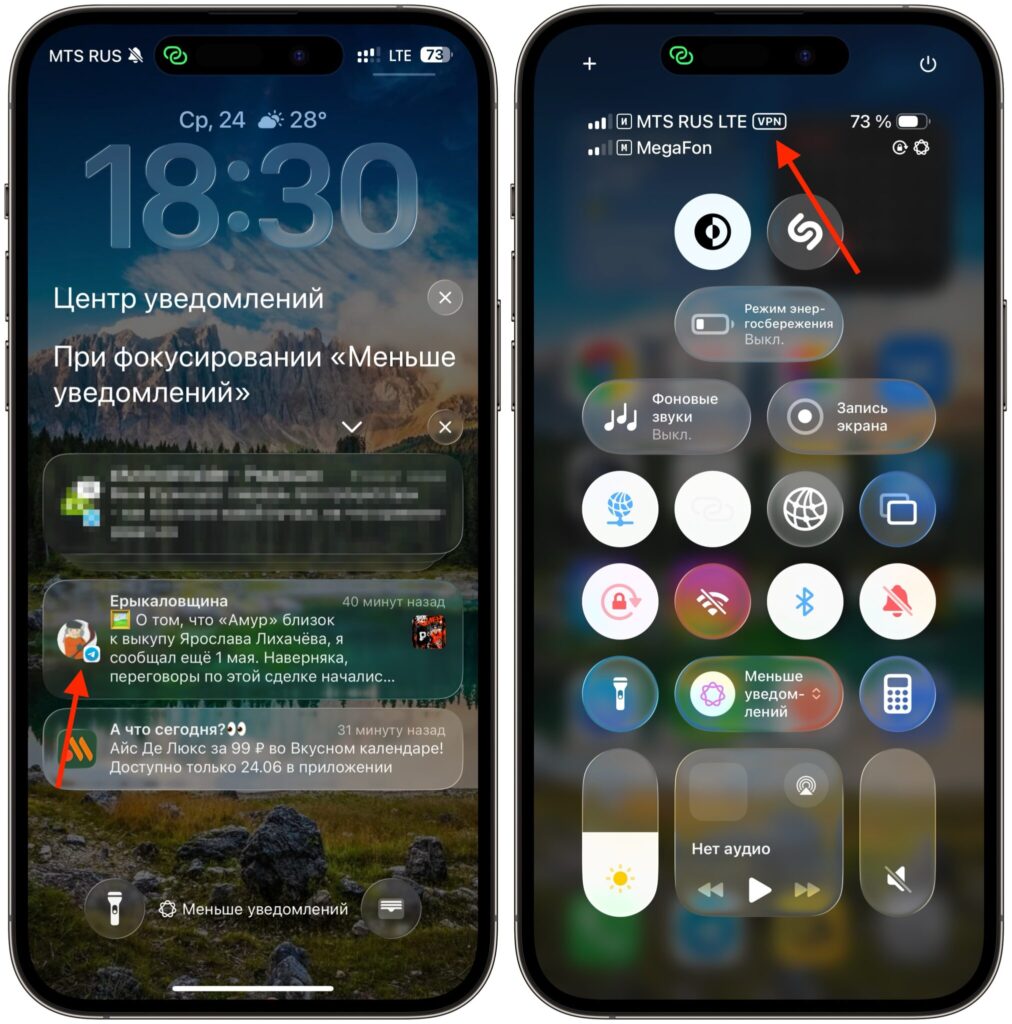
Enable a foreign IP address and notifications come back to life
Many users notice that notifications return when the device is running through a foreign IP address. The logic is simple: if traffic to Telegram’s servers no longer hits regional restrictions, the messenger maintains its connection again and pushes get through. I tested this myself. I constantly keep a foreign IP active on my iPhone and have no problems. This is indirectly supported by Telegram’s own statistics: tens of millions of Russians access the messenger through indirect connections.
Among the things that can be discussed openly: Telegram itself has a built-in proxy setting using the MTProto protocol — this is a standard app feature, not a third-party program. But even here, everything depends on the availability and stability of specific servers, which change literally every day.
How Telegram Plans to Solve the Notification Delivery Problem
Telegram is trying to create its own push system, but there’s still no alternative path on iPhone for now
The good news is that the messenger’s team is aware of the problem. Telegram is already trying to develop its own push delivery mechanism that would work through the messenger’s own infrastructure rather than through Apple’s and Google’s system pushes. The idea is for notifications to arrive through the same channels where Telegram knows how to break through restrictions, rather than depending on a connection that’s currently being disrupted. However, whether Apple will allow this and whether it’s even possible on iPhone is a big question.
It’s too early to celebrate. The system is unstable and not supported everywhere. That means for some users it may already be picking up notifications, while their neighbor with the same iPhone still experiences silence. There’s no universal switch that fixes everything with one button as of today.
In summary: if Telegram notifications arrive late or don’t arrive at all, start with the obvious — check that they’re enabled both in the app settings and in the iOS section for Telegram, update the messenger to the latest version, and restart your phone. If nothing changes after that, the issue is almost certainly due to network-side restrictions rather than your device. Switch to a foreign IP address and the problem will be solved. And to avoid missing important messages, set up a backup communication channel in advance.