Last week Apple removed the third-party Telegram client Telega from the App Store, but as it turned out, that was only the beginning. Now Apple is blocking already-installed Telega on users’ devices — when trying to open the app, a system warning about malicious code appears. Let’s break down what happened and what to do.
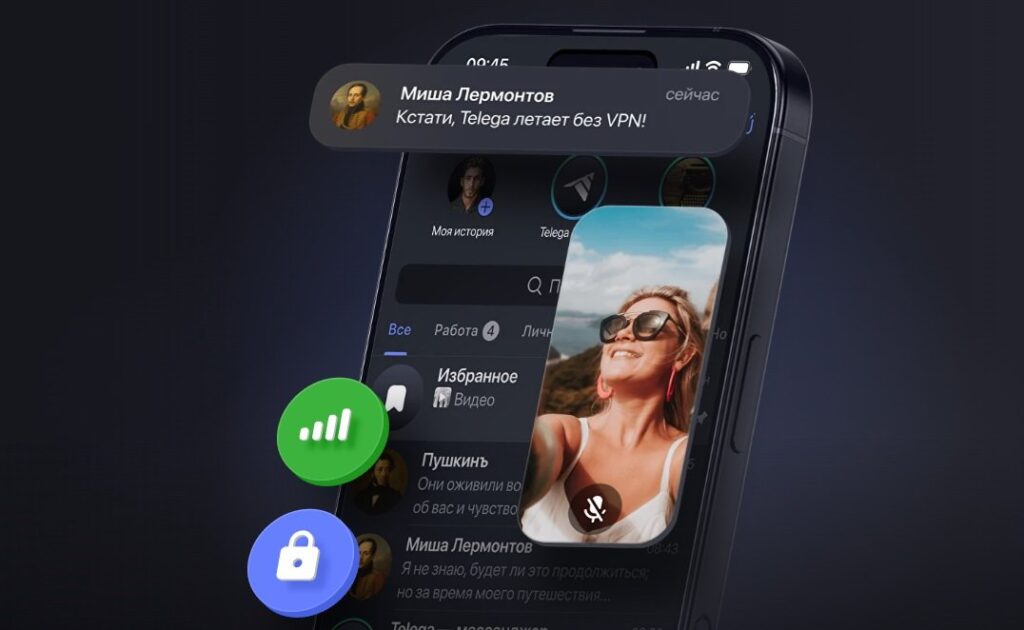
Telega turned out to be so unsafe that Apple is blocking it directly on devices
iPhone Says Telega Contains Malicious Code — What Is This
iPhone owners who still had Telega on their device after its removal from the App Store began receiving a system warning. It looks like this: “Telega” contains malicious code. Following that is text stating that the app cannot be opened and needs to be deleted.
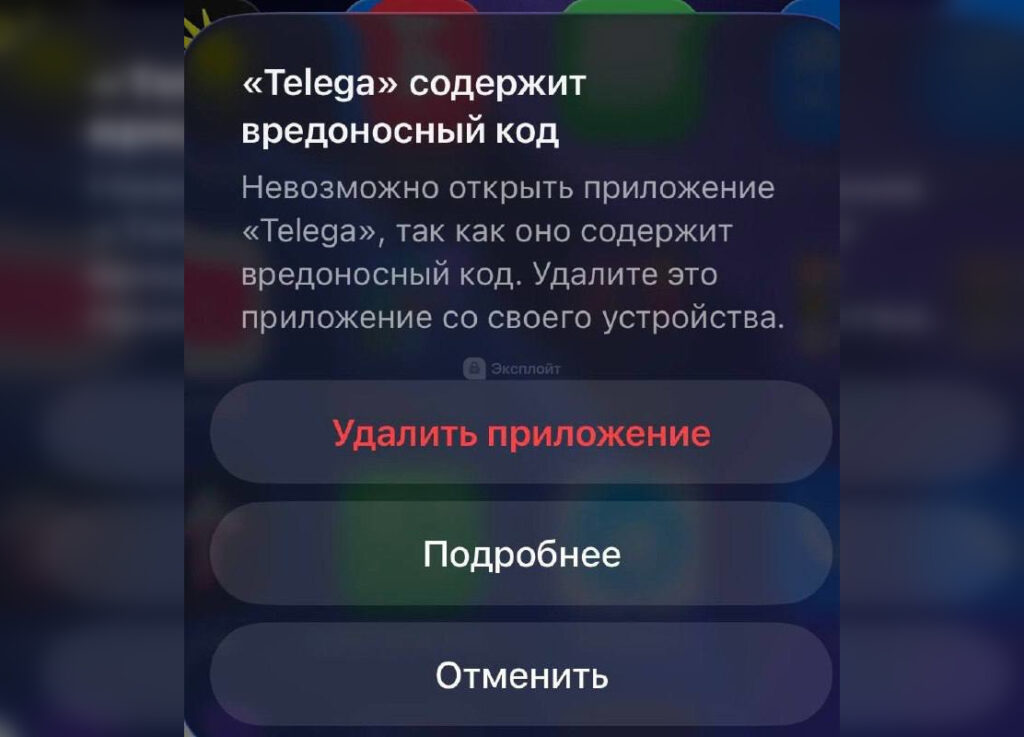
This is the message that appears. Image: Exploit
This is not a fake browser banner or advertising scam. This is a full-fledged iOS system notification that blocks the app from launching. There are three options: delete, view details in settings, or cancel. But even if you press “Cancel,” you won’t be able to use Telega — the app simply won’t open.
iOS Blocks Dangerous Apps on iPhone
Many people are used to thinking that iPhones aren’t susceptible to viruses. Generally, that’s true, but Apple has a built-in verification mechanism for installed applications. The system regularly checks them against a list of known malicious software.
If an app ends up on this list, iOS blocks its launch and displays that same warning. Technically, the user can force-enable the app through “Settings,” but Apple directly warns: using such an app may harm the device or compromise personal data.
Previously, this feature was virtually unnoticeable — openly malicious apps simply didn’t make it into the App Store. Telega became one of the first high-profile cases where the protection activated on an already-installed application.
Why Apple Removed Telega from the App Store
The Telega story developed gradually. The app appeared in spring 2025 and quickly gained popularity in Russia — it allowed users to access Telegram without a VPN amid blocking restrictions. In February 2026, Telega even made it into the top of the most downloaded apps in the Russian App Store.
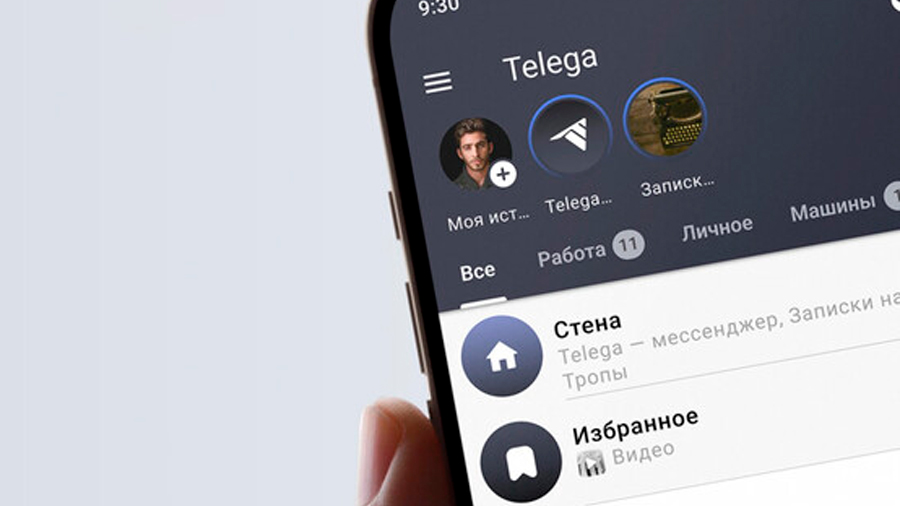
The app turned out to be unsafe. Image: the-geek.ru
Problems began in March when independent researchers conducted a technical audit. The results were alarming. The app was replacing Telegram data center addresses with its own servers in Kazan. An additional RSA key, absent from the official client, theoretically gave developers the ability to intercept traffic. Secret chats and encrypted calls were forcibly disabled at the code level. And upon first login, the app collected personal data — phone number, name, device model, IP address — and sent it to separate servers.
On April 9, 2026, Cloudflare flagged Telega’s domains as spyware. After that, GlobalSign revoked the project’s TLS certificate, and Apple removed the app from the App Store. Later, Cloudflare and VirusTotal removed their flags, but the app never returned to the App Store. And now Apple has blocked it on devices entirely.
What to Do If Telega Is Installed on Your iPhone
The answer is simple — delete it. You can do it right from the system warning or from the home screen. But that’s not all. The developers have already commented on the situation.
If you’re still confident in this app, you can go to Settings, select Telega from the app list, and restore it. But remember, you do so at your own risk.
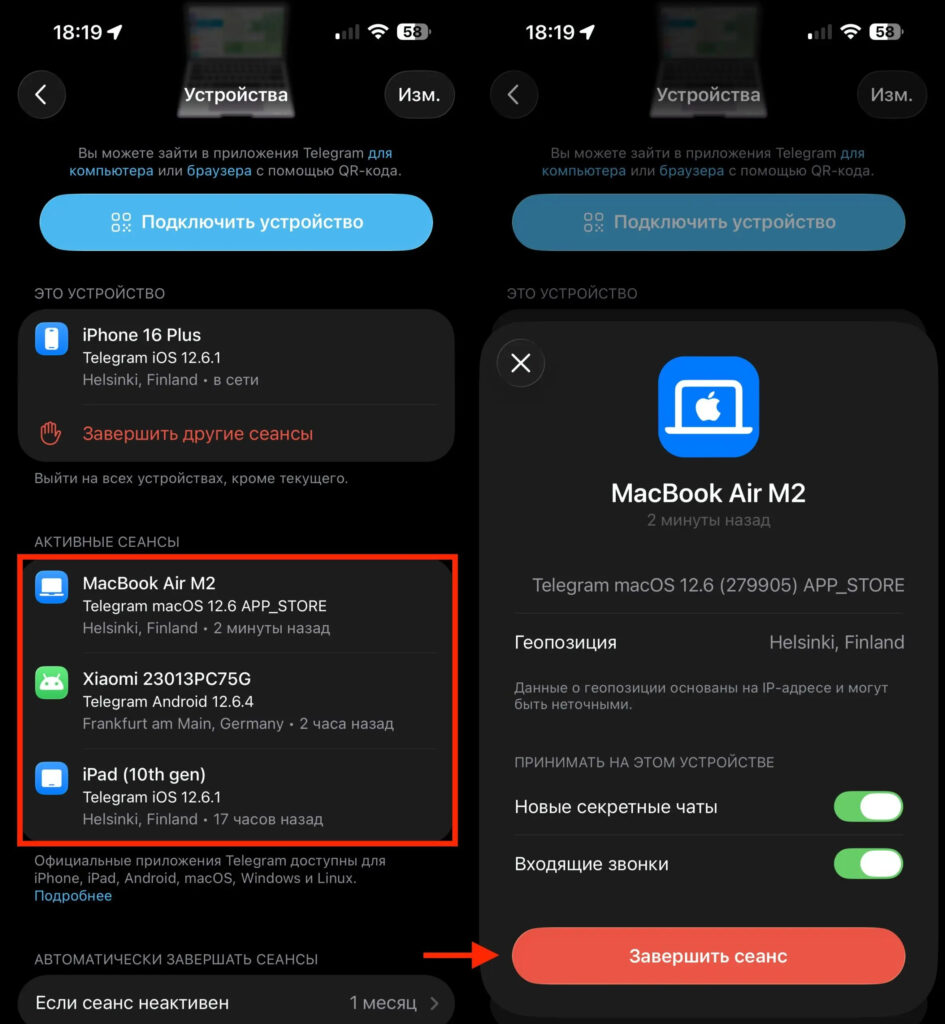
Make sure to log out of Telega in your account
If you logged into Telega with your Telegram account, open the official client (or Swiftgram if the main one isn’t working), go to “Settings” — “Devices” and terminate all suspicious sessions. Enable two-step authentication if you haven’t already. This is especially important for those who used Telega for work conversations, managed channels, or received confirmation codes.
For accessing Telegram under restrictions in Russia, there are safe alternatives — such as Swiftgram with open source code and no extra bloat. Or simply switch to another messenger, as there are plenty of options now. The main thing is not to repeat the mistake with Telega and not to trust clients that promise “magical” bypass of blocks. If an app works where the official Telegram doesn’t, it’s worth considering what servers your traffic is going through.


