Apple’s MagSafe technology exists in two completely different versions: magnetic charging for MacBook and wireless magnetic charging for iPhone. They share the same name but are designed differently and used for different purposes. I’ll admit, after buying an iPhone with MagSafe, I literally fell in love with this technology — and now I use it constantly and recommend it to everyone I know. In this Apple MagSafe guide, we’ll break down what MagSafe is, how it differs from standard Qi wireless charging, which iPhones and Macs support it, and how fast they charge.
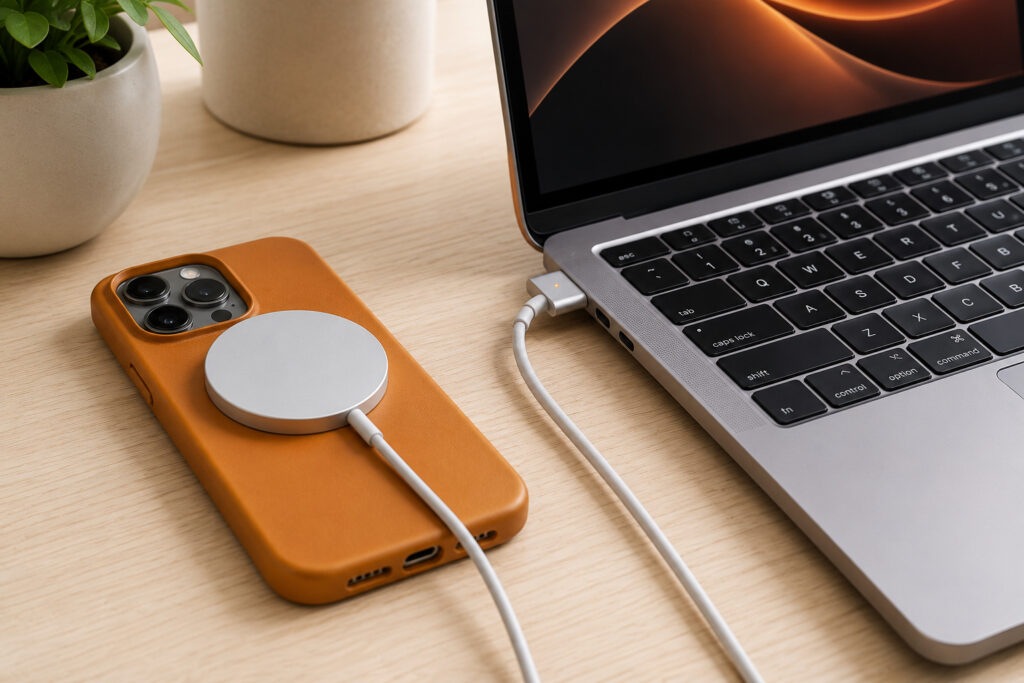
Understanding the differences between MagSafe in Apple smartphones and computers
What Is MagSafe in iPhone and MacBook
The word MagSafe consists of two parts: “Mag” — from magnetic, and “Safe” — safe. Originally, around 2006, this was the name for Apple’s laptop charging system. The cable connected to the MacBook via magnets, making it easy to attach, and if someone tripped over the cord, the connector would detach on its own, keeping the laptop on the desk instead of crashing to the floor.
Later, Apple used the same name for wireless iPhone charging, starting with iPhone 12. Here, the magnets serve a different function — they help precisely align the iPhone’s charging coil with the charger’s coil. So under one name, there are actually two different technologies: wired magnetic charging for Mac and wireless magnetic charging for iPhone.
MagSafe Magnetic Charging for iPhone: How It Works
iPhones have been able to charge wirelessly since iPhone 8. Initially, Apple used the widespread Qi standard (pronounced “chee”): you place the smartphone on a charging pad, and if the pad’s coil aligns with the coil inside the iPhone, charging begins.
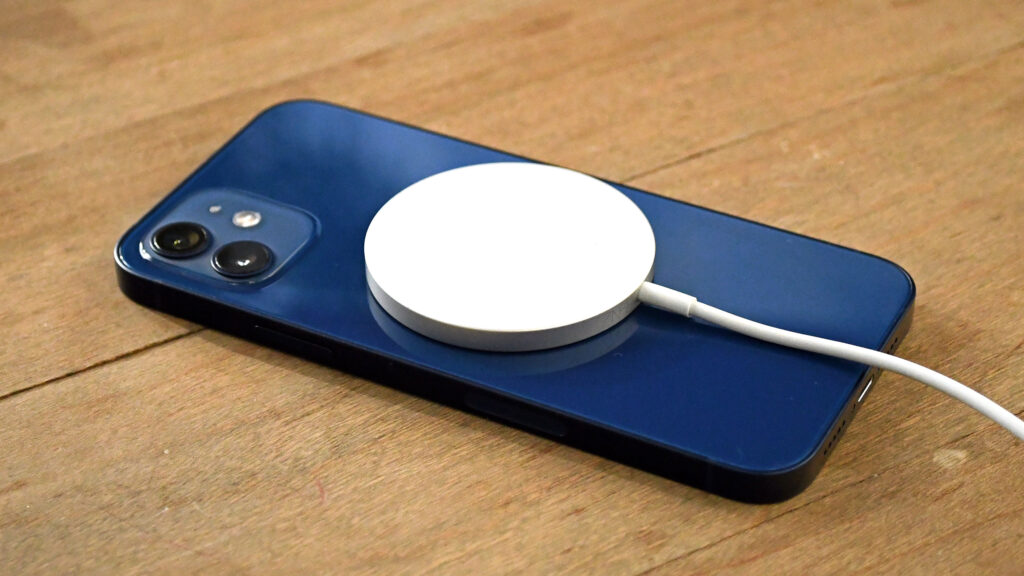
MagSafe in iPhone magnetically attaches to the back panel of the smartphone
The problem was that the coils could easily shift, causing charging to either go very slowly or not start at all. Many people experienced the situation where a phone left “charging” overnight turned out to be dead in the morning.
MagSafe was the solution. Around the charging coil in every iPhone 12 series and newer, there is a built-in ring of magnets. Thanks to this ring, chargers and other accessories magnetically attach to the back panel precisely in the center and don’t shift. This applies not only to chargers — you can attach cases, stands, holders, cardholders, and external batteries to the magnets.
An interesting detail: iPhones for the Chinese market have MagSafe designed slightly differently, and this noticeably affects charging speed. If you use wireless charging or magnetic accessories, make sure your case is MagSafe compatible. Otherwise, the iPhone’s magnets may not work through the case material.
MagSafe, Qi, and Qi2: What’s the Difference in Charging Speed
The main advantage of magnetic alignment is higher and more stable charging speed. Let’s break it down by standard:
- Certified MagSafe charges at up to 15W, and with iPhone 16 and newer — up to 25W.
- Basic Qi theoretically also delivers up to 15W, but due to coil misalignment, it works less efficiently. Many popular chargers only delivered 5W. For chargers without MagSafe certification, Apple limits the speed to 7.5W.
- Qi2 — a standard that the Wireless Power Consortium created based on Apple’s developments. It replicates magnetic alignment and delivers up to 15W.
- Qi2.2 — a newer version that ramps up to 25W for the latest iPhone models.
That said, wired charging still remains faster. Through the USB-C port (from iPhone 15) or Lightning (earlier models), the iPhone charges at 30W and above. A cable is always more efficient than wireless charging because some power is lost during “over-the-air” energy transfer. MagSafe is more efficient than standard Qi thanks to precise magnetic alignment, but it still falls short of a cable.
List of iPhones with MagSafe Support
MagSafe is available on all iPhones starting from iPhone 12, with the exception of iPhone SE and iPhone 16e. Wireless charging speed depends on the model:
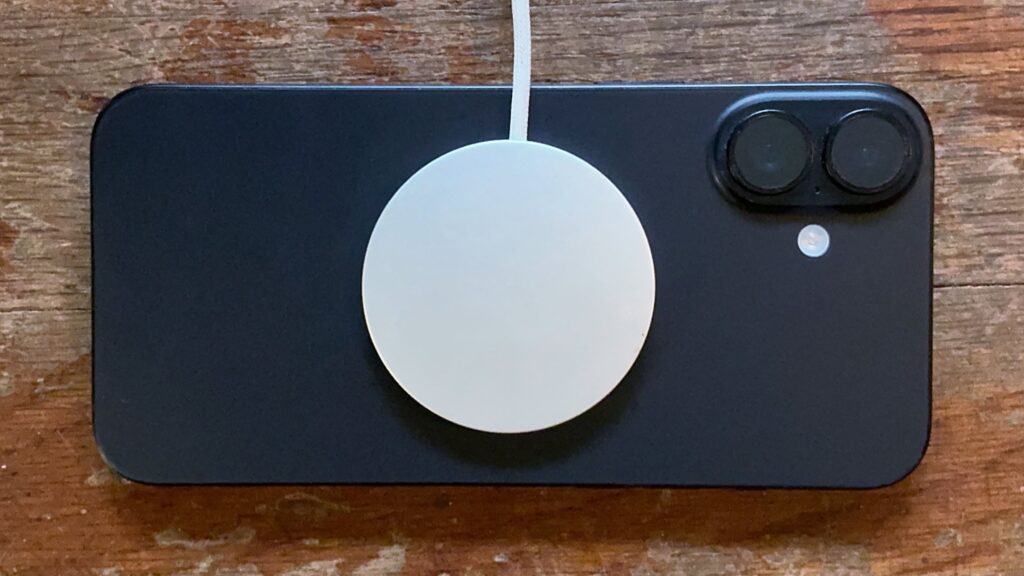
iPhone 16 and 17 charge faster via MagSafe than older models
- iPhone 12–15: up to 15W via MagSafe, Qi2, or Qi2.2.
- iPhone 12 mini: up to 12W via MagSafe, Qi2, or Qi2.2.
- iPhone 16–17: up to 25W via MagSafe or Qi2.2.
- iPhone 17e: up to 15W via MagSafe or Qi2.2.
- iPhone Air: up to 20W via MagSafe or Qi2.2.
There are nuances with older models. For example, when using a MagSafe charger with iPhone 11, the process can be very slow, so magnetic charging doesn’t make much sense for those phones.
How to Choose a MagSafe Charger for iPhone
The Apple MagSafe Charger is sold separately. In the US, the price is $39 for the 1-meter cable version (approximately 4,000 ₽ in Russia) and $49 for the 2-meter cable version (about 5,000 ₽ in Russia). It’s a round puck with a built-in USB-C cable and magnets that automatically align with the iPhone’s magnets.
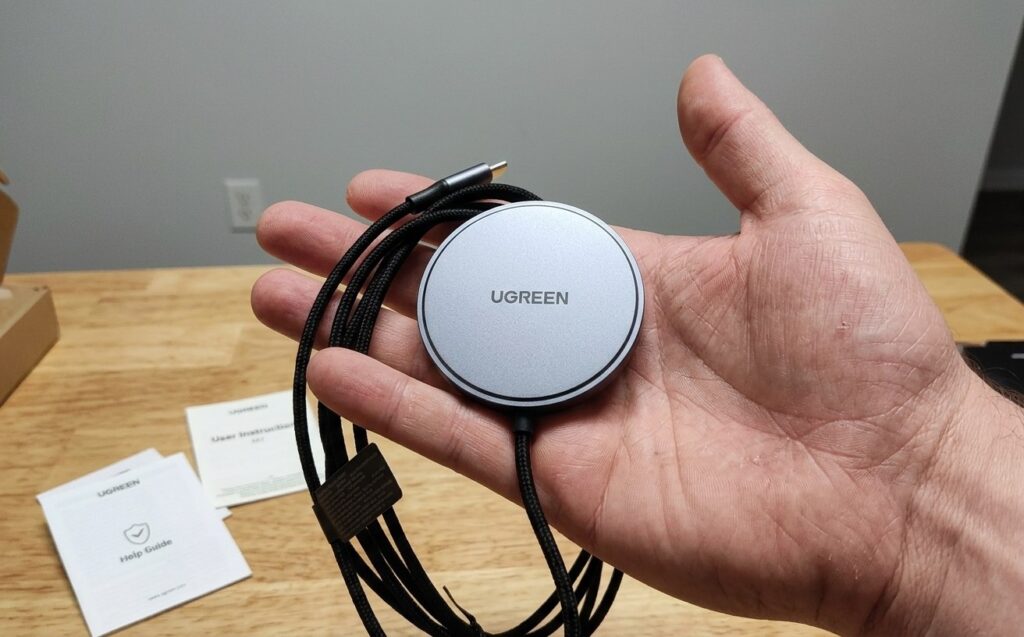
Definitely consider the UGREEN option. Cheaper than the original and certainly no worse
An important point: the MagSafe charger does not include a power adapter. The cable ends with a USB-C connector, so you’ll need a separate USB-C wall adapter. Any adapter rated above 20W will work — you can even safely use a 100W charger with a 15W MagSafe pad because the device regulates its own power consumption. Neither a power adapter nor a MagSafe cable is included in the iPhone box itself.
MagSafe Charging for MacBook: How It Works
The first MagSafe charging cable appeared in 2006 alongside the MacBook Pro. Users loved the connector specifically for its safe disconnection: if you bump the cord, the cable gently detaches while the laptop stays on the desk.
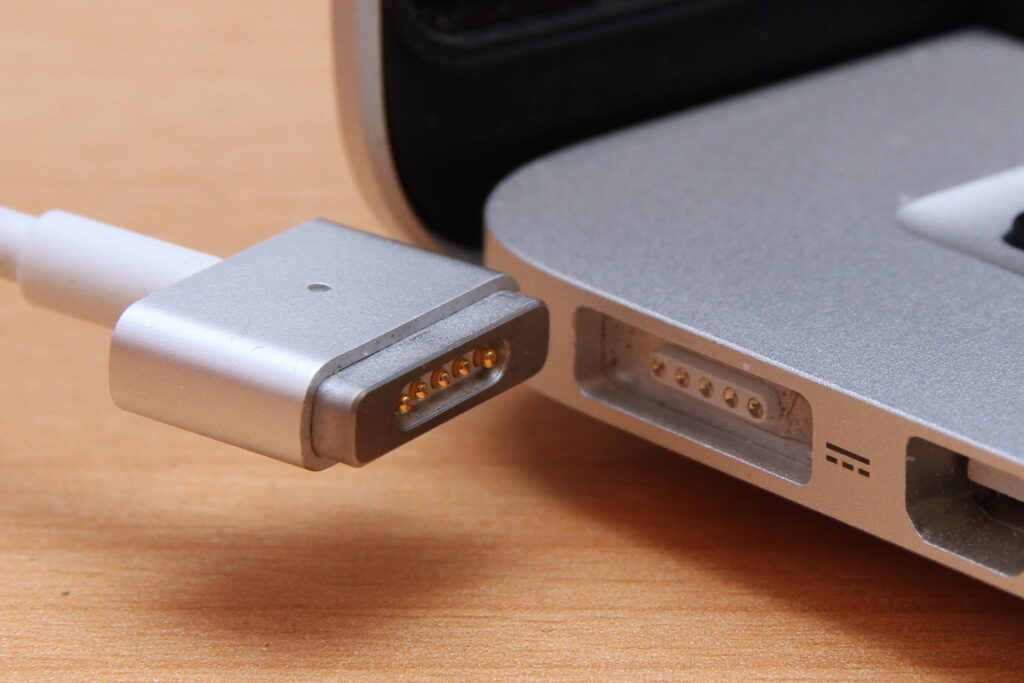
MagSafe works differently in MacBook