According to rumors, Apple’s next flagship laptop may not launch as a MacBook Pro, but as a MacBook Ultra — a separate model above the Pro lineup. This means the current M5 Pro and M5 Max will likely remain on sale, while the Ultra will be yet another step up in price. Below are five features that justify this name, along with a sober assessment of who will actually benefit.
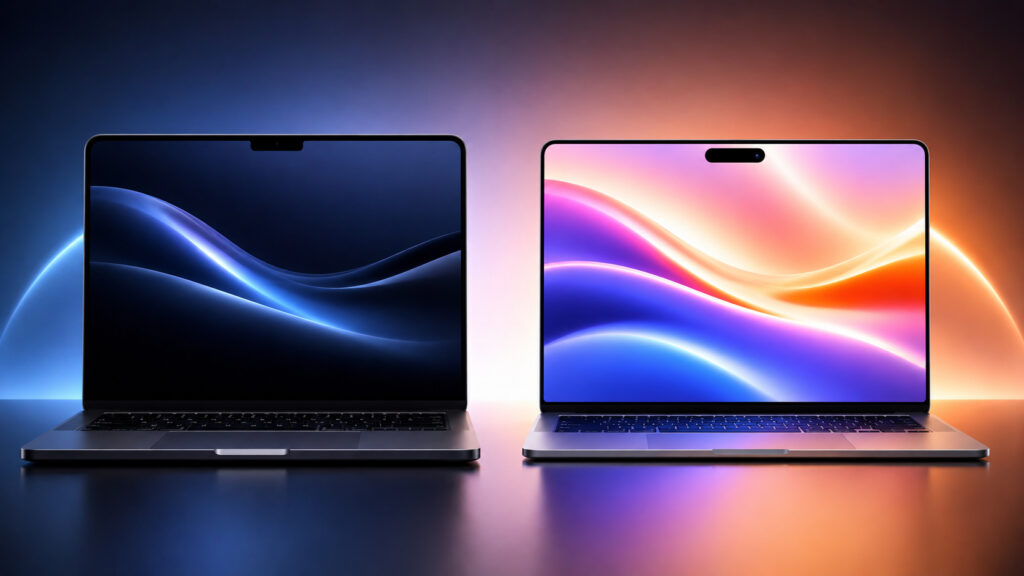
The differences between the computers will be visible at first glance
MacBook Ultra Release Date
According to current forecasts, the new model will arrive in late 2026 or early 2027, with the latter now looking more likely — due to a global memory chip shortage. Apple already uses the Ultra name in Apple Watch Ultra, CarPlay Ultra, and its top-tier processors, and it almost always means a noticeably higher price tag.
This is part of Apple’s broader strategy — releasing more models at different price points. At the lower end, the MacBook Neo appeared at $599, while at the top, the Ultra will reportedly round out the lineup. There’s no confirmed MacBook Ultra price yet — this is a rumor, not a confirmed fact, and should be treated accordingly.
MacBook with OLED Display: What Will Change for Users
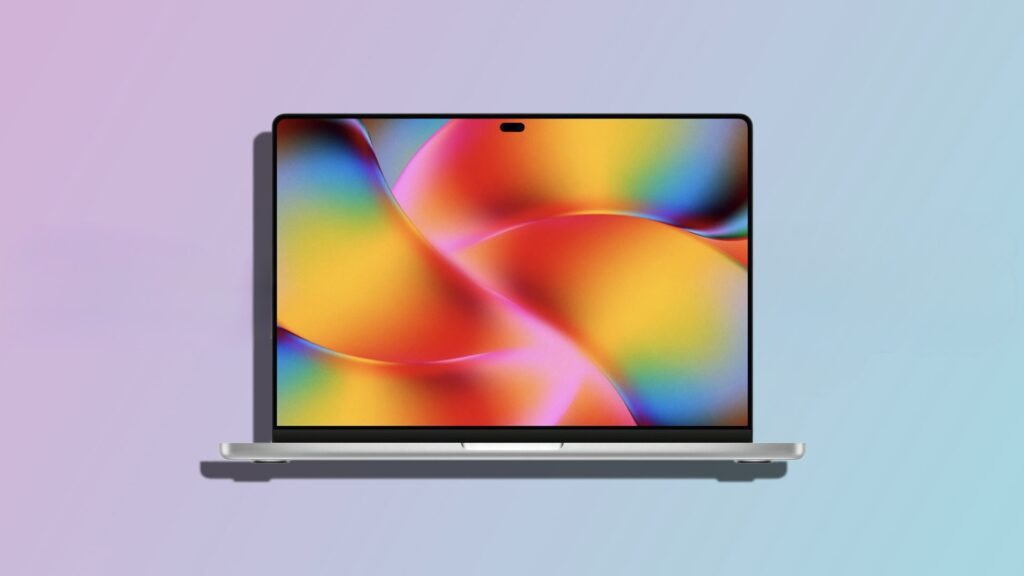
Screen colors will be vibrant and bright
The transition of MacBook Pro to OLED is being reported by several authoritative sources. The panels will reportedly be made by Samsung Display, which has invested in an 8.6-generation OLED production line in South Korea and recently reached a key milestone for mass production.
Apple is reportedly using hybrid OLED technology — the same as in the current iPad Pro. Compared to the current MacBook Pro with mini-LED, this means higher brightness, contrast, and energy efficiency. In practice, users will get deeper blacks, noticeably better HDR video quality, and potentially lower battery consumption on dark interfaces.
Why MacBook Needs a Touchscreen
The most unexpected part of the rumors is that the new MacBook is set to become the first Mac with touch support directly on the screen. Apple publicly opposed touchscreens on laptops for years, and the only experiment was the Touch Bar, which was eventually removed due to a lukewarm reception from users.
Apparently, Apple isn’t turning the MacBook into an iPad-like device: the touchscreen will complement the trackpad and mouse, not replace them. macOS will need to be updated for this — interface elements will change size depending on what you’re using. For example, tapping a menu item with your finger will open larger controls optimized for touch.
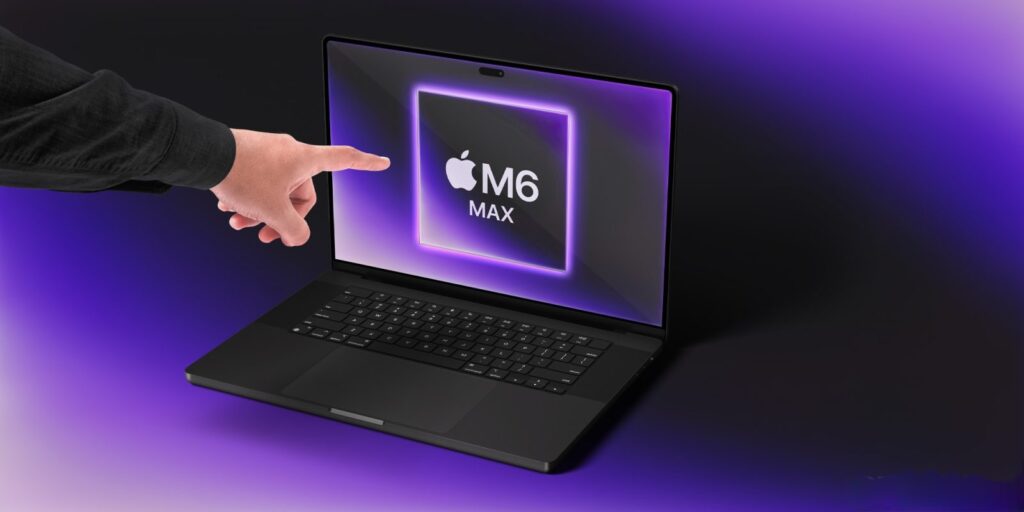
You’ll be able to tap the MacBook screen with your fingers
Who will actually benefit from this? Mostly those who draw, take notes, or work with long lists — swiping with a finger is sometimes faster than reaching for the trackpad. For most tasks, this will remain a nice bonus rather than a revolution.
What Will Happen to HDMI, SD Card, and MagSafe in the New MacBook
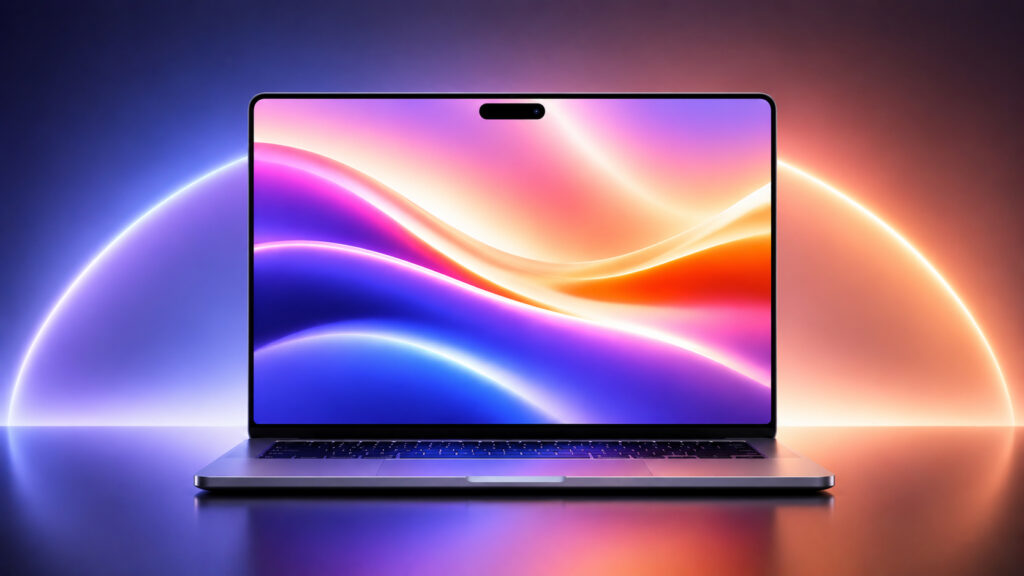
The MacBook will also get thinner
According to rumors, Apple is making the OLED MacBook noticeably thinner — as part of its strategy to create “the thinnest and lightest devices in the industry.” The benchmark is the latest iPad Pro and iPad Air, some of the thinnest devices the company has ever released.
There’s an important caveat here. In 2021, the MacBook Pro intentionally became thicker and heavier to bring back HDMI, SD card, and MagSafe ports that had previously been removed for the sake of thinness. The key question is how Apple will make the new body thinner without dropping those ports again. There’s no answer from sources yet, and this is the kind of detail worth waiting for the official presentation rather than pre-ordering blindly.
How Dynamic Island Will Change the MacBook Screen
There’s good reason to believe that the OLED MacBook could ditch the familiar notch at the top of the screen and get a Dynamic Island equivalent — the animated area with the camera that first appeared on the iPhone 14 Pro in 2022. On the Mac, it will also be interactive and expand depending on the app or function.
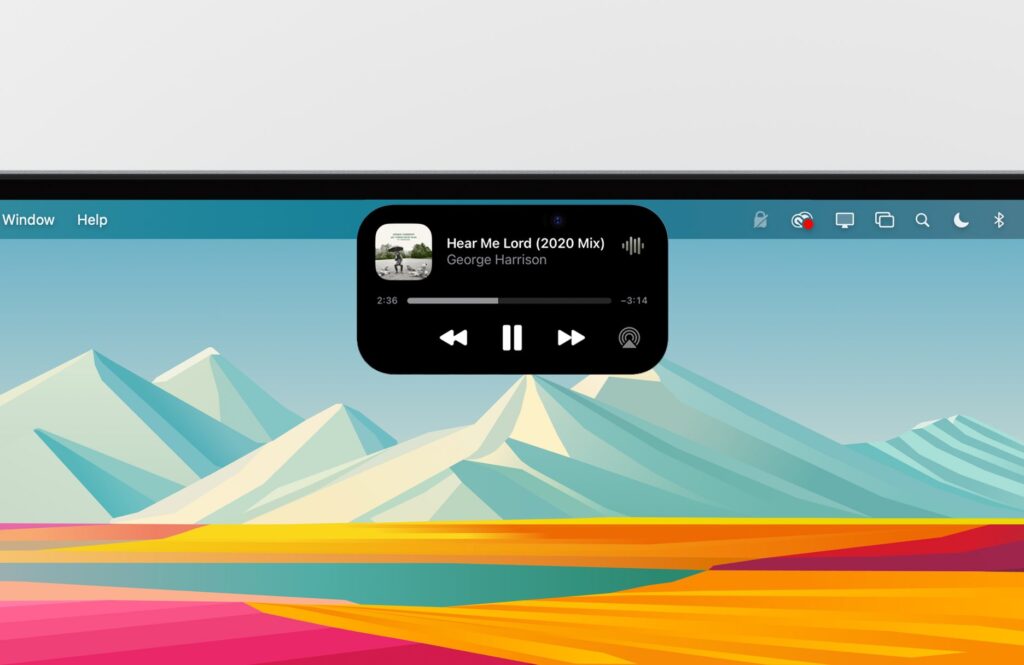
Dynamic Island will be just as useful as on iPhone
This addresses a longstanding complaint: the current notch physically intrudes into the macOS menu bar and sometimes overlaps app icons. If the implementation resembles the iPhone’s, users will get a cleaner menu bar and convenient playback, timer, and call indicators right next to the camera.
What M6 Pro and M6 Max Chips Will Bring to MacBook
M6 Pro and M6 Max chips will significantly boost performance