You bought a MacBook abroad or through parallel import — and there’s not a single Russian letter on the keyboard. A familiar situation for thousands of users in Russia. If you just bought a MacBook and are still choosing between a mouse and a trackpad, the keyboard question is probably a pressing one too. The seller immediately offers to get laser engraving done, but one question keeps nagging: won’t it damage the laptop? Let’s figure out how safe this procedure is and whether you should worry about it at all.
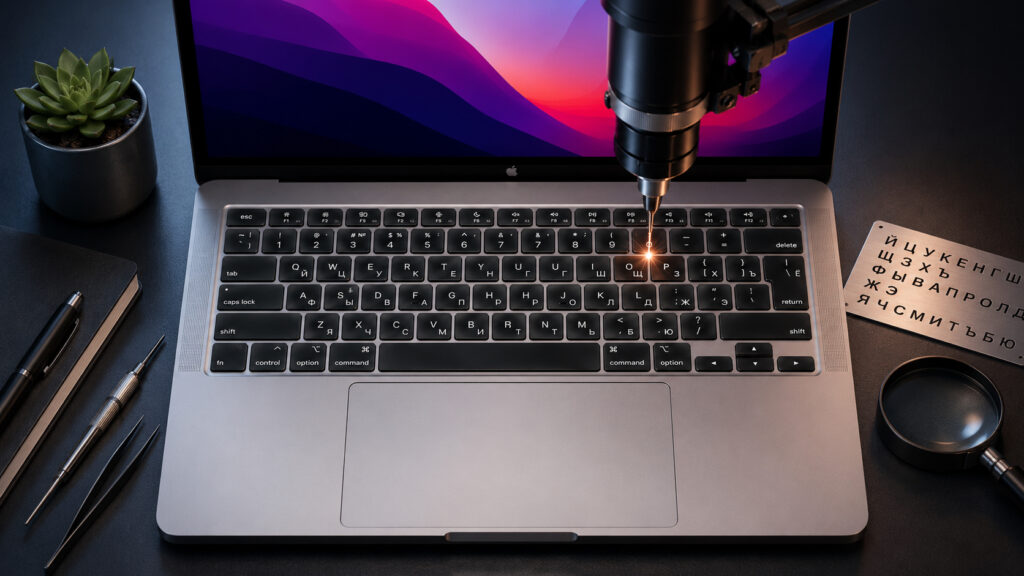
Does engraving harm the MacBook itself?
How Russian Engraving Is Done on a MacBook Keyboard
After Apple’s departure from Russia, all MacBooks reach us through parallel or gray imports. This means the keyboard has only Latin characters. For those who can touch-type, this isn’t a problem. But let’s be honest — such people are a minority. The rest have to find a solution, and laser engraving is the most popular option.
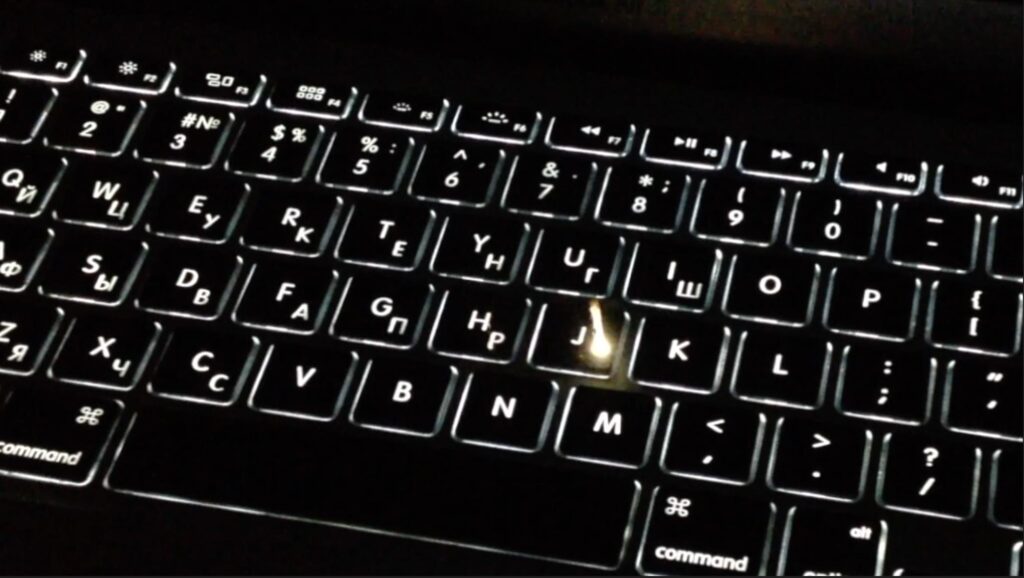
This is what the engraving process looks like
MacBook keys are made of transparent plastic coated with a layer of black paint. This is exactly how the backlight works: light passes through transparent areas, forming the outlines of letters. During engraving, a thin beam burns away the top layer of coating in the right spots. This creates a microscopic indentation through which the backlight shines through.
The process is fully automated — everything is controlled by a computer, and the technician only sets the parameters. The chance of error is virtually zero. The entire procedure takes 10 to 30 minutes. The laptop doesn’t need to be disassembled, and the keys aren’t removed. Incidentally, all MacBooks recently received a new keyboard, but this hasn’t affected the engraving process in any way.
Can Laser Engraving Damage a MacBook?
The main fear users have is that the laser might damage the electronics. This is a misconception. The beam acts exclusively on the top layer of key plastic. It doesn’t penetrate inside the case, doesn’t heat up components, and doesn’t affect the backlight, trackpad, or other elements. Laser engraving is not a structural modification of the device. The laptop isn’t opened, and internal components aren’t touched.
Another common myth is that engraved letters can be felt by touch. In practice, the indentation is so minimal that your fingers can’t feel it. The keys remain as smooth as before the procedure.
The second most popular question is whether the warranty will be voided. The answer is simple: no. Engraving is not grounds for refusing warranty service — neither from the retailer nor from Apple. The warranty covers internal device components: the motherboard, battery, display, and storage. Applying characters to the key surface has nothing to do with these components and cannot cause them to fail. Even stickers on keys aren’t a reason to void the laptop’s warranty — let alone professional engraving.
Differences Between Russian MacBook Engraving and the Factory Keyboard
There’s one nuance worth knowing about in advance. On MacBooks intended for the Russian market, Latin and Russian letters were placed in opposite corners of the keys — Latin in the upper left, Cyrillic in the lower right. On American and European models, English letters are centered. During engraving, Russian characters are usually applied in the lower right corner, and the letter placement differs from the “classic” Russian Apple keyboard.
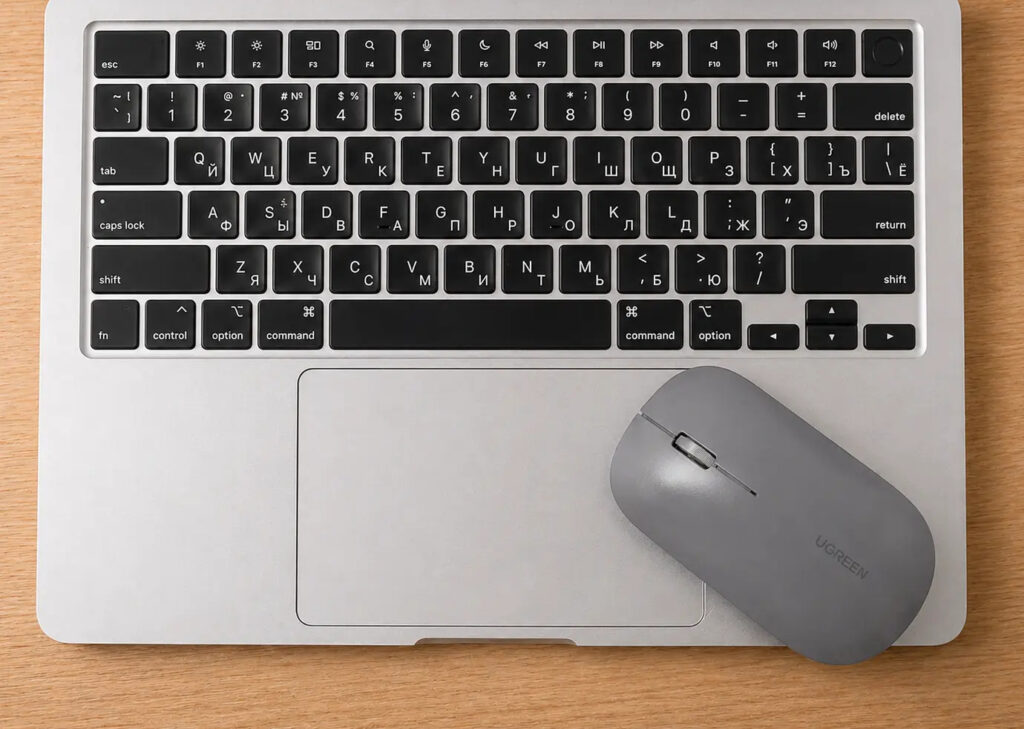
My MacBook has engraving done
I can speak from personal experience. My MacBook Air M2 has engraving done not by Apple, but at a third-party workshop. At first glance, you can’t tell it apart from a factory layout — the font is neat, the letters are even. But if you look closely, you’ll notice that the English letters are centered on the keys rather than in the corner. In terms of usability, however, there are no differences from the original engraving. Typing is just as comfortable as on a “native” Russian keyboard.
Besides letter placement, it’s worth considering the layout standard. There are two main ones: ANSI (American) and ISO (European). MacBooks sold in Russia always had ISO. The main difference is the shape of the Enter key. On ISO it resembles an inverted letter “L,” while on ANSI it’s simply an elongated rectangle. Also, on ISO the left Shift is shorter, and there’s an additional key next to it.
If you’re used to the Russian layout and buy a MacBook with an American ANSI keyboard, it may be uncomfortable at first. Especially with touch typing — your fingers will miss the Enter and Shift keys. However, most users get used to the new layout within a few days.
Engraving, Stickers, or Key Replacement: What’s Best for a MacBook?
If engraving doesn’t suit you for some reason, there are several alternatives. Each has its own pros and cons.
- Key stickers — the cheapest option. They cost literally a couple hundred rubles and can be applied in five minutes. But they look, to put it mildly, unattractive. And after a couple of months, they start wearing off and peeling. On a MacBook costing one hundred fifty to two hundred thousand rubles, this looks especially sad.
- Silicone covers — they cover the entire keyboard and already include Russian letters. The downside is reduced key sensitivity and a less pleasant typing experience. Plus, dust accumulates under the cover.
- Keycap replacement — a more radical option. The old keycaps are removed and replaced with new ones that already have Cyrillic. The letter placement is exactly like the original Russian keyboard. However, this procedure costs noticeably more than regular engraving.
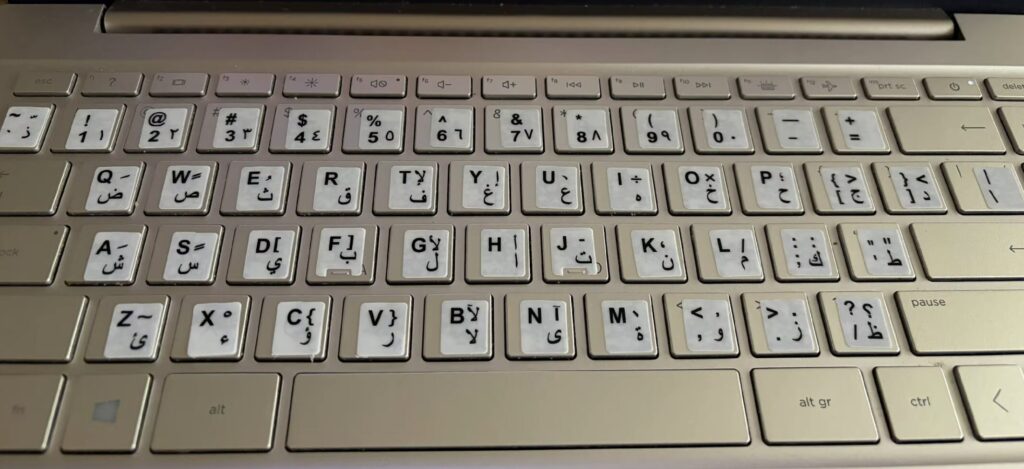
Stickers on the keyboard look completely out of place
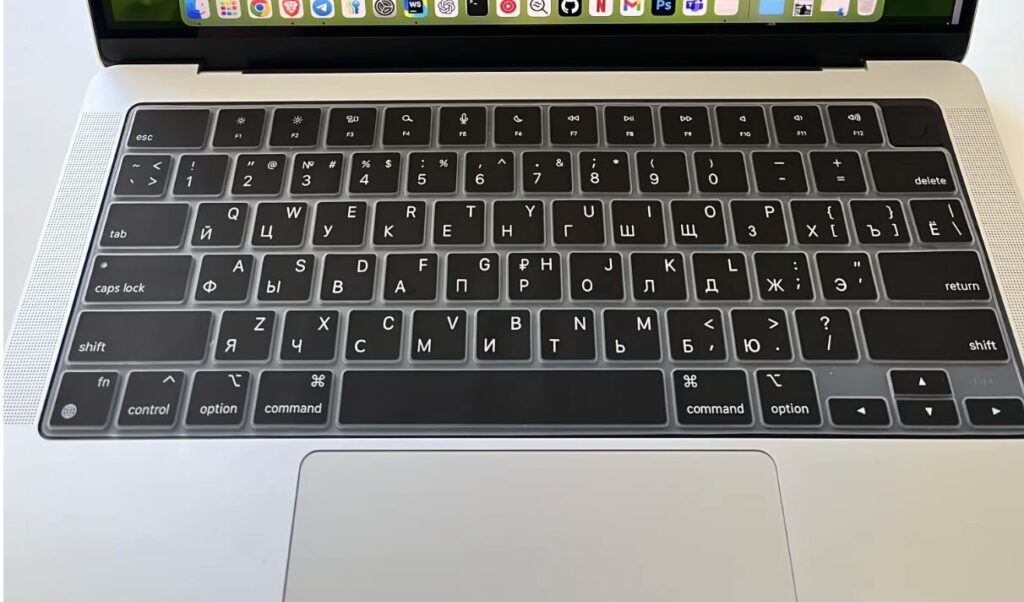
The cover looks decent but changes the key travel
As for prices: laser keyboard engraving for a MacBook in 2025–2026 costs from 1,000 to 3,000 rubles depending on the provider.


