iPhone theft has long turned into an industry, and a locked smartphone is no longer the useless trophy for thieves that people tend to think. Scammers extract Apple ID credentials using every available method: through fake websites, Telegram channels, and plain pressure on the victim. The main target isn’t the iPhone itself — it’s the Apple ID of its owner.
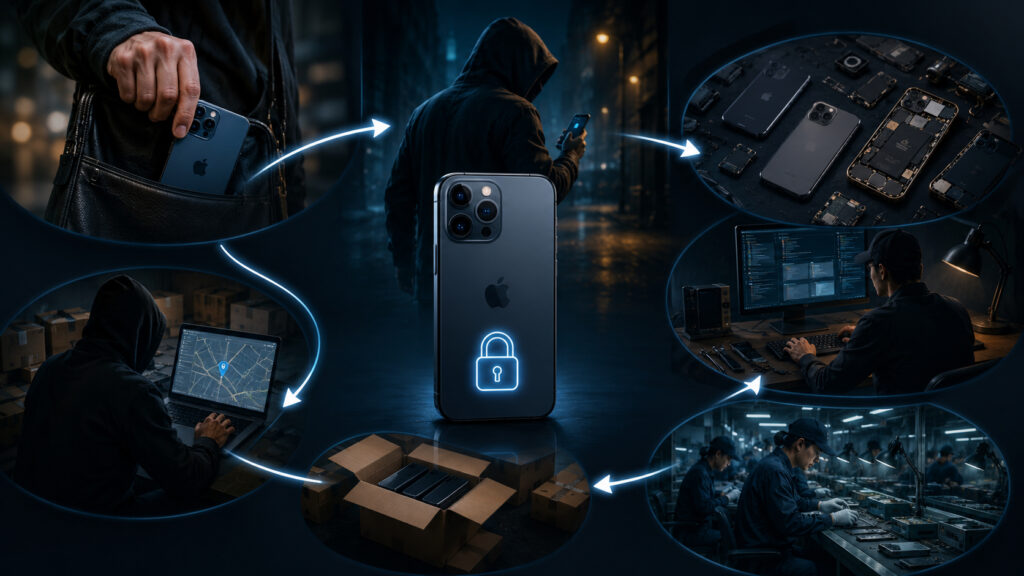
Stolen iPhones can be unlocked, and the owners themselves are to blame
How Scammers Bypass the Lock on a Stolen iPhone
Protection of stolen iPhones relies on the Find My network (Locator). The owner marks the device as lost — and it becomes unusable without the account credentials. That’s why it’s not enough for thieves to just take the phone: they need the owner to hand over the Apple ID password themselves.
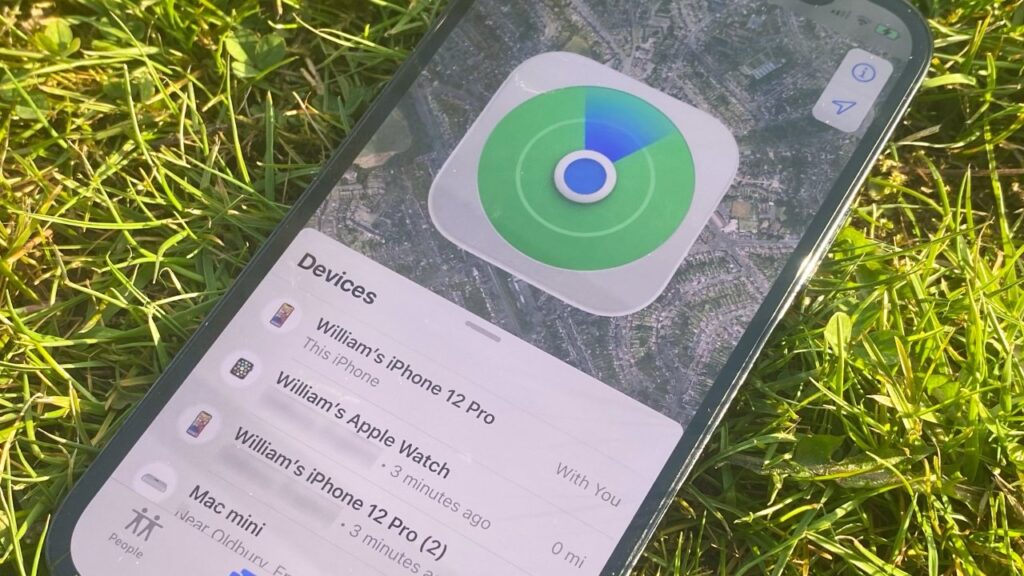
iPhone protection depends on Find My, and only you can disable it
There are entire websites and Telegram groups where this is done at scale. Phishing — fake pages designed to steal credentials — and social engineering, meaning psychological pressure on the victim, are both used. As a result, even an iPhone marked as stolen gets unlocked and resold. When an owner marks an iPhone as lost, they can leave a message and a contact number on the lock screen. That number becomes the entry point for the attack.
In practice, it looks like this: someone’s iPhone gets stolen, and shortly after, they receive an SMS with a link to an address like “applemaps-support[.]live.” The site looks like a real Find My page and asks for a PIN code — if entered, the thieves gain access to the iPhone.
Over 800,000 such lookalike domains are registered every year. The scheme is always the same: the person is waiting for a message about their found phone and is ready to click any link promising to return the device.
How Telegram Is Used to Steal Apple IDs
Profiting from stolen iPhones is still possible
If the link doesn’t work, thieves have a backup arsenal. In dozens of Telegram groups, unlocking tools are traded. Some promise a jailbreak — hacking the system to bypass restrictions — but on newer iPhones, this is impossible.
That’s why other tools are in use — “FMI OFF” (Find My iPhone Off) and “iCloud Webkit.” These aren’t real hacks but phishing kits: they help trick the owner into giving up their Apple ID login and password. In the same groups, social engineering scripts and even programs for calls with AI-generated voices are sold — so that a “call from Apple support” sounds convincing.
Prices show just how industrialized this has become: on average less than $10 per device, and in some cases up to $50 depending on the iPhone model. For criminals, this is pocket change compared to the resale price of an unlocked smartphone.
Why You Should Never Enter Your Apple ID via a Link from an SMS
Technically, Apple has closed most ways to hack a locked iPhone. So the attack targets the owner — at the moment when they’re upset about the loss and ready to believe any message “from Apple.” The faster the SMS arrives after the theft, the higher the chance that the person will click and enter their credentials.
And one more important thing to remember: real Apple never sends links to enter Apple ID via SMS after you’ve marked your device as lost. All official notifications come through the Find My app and the email linked to your account.
iPhone Protection Before and After Theft
Protection is divided into two parts: what to do in advance and what to do if the phone has already been stolen. It’s worth checking the basic settings ahead of time:
- Enable Find My (Locator) — without it, remote locking is impossible
- Set a long and unique unlock passcode for the iPhone, not the usual 4-6 digits
- Make the Apple ID password unique and don’t use it on other websites
- Enable the Stolen Device Protection feature
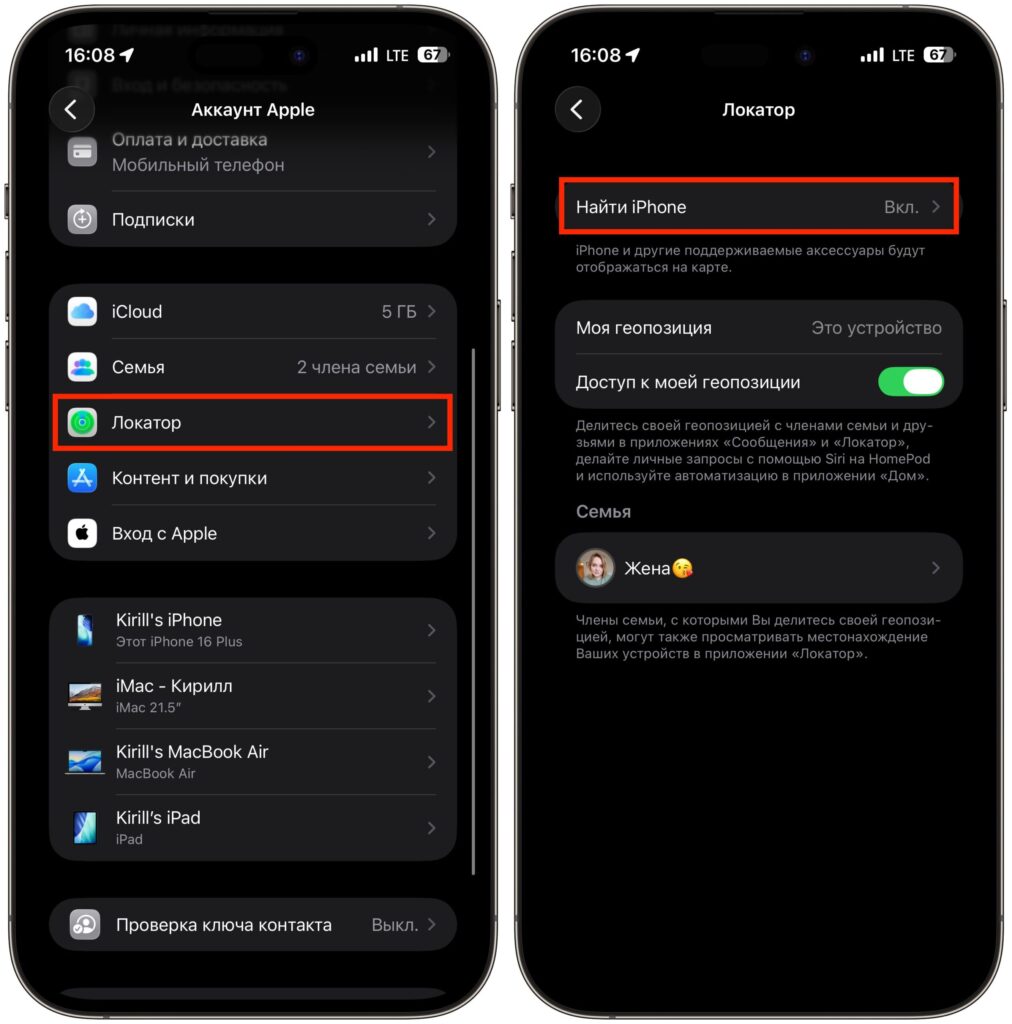
Make sure to enable Find My iPhone
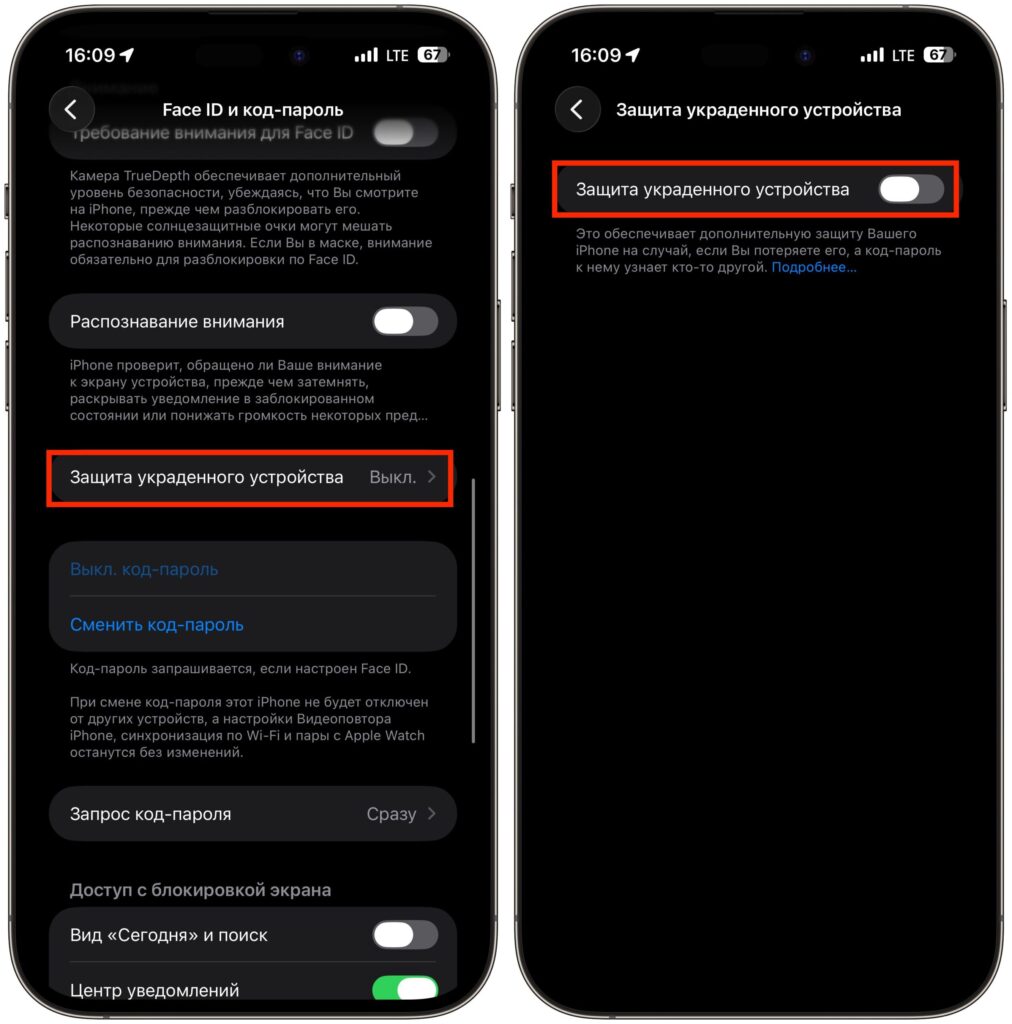
Stolen Device Protection is also important. Just protect your Face ID
Apple enabled Stolen Device Protection by default starting with iOS 26.4. This feature changes iPhone behavior outside trusted locations: changing important settings requires Face ID or Touch ID, and critical actions also require a one-hour delay. Even if a thief learns your unlock passcode, they won’t be able to unlink the iPhone from Apple ID without your face or fingerprint.
iPhone Stolen: What to Do
- Mark the device as lost in the Find My app from another device or on iCloud.com
- Don’t include your personal phone number in the lock screen message if you’re worried about phishing — use an email or a number different from your primary one instead
- Check the domain of any link that comes “from Apple”: real addresses end with apple.com, not applemaps-support.live or similar
- Never share your Apple ID password or SMS codes with anyone — even if the caller claims to be from support
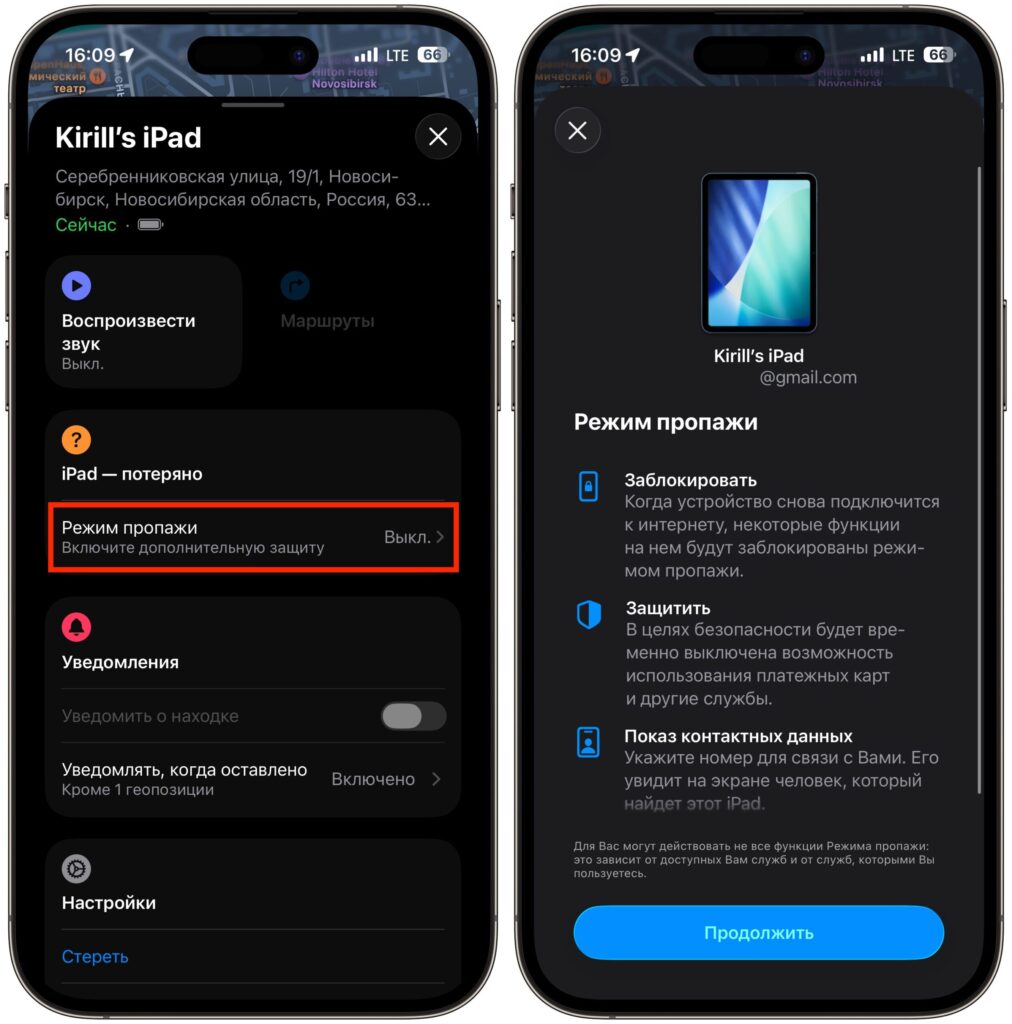
Immediately after losing it, mark the device as stolen and don’t fall for messages


