Apple has once again put you in front of a choice. In iPhone settings, there are two betas at once: the second iOS 26.6 and the first iOS 27. On the update icon, they look almost identical, but in essence, these are two different worlds. Let’s figure out what’s what, which build is worth installing, and which one is better to stay away from for now.
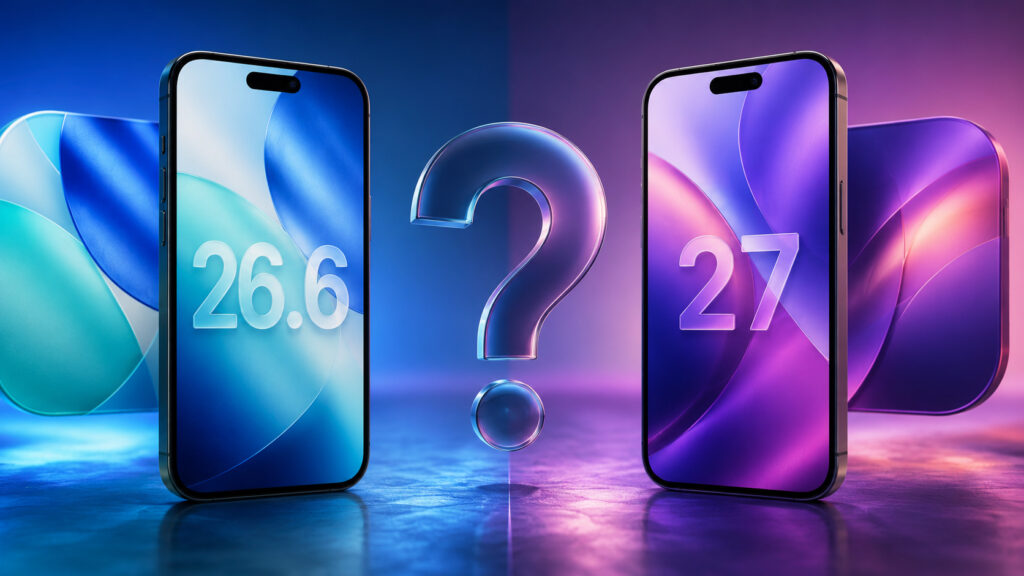
Choosing the best firmware for your iPhone
What’s New in iOS 26.6
This is the final chord of the iOS 26 lineup. There’s no wow effect here, and there won’t be. The second beta was released on June 15 with build 23G5043d, and finding new features in it is, to put it mildly, difficult. Apple is busy polishing the system before fall.
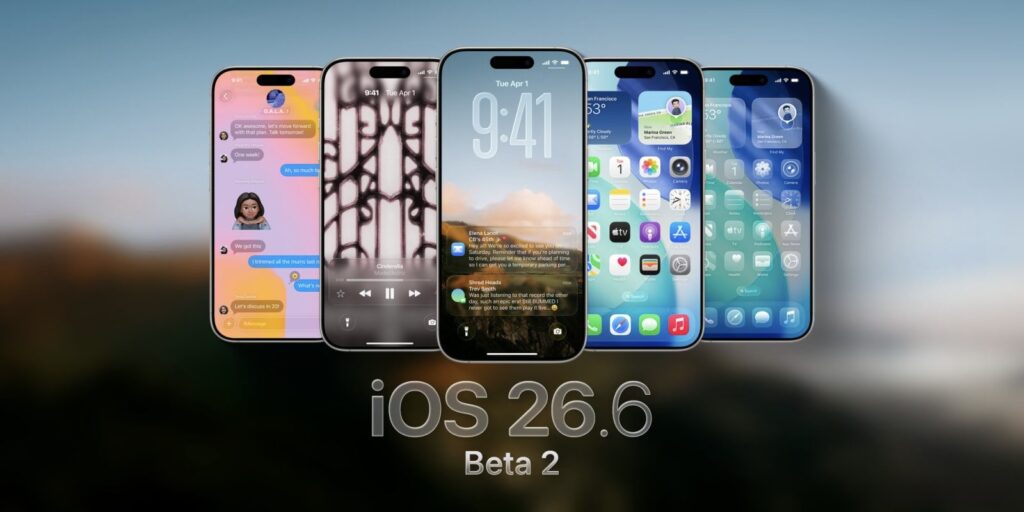
There are almost no new features in iOS 26.6
Among the notable things, we found two. First: the contact blocking limit has changed. Second: a new theft protection feature is maturing in the system. If someone snatches your iPhone from your hands, it will be able to lock itself. The feature is still in development, but it makes sense that it will arrive in 26.6.
Everything else is security patches and bug fixes. Previously, similar versions were released for those who wouldn’t get the next update. Now everything is different: 26.6 will be available for all compatible iPhones; it’s simply a build for those who aren’t in a hurry. The public beta is planned for July, and we expect the final release closer to the end of the month. The main value of this version isn’t in features but in stability and closed security holes. You install it and continue living as before, just with a couple of useful small additions and fresh security patches.
What New Features Appeared in iOS 27
This is where things get interesting. Apple showed iOS 27 at WWDC 2026, and the first beta landed for developers that same day, June 8.
The star of the update is the new Siri. Apple calls it Siri AI and considers it the biggest overhaul of the assistant since 2011. Siri now runs on top of Apple Intelligence and behaves like a full-fledged chatbot: it maintains dialogue, sees on-screen context, digs through Mail, Messages, Notes, and Calendar. Under the hood, according to developers, it runs the Google Gemini model.
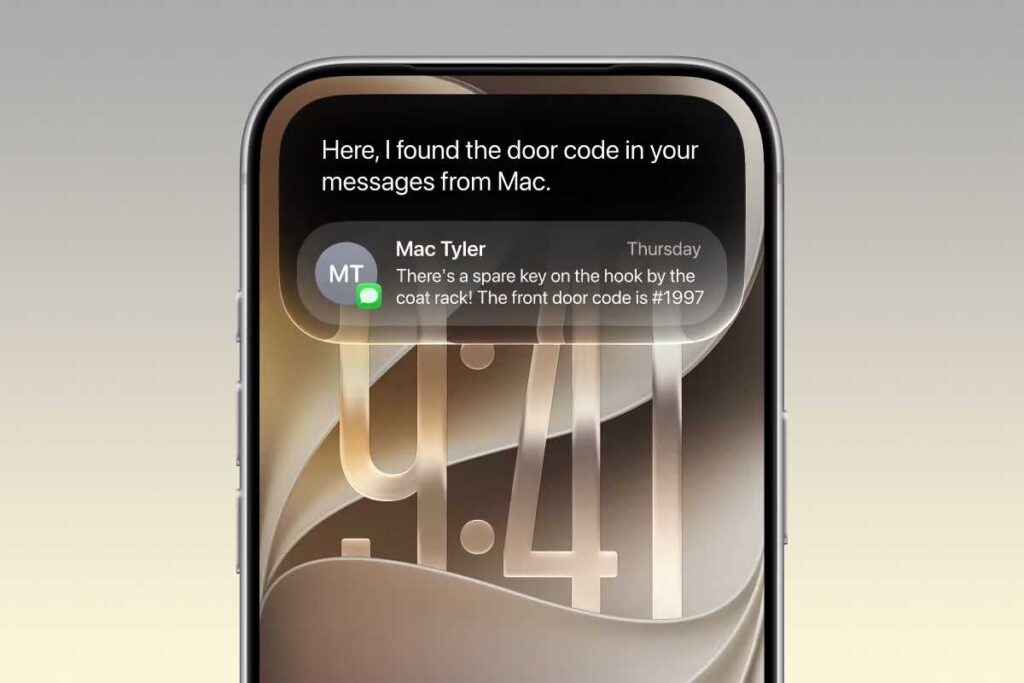
iOS 27 has a lot of interesting things
Then come the smaller things, of which there are actually quite a lot. Photos got a Reframe tool: it changes the angle of an already taken shot. Liquid Glass has been refined with a transparency slider added. Some innovations look familiar: some of them have been available on Android for a long time. The system has also become faster: apps open up to 30 percent faster, new photos load in Photos up to 70 percent faster, and AirDrop speeds up by up to 80 percent.
There are also nice everyday additions. FaceTime got dual camera support, Messages received a drawing app, and CarPlay learned to play video while parked. Parental controls with schedules and slideshows from any photos have been added.
It sounds tempting, but there’s a big “but.” The first beta is so raw that your iPhone might start living its own life: crashes, overheating, battery draining before your eyes. Some apps simply break, including banking ones. So yes, T-Bank may temporarily die. The full iOS 27 release is expected in fall, in September, alongside iPhone 18.
Which iPhones Support iOS 27
All smartphones that support iOS 26 can also update to iOS 27
Here’s the good news. iOS 27 didn’t cut off a single device this year. The device list remains the same as iOS 26. The update will be available for all models from iPhone 11 onwards. For example, last year iPhone XS, XS Max, and XR were left without the update, but this year the company fully maintained support for all smartphones.
The nuance hides in the features. The new Siri and all of Apple Intelligence require iPhone 15 Pro or newer. And the most powerful local model will only be available to iPhone 17 Pro and iPhone Air. Being on the compatibility list and getting the main feature of the update are not the same thing at all.
If you have an older iPhone, iOS 27 will install without issues, but half of the headline capabilities you simply won’t see at all.
Which iOS Version to Choose in Summer 2026
The question is actually simple. It all comes down to your use case. If you want peace of mind and a working phone every day, your choice is iOS 26.6. No surprises, everything’s in place, banking apps work as they should.
I recommend staying on iOS 26.6 at least until fall, or even longer
If you’re ready to put up with issues for the sake of new toys and aren’t afraid of potential problems, then head for iOS 27, but install it on a spare iPhone, not your main one. With the first beta on your daily driver, you risk being left without communication, without payments, and with a hot brick in your pocket.
The best time to switch is the public beta in July, and even safer is the final release in September. By then, Apple will have cleaned out the bulk of the bugs, and banks and services will have caught up with compatibility. In short: don’t install the beta on your main iPhone. If you want to touch the future early, get a second device for that. For everyday life, wait for iOS 26.6, sit on it calmly until fall, and switch to iOS 27 when it’s ready.