For a whole year, I tested Apple Watch 10 and Whoop MG as sleep trackers and came to a clear conclusion: for most people, Apple Watch is the better value, while Whoop is only justified for serious athletic pursuits. Below are the key takeaways from my experience and what it means for those choosing between the two devices.
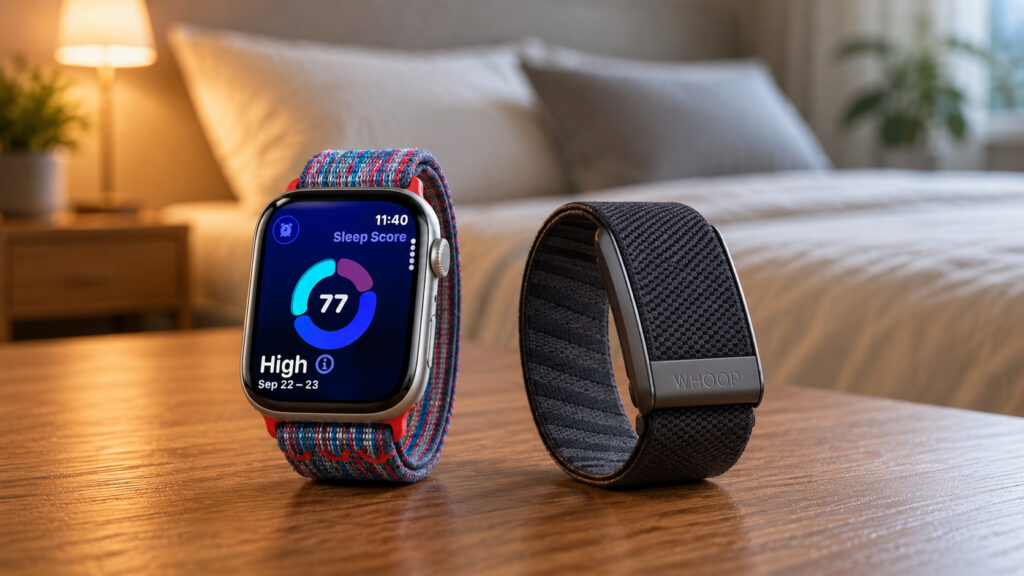
Which device is better suited for sleep tracking
Apple Watch and Whoop: How They Differ
Apple Watch is a full-fledged watch with a screen, notifications, payments, and calls. Whoop is a screenless band that only works in conjunction with a smartphone app. Whoop was originally designed as a recovery tool for professional athletes and later became popular among regular users who wanted detailed sleep data.
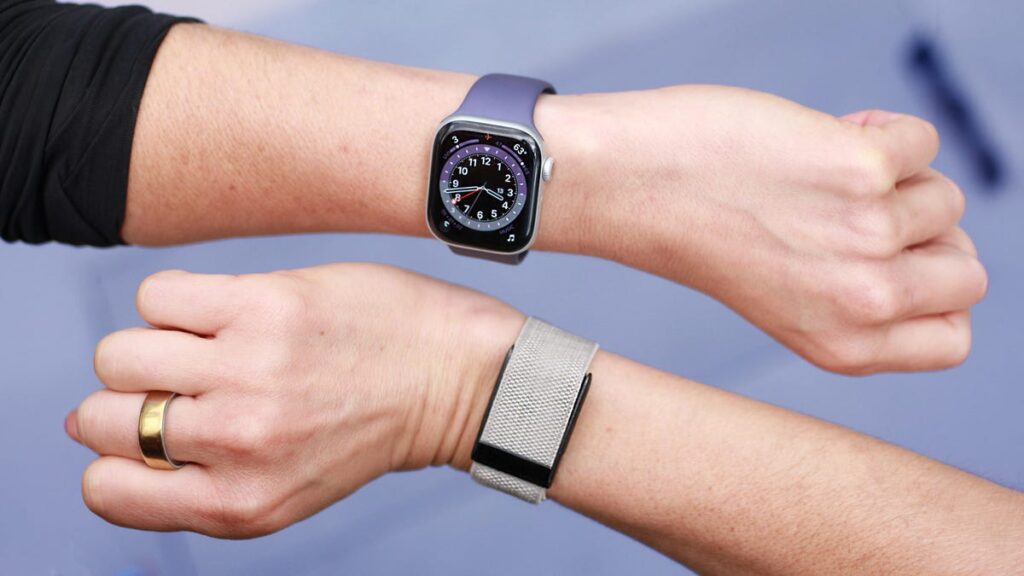
One device is a full-fledged smartwatch, and the other is a screenless band
The main practical difference: Whoop doesn’t display anything on your wrist — all data is viewed in the app. This is a plus for sleep (no glowing screen in bed), but a minus if you want to quickly check your heart rate or a notification.
Whoop Subscription: What’s Included in the Plans
Whoop has an unusual payment model: the device itself comes free, but you need to pay an annual fee to access your data. There are three tiers:
- Whoop One — $199 per year (approximately 22,000 ₽ in Russia), basic 5.0 tracker and standard strap
- Whoop Peak — $239 per year (approximately 26,000 ₽ in Russia), adds wireless charging and Healthspan, Health Monitor, and Stress Monitor features
- Whoop Life — $359 per year (approximately 39,000 ₽ in Russia), includes the Whoop MG device, medical-grade blood pressure measurement and ECG
Apple Watch 10 is a one-time purchase and gets updated through iOS without additional fees. After just two years of Whoop subscription, you’ll have spent more than the cost of the Apple Watch itself — and that’s without factoring in that the subscription has to be renewed continuously.
Apple Watch and Whoop Battery Life: What to Know Before Buying
Here the gap is fundamental. Whoop holds a charge for up to 14 days, while Apple Watch lasts about 18 hours, or a maximum of 36 in power-saving mode. By calculation, Whoop outlasts Apple Watch at full power by more than 18 times.
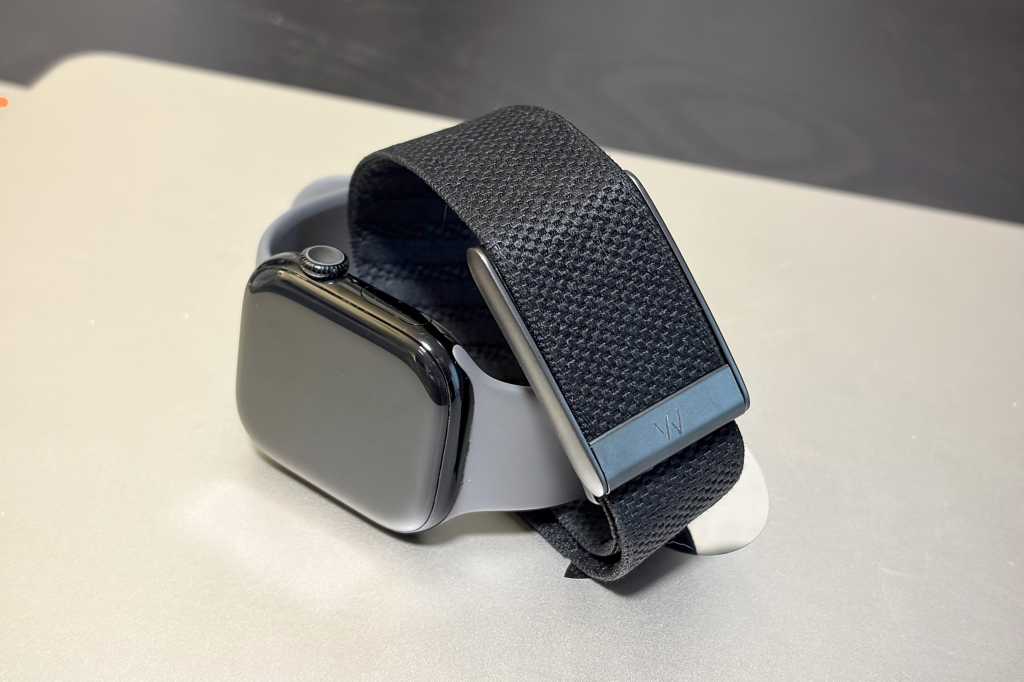
Apple Watch lasts a day at best
Whoop also has another practical solution: a wireless charger that slides right onto the band. You can top up the device without taking it off — and continue tracking sleep at night. However, this charger is only available with the Peak and Life plans.
For Apple Watch, weak battery life is a well-known issue, especially compared to Garmin or Whoop. In practice, this means the watch needs to be charged every day, and most people do it either in the morning while showering or in the evening before bed — exactly when a sleep tracker should be working.
HRV, Sleep Stages, and Apnea: What Data Apple Watch and Whoop Provide
Whoop goes deep into the data. Every morning you receive a Sleep Performance Score — a rating for the night that includes sleep stages, awakenings, sleep efficiency, stability, and sleep stress. On top of that is the Sleep Sufficiency metric, which compares your actual sleep to how much you really need based on sleep debt and daytime exertion.
For comparison, Whoop also has an AI sleep coach that explains the score and recommends optimal bedtime based on accumulated deficit. During my marathon preparation, this data proved genuinely useful — especially heart rate variability (HRV) and VO2 max metrics.
Morning comparison of sleep metrics in Apple Health and Whoop apps
Apple Watch 10 shows sleep duration, stages, bedtime regularity, number of awakenings, and an overall sleep score. This is sufficient for most users. Moreover, Apple Watch has an FDA-approved sleep apnea detection feature — the watch monitors breathing and alerts you to suspicious patterns. Whoop doesn’t have similar certified features.
An important note for those considering an upgrade: if you have Apple Watch Series 10 on watchOS 26, you’ll get essentially the same sleep features as Series 11. The Series 11 differences are mainly longer battery life (plus six hours), 5G, and a more durable screen — not sleep features.
Whoop vs. Apple Health: Where Sleep Data Is Easier to Understand
Apple Health shows a sleep score, a stages graph, and a Vitals section with heart rate, respiratory rate, and wrist temperature — with a note on whether values fall within your normal range. You can set a sleep goal and schedule for different days of the week.
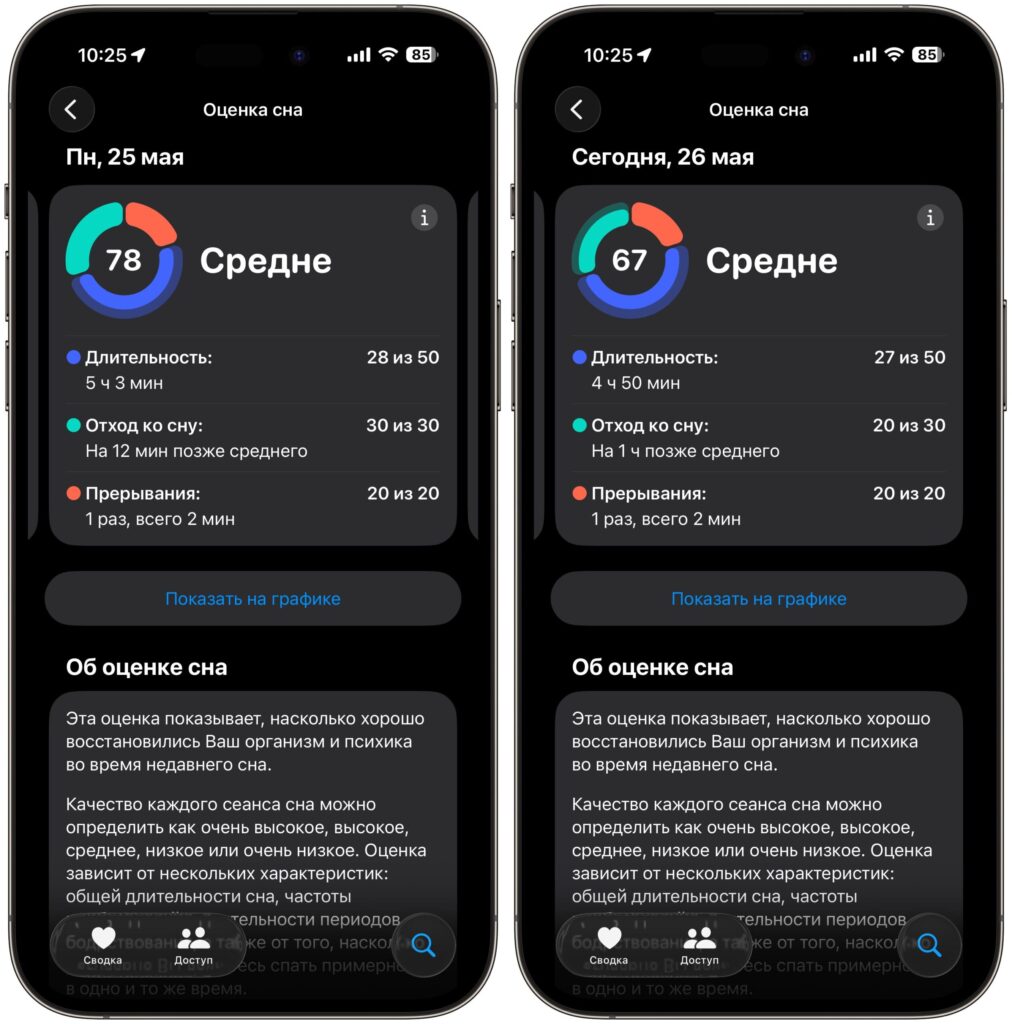
Apple Watch has a maximally simple interface
Whoop’s interface is heavier: percentages, graphs, metrics. But the app includes a sleep diary where you can log caffeine, alcohol, and other habits, and the AI coach provides personalized advice based on your data. Apple Health also offers sleep tips, but they’re generic and don’t adapt to your specific metrics.
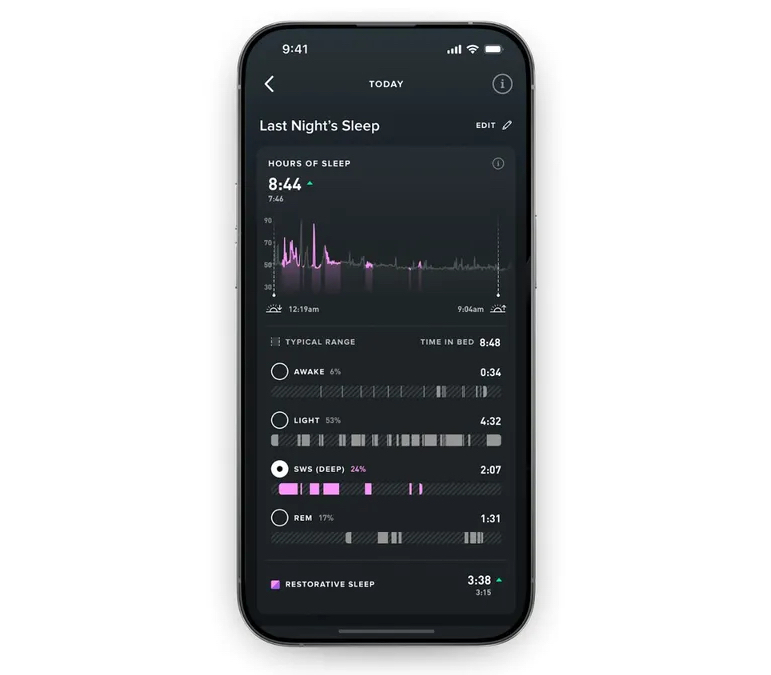
Whoop’s app, you could say, is overloaded