Chrome is the default browser for most Android users, but that doesn’t mean it’s the best in terms of speed. I suffered from lag in mobile Chrome for weeks, eventually switched to Samsung Browser, and the stuttering went away. Below I’ll explain what this browser is, who it’s suitable for, and whether it’s worth changing your habits.
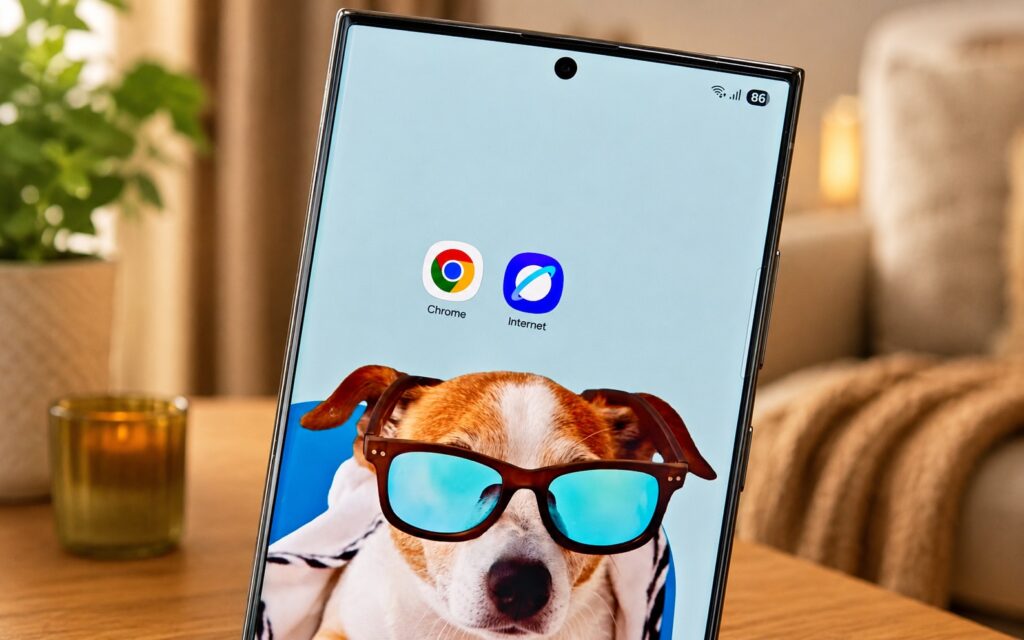
Swapped Google Chrome for Samsung Browser and here’s what I got
Why Does the Browser Lag on Your Phone
The story is simple. I spend most of my working time in a browser, so I had long ago set up a comfortable combination of Chrome settings and didn’t want to change anything. But Chrome was noticeably lagging, and this went on for a long time.
Out of curiosity, I regularly try other browsers and compare them with Chrome. This time, Samsung Browser caught my attention (it used to be called Samsung Internet), and the experience was so smooth that I even doubted my usual choice.
What Is Samsung Browser and Which Phones Does It Work On
Samsung Browser is Samsung’s proprietary browser that has been pre-installed on Galaxy smartphones and tablets for years. For a long time, it was tied only to the company’s own devices. However, a lot has changed. Samsung made the browser a standalone app on Google Play back in 2016, and since then, practically any Android smartphone owner can install it, not just Galaxy users. So nothing stops you from trying it, even if you have a Xiaomi, Pixel, or another brand.
The main limitation here is logical: the browser works best within the Samsung ecosystem, where it’s tied to the proprietary account and services. On devices from other brands, some conveniences may not be as seamless, but the basic task — quickly opening websites — remains intact.
Who Should Try Samsung Browser
Switching browsers is no trivial matter if you, like me, live in one all day. So you should approach the move soberly. Switching to Samsung Browser makes sense if you recognize yourself in several of these points:
- Chrome or Yandex noticeably stutters when scrolling and switching tabs;
- you have a Samsung Galaxy smartphone, where the browser is natively optimized for the system;
- you’re not completely dependent on bookmark and password sync specifically through a Google account;
- interface smoothness matters more to you than Chrome’s familiar environment.
Staying on Chrome makes sense in the opposite situation. If everything works smoothly for you, all your history, passwords, and tabs are synced between your phone and computer through Google, and you’re happy with the speed, there’s no point in changing browsers just for the sake of an experiment. Especially since it might not lag for you — hardware and extension sets differ for everyone.
How to Test Samsung Browser on Android

This browser is worth trying for everyone
Before making the switch, take a few simple steps so you don’t end up wondering where your bookmarks and saved passwords went:
- Install Samsung Browser from Google Play and keep it for a couple of days alongside Chrome without deleting the old browser.
- Check how bookmarks and passwords transfer, and don’t assume everything will sync automatically.
- See if the websites you use every day open properly, including banking and work services.
- Set the new browser as default only after you’ve confirmed it suits your needs.
Also keep in mind that browser lag isn’t always the browser’s fault. Sometimes it’s due to full memory, dozens of open tabs, or an old phone.
Is Samsung Browser Worth Using
The conclusion is measured: this isn’t a revolution, but a solid alternative that’s worth trying. My experience shows that Chrome doesn’t have to be the only option on Android, especially if it’s lagging for you.
But don’t expect miracles upfront. My experience is subjective, and smoothness depends on your specific phone and habits. The most honest approach is to install Samsung Browser, live with it for a couple of weeks alongside Chrome, and decide based on your own impressions rather than someone else’s article.