Six months ago, I bought the UGREEN Qi2 magnetic power bank with 10,000 mAh. The idea was simple: find something compact to charge my iPhone wirelessly on the go without fussing with cables. Just snap it on magnetically and go. At the very least, you can leave the cable at home, and at most, cables are just inconvenient. Spoiler: in six months, I haven’t pulled out a cable once. This one turned out to be even more convenient. Let me tell you how that happened and why this thing became my main accessory.
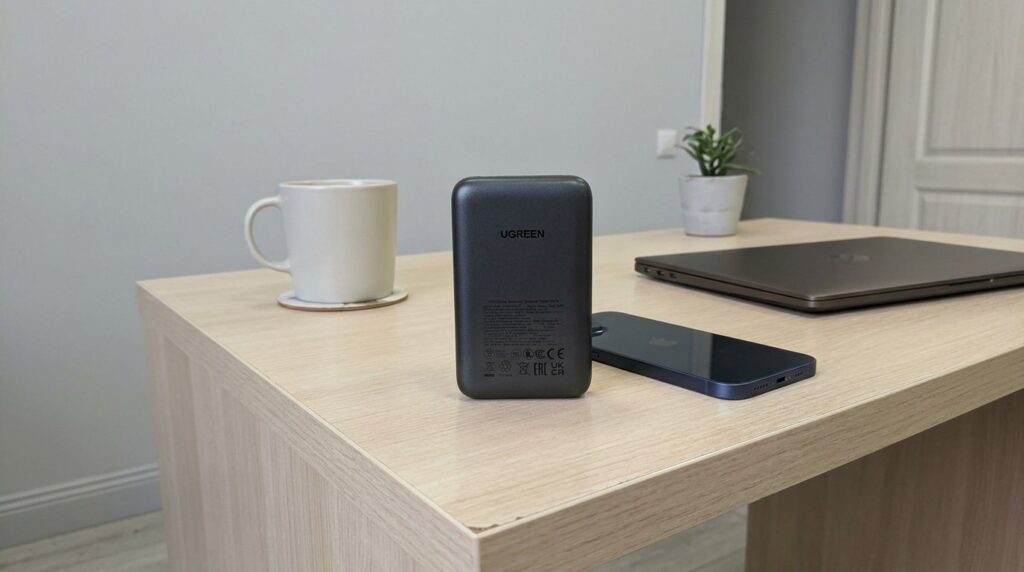
I can no longer imagine my life without this power bank
MagSafe Power Bank with 10,000 mAh: How It Charges the iPhone
Technically, this is an external battery with 10,000 mAh that supports the Qi2 standard and is compatible with MagSafe. Wireless charging power: 15W. Via USB-C cable, the battery outputs up to 30W and accepts up to 20W. So it charges fairly quickly itself: with a good 20W adapter, it takes about two and a half hours to fully charge.
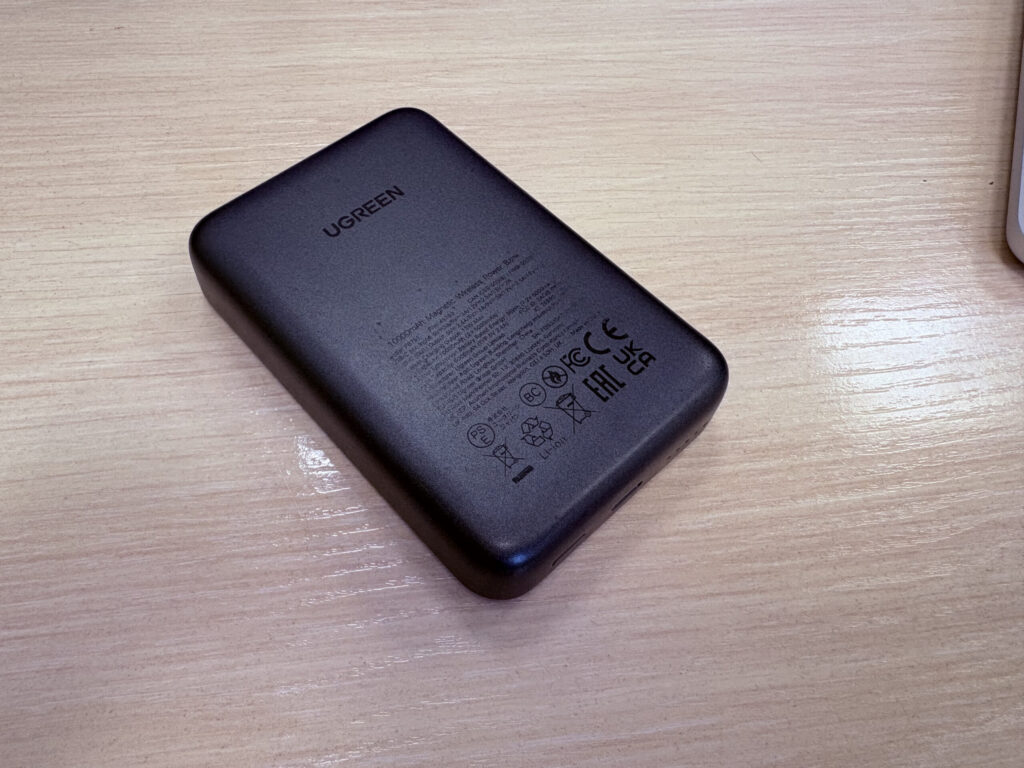
Nothing outstanding about the design. It just looks pleasant, and that’s it
The body is coated with soft silicone. This isn’t just aesthetics: the coating doesn’t slip in your hand or on a table. When the iPhone is magnetically attached to the battery, the assembly sits firmly and doesn’t slide around. The magnets here are strong: the phone locks in tightly with a distinctive click. I deliberately shook the combo several times: the iPhone doesn’t fall off. Even if you carry the battery attached to the phone in a jacket pocket, it won’t shift.
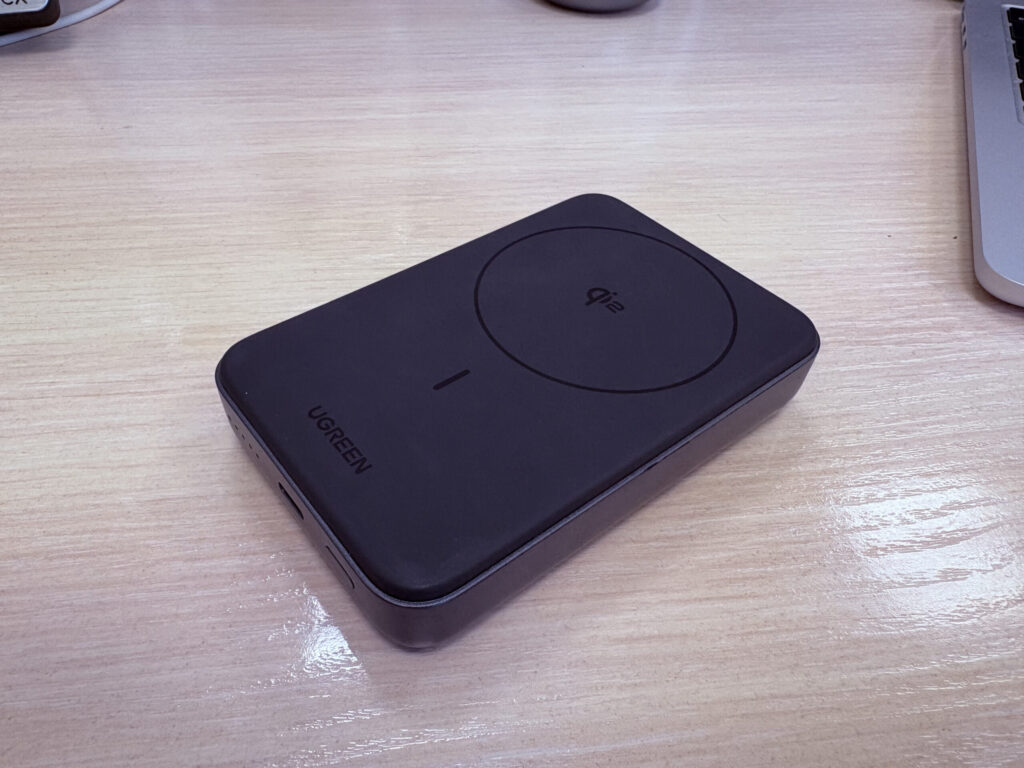
The inner side has a very pleasant soft-touch finish
On the front panel, there are four LEDs for charge indication and a power button. Press it and you see how much is left. Everything is simple, no apps or unnecessary complications. The dimensions are quite reasonable for this capacity. The battery is slightly wider than the iPhone but thinner than most competitors. It’s not as comfortable in jeans pockets, but it fits in a jacket or backpack without any issues. Another nice touch: certification. The product page lists PSE, RoHS, CE, and FCC. For a battery, this matters: it means the device has passed proper safety checks and wasn’t assembled from whatever was lying around.
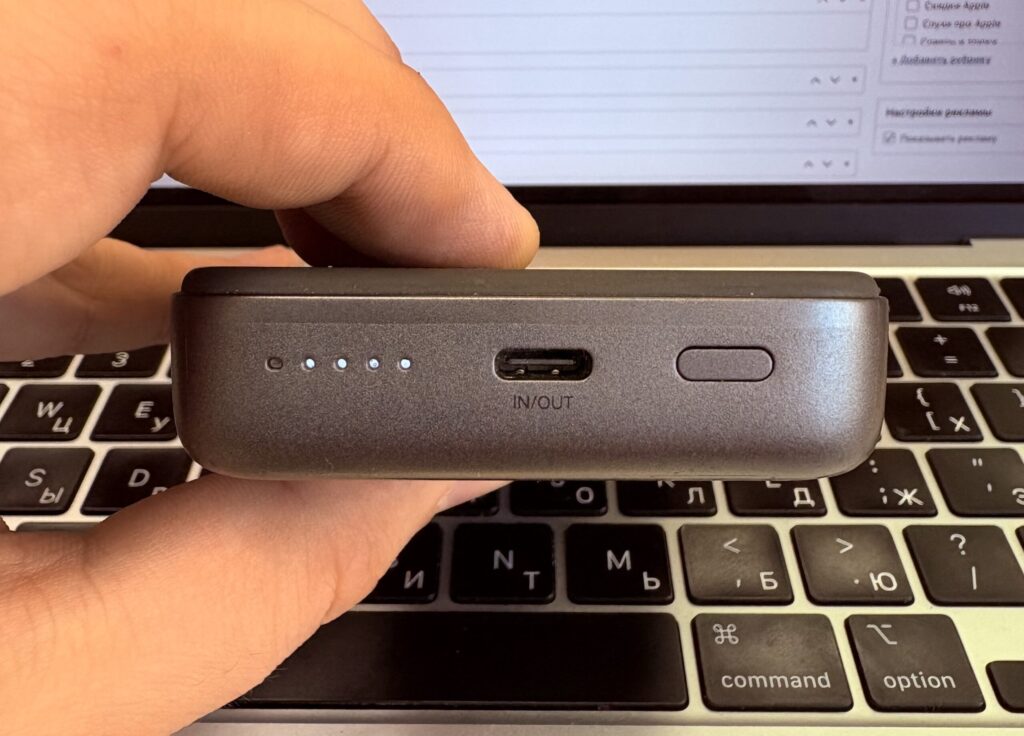
LEDs will show the charge level
Wireless iPhone Charging from a Power Bank: Speed, Heat, and Convenience
The main reason I fell in love with this battery: I stopped using a cable. Completely. I snap my iPhone 16 Plus to the back panel, go about my business, and the phone charges. Put the combo on a desk — it charges. Get in a taxi — snap it on and forget about it. It’s so convenient that I simply don’t want to go back to cables.
When charging via MagSafe, there’s virtually no heat. This was a pleasant surprise for me. Usually, magnetic batteries heat up noticeably, especially in summer. But here the iPhone stays slightly warm, not hot. I suspect the Qi2 standard plays a role: it distributes energy more efficiently than regular Qi, with fewer losses. The result is less heat and more charge going into the battery.
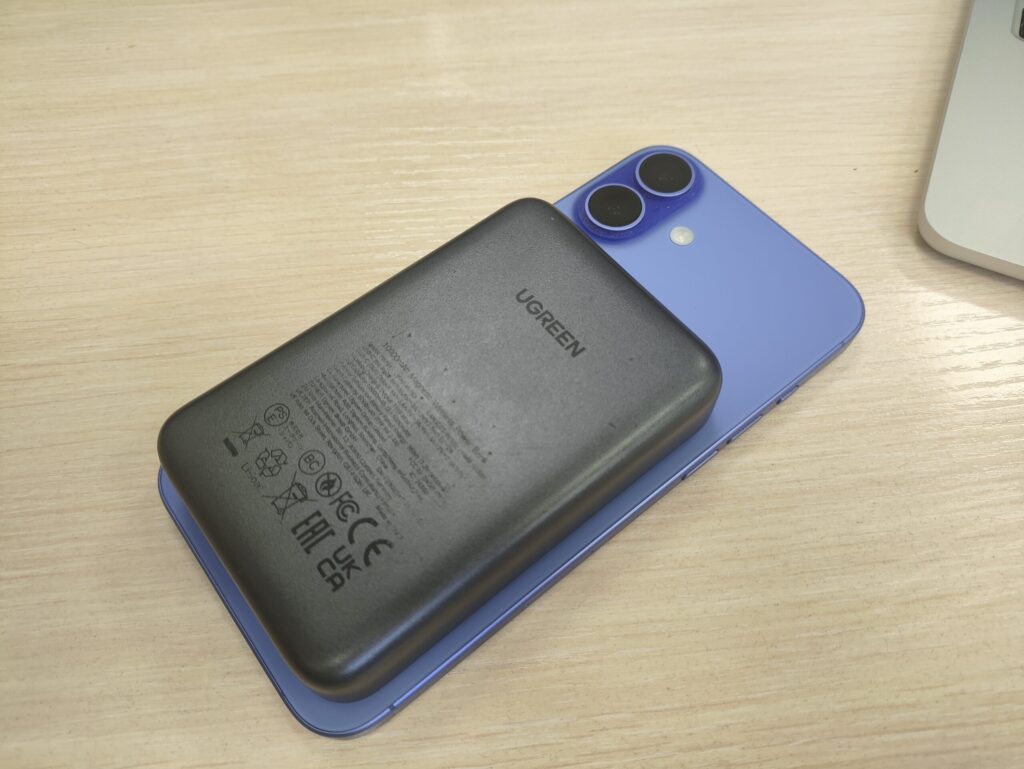
Snap it to your iPhone and go about your business. No cables
The capacity is enough for two full charges of the iPhone 16 Plus. This has been verified many times. If you top up gradually throughout the day, the capacity will easily last several days. For the iPhone 16 or 15 Pro, the result will be even better since the battery is smaller. Charging speed is also pleasing. Yes, 15W wirelessly isn’t the same as 30W wired. But in real life, the difference isn’t noticeable. By the time you walk to a café and sit for half an hour, the phone has already gained 30–40%. That’s more than enough.
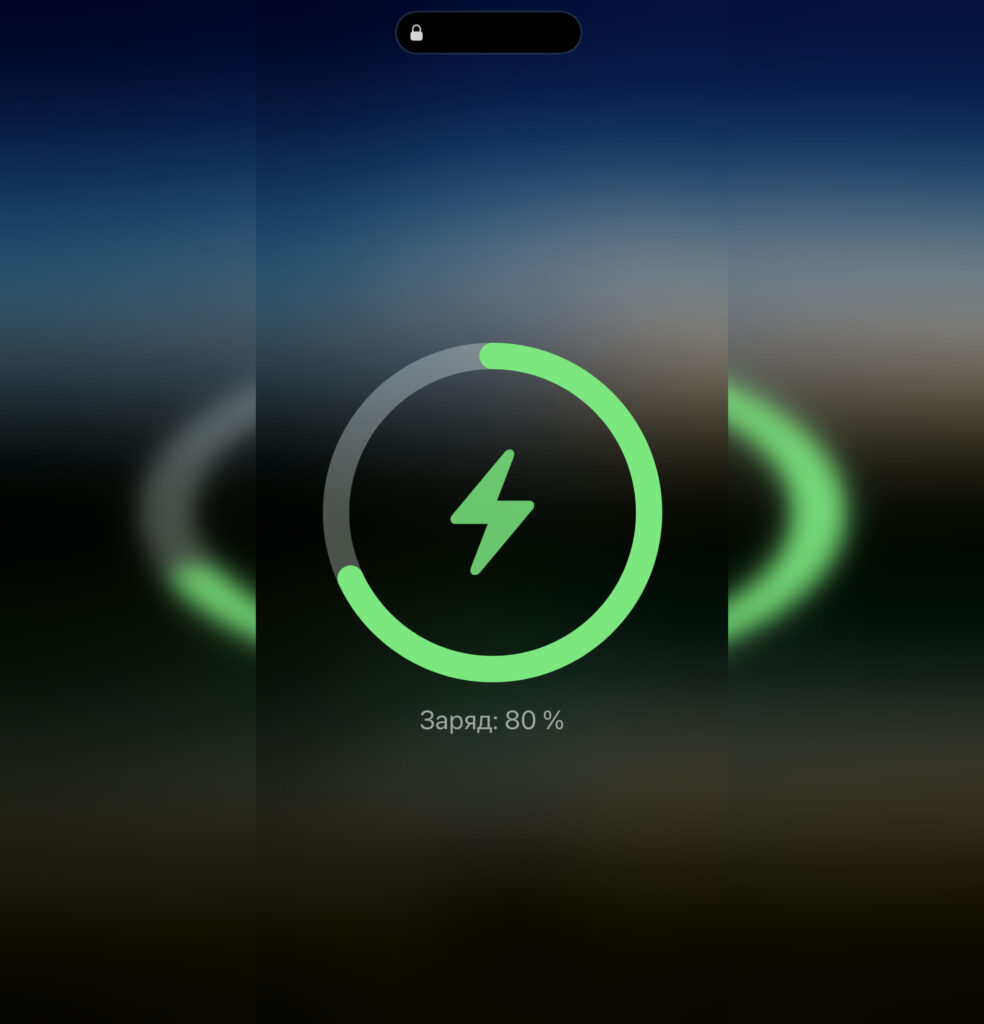
When connected, the iPhone even shows the correct animation. Not all power banks can do that
I’ll mention separately a use case I didn’t expect. When working at a desk, this battery replaces a charging station. You simply place the iPhone screen-up on the battery: it snaps on magnetically and starts charging. No need to reach for an outlet, find a cable, or plug anything in. Just set it down and that’s it. Over six months, this became so habitual that when the battery is being charged, I feel uneasy.
What Happened to the Power Bank After Six Months
There is one thing though. Over six months, the text on the back panel started to wear off. The text with specifications is gradually fading. But it’s understandable: when the iPhone is magnetically attached to the battery, the whole assembly rests on a table with the back side facing down. The battery rubs against the surface every time you pick up the phone and put it back. Essentially, this is inevitable wear. Functionality isn’t affected — it’s just the appearance.
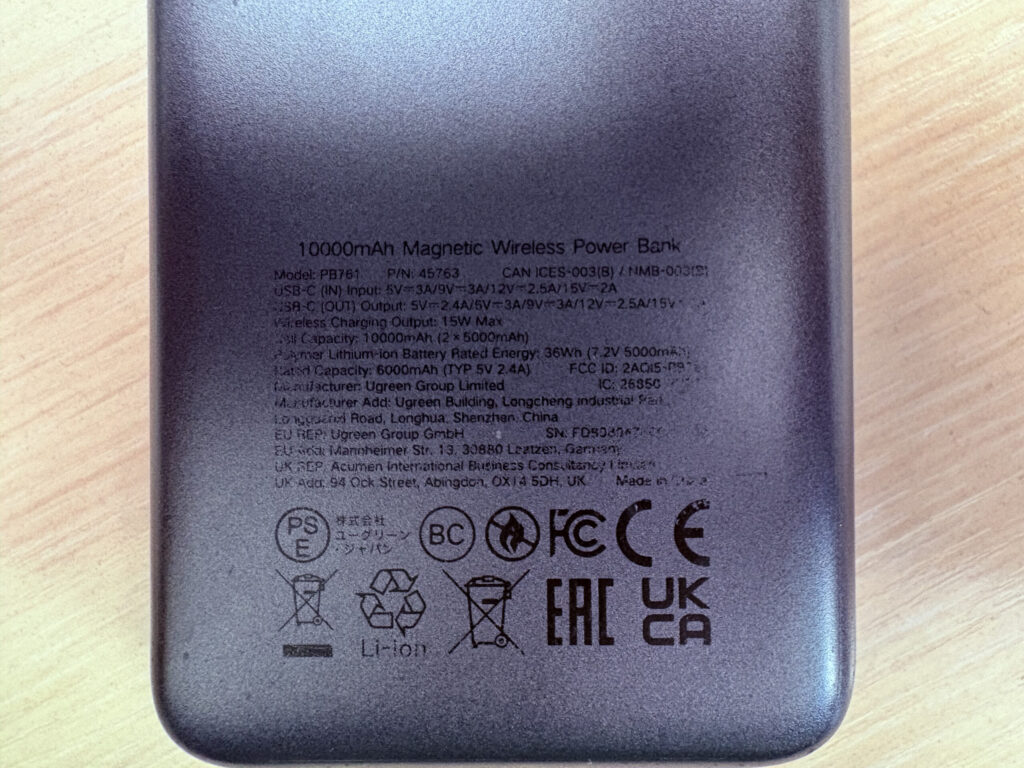
The text on the back panel has worn a bit over six months
Other than that, there’s nothing to complain about. The magnets after six months still hold just as strongly, the battery hasn’t degraded noticeably, and wireless charging works flawlessly.


