If your car already has wired Apple CarPlay, but you’re tired of pulling out a cable and plugging in your iPhone every time — there’s a simple solution. You can make wired CarPlay wireless using a small adapter costing 600–1500 rubles, without replacing the stock head unit and without any modifications to the car’s wiring. In this article, we’ll break down how to switch to a wireless connection: which adapters work, how to set them up, and what to do if something goes wrong.
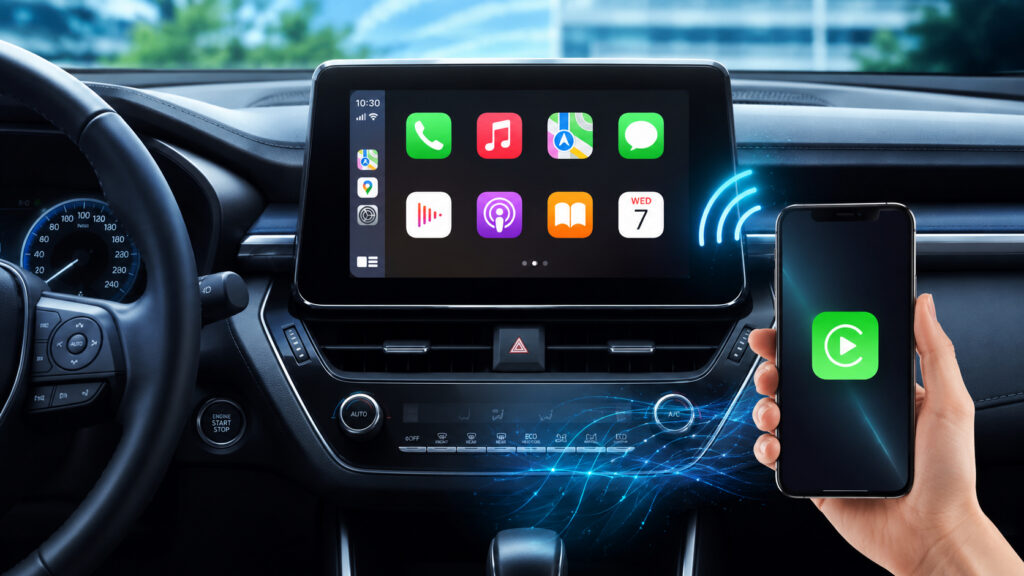
Wireless CarPlay can be added to any car that has wired CarPlay
Wireless CarPlay in Your Car: How Cable-Free Connection Works
Apple CarPlay is a mode in which the iPhone interface is displayed on the car’s multimedia system screen. In the wired version, the phone connects to the car’s USB port via a Lightning or USB-C cable. In the wireless version, the connection goes through Bluetooth (for initial pairing) and Wi-Fi (for transmitting the display and audio).
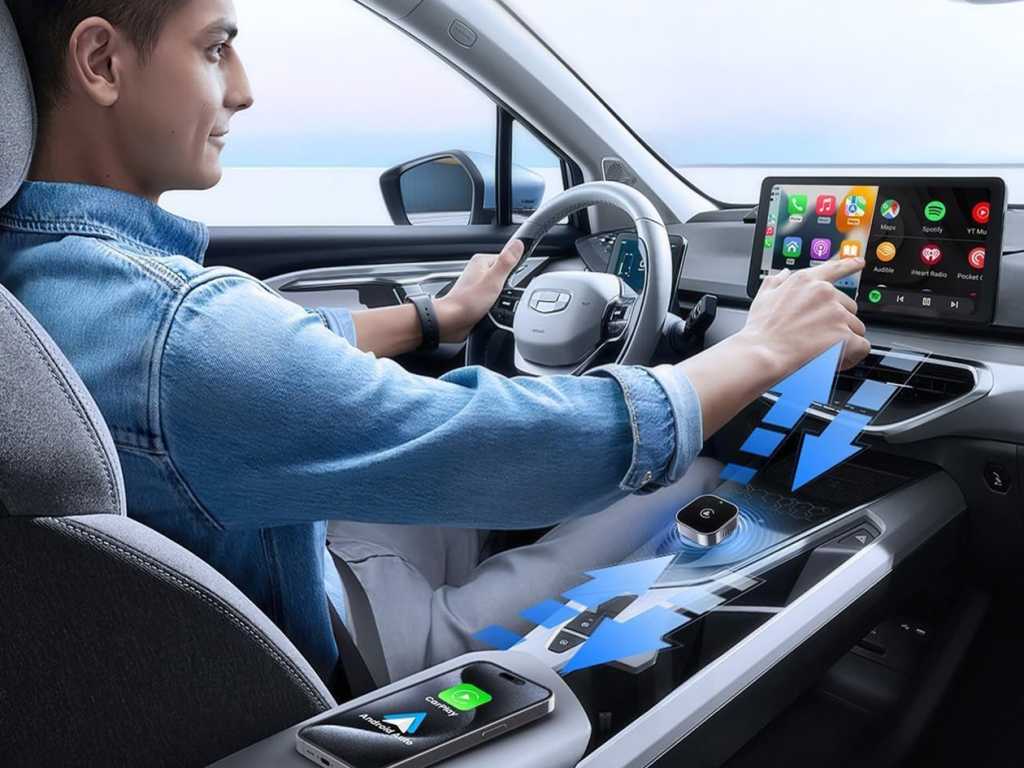
A small adapter eliminates wires in the car
In terms of features, both versions are identical: navigation, music, calls, messages, Siri, voice control. The only difference is the connection method. Wireless CarPlay is more convenient because you just need to put your iPhone in your pocket or on a wireless charger — the system connects automatically within a few seconds after starting the engine.
The problem is that in most cars manufactured before 2021–2022, only wired CarPlay is supported as standard. A full firmware update for the head unit is available only from some manufacturers (BMW, select Audi and Mercedes models), and even then not always. For everyone else, there’s a universal solution — an external adapter.
Wireless CarPlay Adapter: What It Is and Why You Need It
The simplest and most reliable method is to buy a dedicated wireless CarPlay adapter. It’s a small box about the size of a matchbox that plugs into the car’s USB port instead of the iPhone cable and converts wired CarPlay into wireless.
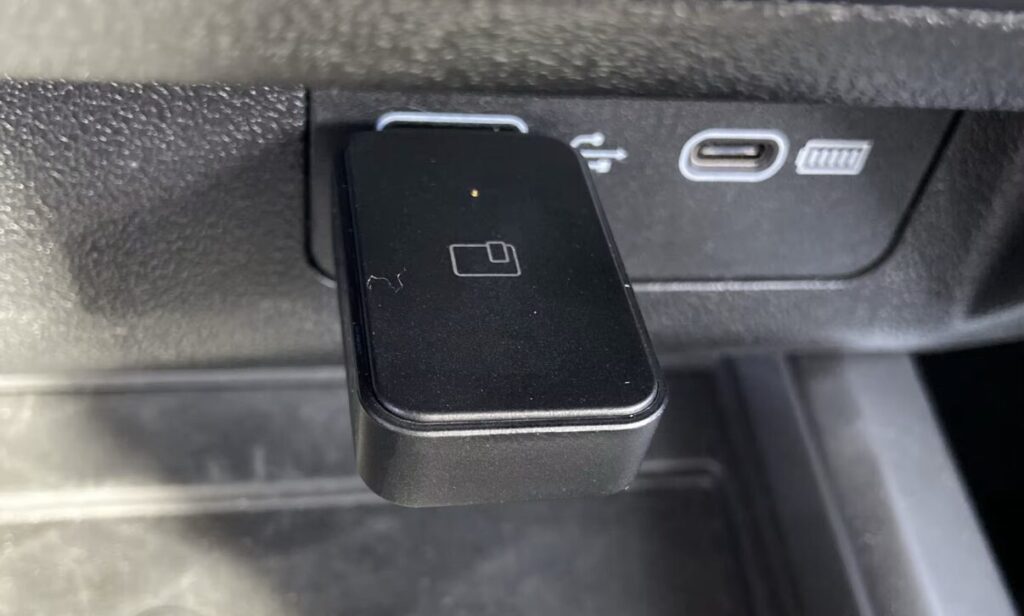
This adapter plugs into the USB port and the problem is solved
Here’s how it works: the adapter “pretends” to be a connected iPhone to the stock head unit, while communicating with the actual phone via Bluetooth and Wi-Fi. The head unit thinks the iPhone is connected by cable and operates in normal CarPlay mode.
For the adapter to work, one condition must be met: the car must have wired CarPlay. If there’s no CarPlay support at all — the adapter won’t help, and you’ll need to replace the head unit.
Connecting a CarPlay Adapter to iPhone: Step-by-Step Setup
Installation takes 2–3 minutes and requires no tools. The procedure is roughly the same for all adapters regardless of manufacturer.
- Start the car and wait for the multimedia system to boot up.
- Plug the adapter into the USB port that is normally used for CarPlay (usually marked with a phone icon or the label CarPlay).
- On your iPhone, open “Settings,” go to the Bluetooth section, and make sure both Bluetooth and Wi-Fi are turned on.
- In the list of Bluetooth devices, find the adapter — its name usually starts with CarPlay, AutoBox, or contains the model name — and tap on it.
- A prompt will appear on the iPhone asking to use CarPlay — confirm it.
- Within 10–30 seconds, the CarPlay interface will appear on the car’s screen.
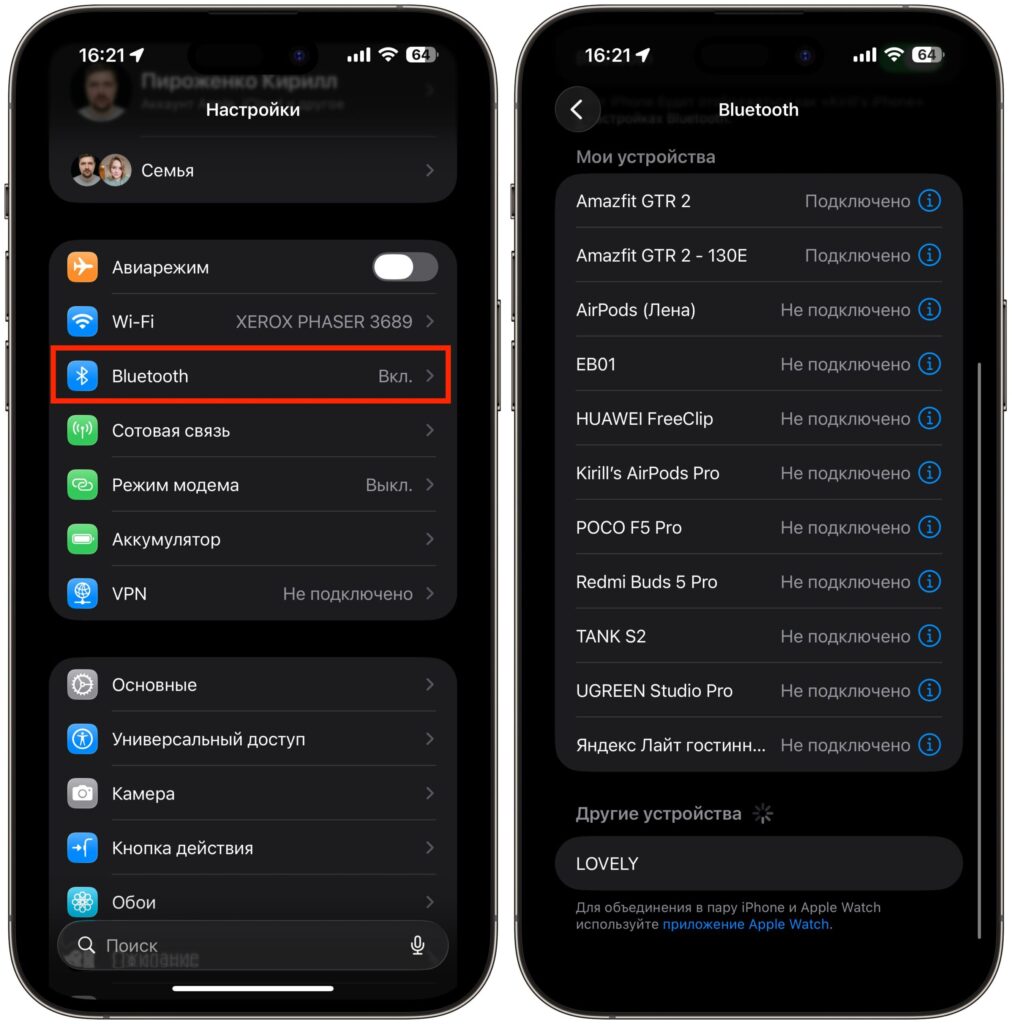
Make sure Bluetooth and Wi-Fi are enabled
After the first pairing, the adapter remembers the iPhone. Next time, you just need to get in the car and start the engine — the connection will restore automatically in 3–10 seconds. No actions needed on the phone.
Best CarPlay Adapter for iPhone: What to Look for Before Buying
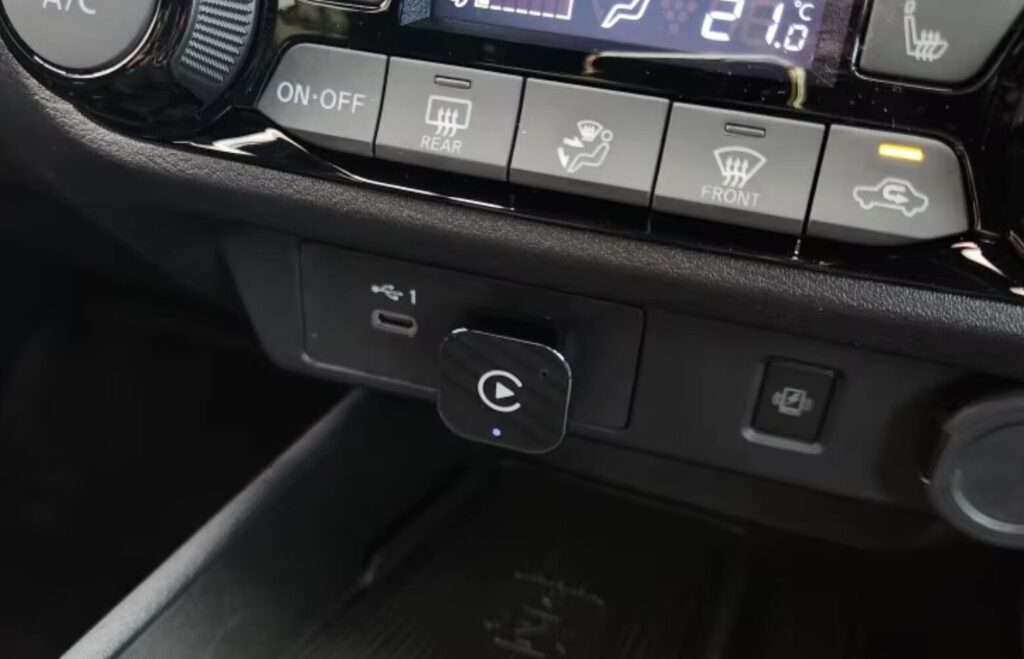
You can buy a very compact adapter that will be barely visible
There are dozens of models on the market, but only a few proven options are really worth considering. Key parameters to look for:
- Dual-band Wi-Fi (2.4 + 5 GHz) — a must for stable performance. Adapters with only 2.4 GHz often lag and lose connection.
- Support for iOS 10 and later — all modern adapters handle this, but it doesn’t hurt to check.
- Connection speed after startup — good models take 5–10 seconds, cheap ones can take up to a minute.
- Size and cooling — compact adapters are more convenient but sometimes overheat in summer. Models with a metal case are more reliable.
- Firmware update support — the manufacturer should release updates for new iOS versions.
CarPlay Adapter Compatibility with Your Car: What to Check in Advance
The adapter works with virtually any car that has stock wired CarPlay.


