Russian banks have long been playing cat and mouse with Apple: their apps get removed from the App Store, and they come back under new names. And here we go again — Alfa-Bank has quietly appeared under the name Upgrade. There’s almost no buzz around it, many people aren’t even aware, but the app is real and working — we verified it personally.
Alfa-Bank is back in the App Store!
Is Upgrade the Real Alfa-Bank or Not
Since there are essentially no alternatives to the App Store on iPhone in our country, you’ll have to download the new Alfa-Bank from there. The app is available at this link — go ahead and install it on your smartphone or tablet. And the key thing here is that you’d better do it as soon as possible.
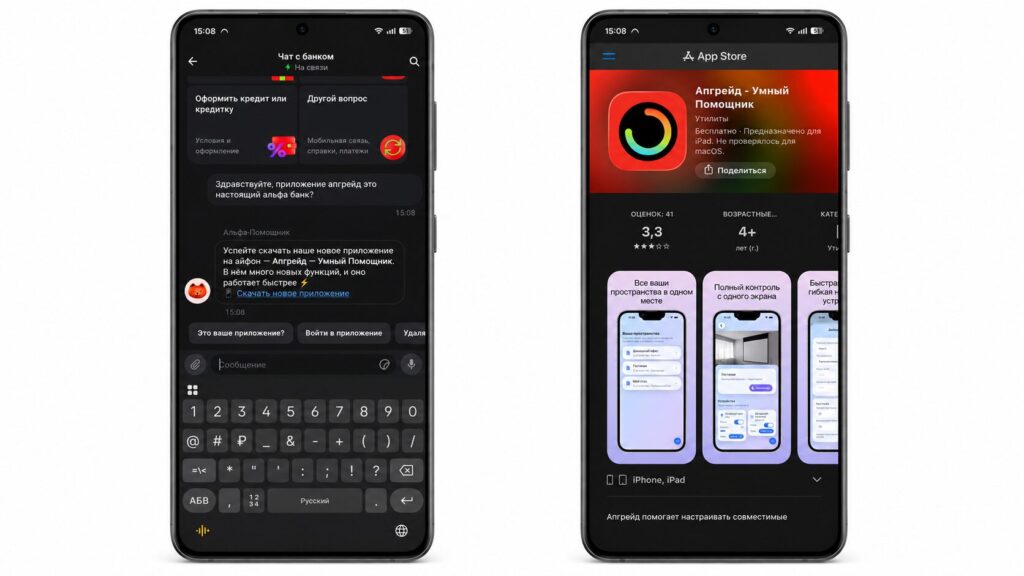
No doubt the app is original
The lack of news about the new Alfa-Bank app is a bit confusing, of course. But if you have doubts, it’s easy to verify by writing to the support chat. They confirmed to us that everything is fine — the link leads to this app.
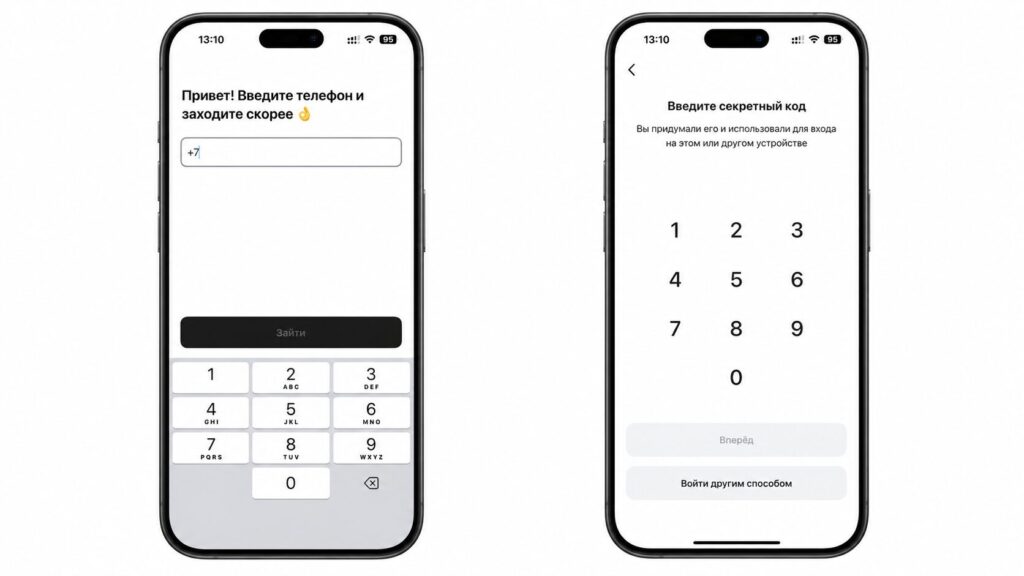
Login is also done via phone number
The thing is, the banking client can’t get into Apple’s store under its real name, so it has to be disguised. This time the cover is particularly clever: in the App Store, the app is listed as “Upgrade, Smart Assistant,” pretending to be a regular AI assistant, and the description says nothing about a bank. If you’ve been looking for how to install Alfa-Bank on iPhone in 2026, now is the most convenient moment. While Cupertino’s moderators haven’t noticed anything yet, Alfa in the App Store is always a short-lived guest, and you shouldn’t delay downloading it.
New Alfa-Bank App and Differences from the Old One
You won’t find any AI assistant inside, of course. After installation and logging in with your credentials, you’ll be greeted by the familiar Alfa-Bank app for iPhone with the same interface as in previous versions. The menu is divided into familiar tabs: “Home” with accounts and quick transfers by phone number, “Payments” for utility bills and transfers by bank details, “Benefits” with cashback and promotions, “History” of transactions with filters, and “Chats” for contacting support. Visually, it’s indistinguishable from Holder.
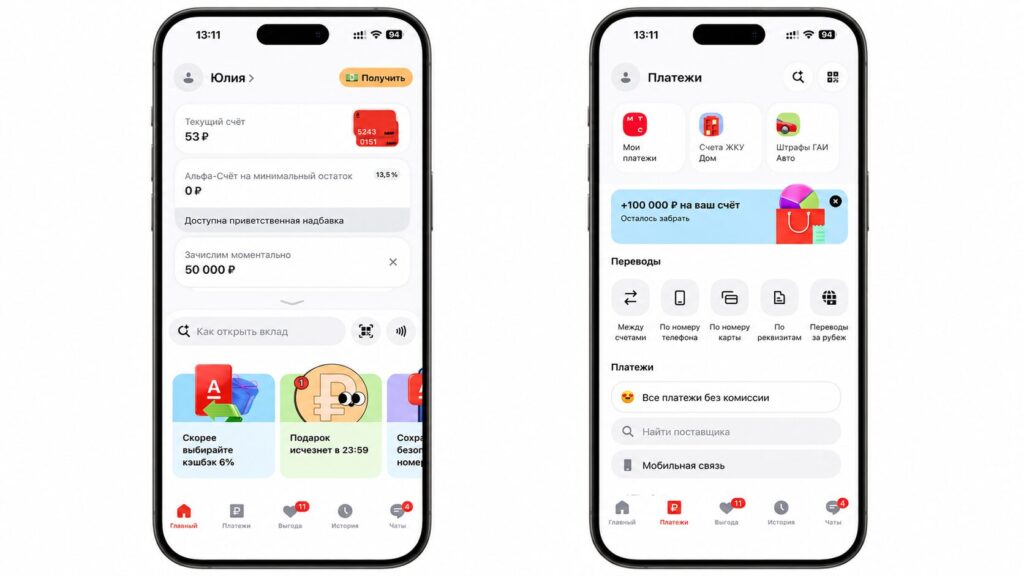
The design hasn’t changed much
So in fact, this is a full-fledged Alfa-Bank for iOS, just under a different name. The name doesn’t affect functionality at all — all the operations you used to perform remain in place. And this is much more convenient than the web version: full push notifications for debits and credits, Face ID login, quick access from the home screen — none of this is fully available in the browser-based Alfa-Online. So the appearance of Upgrade in the App Store is primarily a chance to install a proper banking app on a new iPhone without jumping through hoops.
How to Pay with iPhone Without Apple Pay via Upgrade
The main reason to grab these apps immediately is contactless payment support with an Alfa card. After Apple Pay left Russia, the bank found a workaround and taught its apps to pay with a smartphone without a physical card via Bluetooth. In Upgrade, this feature is also present. On first launch, the app will ask for Bluetooth access, and if you accidentally declined the request, enabling it won’t take long.
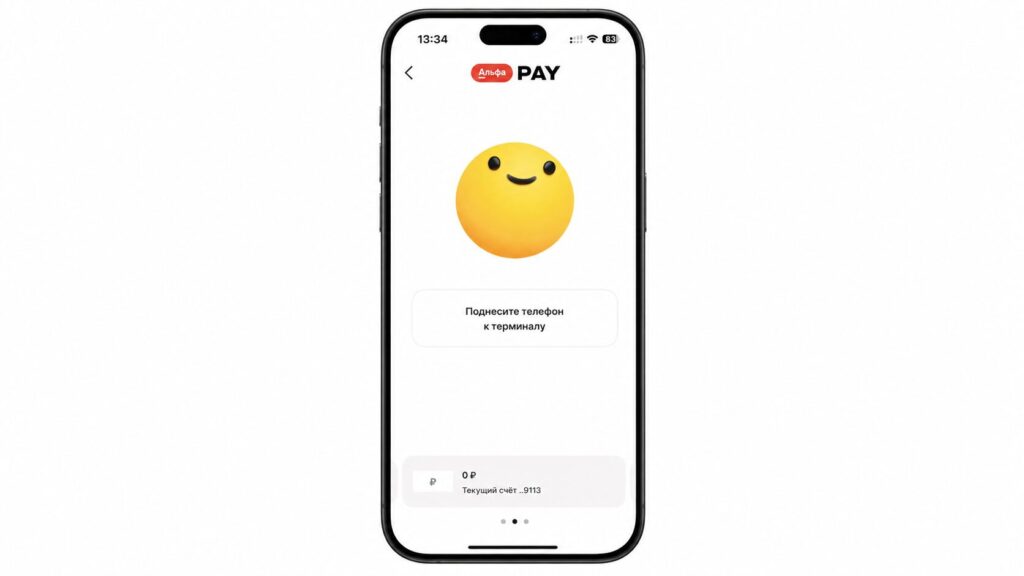
iPhone payment works in the app
- Open iPhone Settings and go to the “Apps” section.
- Find the installed Upgrade app there.
- In the Bluetooth row, toggle the switch on.
- Return to the app itself and on the main screen tap the button with waves — all that’s left is to hold the smartphone to the terminal.
Everything works surprisingly simply, and the setup is even simpler. Payment goes through on most regular terminals, so leaving home with a plastic card is no longer necessary.
Why You Should Download Alfa-Bank on iPhone
The Upgrade app from Alfa-Bank is another temporary window while the client is available in the App Store again. You can install it the old-fashioned way, without web versions and third-party certificates. And a simple rule applies here: even if the app is removed from the store in a couple of hours, the already downloaded client won’t go anywhere and will continue working on your device indefinitely. Removal from the App Store only affects those who didn’t manage to download it in time.
So if you’ve been stuck on the inconvenient web version for a long time or just got a new iPhone, don’t delay. Download Upgrade now, log into your account and test the payment feature, so you don’t regret it later when the window closes.