Installed watchOS 27 and your watch started acting up, or you just didn’t like the new system? The first thought is obvious: roll back to watchOS 26, like many are used to doing with iPhone. Anyone can install watchOS 27, but getting back turns out to be much more interesting. Let’s figure out whether it’s even possible and what to expect.
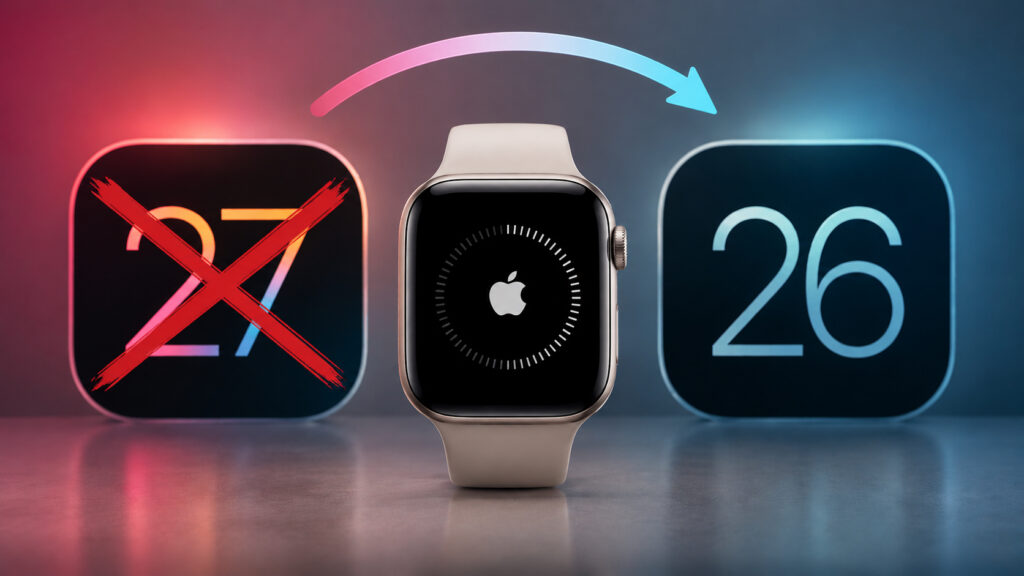
Is a downgrade possible? Let’s find out
Can You Restore an Older Version of watchOS on Apple Watch
Let me start with the technical side, because that’s where everything hits a wall. With an iPhone, the situation is at least theoretically solvable: you can connect the smartphone to a Mac, download a firmware file, and try to restore while Apple is still signing the older version. With Apple Watch, that won’t work. The watch simply doesn’t have a familiar recovery mode via computer available to regular users.
Reflashing the watch is possible only at an Apple service center, using special equipment and a proprietary dock. This isn’t a procedure you can replicate at home with a cable and a laptop. And even at the service center, they’ll install the current signed version, not the one you had yesterday. In other words, you can’t go back to watchOS 26 — not because it’s difficult, but because a mechanism for this simply doesn’t exist.
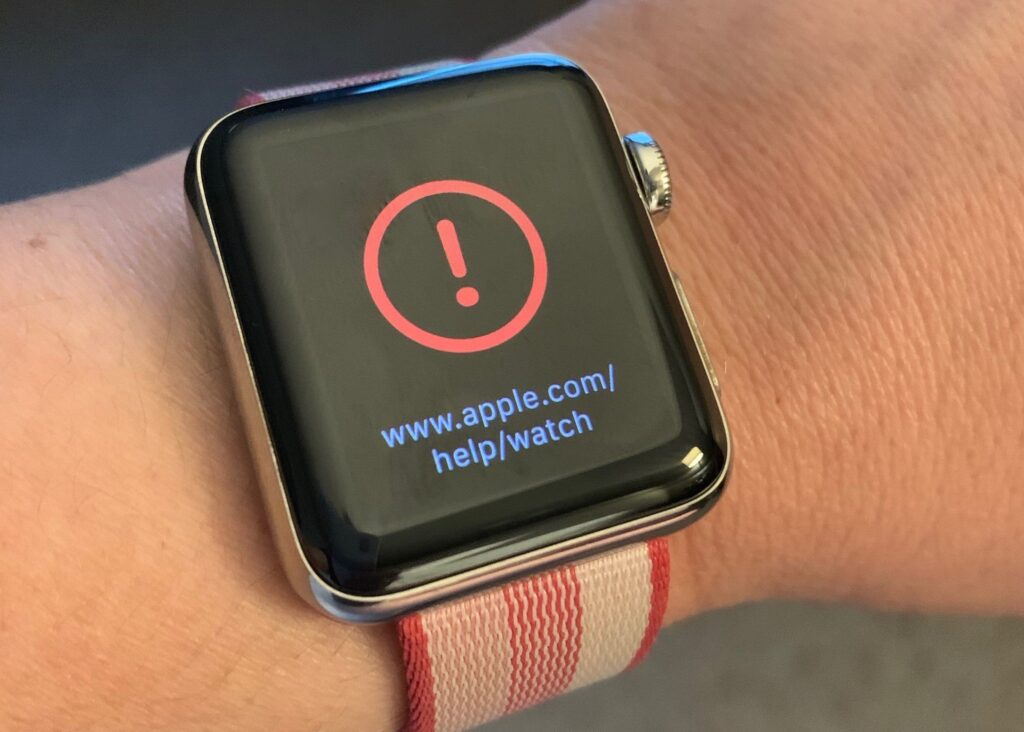
You can’t do a downgrade without a service center
Why Apple did it this way is also clear. The watch is a device with a small battery and a fragile update process, and any failed firmware attempt at home could easily turn it into a brick. That’s why the company locked down access to reflashing for everyone except its own service centers. Also keep in mind the pairing with the iPhone: if you’ve updated both the watch and the smartphone, rolling back just one without consequences is no longer possible — the system pulls the entire ecosystem along with it.
Where to Downgrade Apple Watch in Russia
Let’s say you’re willing to pay for service intervention. In another country, that would at least be some kind of option. Not here. Official Apple no longer exists in Russia: no retail stores, no authorized service centers, no access to the proprietary toolkit for reflashing. Repair shops that fix Apple devices work with hardware, not with the company’s servers. They physically cannot sign firmware or gain access to the closed dock for the watch, because all of this is tied to Apple’s infrastructure.
It gets worse. Anyone who promises you a watchOS downgrade for money either doesn’t understand what they’re talking about or is planning to scam you. There’s no real method, which means there’s nothing to pay for.
What to Do After Installing watchOS 27
If watchOS 27 is already installed, there are essentially two options, and both come down to acceptance.
- First: just use it. The new system doesn’t break the watch — basic functions are all there, and most complaints during early betas are about minor things like battery drain and occasional freezes. By the public release in the fall, these are usually cleaned up, so it makes sense to wait through a couple of updates.
- The second option is relevant if you installed the beta and the watch is clearly lagging. A full reset with fresh setup helps, but this is a reinstallation of the same watchOS 27, not a return to the previous version. A backup won’t save you either: it will only restore to a compatible or newer version, not an older one. An old backup from watchOS 26 is useless here.
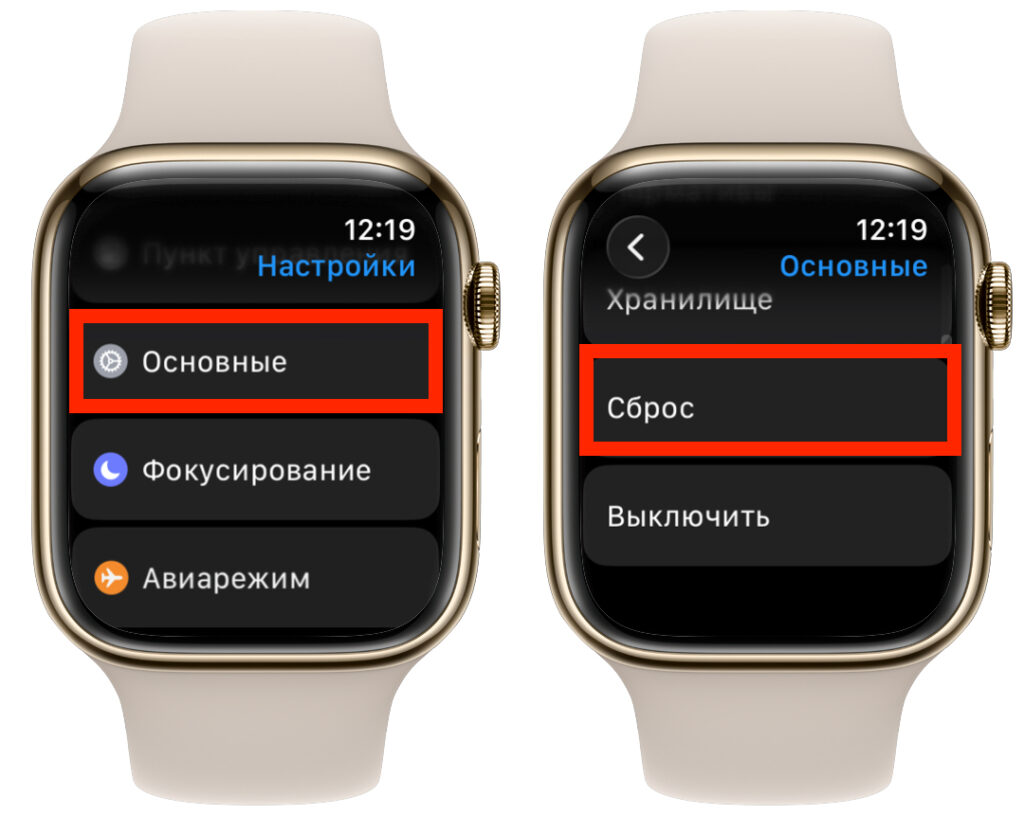
Try a reset. It often helps revive the watch
So the advice is simple. If stability matters more than new features, don’t install raw builds on your only watch. A beta is always a gamble.
Should You Update to watchOS 27
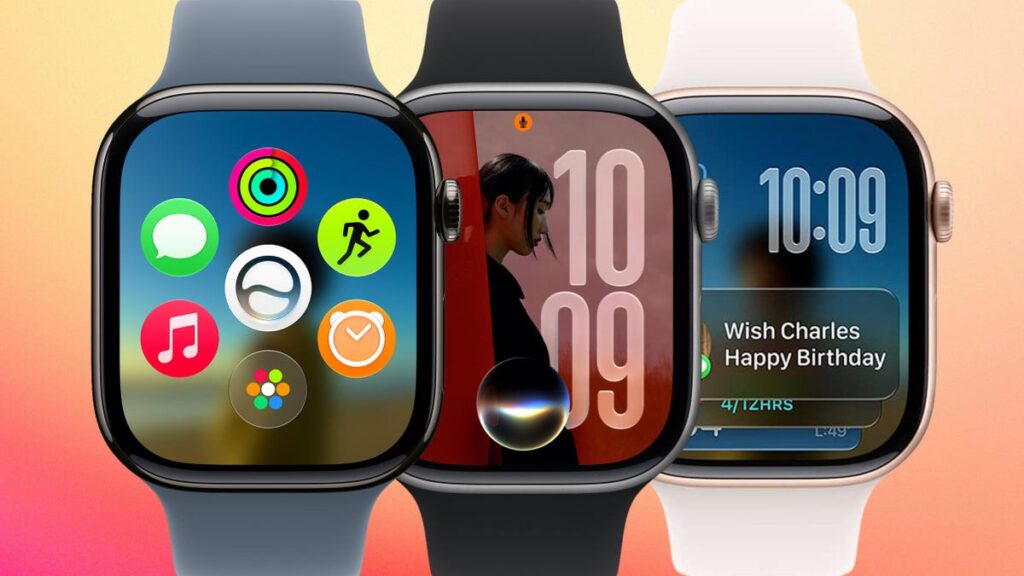
Do you really need all these new features right now? I highly doubt it
Now for the main decision. Since there’s no way back, you should treat the update as a one-way ticket. Think about what you’re getting in return. A significant portion of watchOS 27’s new features relies on AI and only works on the latest hardware, and in our reality, a good half of Apple’s online features are either accessible through workarounds or don’t work at all. Paying with irreversibility for features you barely use doesn’t make much sense. Add to that the fact that conversational Siri and some smart scenarios are officially unavailable in Russia.
And a note about compatibility. This year Apple conducted a harsh cleanup of the model lineup: Series 6, 7, 8, SE 2, and the first Ultra were left without the update, while only Series 9, Series 10, Series 11, Ultra 2, Ultra 3, and SE 3 received the new system.
Here’s the bottom line. You cannot downgrade from watchOS 27 to watchOS 26 — and in Russia, no one will help you with this. The smartest decision is made before the update, not after. If you’re in doubt, stay on watchOS 26. It will continue receiving security patches and running stably for a long time, and rushing gets you absolutely nothing here.