The other day Apple released iOS 27 even for iPhone 11, reigniting an old debate: how many years should a smartphone actually receive updates? If you’re looking at a used or refurbished iPhone or wondering whether it’s time to replace yours, it’s worth understanding how long Apple supports iPhones. This determines how long you’ll receive iOS updates, vulnerability protection, and access to official repairs. Below are the current timelines, a list of compatible models, and the logic Apple uses to classify iPhones as obsolete.
Understanding which iPhone models get updates
Let’s put your mind at ease right away: an iPhone receives software support for many years. Security updates typically arrive for seven to eight years, while battery replacement and other repairs are usually available for devices aged five to seven years. But there are a couple of nuances worth clarifying before you buy or before you hit that update button.
How Long Do iOS Updates Come Out for iPhone
Apple doesn’t have a strict support timeline, but in practice major iOS updates come to iPhones for roughly five to seven years, and security patches continue even longer — sometimes ten years or more. To understand how much longer your smartphone will last, it’s important to distinguish between two types of updates.
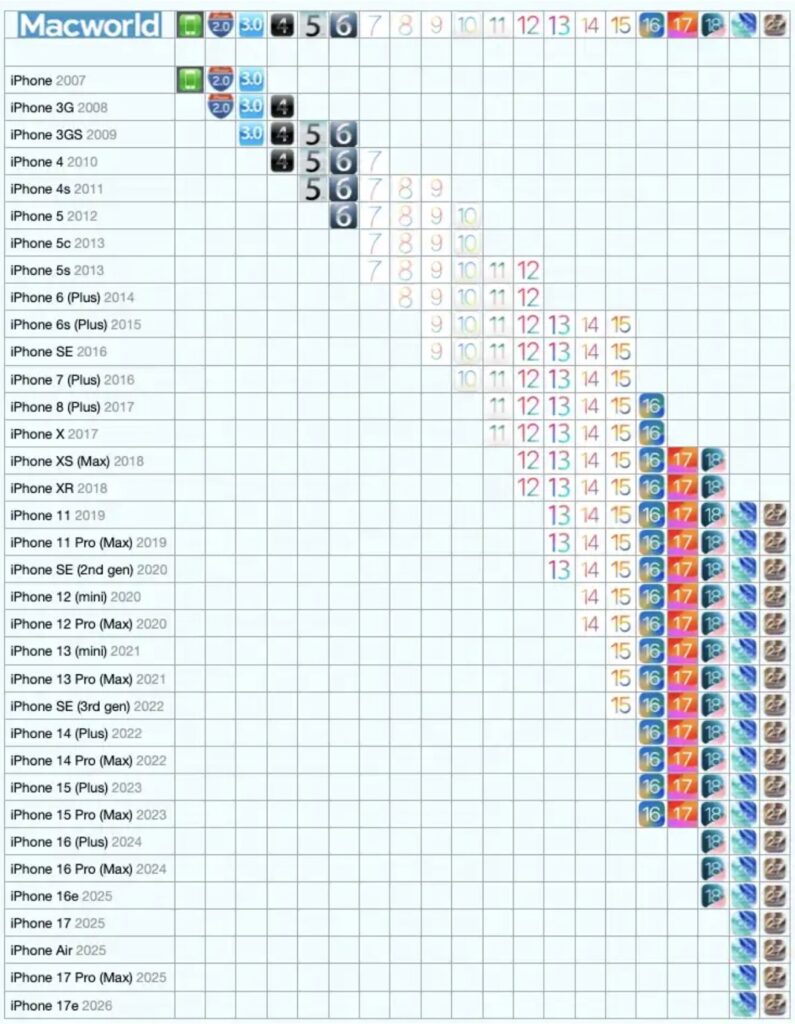
Here’s the update timeline for each smartphone
- Major iOS updates — these are new system versions with new features, redesigned interfaces, and fresh apps. iPhones receive these for approximately five to seven years. The iPhone 11 from 2019, for instance, works with iOS 26 and will be able to upgrade to iOS 27, although some new capabilities won’t be available on older hardware.
- Security updates — these are critical vulnerability fixes. They continue to be released even after a smartphone stops receiving major iOS versions, extending the device’s safe lifespan by several more years.
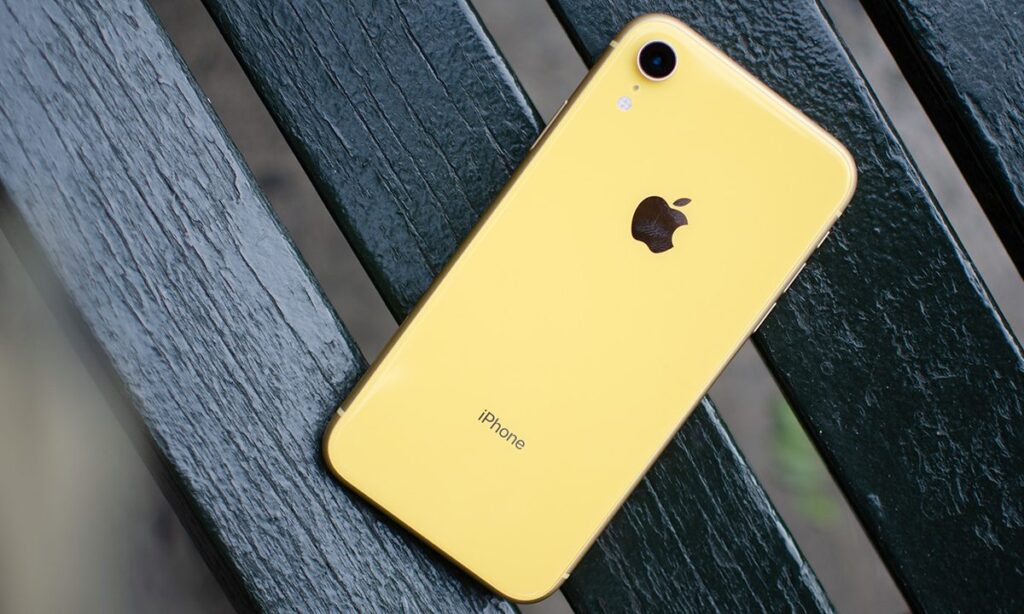
iPhone XR no longer receives major updates
A simple example. The iPhone XR and iPhone XS from 2018 cannot install iOS 26, but Apple continued releasing security updates for them through iOS 18. Older models — iPhone X, iPhone 8 and 8 Plus, iPhone 7, iPhone 6s and 6s Plus, and the first iPhone SE — received security patches through iOS 15 and iOS 16. This means some smartphones from 2015 were still getting security fixes more than ten years after their release.
The way Apple distributes security updates has also changed. Now iOS 18 security patches only go to iPhones that can’t run iOS 26. If your smartphone is compatible with iOS 26 but you’re still on iOS 18, you’ll need to update to iOS 26 to get the latest fixes. Previously, security patches were available to any device running a supported system version.
Which iPhones Can Be Updated to the New iOS
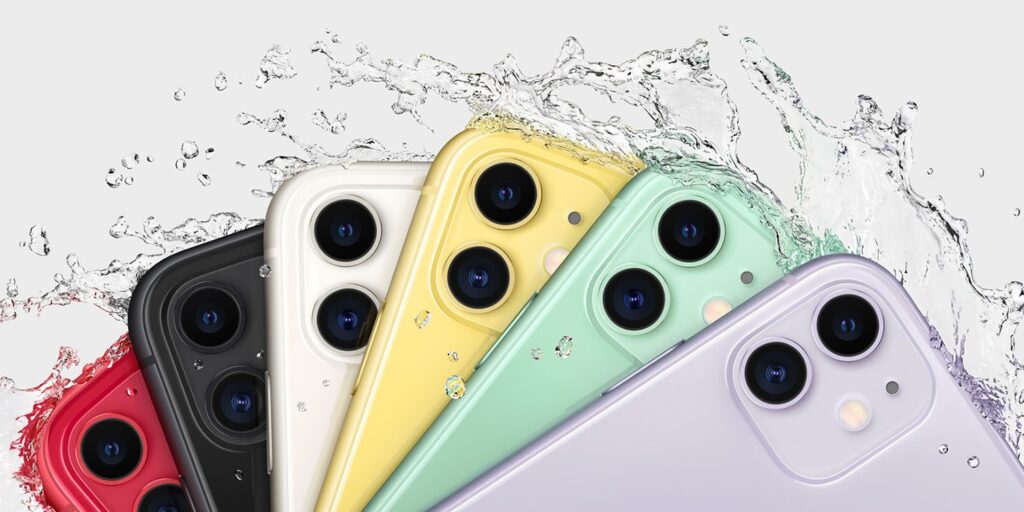
Even the old iPhone 11 supports the iOS 27 update
The oldest iPhone that can run iOS 26 and the upcoming iOS 27 is the iPhone 11 from 2019. Both system versions support the same set of models — all iPhones released from 2019 onward.
- iPhone 17 and iPhone Air, including iPhone 17e (2025)
- iPhone 16 and iPhone 16e (2024)
- iPhone 15 (2023)
- iPhone 14 (2022)
- iPhone SE 3rd generation (2022)
- iPhone 13 (2021)
- iPhone 12 (2020)
- iPhone SE 2nd generation (2020)
- iPhone 11 (2019)
In recent years, new iOS versions have been available for models spanning roughly six years, and if you add security patches for older versions, you can safely use the phone for about another year longer.
The Oldest iPhones Still Receiving Security Updates
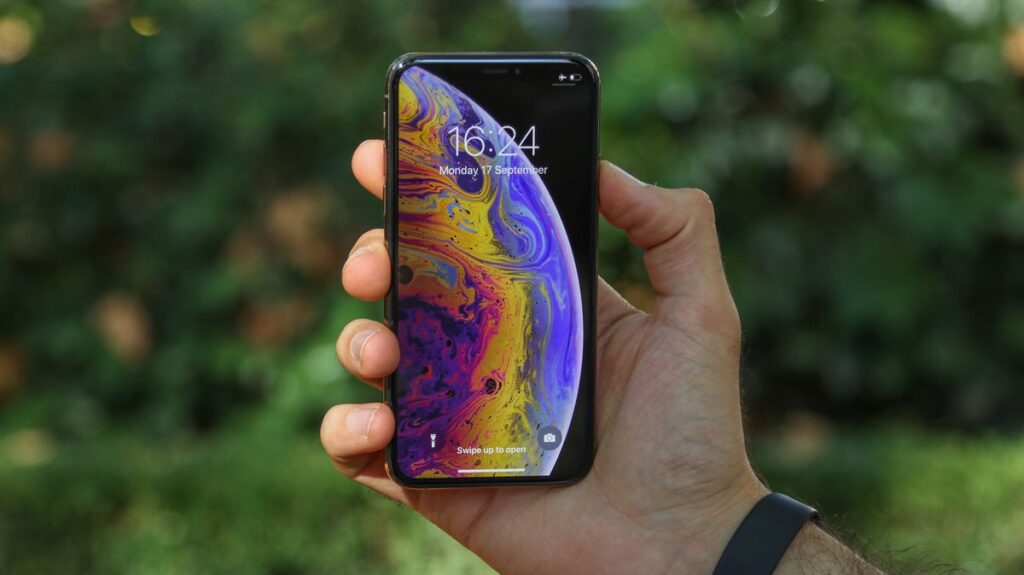
iPhone XS, like the XR, is also limited to security patches only
As of early 2026, the picture looks like this:
- iPhone XS and iPhone XR — receive security updates through iOS 18.
- iPhone X, iPhone 8, iPhone 7, the first iPhone SE, and iPhone 6s remain on security patches within iOS 16 and iOS 15.
By the way, these updates are no formality. For example, Apple urgently released an iOS 18 security patch against a dangerous virus. So even on older models, such updates should be installed immediately. It turns out the oldest iPhone still receiving security updates is the iPhone 6s from 2015. Meanwhile, the iPhone 11 is already running the current iOS 26 and is ready for iOS 27.
However, support for these veterans is unlikely to last much longer. The release of iOS 27 in fall 2026 may well put an end to iOS 15 and iOS 16 updates, and with them the lifespan of iPhones that depend on them. There’s already an indirect warning sign: Apple has classified the first iPhone SE as obsolete, while the iPhone 6s, iPhone 7, iPhone 8 and 8 Plus, iPhone X, iPhone XS and XS Max, iPhone 11 Pro and 11 Pro Max have been moved to vintage status.
Which iPhones You Shouldn’t Buy in 2026
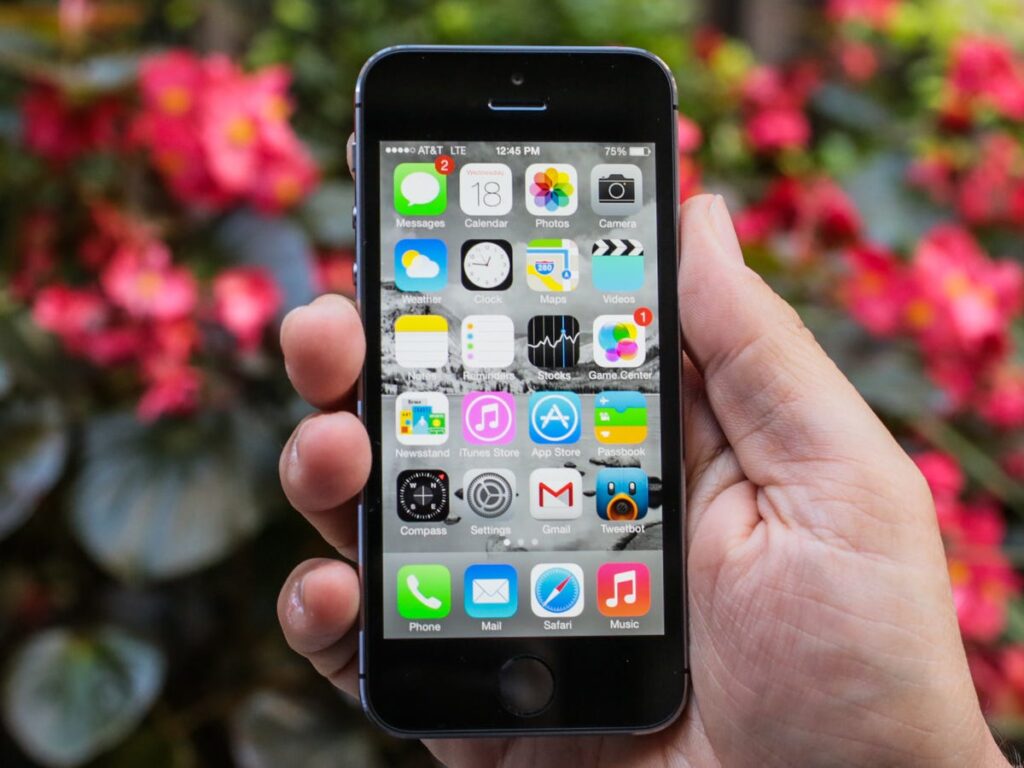
iPhone 5S is only worth buying as a collector’s item, but definitely not for daily use
We don’t recommend using these models: they either already lack critical security updates or are about to lose them. This is a direct risk to your device and data — unpatched vulnerabilities turn your smartphone into an easy target.
- iPhone XR (2018)
- iPhone XS and XS Max (2018)
- iPhone X (2017)
- iPhone 8 and 8 Plus (2017)
- iPhone 7 and 7 Plus (2016)
- iPhone SE first generation (2016)
- iPhone 6s and 6s Plus (2015)
- iPhone 6 and 6 Plus (2014)
- iPhone 5s (2013) and older models
If you have one of these models and it holds your email, banking apps, and personal photos, it’s time to think about a replacement. As for the iPhone 11: it’s formally still the oldest compatible model.