We received a question from a reader: how does iOS 27 differ from iOS 26 and is it worth updating for? It’s a good question, because from the outside it seems like Apple only changes the number in the name every year. In short, iOS 26 was about design, while the new iOS 27 is about artificial intelligence and speed.
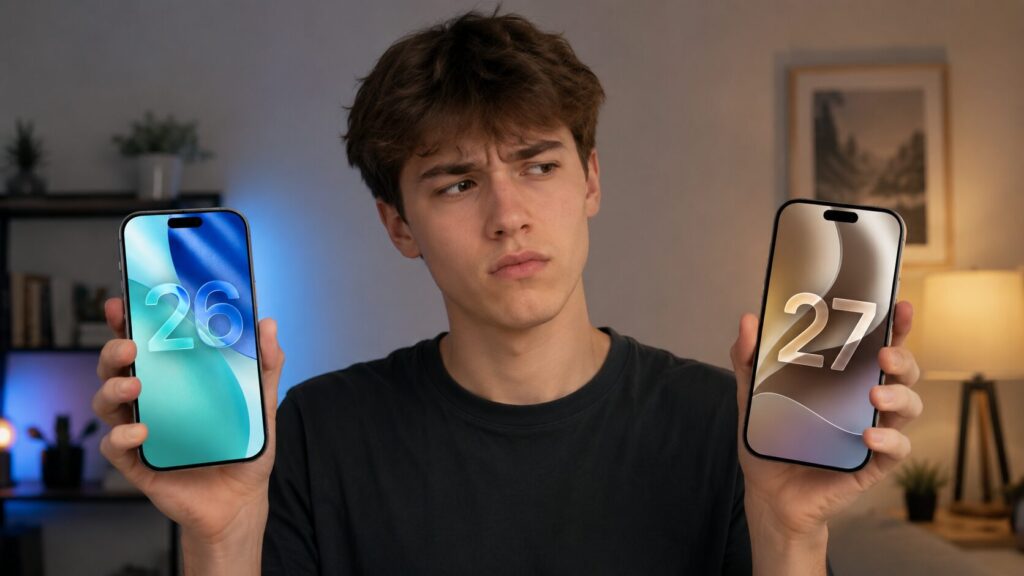
Breaking down the real differences between iOS 26 and iOS 27
The Main Difference Between iOS 27 and iOS 26
The biggest change, the one many people were waiting for, is the new Siri AI. Remember how Apple promised a truly smart assistant two years ago? Well, that promise has finally been fulfilled, and Siri is no longer the one that got confused by the simplest commands. First of all, it’s now designed as a standalone app.
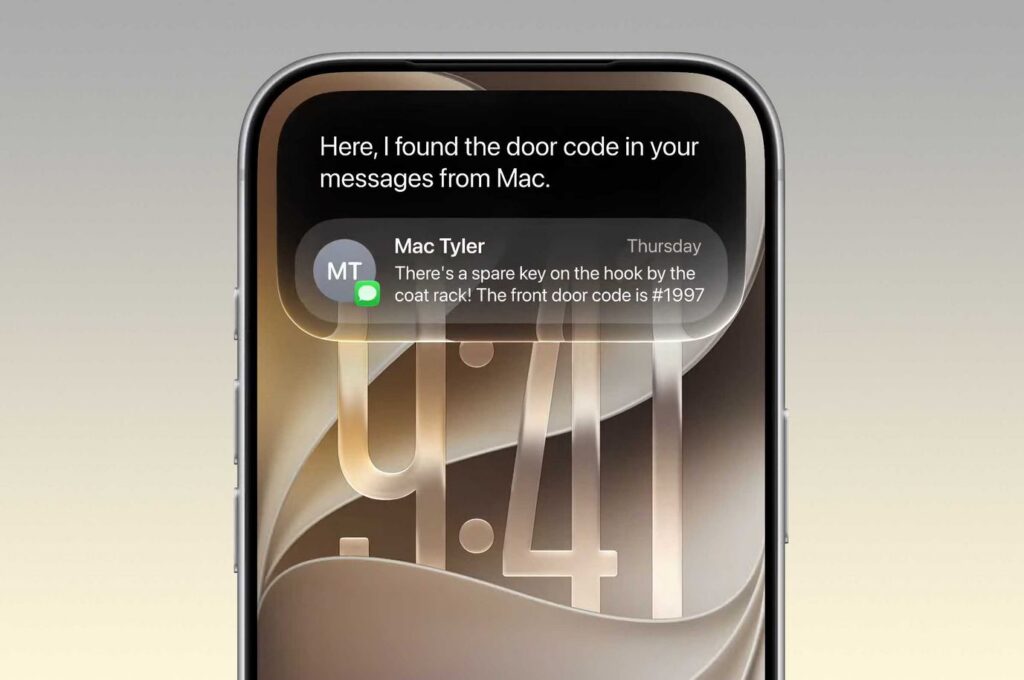
The main difference is the new Siri. It has become significantly smarter
Some of the neural network features work in conjunction with Google Gemini. Simple queries are processed right on the device with an emphasis on privacy, while complex ones are sent to the cloud. On paper it sounds technical, but in practice the assistant simply started understanding you properly. We won’t list everything — there are really a lot of changes, they’re just small ones.
But I’ll be honest: not everything revolves around Siri. iOS 27 has plenty of things you’ll use more often than the assistant.
Apple Intelligence — New Features in iOS 27
In iOS 26, Apple Intelligence features were just testing the waters, but in iOS 27 they’ve been ramped up. Generative photo processing appeared, new smart tools in system apps, plus overall acceleration of the entire AI block. Not everything is perfect yet, but the operating system has only been released in beta so far.
But there’s an important caveat here. iOS 27 itself can be installed even on older iPhones, but the proprietary AI features only work on iPhone 15 Pro and newer. The most advanced Siri capabilities even require iPhone 17 Pro or iPhone Air. So if you have a simpler model, you won’t see any AI magic.
How the Design Changed in iOS 27
Here I’ll be honest so you don’t expect too much. The signature Liquid Glass that Apple introduced back in iOS 26 has only been slightly refined in the new version. There’s no interface revolution — the screen looks almost the same after updating. Apple this time focused on internal changes rather than a new wrapper. You could stare at it for a long time — only then would you find the changes.
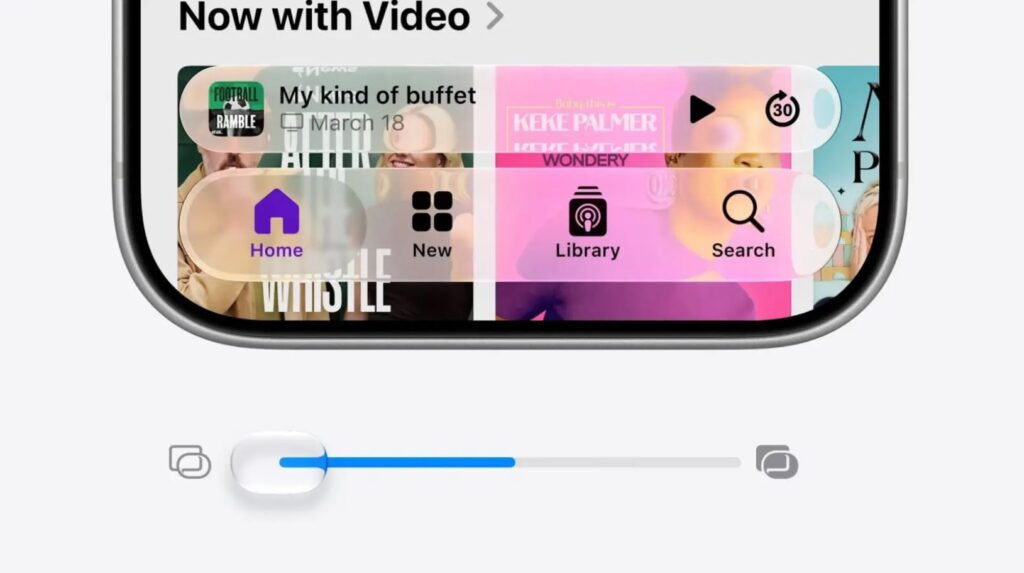
Apple listened to fans and added a slider for transparency adjustment after all
But seriously: the main change is a slider for adjusting Liquid Glass. The idea to add it appeared a year ago after the failure in the first beta versions, when everyone complained about the design. Besides that, you can freshen up the look at least with your own hands — new wallpapers from iOS 27 and macOS 27 Golden Gate can be set up in a minute and the mood is already different.
Will the iPhone Run Faster with iOS 27
This is something you’ll feel right away. The system overall has become snappier, and AirDrop works approximately 69% faster than in iOS 26. For example, transferring files between iPhones is no longer a reason to go grab a coffee. And app launching has become 30% faster thanks to changes in how the OS works.
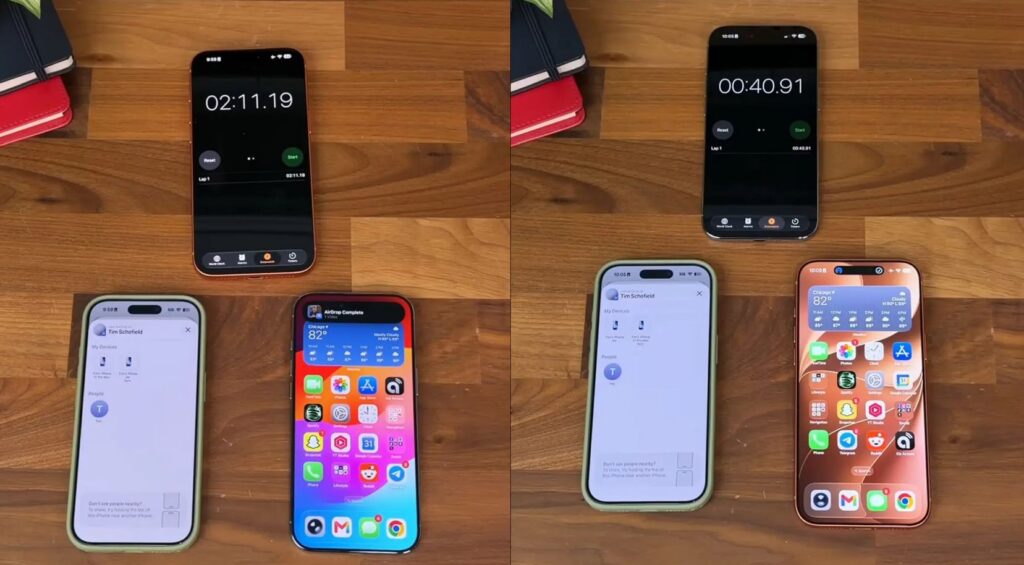
AirDrop has become significantly faster. How? Magic!
Among the small things that had been annoying for a long time: separate volume controls appeared for calls, alarms, and notifications — previously everything was controlled by a single slider. In the Photos app, you can save any frame from a video as a separate image right inside the app, without third-party programs.
If you notice the message Indexing in progress and slight stuttering right after updating, don’t worry — this is normal, the system is re-indexing data.
Which iPhones Will Get iOS 27
The support list is surprisingly wide. iOS 27 can be installed even on iPhone 11, which is already considered a veteran. Only iPhone XS, XS Max, XR, and everything older are left without the update — they didn’t receive iOS 26 either.
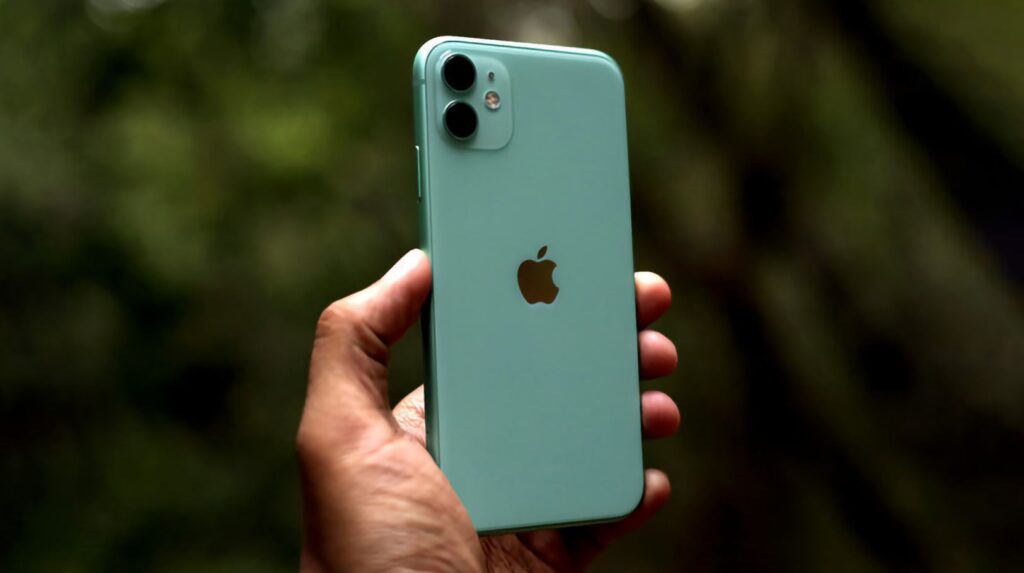
iPhone 11 updated to iOS 26, but it’s not all perfect
Let me repeat: basic iOS 27 will install on older devices, but without Apple Intelligence. You’ll get the new interface and speed, but the smart features will pass you by. At the same time, the list of supported devices for iOS 27 is the same as it was a year ago for iOS 26. Here’s another similarity between the two systems.
Is It Worth Downloading iOS 27 Now
If you have an iPhone 15 Pro or newer, the update will be significant and useful: new Siri, generative tools, speed improvements. For older models, iOS 27 is more of a cosmetic update plus a nice speed boost. But it’s better to wait.
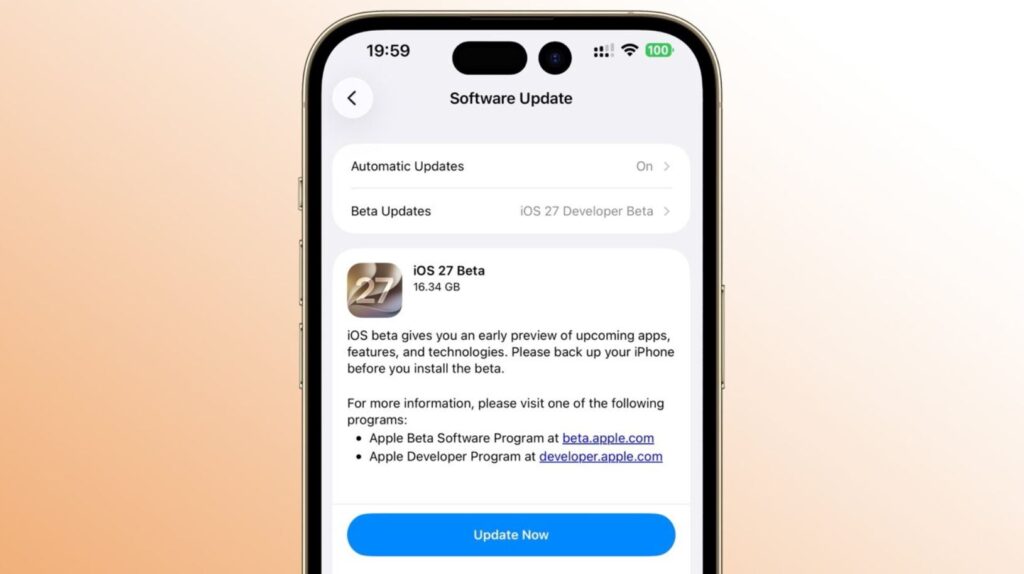
The update is already available for download, but it’s better not to rush
There’s no rush, by the way. The developer beta is already available, the public beta will come out in July, and the final release of iOS 27 for everyone will take place in fall 2026, approximately in September.