On June 13, a wave swept through media and social networks: supposedly, Russian websites were about to stop opening due to new certificate rules. On Android, the topic sounds especially alarming — unlike iPhone, many people here use Chrome, which doesn’t recognize Russian signatures. Spoiler: the apocalypse didn’t happen, and we’ll explain why now.
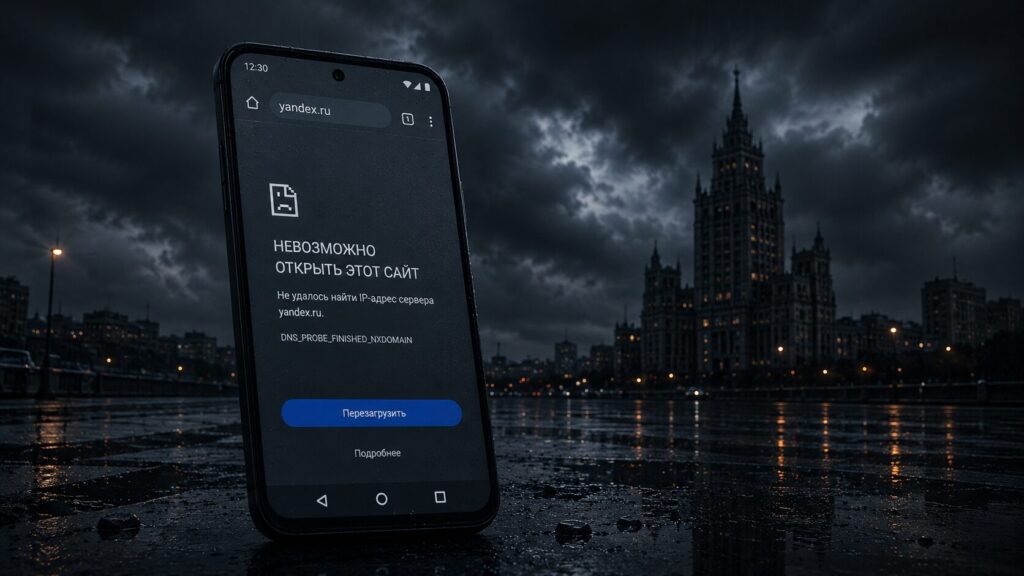
What will happen to Russian websites and is it true they’ll stop opening?
How Website Security Certificates Work on Android
A security certificate is a digital ID for a website. When you open a bank page, the browser checks that it was signed by a trusted authority, and only then shows the padlock and a secure connection via the https protocol. No signature or an untrustworthy one — you’ll see an insecure connection warning. You can still open the page, but few people will voluntarily go there. And rightly so: behind such a screen, there’s often a real threat — fake websites steal passwords and access to your Google account.
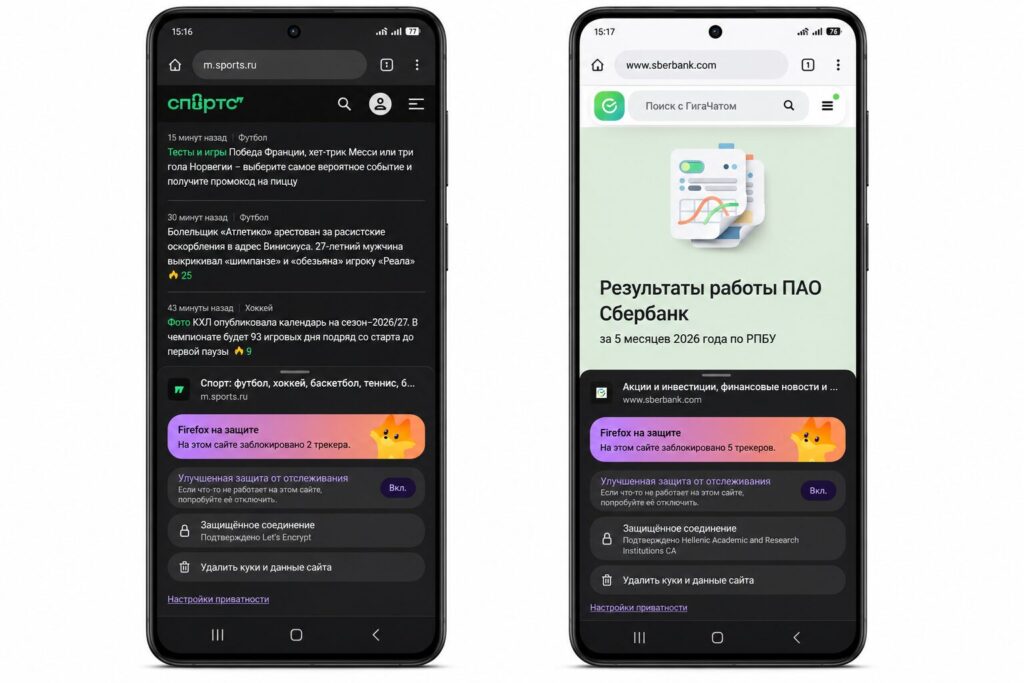
You can view certificates by tapping the shield icon
There are fewer than a hundred trusted authorities in the world — 85 to be exact. Their list is built right into Android, Windows, iOS, and the browsers themselves. That’s why Chrome on your smartphone trusts some signatures and complains about others.
What’s This New Certificate Ban for Russia
In May, the CA/Browser Forum — the community that writes rules for certificate authorities — explicitly added to its document a ban on issuing security certificates to applicants from sanctions lists. It sounds like news, but essentially it’s a formalization of what has been in effect since 2022. That’s when Russian government agencies, state corporations, and sanctioned companies lost the ability to legally obtain foreign signatures.
In response, Russia created its National Certification Authority (NCA). It does issue certificates, and they work for some government resources. The problem is that the NCA is not part of the global chain of trust. It’s not in Android, not in Windows, not in Chrome. Opening a site with such a signature without issues is essentially only possible in Yandex Browser or Atom. In Chrome, it will show that same insecure connection warning.
Since most Android smartphone owners use Chrome or Firefox, and they don’t recognize the Russian authority, theoretically a mass transition of Russian websites to domestic signatures would indeed cut you off from the familiar internet. The key word is theoretically. In practice, this transition isn’t happening, and the reasons are very down-to-earth.
Why Russian Websites Continue to Work in Chrome
The most interesting part begins when you look not at headlines but at specific websites. Open Sber’s certificate details — in the “issued by” field you’ll see HARICA, a Greek certificate authority. The certificate was issued on June 2, 2026, even though Sberbank has been under sanctions for years: nevertheless, its signature is European and brand new.
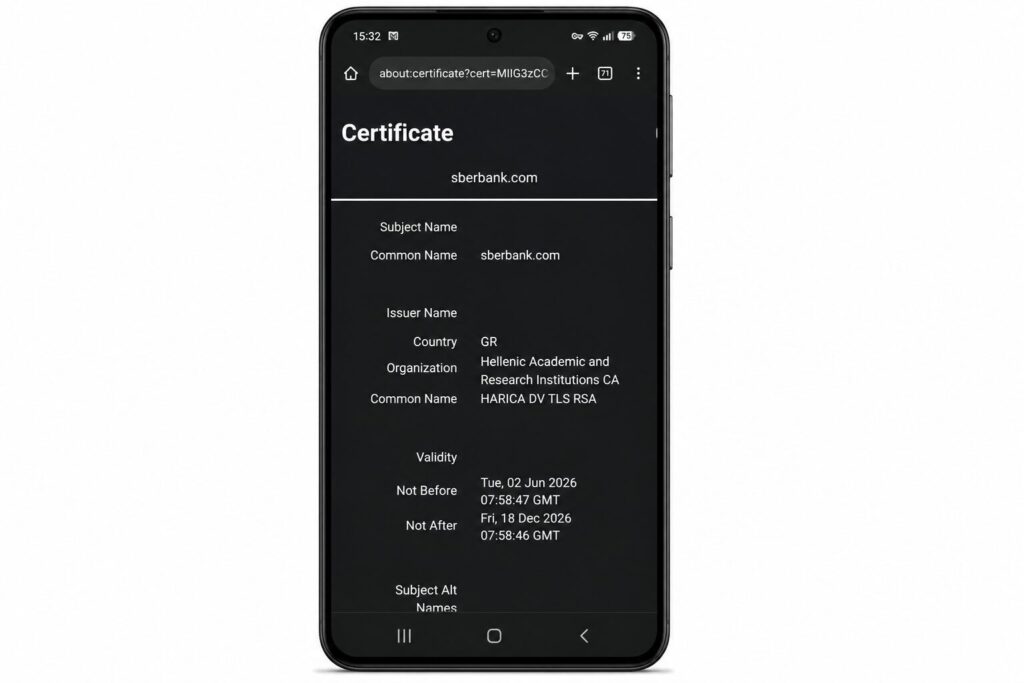
Sber has no certificate problems
The story of Gosuslugi (Government Services) is even more illustrative. Their certificate is issued by GlobalSign — one of the largest international authorities — and is valid until December 2026. That is, the country’s main government portal lives comfortably on a foreign signature, and Chrome opens it without a single question.
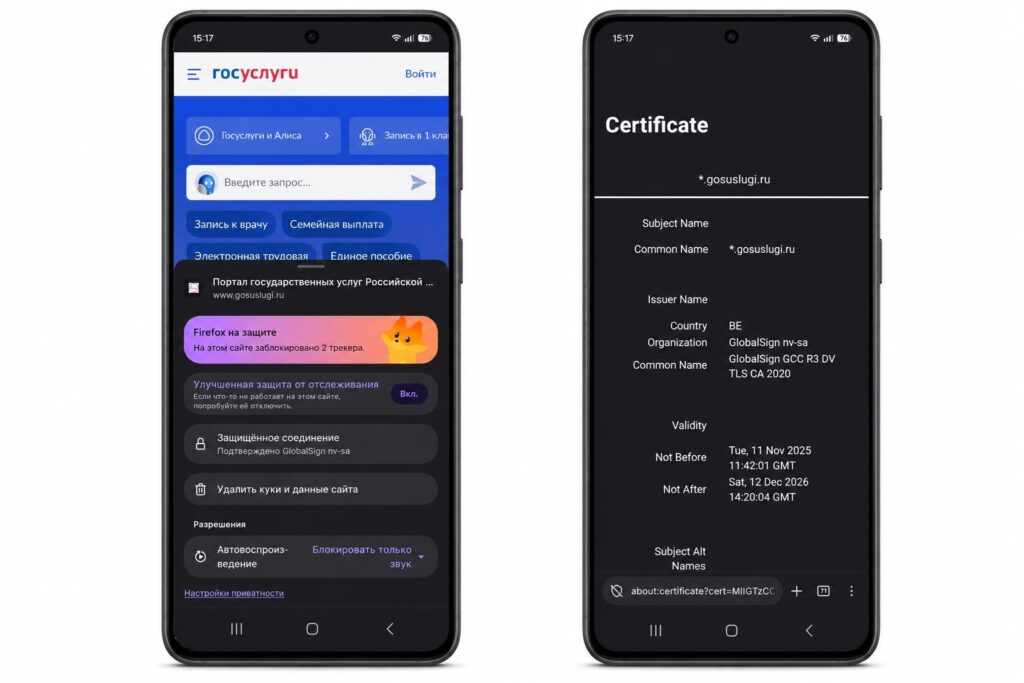
Despite sanctions, Gosuslugi has a proper certificate
How does this work with an active ban in place? Very simply. International authorities don’t scour the internet looking for violators — that would be extra expenses for them. Usually they learn about a problematic client from the news and only then take action. Sanctions in this area exist on paper but are loosely enforced. That’s why giants like Let’s Encrypt and GlobalSign work with Russian websites, including government ones, which are in no hurry to switch to the NCA.
There’s also a deeper reason. Businesses need their site to open both inside and outside the country. If they switched to a domestic certificate, all external traffic would hit a red warning, and a foreign visitor would simply close the tab. Nobody wants to voluntarily cut off half their audience, so everyone delays the transition as long as possible. And yes, if a site suddenly doesn’t open, it’s not always about the signature: major outages happen without certificates too.
What to Do If Chrome Warns About an Insecure Site
No need to panic — your Android works as it always has. But a couple of things are worth keeping in mind. If some government website greets you with an insecure connection warning, don’t be scared right away. It may have switched to a Russian certificate that Chrome doesn’t recognize. For such cases, keep Yandex Browser or another Russian app on your smartphone — domestic signatures open without problems in them.
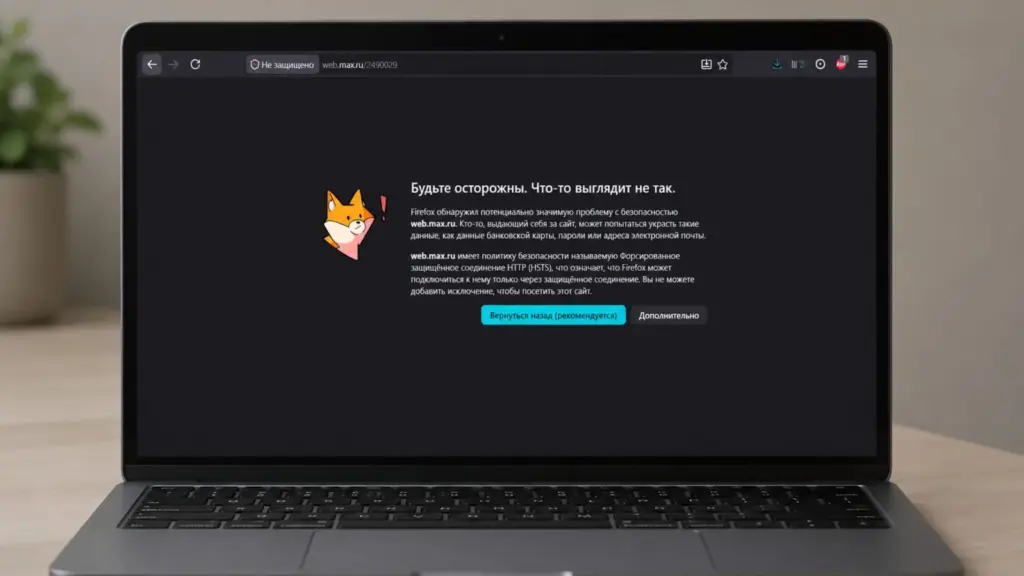
Something similar recently happened with MAKS
But most importantly — don’t train yourself to click “proceed anyway” on every such screen. On an unfamiliar site, a red browser warning more often means a real threat than sanctions policy. The habit of ignoring these signals on every site is a direct path to scammers.
Learn to distinguish a real problem from media hype. The better you understand how everything works, the less likely you are to panic over a sensational headline.