Constant Bluetooth dropouts are one of the most annoying little things in everyday Android use. Music cuts out, calls drop, your fitness band loses connection — and it seems like either the phone or the headphones are to blame. In reality, the cause is often much simpler: you’re blocking the signal yourself with your hand, case, or clothing without even realizing it.
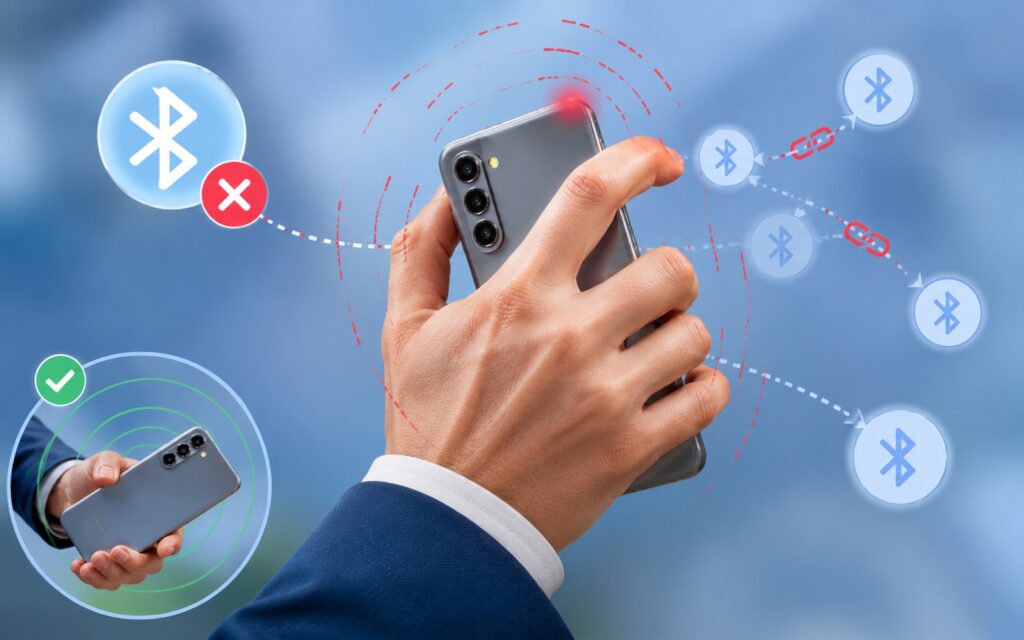
This is where the main problem lies
Why Headphones Keep Disconnecting
The scenario is familiar to many: you’re listening to music, and suddenly one or both earbuds go silent, then come back out of sync, “stutter” for a few seconds, and only then catch up with the track. It’s not a catastrophe, but a few seconds of irritation several times a day can wear anyone out.
It’s important to understand: sometimes the issue really is with the gadget itself. Bluetooth problems have been reported even on Google flagships (for example, Pixel 9 Pro and Pixel 8 Pro buyers complained about unstable connections). So a budget device isn’t the only possible culprit, but it’s also not a death sentence.
The Main Reason for Constant Bluetooth Dropouts
My main discovery turned out to be almost comical. I noticed that the headphones lose connection when I pick up the phone in a certain way — covering the front camera with my palm to grab the device more conveniently from the edge of the desk. I was able to reproduce this grip three times in a row: each time the music stuttered.
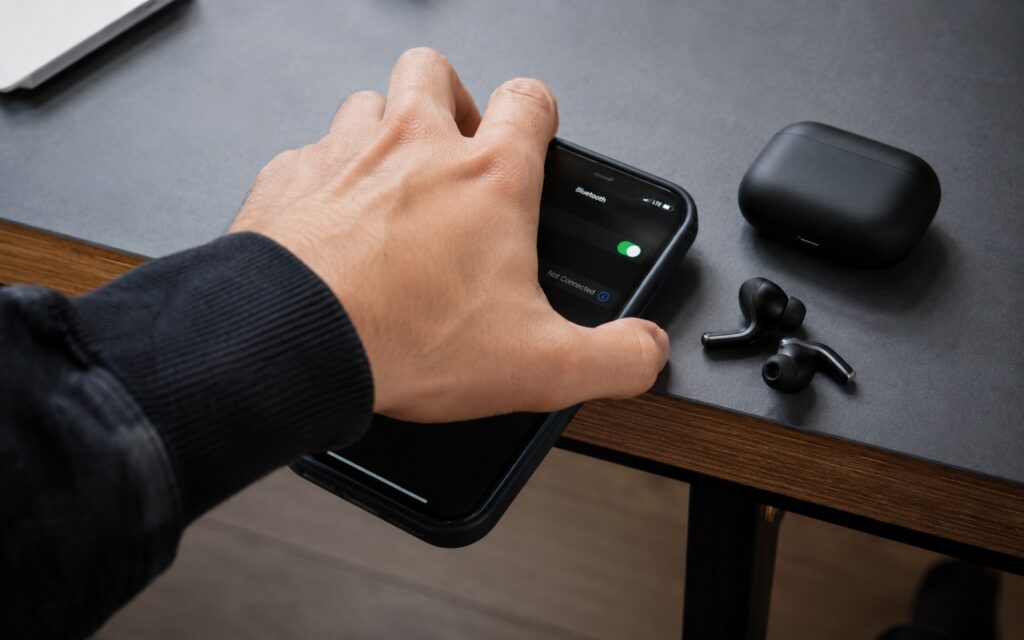
It’s all about the wrong grip
This doesn’t explain every case: sometimes the connection drops when you’re walking around the room or not even touching the smartphone. But the conclusion itself is important: your body and palm physically block the radio signal. Bluetooth operates at 2.4 GHz, and any obstacle between the phone and headphones can weaken the connection.
Bluetooth Connectivity Drawbacks
It’s worth keeping a basic fact in mind: Bluetooth is convenient but finicky. It’s no coincidence that the best home audio systems and some headphones, when they do go wireless, prefer Wi-Fi. Bluetooth has two main weaknesses.
First, it’s highly susceptible to interference: in places where there are many gadgets and overlapping frequencies around you, the connection becomes unstable, and random dropouts occur. Second, physical obstacles get in the way. Glass, wood, and fabric barely affect the signal, but concrete, plaster, and metal block it effectively. That’s exactly why manufacturers add inserts made of different materials in metal and titanium cases — to avoid blocking the antennas. The same principle applies to your phone in your hand or pocket.
What to Do If Bluetooth Is Working Poorly
The good news is that once you know the cause, the problem is easy to work around. Here’s what should help you in everyday use:
- Change your grip: don’t cover the top part of the phone with your palm, where the antenna is usually located;
- Don’t carry the phone in the chest pocket of a thick jacket: it’s better to put it in a bag — the connection with headphones or a watch will be more stable;
- Ditch metal cases: they often block the signal and do more harm than good, and sometimes it’s wiser to go without a case entirely;
- Keep the phone closer to your headphones or smartwatch, especially in rooms with concrete walls.
After changing my usual grip, the dropouts almost completely stopped, until I deliberately reproduced the problem again for this article. It’s not magic — it’s straightforward physics: remove the obstacle and you restore a stable connection.


