Recently we reported that most Russian apps have learned to detect an active VPN on a user’s device. And while previously they simply identified it and nothing happened, now MTS, MegaFon, Beeline, and many other apps display a warning that VPN needs to be disabled, and some of them won’t load at all. Here’s what this means and what to do about it.
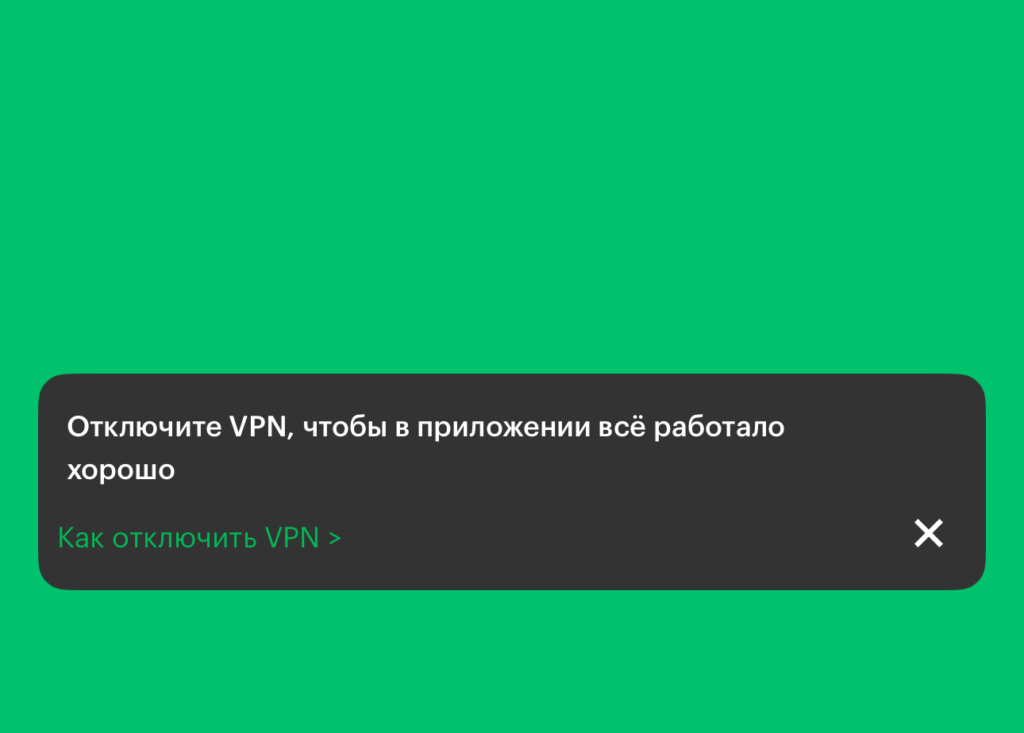
Similar warnings have appeared in many apps
“It Seems VPN Is On”: What This Means
Each of the three largest carriers worded their warning differently:
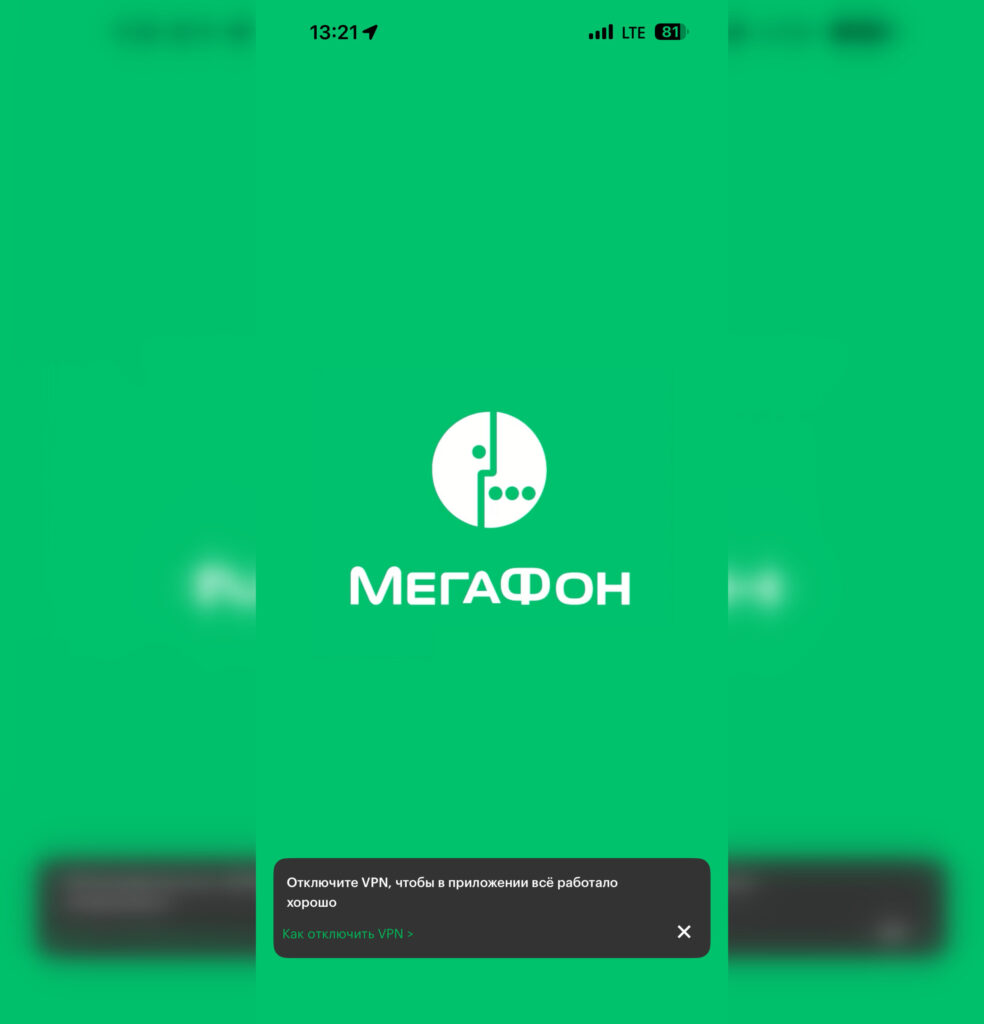
The notification appears, but the program opens
- MTS — a banner saying “VPN is on. Data may not display”
- MegaFon — “Turn off VPN so everything works properly in the app”
- Beeline — asks to disable VPN because “the app works better without it”
The wording is soft — these are recommendations, not blocks. At the same time, the apps continue to work even with an active VPN, although the Ministry of Digital Development acknowledged that detecting VPN on an iPhone is much harder than on other devices.
Why Apps Won’t Open with VPN
Officially, carriers explain this as concern for proper app functionality. A VPN connection can change the user’s visible location and traffic route, causing services to sometimes incorrectly determine the region, data plan, or available services.
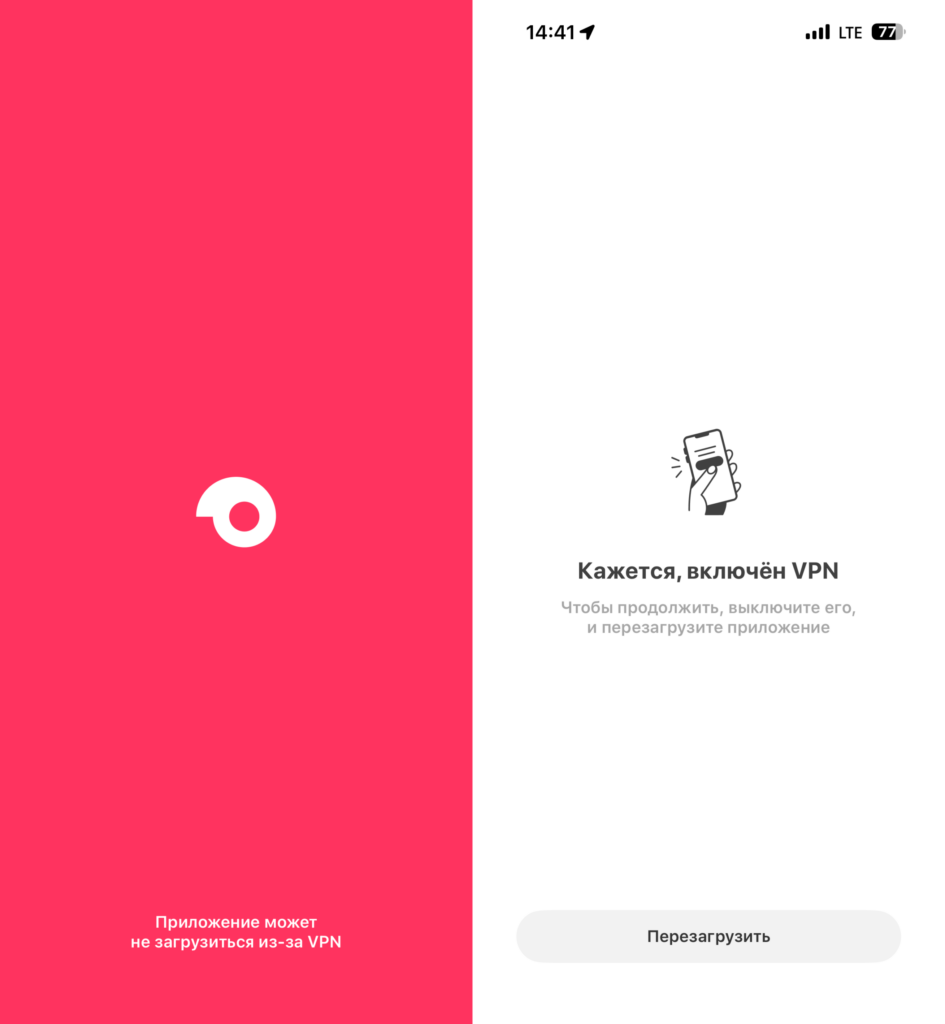
Samokat doesn’t load with VPN
However, context matters. Previously, similar warnings appeared in banking apps, marketplaces, mapping services, and delivery services. Ozon and Samokat won’t open at all from a foreign IP address, while Wildberries won’t load images for VPN users. The trend is obvious: Russian services are starting to react to VPN connections one after another.

WB works for some but not for others
What to Do If an iPhone App Doesn’t Work with VPN
Many iPhone users keep VPN enabled at all times — to access various resources that require a foreign IP address or for privacy reasons. If you’re one of them, here’s what you should know:
- Not all apps block access with VPN enabled yet — these are only warnings for now
- If the carrier’s app doesn’t display balance, plan, or usage data, try temporarily disabling VPN
- On iPhone, you can quickly disable VPN through Settings or through the widget of your VPN app
- If you’re abroad, you’ll have to use a VPN with a Russian server to access domestic apps, but even that might not help
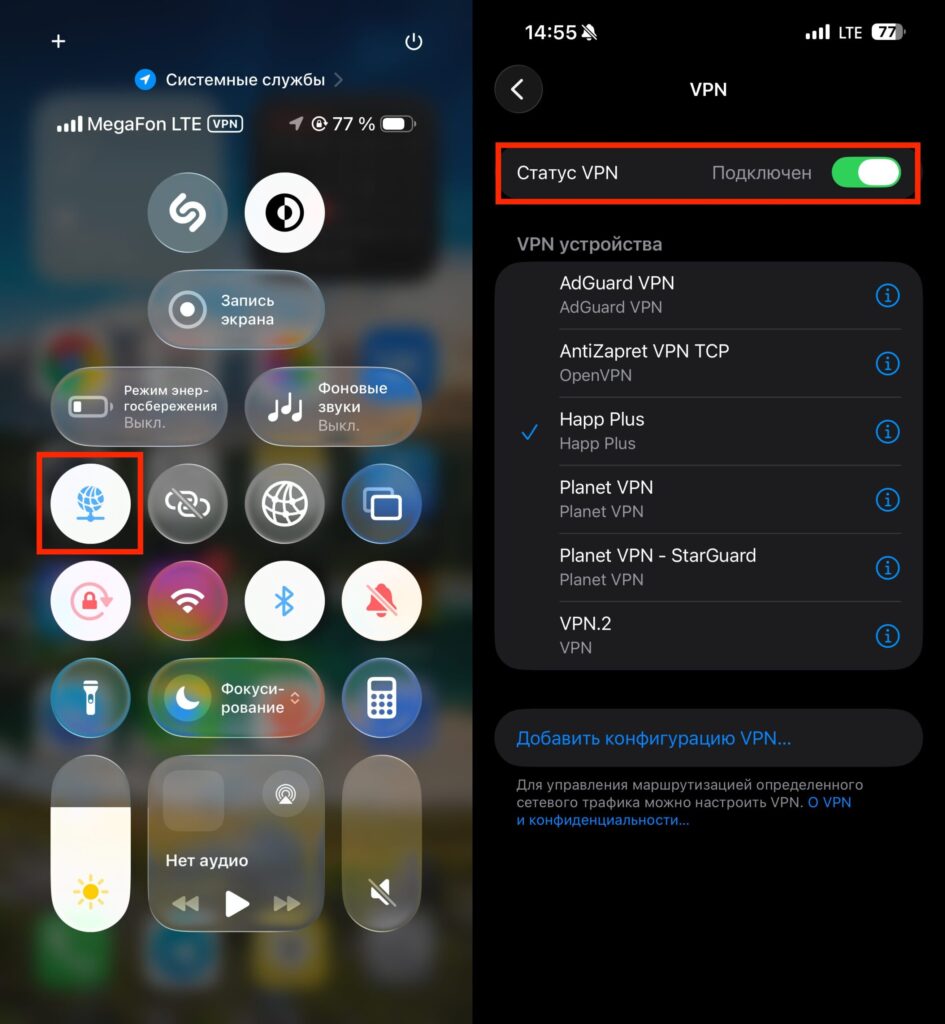
You can quickly disable VPN through Control Center or Settings
Warnings or the First Step Toward VPN Blocking in MTS, MegaFon, and Beeline Apps
Right now, many apps are limited to banners. But if you recall how the situation developed with some major services, warnings often became a prelude to restrictions. First a gentle request, then throttling, then partial feature blocking.
There’s no reason to say that apps will stop working with VPN tomorrow. But the very fact that virtually all major Russian businesses implemented warnings in their programs almost simultaneously points to the systemic nature of these changes.
If you use VPN constantly, there’s no need to panic — the apps work. But you should be prepared for the possibility that over time, you may need to disable VPN to manage your carrier plan and services. For those who absolutely need to keep VPN on at all times, it makes sense to learn in advance how to manage things through USSD commands or calls to support — these channels don’t depend on VPN.