Apple is preparing a new street theft protection: iPhone will be able to lock itself if the system detects that it was snatched from your hands. While we’re waiting for iOS 27 with new features, code describing this mechanism has been found in the current operating system. There are no details about the announcement timeline yet, but development is actively underway.
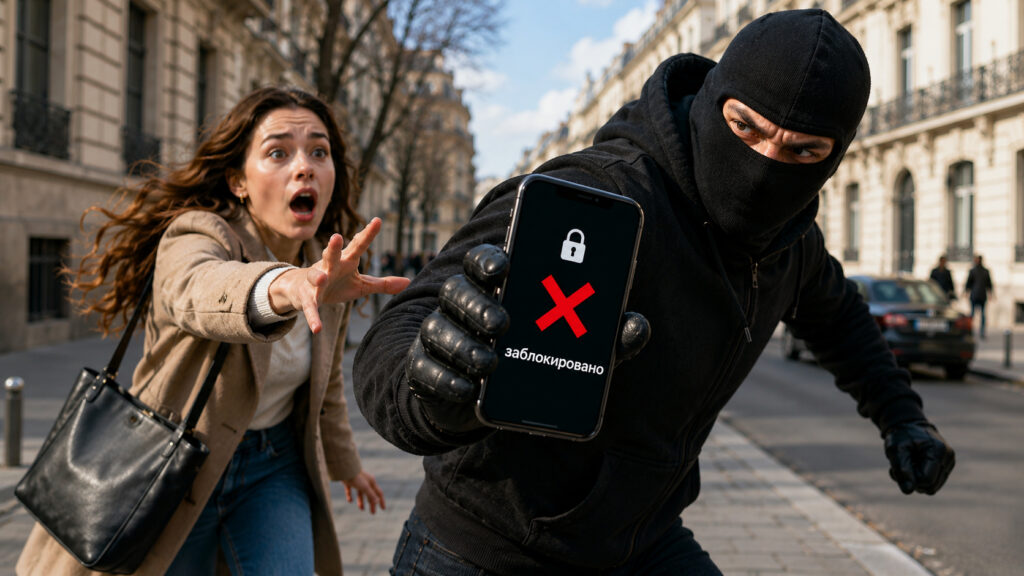
Even if someone snatches your unlocked iPhone from your hands, it will lock itself
Why Stealing an iPhone with the Screen On Is Dangerous
Over the past few years, Apple has seriously improved its theft protection: the Find My feature, Activation Lock, and Stolen Device Protection together make a stolen iPhone nearly useless for resale. On top of that, there are security delays when attempting to change the Apple ID password or disable Find My away from home.
But there’s a weak spot. If a thief snatches the iPhone while the screen is unlocked, almost none of these measures kick in. The criminal has a live, open smartphone in their hands, and there’s enough time before the automatic screen lock to cause serious damage — from reading messages to attempting to steal money through banking apps. It’s no surprise that cracking an iPhone costs a fortune — Apple invests enormous resources in security.
iPhone Auto-Lock on Theft: What We Know About the Feature
Auto-lock will activate if the smartphone is snatched from your hands
The new feature tracks the moment of a snatch: iPhone uses the accelerometer and other sensors to determine that the device was literally yanked from the owner’s hand. Once the system confirms this is a theft rather than an accidental drop, the phone automatically goes into a locked state.
A similar mechanism already works on Google devices — it’s called “Theft Detection” and is available on modern Android smartphones. Apple appears to be creating its own version tailored to its own ecosystem.
How Apple Watch Will Help Detect That an iPhone Was Stolen
To prevent the system from locking the phone every time you quickly put it in your pocket, Apple will add several checks. First, the distance to paired Apple Watch: if the watch stays near the iPhone, it’s a clear sign that the device is still with its owner. If the iPhone rapidly moves away from the watch — that’s cause for concern.
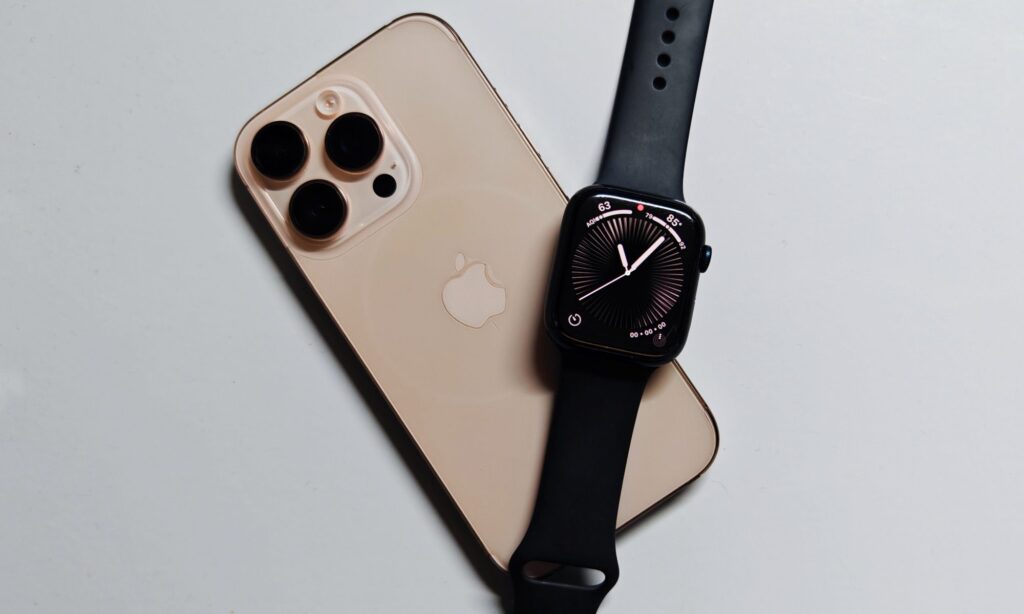
If your Apple Watch aren’t nearby, the system will lock the iPhone automatically
Second, the feature takes into account the same conditions as Stolen Device Protection on iPhone: whether the iPhone is connected to a familiar Wi-Fi network and whether it’s in a familiar location — at home or at work. If the snatch happened in an unfamiliar place and away from your usual spots, the system will not only lock the screen but also enable additional restrictions — the same ones that apply in Stolen Device Protection mode.
Automatic iPhone Lock After Theft: Key Details
The main benefit of the feature is closing the scenario that currently remains the most painful: theft of an unlocked iPhone on the street, in a café, or on public transit. Today, a lot depends on how quickly you can lock the device via iCloud from another phone or computer. With the new iPhone feature, the device will do it itself — within seconds of the snatch.
There are also some nuances worth keeping in mind:
- the feature has not been officially announced yet — this is a finding in the code, not a confirmed release
- for reliable operation, based on the description, Apple Watch are recommended — without them, only motion sensors and geolocation will remain
- false positives are possible: sudden movements at the gym or while jogging could theoretically also trigger suspicion
Until Apple officially confirms the feature, it should be treated as a serious rumor backed by code rather than a guaranteed upcoming iOS update.
iPhone Security Settings You Should Enable
Waiting for the new feature is fine, but basic theft protection can and should be set up today. The minimum that every iPhone owner should enable:
- enable Stolen Device Protection in Face ID & Passcode settings
- make sure Find My is active and running in the background
- set a long passcode instead of the usual six digits
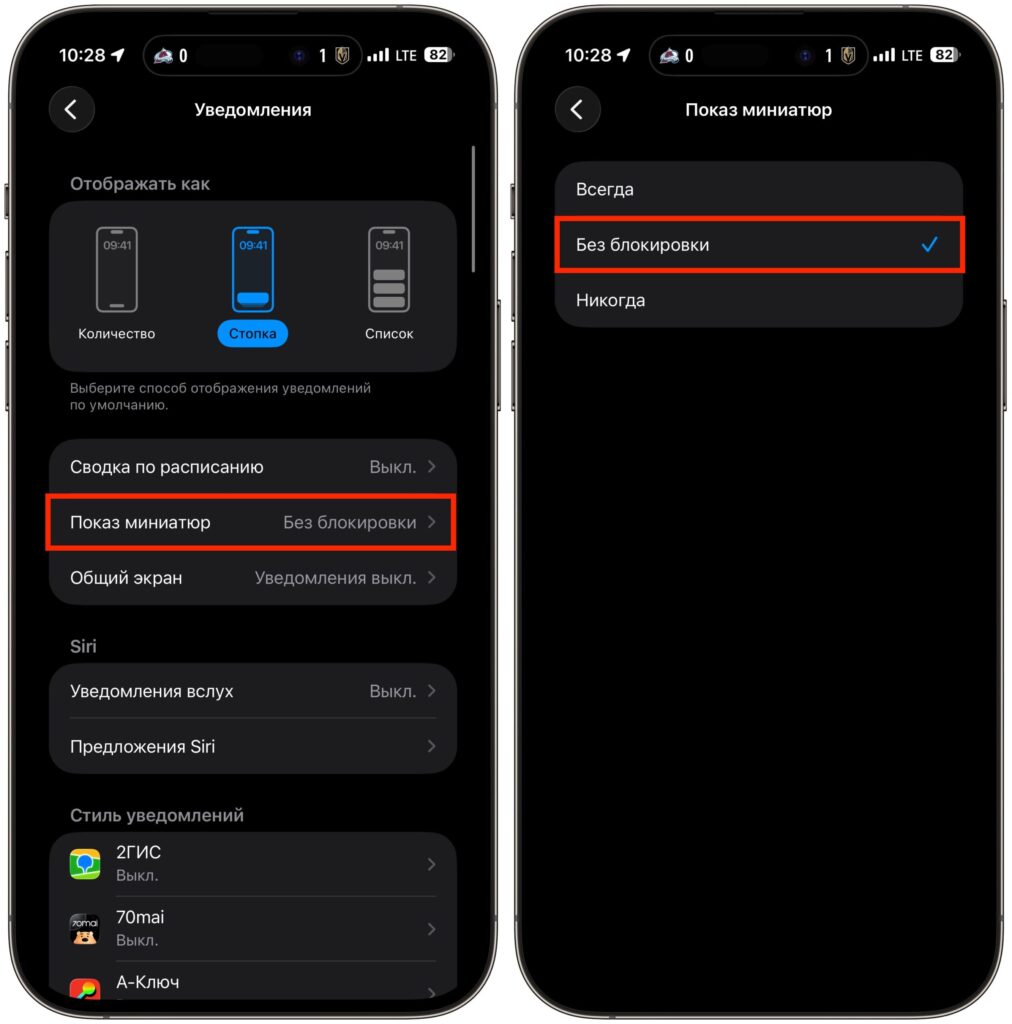
- disable notification content preview on the lock screen
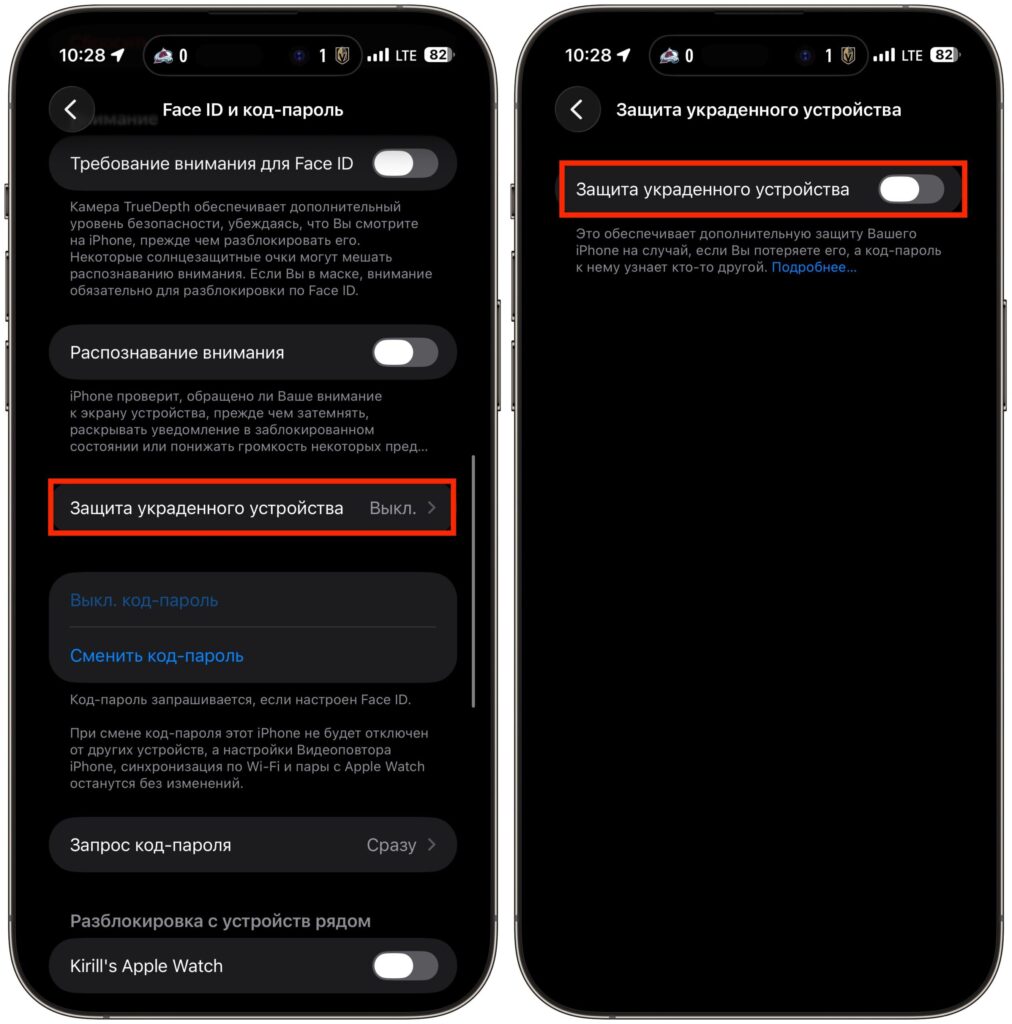
If you turn on this feature, protect your Face ID
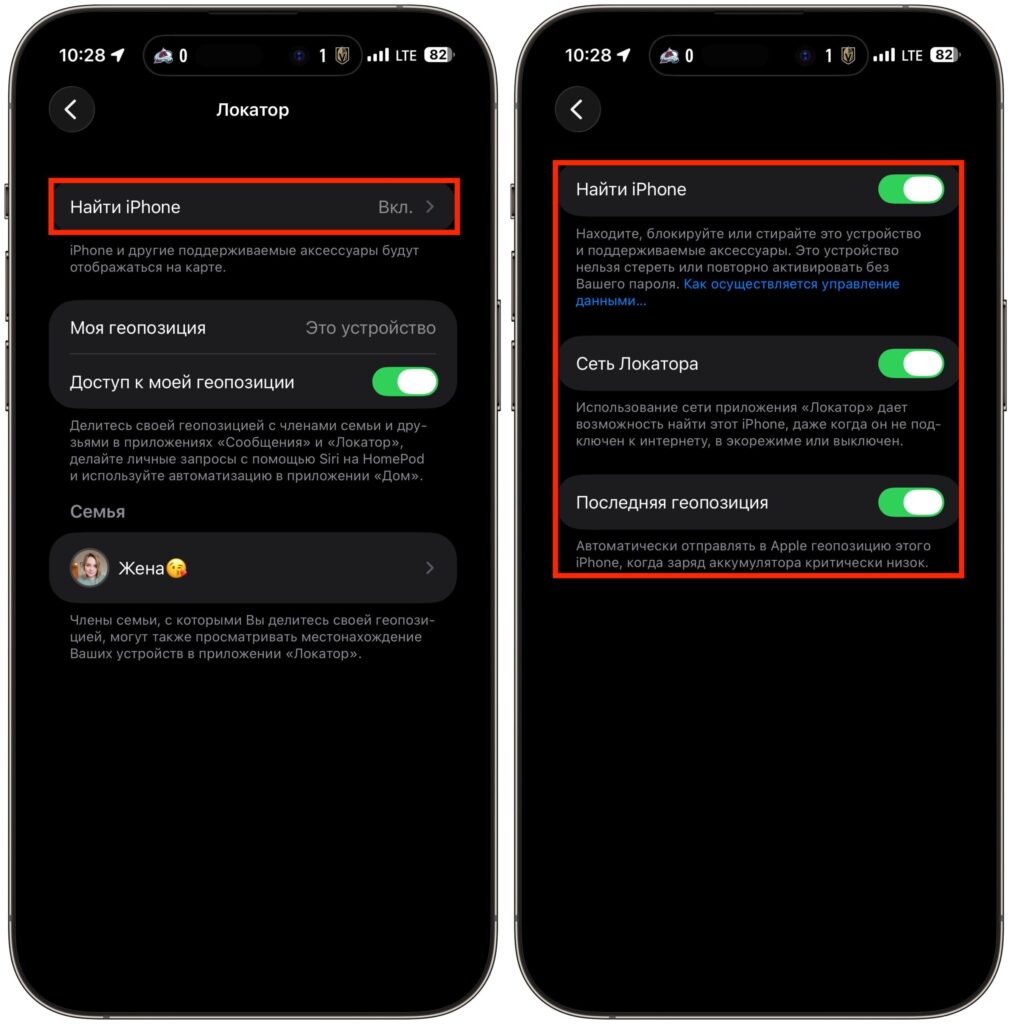
Activate Find My iPhone
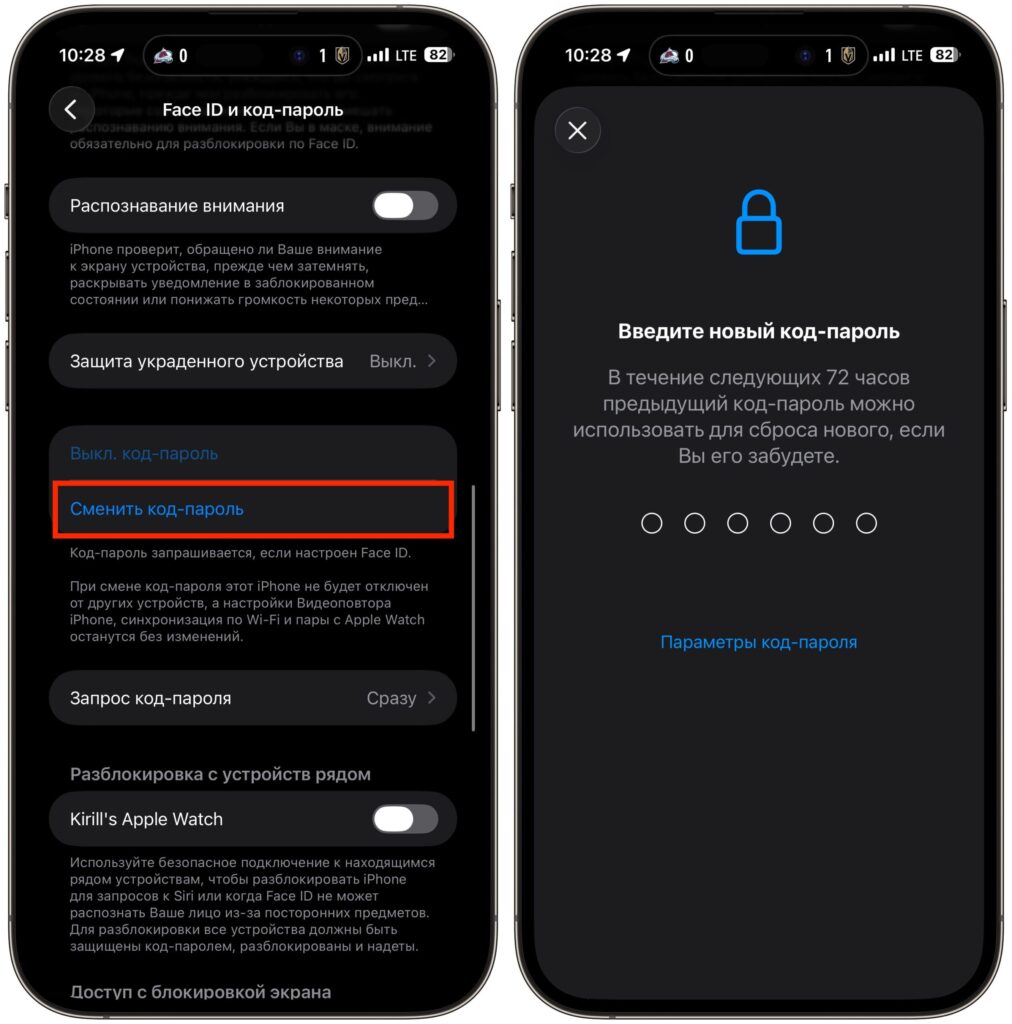
Use passwords with at least 6 characters