Three weeks ago, Android 17 Beta 3 was released. At that time, the system reached the Platform Stability stage, which meant the final APIs were locked in. The Android 17 Beta 4 update continues this course, and it’s the last planned beta before the stable release, which is coming very soon. Despite the small number of new features, the update deserves attention. Google intentionally isn’t adding extra features at this final stage, focusing instead on stability. However, there have been plenty of bug fixes.
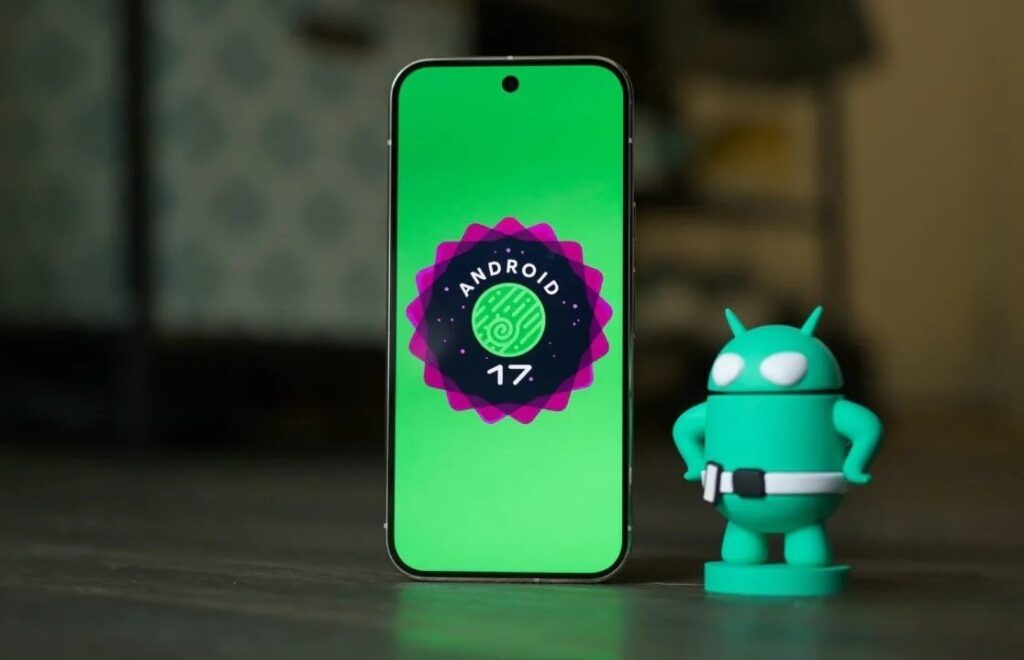
The final beta version of Android 17 has been released. Image: androidauthority.com
What’s New in Android 17 Beta 4
You shouldn’t expect a revolution from Android 17 Beta 4 features. This is the final polish before the release, not the addition of new things. Among the noticeable changes for users, a few things stand out.
Android 17 Easter Egg. The tradition continues: in every version of Android, Google hides a small interactive game or animation, and Beta 4 has finally revealed the Easter egg for the seventeenth version. You can find it by repeatedly tapping the version number in the “About phone” section.

This is what the Android 17 Easter egg looks like
New System Icon. The system app received an updated icon — a small detail, but noticeable for those accustomed to the settings icons.
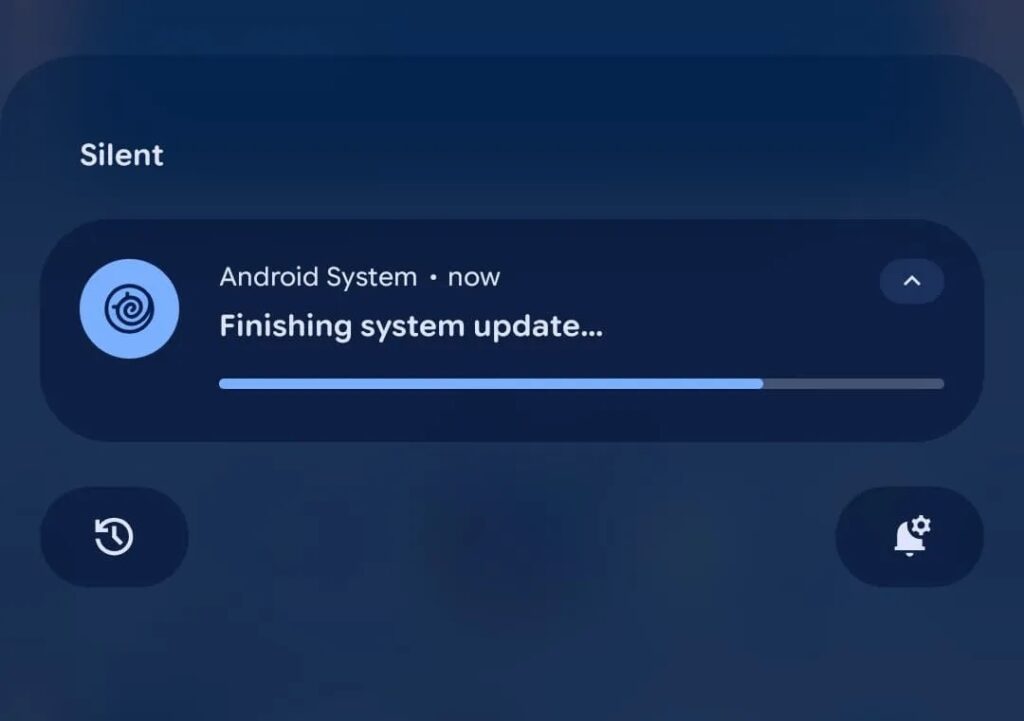
Quite the solid change, right?
“You’re all caught up” instead of “No notifications”. When there are no notifications, the system now shows the phrase “You’re all caught up” — just like on Pixel Watch. A minor change, but a pleasant one.
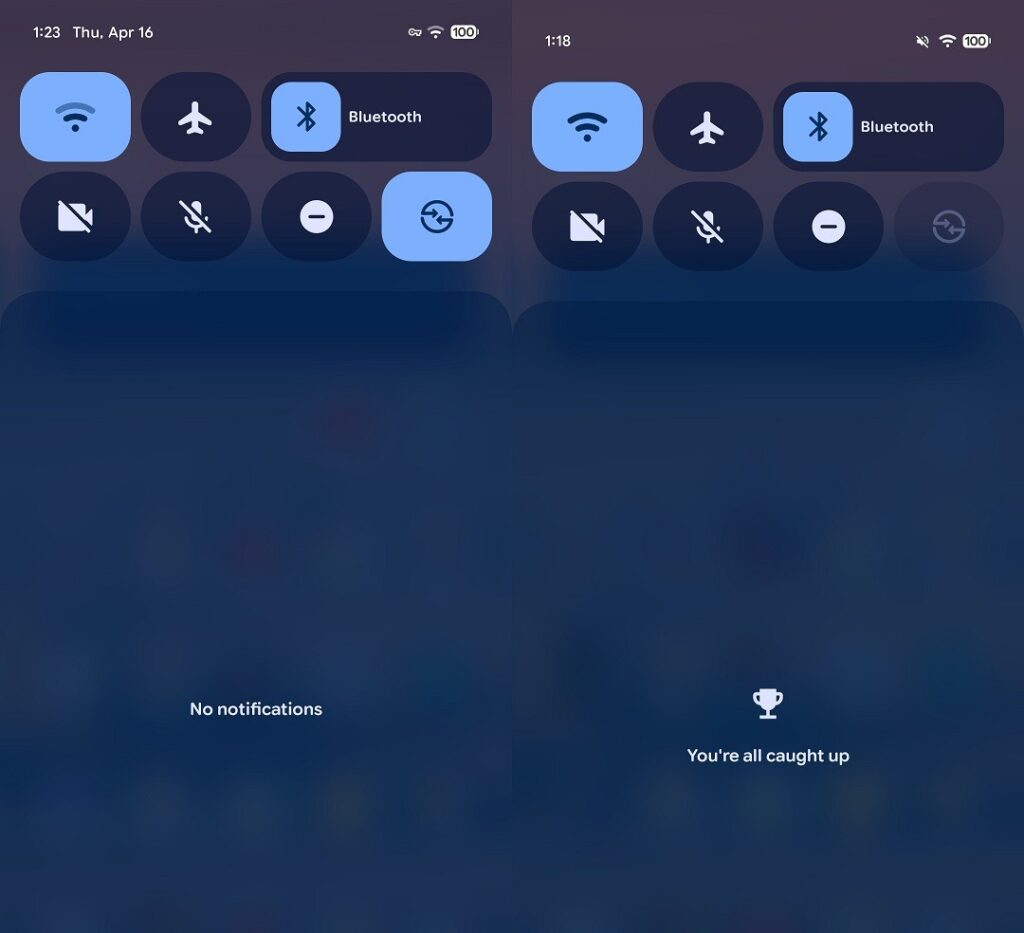
Before (left) and after (right), judge for yourself
The main part of Android 17 Beta 4 is bug fixes that accumulated over previous builds. The list is substantial:
- The device would freeze and spontaneously reboot while typing in messengers;
- Critical system instability (the phone could freeze and crash during normal use);
- Pixel Launcher and navigation became unresponsive for several minutes after a reboot;
- Bluetooth could not be re-enabled after being turned off through settings or the quick settings shade;
- Charging slowed dramatically when approaching the 80% mark and struggled to get past it;
- Random colorful horizontal lines appeared on the screen;
- When sharing a screenshot, a link to the page you were viewing was automatically attached (this was sent to the recipient along with the image);
- Wi-Fi analyzers stopped detecting available networks.
Some of these bugs were serious enough to affect daily use. It’s good they managed to catch them before the stable release.
Who Will Get the Android 17 Beta

Google Pixel owners can test the beta. Image: Mrwhosetheboss
Android 17 beta testing is officially available for the following Google Pixel devices:
- Pixel 6, Pixel 6 Pro, Pixel 6a;
- Pixel 7, Pixel 7 Pro, Pixel 7a;
- Pixel 8, Pixel 8 Pro, Pixel 8a;
- Pixel 9, Pixel 9 Pro, Pixel 9 Pro XL, Pixel 9 Pro Fold, Pixel 9a;
- Pixel 10, Pixel 10 Pro, Pixel 10 Pro XL, Pixel 10 Pro Fold;
- Pixel Tablet, Pixel Fold.
In addition to Google, the Android 17 beta is also available on smartphones from other manufacturers — Motorola, OnePlus, Oppo, Realme, and several others. Samsung and Xiaomi smartphones have not yet been included in the official beta program list — their owners will have to wait for the stable release and subsequent shell adaptation.
How to Install Android 17 Beta 4
The easiest way to install Android 17 Beta 4 is through Google’s official beta testing program. If you’ve already participated in the program and installed Beta 3 — the update will arrive automatically through system updates. If you’re joining for the first time:
- Open the beta testing program website at google.com/android/beta.
- Sign in to the Google account linked to your smartphone.
- Find your device in the list and click “Enable.”
- Accept the program’s terms and conditions.
- Open “Settings” on your smartphone and navigate to “System” — “Software Update.”
- Tap “Check for updates” and wait for the build to download.
An important note: downloading Android 17 Beta 4 and installing it on your primary smartphone is a risky move even with the final beta. A beta is still a beta, and unexpected glitches are possible. If the phone is your main device and you can’t afford data loss, it’s better to wait for the stable release.
When Will Android 17 Be Released
The release of Android 17 Beta 4 is an important signal: this is the last planned beta. By analogy with Android 16, whose fourth beta came out in April and stable version in June, the stable version of Android 17 should be expected around the same timeframe.
The official Android 17 release date has not been announced, but June 2026 looks realistic. As always, Google Pixel will be the first to update. Samsung with One UI 9, Xiaomi with HyperOS, and other manufacturers will follow later (approximately in the third quarter). Some mid-range devices will receive Android 17 only by the end of the year or even in 2027.


