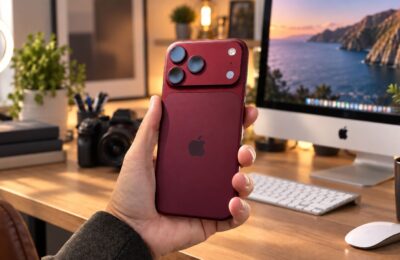
I wore various fitness bands and budget smartwatches for a long time. My last ones were Amazfit — decent, held a charge for almost two weeks, and generally suited me fine. But a month ago I got myself Apple Watch again — a full five years after my previous ones. The difference turned out to be not about design or status. It’s in the little things that come up every day and that reviews almost never mention. I’ve put together five reasons why in 2026 Apple Watch remains the best choice for an iPhone owner. Not from marketing brochures, but from personal experience.
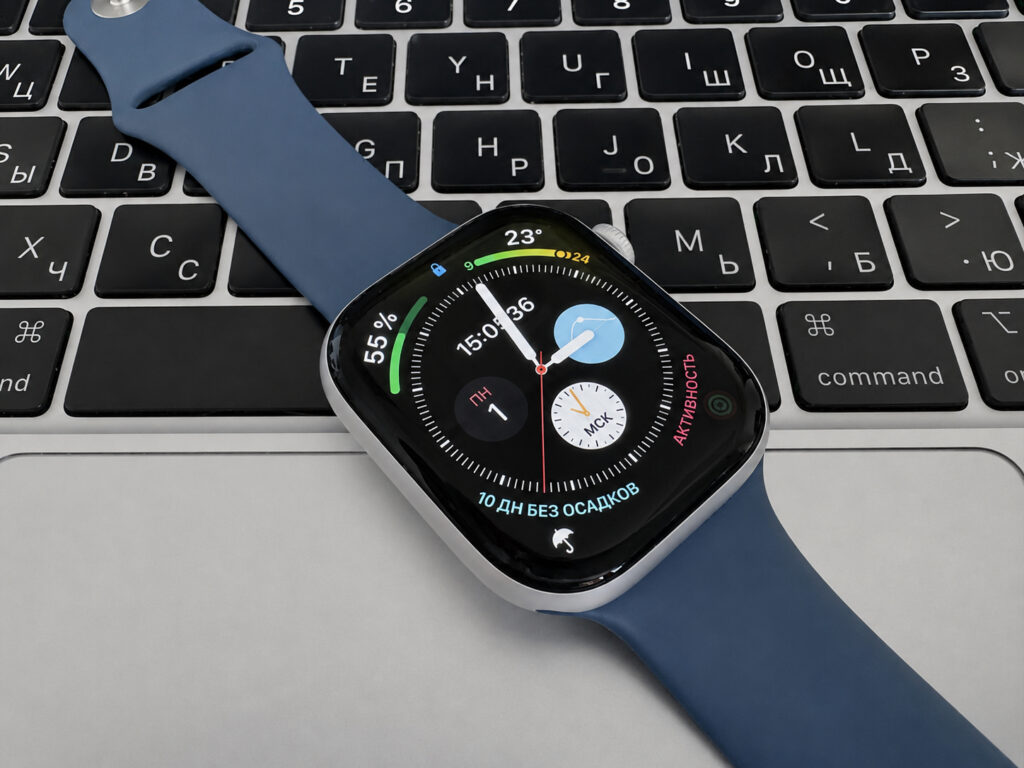
Got myself a watch after 5 years and don’t regret it
Why Apple Watch Is More Convenient Than Third-Party Watches for iPhone
The first thing that stands out — the watch and phone work as a single unit. No separate middleware apps you need to download from a store, no jumping through hoops during the first connection. Take it out of the box, hold it near the iPhone, and within a minute everything is set up.
The best part — media and music control. On third-party watches it’s always a lottery: pause works here, skip works there, but volume doesn’t. Apple Watch sees everything playing on the iPhone and controls it entirely. A podcast, a playlist in Apple Music, a YouTube video — doesn’t matter.
It’s precisely because of such little things that I stopped using third-party watches. Apple doesn’t restrict its watch in any way when it comes to accessing data from the iPhone. Third-party manufacturers only get what the system allows through official interfaces, and often that’s not enough. Apple has no such limitations — the watch gets full access to the ecosystem.
How Do Not Disturb Works on Apple Watch
Sounds trivial until you compare. On Amazfit, notifications lived their own life. I would set Do Not Disturb mode on my iPhone, the phone would obediently go silent — but the watch kept vibrating on my wrist. Every message. Especially invigorating at night.
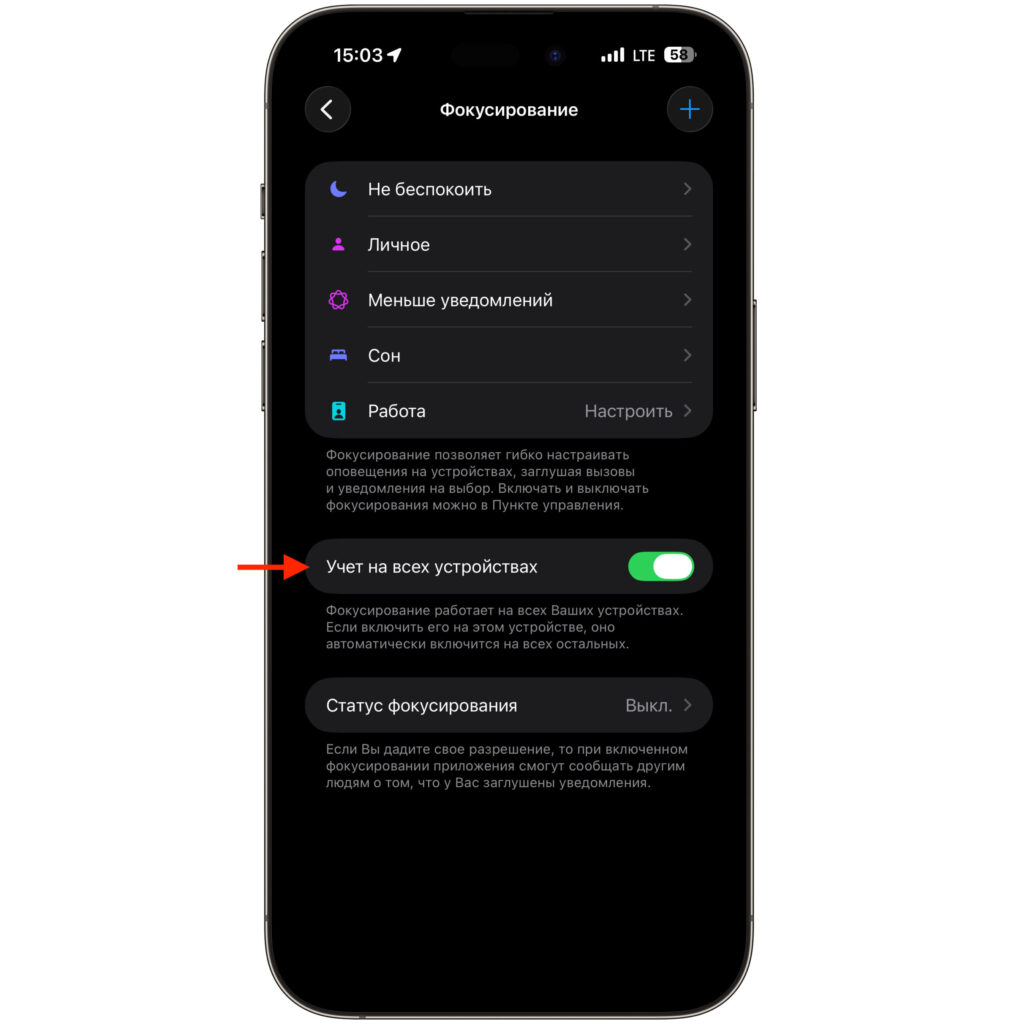
Just flip this toggle and notifications arrive the same way on all devices. Awesome
With Apple Watch, this simply doesn’t happen. Focus modes sync automatically. Turn on Do Not Disturb or Sleep — and the watch immediately follows along with the phone. No separate settings, no duplicates.
And it works both ways. You get exactly the same notifications as on the iPhone, with the same priorities. And you can glance at an incoming message without even raising your hand — the always-on display mode helps here. No need to manually choose which apps get through to the watch. The system figures it out on its own, without your involvement.
Keyboard on Apple Watch: How to Enter Text from Your Watch
This is the point that truly surprised me. On most third-party watches, you can only reply to messages with preset templates: “Ok,” “I’ll call back,” “On my way.” If there’s no suitable option — pull out your phone.
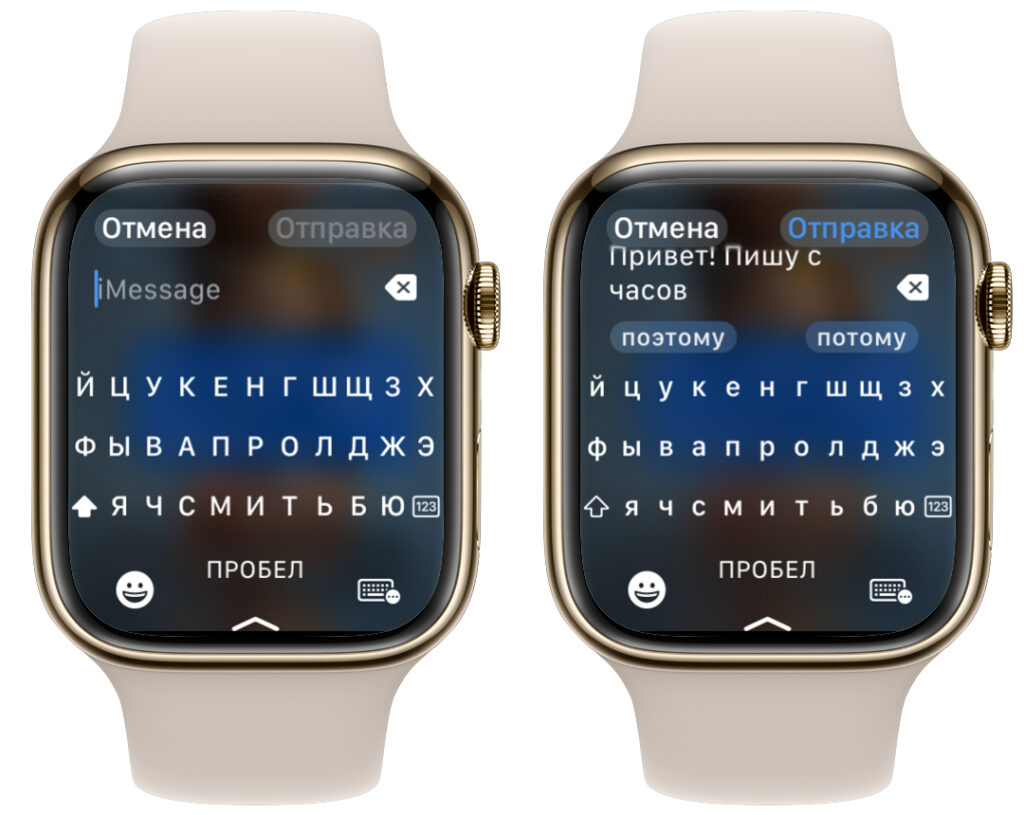
The keyboard turned out to be surprisingly convenient. I often don’t even take out my phone to reply while walking or on public transport
Apple Watch has a full keyboard. Yes, typing a novel on a small screen isn’t comfortable, but typing a short message is entirely doable. Plus there’s dictation and handwriting input — you trace your finger over letters and the watch recognizes them. When your hands are busy or the phone is in another room, this is a lifesaver.
A small thing? On paper, yes. In practice, I stopped pulling out my iPhone twenty times a day.
Where to Buy Affordable Bands for Apple Watch
Here, Apple Watch is simply unmatched. The selection of bands is practically endless. Silicone, leather, fabric, metal, sport — for any look and any occasion.
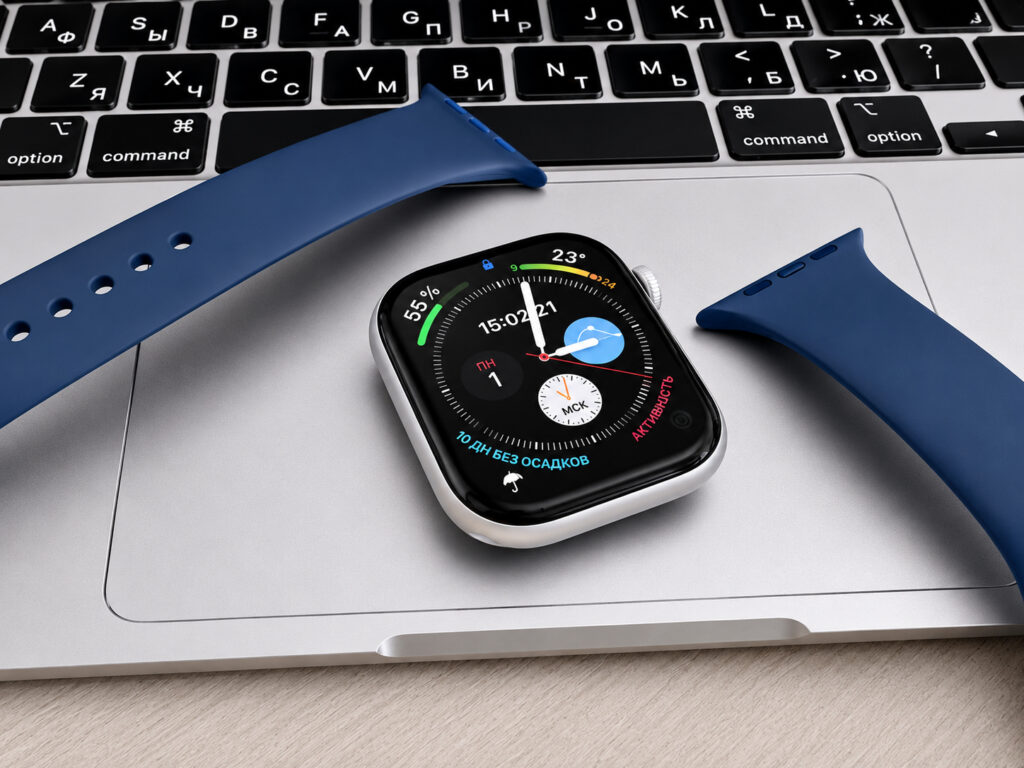
There are tons of bands for Apple Watch to suit any taste
And most importantly — for any budget. A simple silicone band costs just over a hundred rubles. There are also great nylon bands for the same 100 rubles. Original Apple bands cost tens of thousands. And between these extremes — thousands of options from third-party brands.
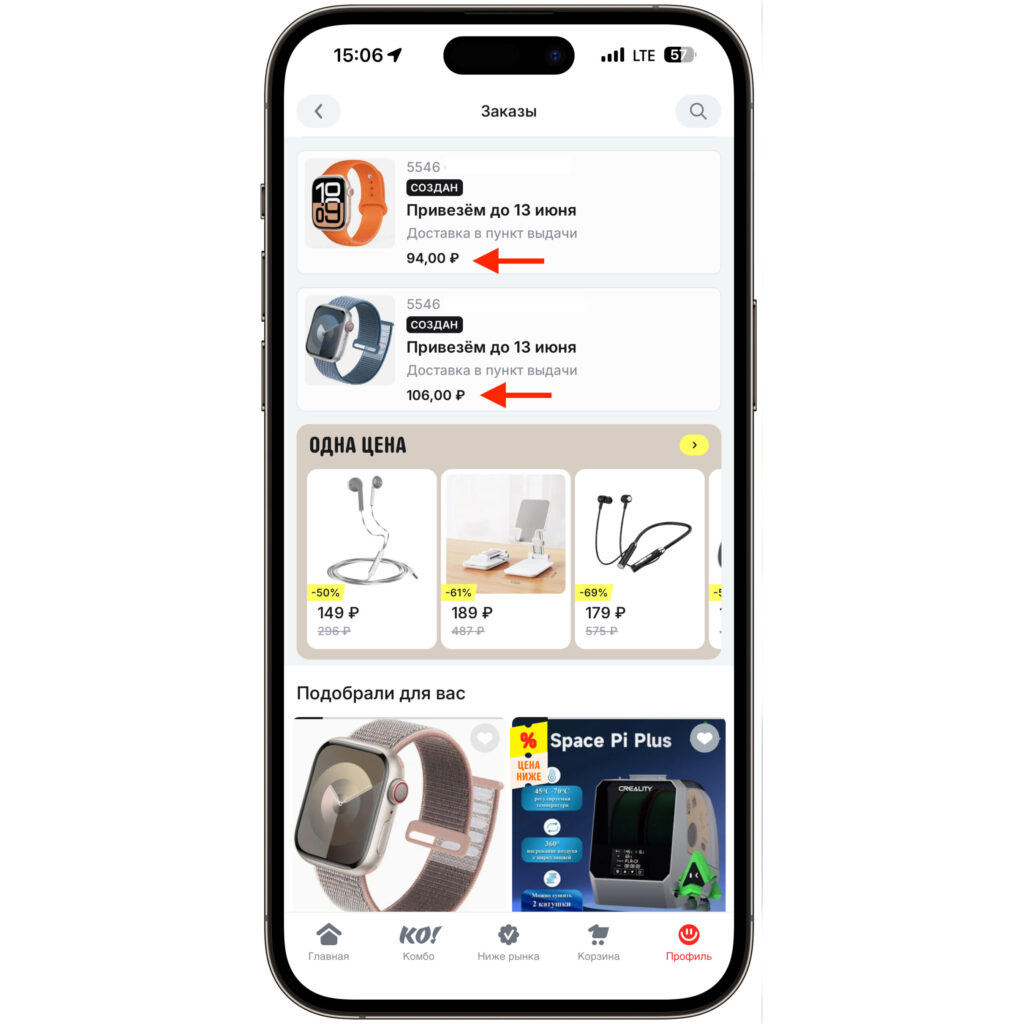
Stocked up for 200 rubles, and the bands themselves are fire
The same goes for cases, screen protectors, docking stations, and stands. Apple Watch accessories are made by literally the entire market. With niche smartwatches, nothing comes close — you’re happy if you can even find any band at all for your model.
What the Vitals App Shows on Apple Watch
The last reason is the most serious one. Apple Watch tracks health not just for show. I want to specifically highlight the Vitals app. It collects key metrics overnight: resting heart rate, respiratory rate, wrist temperature, and blood oxygen saturation. And in the morning, it shows whether everything is normal.
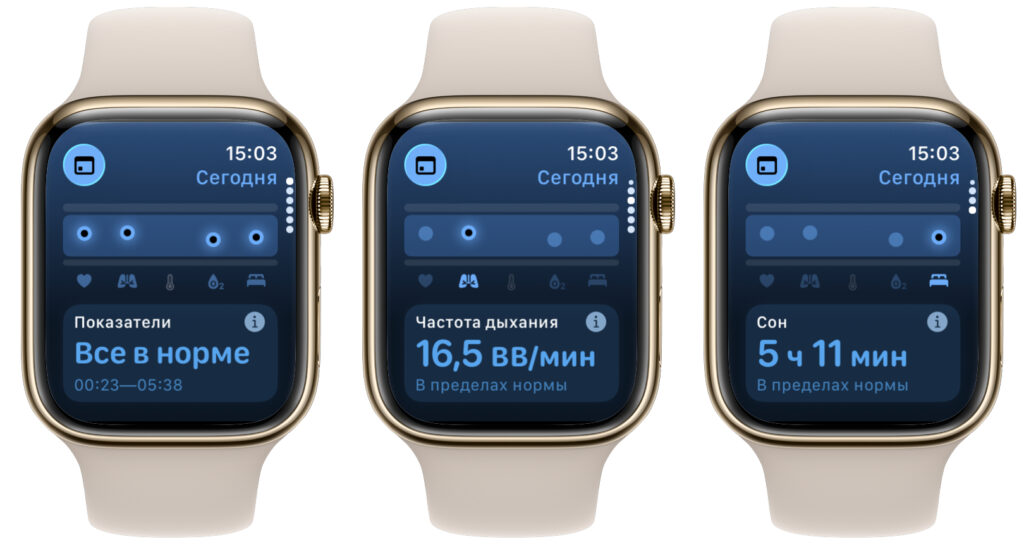
An important app that monitors deviations and warns you about them
And this is where it gets interesting. If several indicators simultaneously deviate from your usual pattern, the app will alert you. Sometimes such deviations are an early sign of illness: a cold that hasn’t fully