Modern flagships from Samsung, Google, and other manufacturers pack the best hardware: bright screens, powerful cameras, and all-day batteries. But when it comes to software, Pixel phones still outpace the competition, and it’s not just about the clean interface without unnecessary skins. We’re talking about a set of features exclusive to Google’s own devices — features that are hard to forget once you’ve tried them. They all work directly on the device, without sending data to the cloud, and that’s what makes them truly convenient. Let’s break down four such features and explain who will actually find them useful.
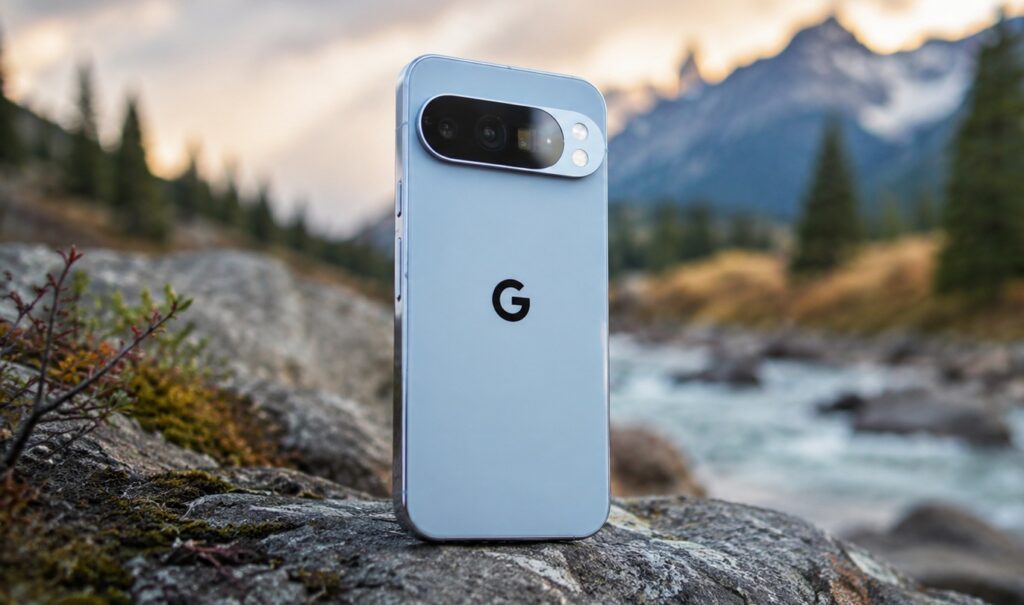
Only the most interesting Google Pixel features here
How to Recognize Music on Your Phone
Recognizing a song in a café or on the radio is something almost any smartphone can do today: just open Shazam or ask your voice assistant. But Now Playing on Pixel does it differently: the phone automatically hears music around you and displays the track name on the lock screen, without a single tap.
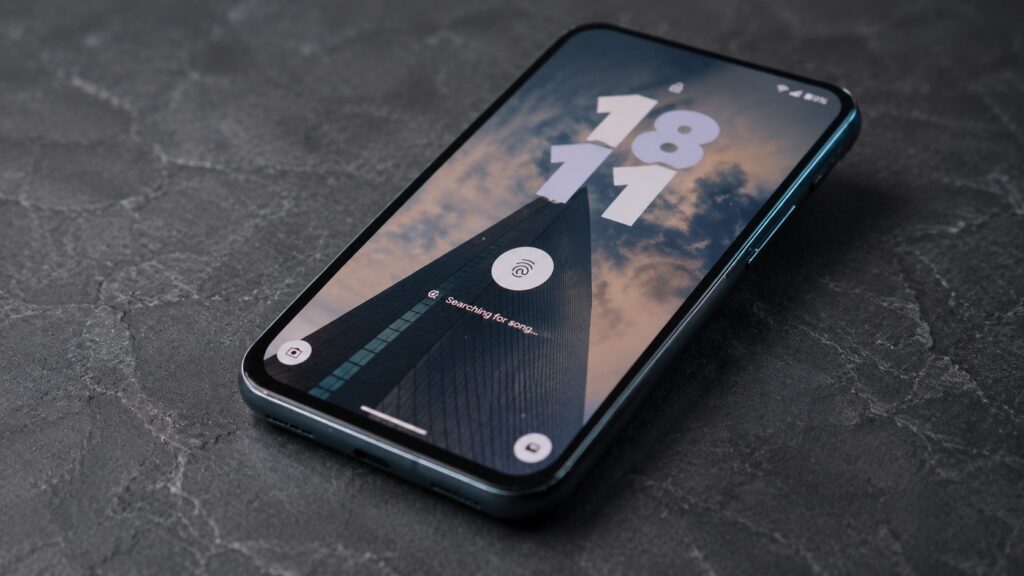
It’s not just a built-in Shazam — it’s something even cooler
The key difference is that recognition happens entirely on the device, without an internet connection. Plus, Pixel stores a history of all the songs it has heard. That means you can go back and find a track that was playing several days ago but you didn’t have time to save. The feature has been around for several years, and yet no other Android smartphone offers anything like it out of the box. If you often catch interesting tracks on the street or in venues, this is one of those little things that makes you get used to Pixel quickly.
What Is Magic Cue on Pixel
Magic Cue is the feature that comes closest to the idea of “phone as personal assistant.” Usually, to send someone your hotel booking details, you have to dig into Gmail, copy the details, and manually forward them. Magic Cue eliminates those steps.
Instead of searching manually, a card pops up above the keyboard with the relevant details, and with one tap you can send, for example, all the booking information. In my case, the feature even pulled up flight data based on a phone conversation with my wife.
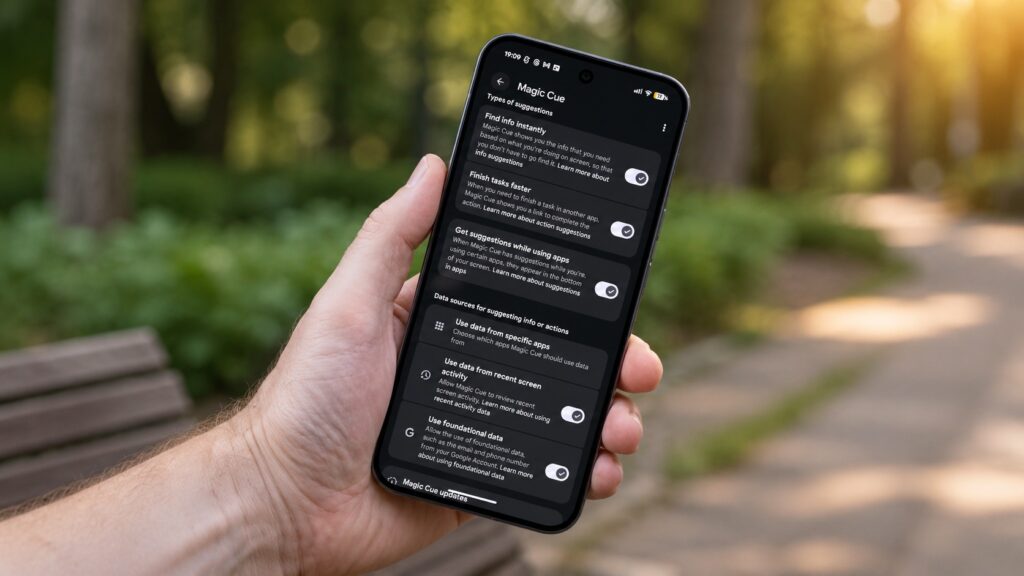
An interesting feature that turns your phone into a smart assistant
Honestly, Magic Cue hasn’t quite lived up to its promises yet: at the presentation, Google painted a perfect picture, but in reality, the feature doesn’t always trigger. But when it does — it feels like real magic. And it works because it gathers data from multiple apps at once without cloud processing and without any data leaving the phone.
The At a Glance Feature on Google Pixel
At a Glance is the line at the top of the home screen and lock screen that’s hard to miss on a Pixel. At first it might be annoying, but over time you get used to it precisely because of how useful it is. In the morning, At a Glance shows your commute time to work before you even ask. On the day of a flight, it automatically pulls flight and gate information from Gmail, and before meetings it shows a quiet countdown so you don’t miss the start.
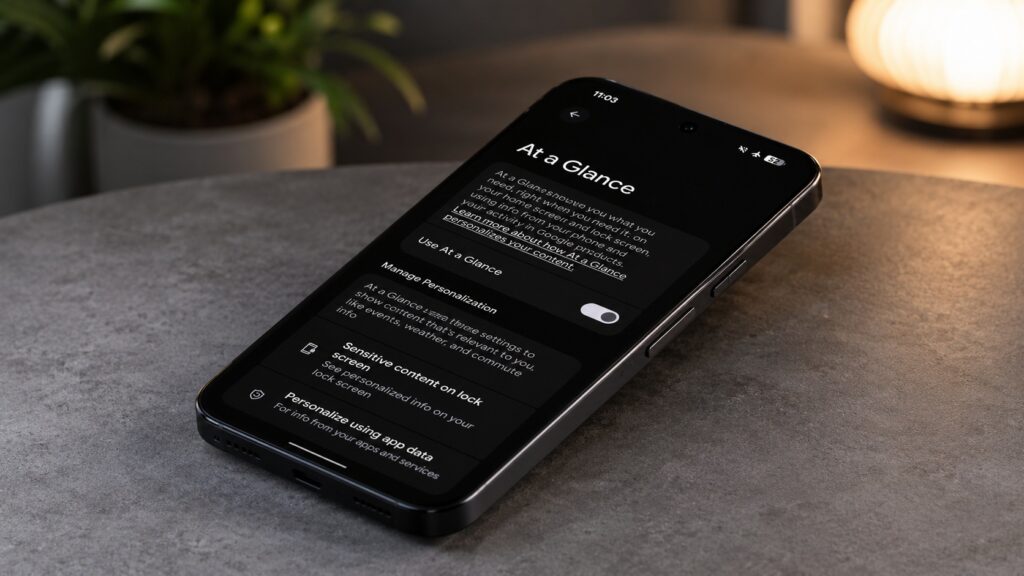
A small but very useful Google Pixel feature
The best part is that all of this happens automatically, without any setup. It’s not a flashy feature you constantly think about, but it quietly does its job. And, just like Now Playing, no one has managed to replicate it on another Android smartphone yet.
Speech-to-Text on Google Pixel
There are plenty of voice recorders on Google Play, and Samsung, OnePlus, and others have their own apps. But Pixel Recorder remains unrivaled, and it even works on the Pixel Watch. Don’t think of it as just another voice recorder.
The app can transcribe speech in real time, right during recording, and it even identifies different speakers. Everything happens on the device, without sending audio to the cloud. Later, you can search the text for the part you need or export the transcript to Google Docs and ask the Gemini AI to create a brief meeting summary with a task list.

Google’s recorder even works on the watch
Many paid AI apps promise the same thing but work worse and send recordings to the cloud for processing. Pixel Recorder does all of this for free and locally, so it’s no surprise that people are ditching paid transcription services because of it.
What Makes Pixel Features Different from the Rest
None of the features listed above are new or look like breakthroughs. They’ve all been around for several years, and yet no Android smartphone manufacturer has managed to copy them and bring them to the same level.
The secret lies in the hardware-software integration: Google makes the chip, the system, and the features simultaneously, so everything works directly on the device and without subscriptions. Should you rush out and buy a Pixel because of this? No, it’s not a reason to replace a working phone. But if you’re choosing between Android flagships and software matters more to you than flashy specs, the set of Pixel exclusives is a strong argument in favor of Google’s phones. That said, keep in mind that Google’s hardware experiments aren’t always successful. Pixel’s strong suit is specifically its software, and few can compete with Google on that front.