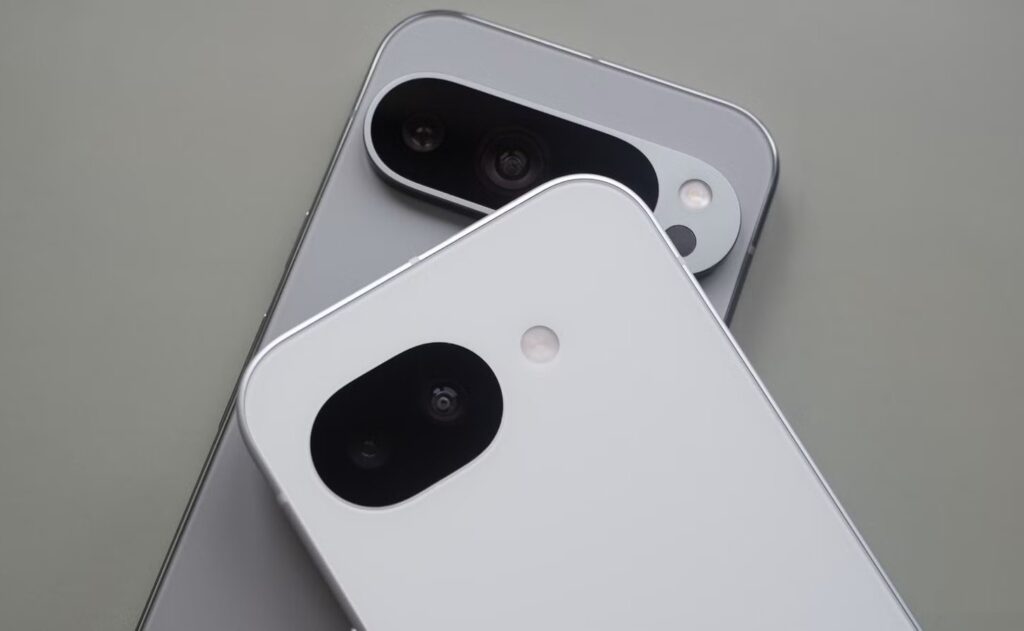
Google Pixel smartphones gain new AI-based features every year, just like devices from other manufacturers. Many Pixel features remain exclusive to Google’s models. Some of them eventually make their way to other Android smartphones (Magic Eraser, Photo Unblur, and Circle to Search have already gone through this process). But some features still work best — or only — on Pixel. Here are four of them that make a noticeable difference in daily use between Google smartphones and other devices.
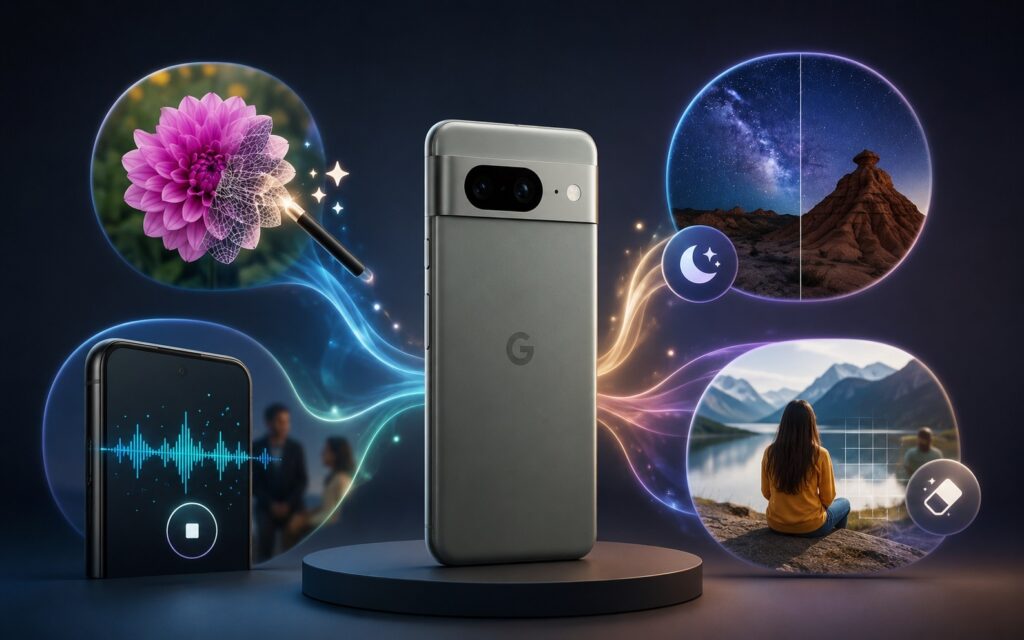
An overview of the top AI features on Google Pixel
Call Screen: Automatic Answering of Incoming Calls
One of the most underrated Pixel features is Call Screen. It answers incoming calls from unknown numbers on your behalf using on-device AI. The system asks who’s calling and why, shows you a real-time transcription, and automatically dismisses spam calls. If the call turns out to be legitimate, the phone rings as usual, and you can see what the caller said.
Automatic screening is available on all Pixels in the US, while in some other countries only manual mode works — you need to press the “Screen call” button on an incoming call. On Pixel 8 and newer, you can set three protection levels: maximum, medium, and basic. On Pixel 6 and 7, there are fewer settings. The feature is not officially available in Russia and is tied to a SIM card from a supported country. But what makes Google Pixel smartphones better than others is precisely these kinds of details that save time and nerves.
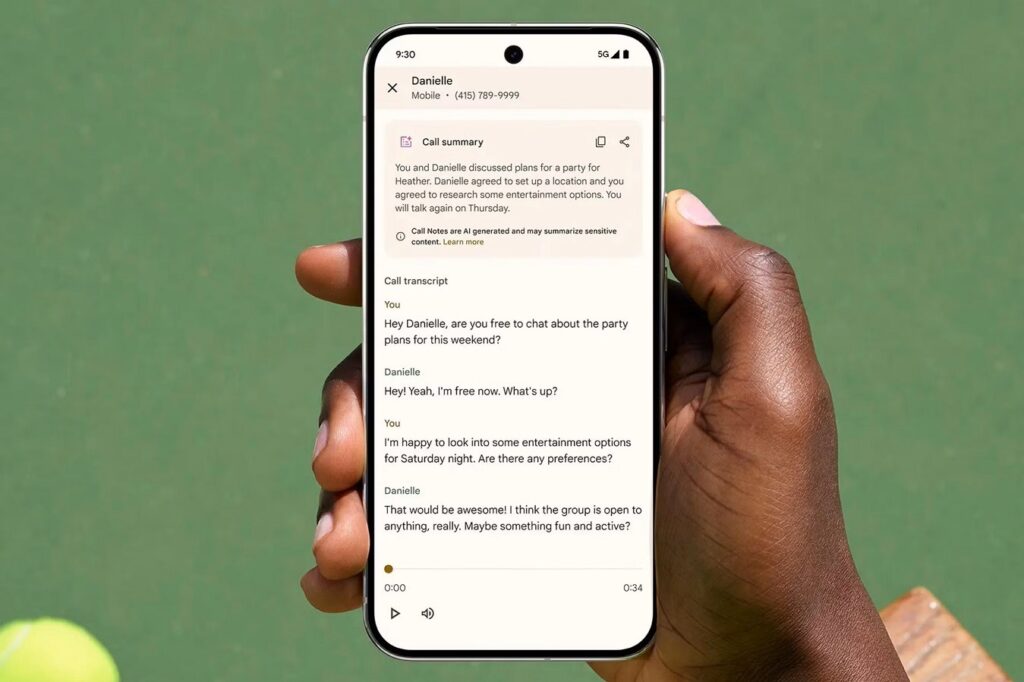
Pixel smartphones can answer incoming calls on their own. Image: Google
Google is gradually expanding availability: Call Screen and Scam Detection have already been announced for India, Australia, Canada, the UK, and Ireland. Additionally, the feature has made its way to Android Auto — soon you’ll be able to filter calls right from your car. For those plagued by phone spam, this is arguably the strongest argument in favor of Pixel.
Unlimited Magic Editor in Google Photos
Magic Editor is formally available to everyone: on both Android and iOS through the Google Photos app. But there’s an important caveat: without a Pixel or a Google One Premium subscription (2 TB and above), you’re limited to ten saves of edited photos per month. On Pixel, there are no limits.
The tool itself is truly powerful. You can circle an object in a photo and drag it to a different part of the frame — the AI fills in the background automatically. It supports resizing objects and fixing composition with a single tap, choosing from four options. Essentially, it’s a Photoshop-level toolset, just with simpler controls and running on your phone.
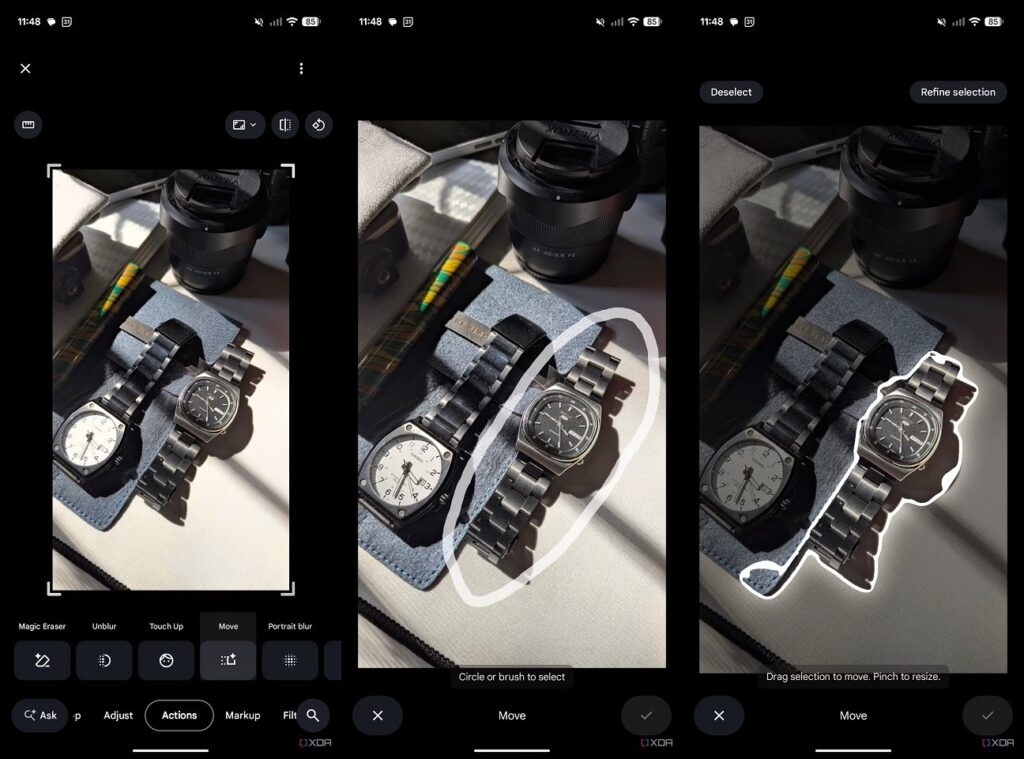
Only on Pixel does the magic photo editor work without limitations
For most users, ten saves per month may be enough, but if you frequently edit photos, you’ll need to either buy a Pixel or pay for Google One Premium. The 2 TB subscription costs $9.99 per month.
Recorder App with Speech Transcription
The built-in Recorder app on Pixel isn’t just a voice recorder — it’s a full-fledged tool for recording with live speech-to-text transcription. Transcription works in real time during recording without an internet connection and supports multiple languages. However, you need to select the language in advance, as auto-detection doesn’t work yet.
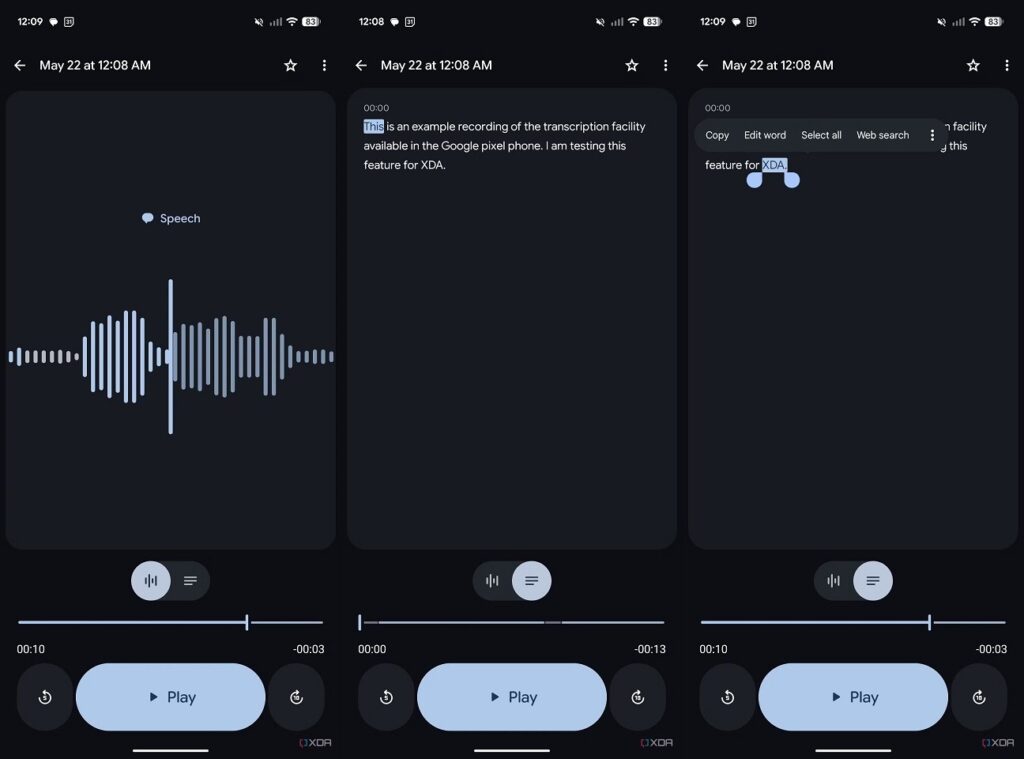
The Pixel recorder can transcribe speech to text
The app can distinguish between multiple speakers’ voices, and the entire transcription is searchable by keywords. You can copy text from the transcription while the recording continues in the background. Recorder also works with Bluetooth microphones and external recording devices. For journalists, students, and those who conduct work calls, this is a genuinely useful tool. On other Android smartphones, you’d have to use third-party apps that are usually less accurate or require a subscription.
Now Playing: Music Recognition Without Internet
Now Playing first appeared on the Pixel 7a. The concept is simple: the phone constantly listens to surrounding sounds and displays the song title right on the lock screen (no taps needed, no internet required). Unlike Shazam, it uses a local database of song “fingerprints,” and everything works entirely on-device.
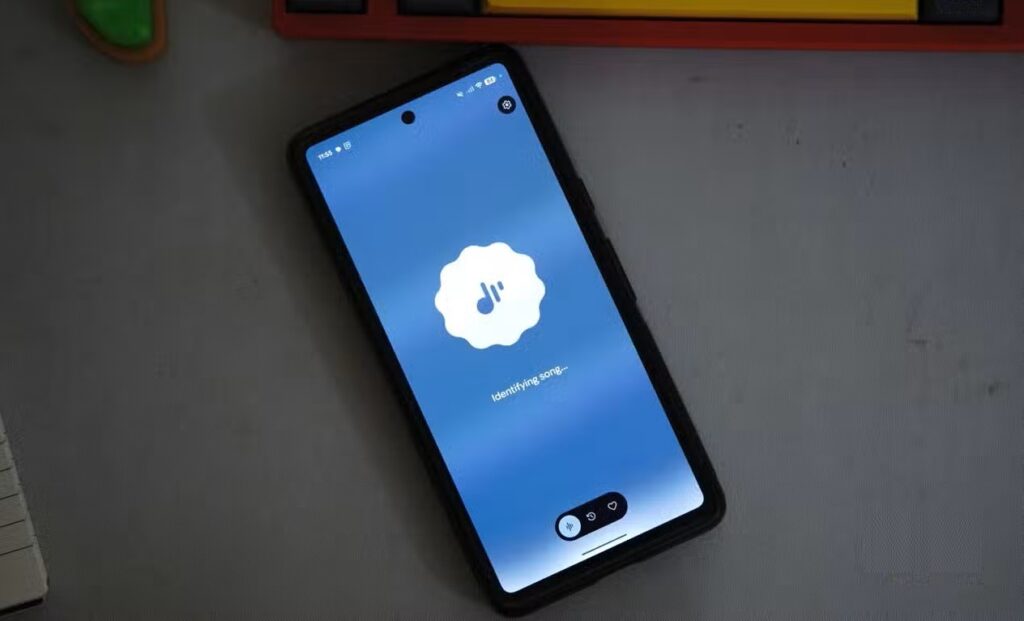
Google Pixel has a built-in Shazam. Image: xda-developers.com
In March 2026, Google released Now Playing as a standalone app in the Play Store with an updated interface, a history of recognized songs, and the ability to listen to them in your favorite music service. But there’s currently a limitation: the app only works on the Pixel 10 with the Android 17 beta. Owners of older Pixels see an incompatibility message. Google will most likely gradually expand support — primarily after the release of the stable version of Android 17, which is expected in the summer of 2026.
Is It Worth Buying a Pixel for AI Features
All four features share one common idea: AI on Pixel solves specific everyday tasks — filtering spam calls, editing photos, transcribing recordings, and identifying music. These are useful tools that genuinely save time.
At the same time, Google is gradually expanding access: Magic Editor already works on all smartphones (albeit with limits), Call Screen is spreading to new countries, and Now Playing is moving toward becoming a standalone app. Some of these features will almost certainly become more widely available with the release of Android 17.