An Android-powered TV is appealing because you can install just about anything on it, like on a smartphone — after all, the operating system is similar. But there are plenty of downsides, from the hardware to the controls. As a result, some downloaded apps aren’t just useless — they actually cause harm, turning a snappy system into a sluggish mess. Today, let’s talk about software that has no place on your TV.
Here’s which apps you should never install
Why You Shouldn’t Install APKs from Unknown Sources on Android TV
Let’s start with the main rule. Installing APKs on Android TV from unverified sources, forums, and shady websites is a direct path to problems. Unlike Google Play, where apps are at least somewhat vetted, a random APK can hide anything: an ad trojan, a hidden miner, or a personal data harvester. This is especially true for pirated streaming services and “everything free in one package” bundles.
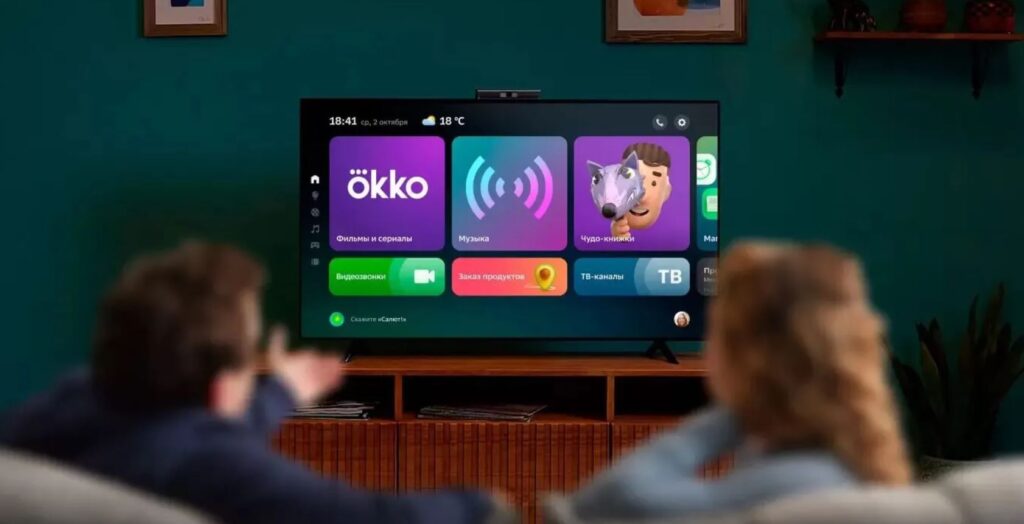
There are good third-party apps, but you need to choose them carefully
Cheap TV boxes often arrive with malware straight out of the box, so you should only download apps on Android TV from the official store. This isn’t paranoia — it’s basic Android TV security that protects both your nerves and your personal data.
Why Memory Optimizers Are Harmful on Android TV
Next on the blacklist are all kinds of boosters, cleaners, and memory managers that promise miracles. It sounds paradoxical — they promise to speed up your TV, but in reality they do the exact opposite. Such apps for Android TV constantly run in the background, consume resources themselves, and forcibly unload processes from memory that the system actually needs. As a result, Android has to restart them, and everything starts noticeably lagging.
Optimizers are harmful for all devices, not just TVs
In reality, these optimizers disrupt normal system operation rather than improve it, as their descriptions promise. Android manages memory perfectly well on its own, so the best way to speed up Android TV is simply not to install such junk.
Can Games Harm Your Android TV?
This is something many people learn the hard way — and at the worst possible moment. If you install a game on your TV that isn’t optimized for remote control, you risk getting stuck in it with no way out. You open it, but you can’t exit: the controls are designed for a touchscreen, the remote buttons don’t do anything, and the only salvation is rebooting the entire TV. That’s why games for Android TV should be installed wisely — choose only those that officially support remote or gamepad controls.
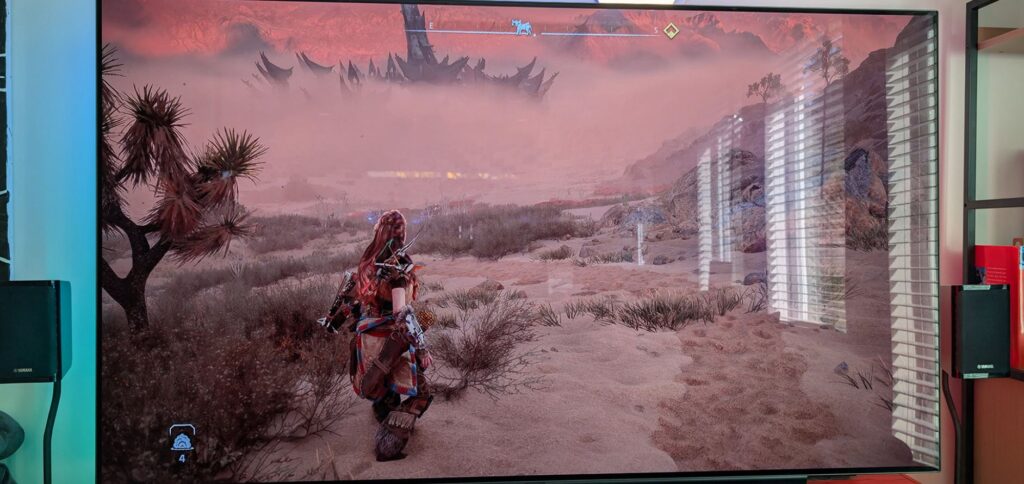
Be careful with games. Not every TV can handle them
Heavy 3D titles from smartphones also choke the TV’s weak processor and cause it to overheat. Before installing apps on Android TV, always check for the TV support label.
Why You Shouldn’t Install Free VPNs on Android TV
Free VPNs are dangerous, and especially so for TVs. Beyond the obvious security concerns and traffic data collection, they have a purely practical problem that people forget about. Constant encryption and routing all traffic through distant third-party servers puts a serious load on the weak chip, and as a result, the TV starts to noticeably lag, while video loads in jerks and freezes.
Free VPN services collect a lot of data and show ads, which easily causes TV freezes
VPN on Android TV eats into your device’s already modest performance. If a VPN is truly necessary, choose trusted paid solutions with a good reputation, and it’s better to avoid nameless free apps so you don’t turn your evening viewing into constant agony with endless loading screens.
Do You Need an Antivirus on Android TV and Should You Install One?
Finally, let’s debunk a popular myth that migrated from computers. Many people, out of old habit, immediately install an antivirus on their TV, but on Android TV it’s essentially not needed at all. The system is designed so that apps are reliably isolated from each other, and the main source of threats is those same third-party APKs, which antivirus software doesn’t really protect against anyway.
Meanwhile, the antivirus on Android TV behaves like typical dead weight: it constantly runs in the background, endlessly scans, eats up memory, and persistently begs you to buy premium. It’s much more reliable to simply install software from Google Play and stay away from shady websites.