Not long ago I wrote about how to set up screen lock on Android to protect your smartphone. That included mentioning face unlock as one of the options. But the more I dig into the topic, the less I want to recommend this feature. A study by the British organization Which? put everything into perspective. The results are unpleasant. Now I’ll explain in detail the dangers of Android face unlock.
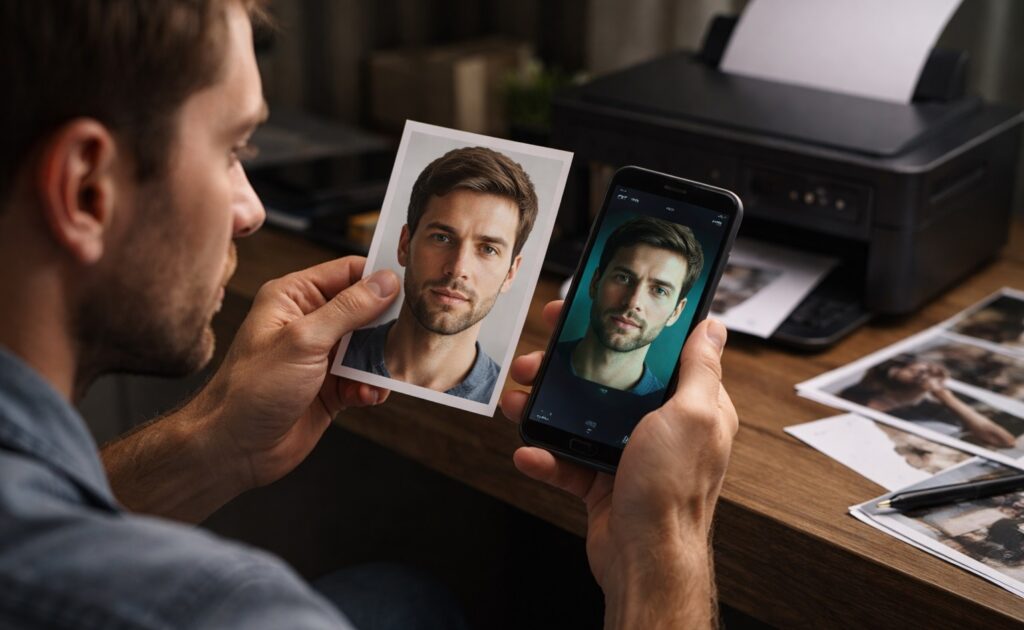
Android can really be unlocked just like that
How Face ID Works on iPhone
Let me start with the gold standard so there’s something to compare with. Face ID technology on iPhone appeared in 2017. Since then, it has remained one of the most reliable face unlock systems among all consumer devices.
Here’s how it works. With each unlock, a special TrueDepth module projects over 30,000 invisible infrared dots onto the user’s face. An infrared camera reads the pattern of these dots and builds a precise three-dimensional map of the face accounting for depth. A neural processor compares this map with the saved template, and all processing happens locally on the device — meaning data never goes to servers.
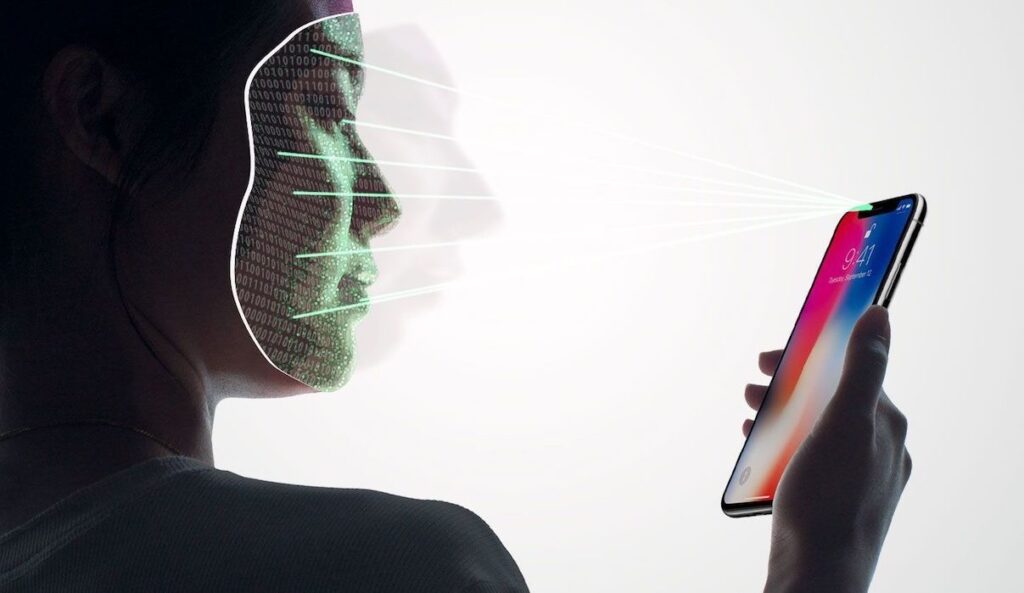
Face ID technology is secure thanks to 3D face scanning. Image: Apple
Why Face ID technology on iPhone is nearly impossible to fool:
- the three-dimensional map accounts for depth and facial relief — a photograph is flat and won’t work;
- the system adapts to changes in appearance (glasses, beard, makeup, aging);
- it requires open eyes and a live gaze (a sleeping person or mannequin won’t pass);
- the probability of a random match is one in a million.
Face ID on Android in the traditional sense doesn’t exist since it’s an Apple trademark. But this technology set the standard against which all other systems are compared. And the comparison doesn’t favor the competitors.
Android Face Unlock
Most Android smartphones use a fundamentally different approach. Instead of three-dimensional scanning, they use a regular front-facing camera that takes a flat shot of the face and compares it with a saved image. This is Face Unlock on Android in its basic form.
The system is fast and convenient. Pick up the phone, look at the screen — already unlocked. That’s exactly why manufacturers actively promote it and enable it by default on most devices. But this convenience has a downside.
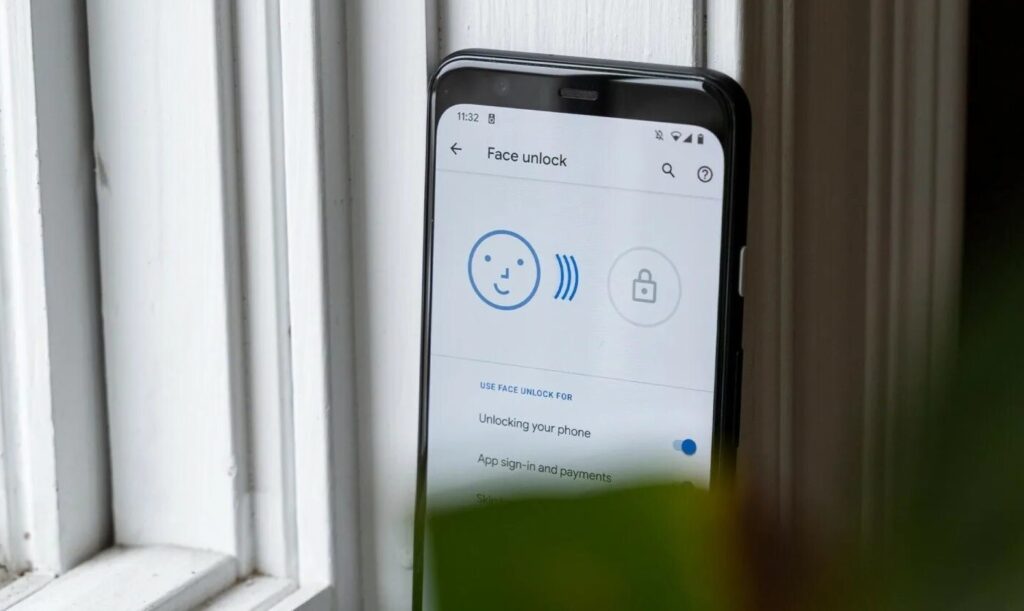
Android face unlock works differently. Image: rozetked.me
A two-dimensional system can’t distinguish a live face from its image. It compares pictures, not three-dimensional objects. This means unlocking Android with a photo is theoretically possible — just print out a picture of the owner. How realistic this is in practice was investigated by researchers. And this is where it gets unpleasant.
Can You Unlock Android With a Photo
The organization Which? conducted large-scale testing of face recognition security on smartphones. From October 2022 to March 2026, 208 devices from various manufacturers went through the lab. The method was simple: a printed photo of the owner and an attempt to unlock the phone.
The results speak for themselves. In 64% of cases (133 out of 208 devices), unlocking Android with a photo worked. The phone opened with a simple printout. In 2024, the situation peaked: 72% of tested smartphones failed the check. In 2025, the figure slightly improved to 63%, but the overall picture didn’t change. Brands whose smartphones with face recognition failed the test:
- Asus;
- Fairphone;
- HMD;
- HONOR (budget and mid-range models);
- Motorola;
- Nokia;
- Nothing;
- OnePlus;
- OPPO;
- realme;
- Samsung (some models);
- vivo;
- Xiaomi.
Manufacturer transparency deserves special mention. Xiaomi warned users about the vulnerability on 26 tested devices, Samsung — on nine. Meanwhile, Motorola and OnePlus released a combined 27 models with vulnerable Face Unlock technology without warning buyers at all. Nothing didn’t warn on any of its five tested devices. What an attacker can do once they gain access to an unlocked phone:
- read private messages in messengers and SMS;
- send emails from your address to reset passwords on other services;
- browse the photo gallery, including snapshots of documents;
- view Google Wallet history with the last four digits of cards and purchase locations.
Banking apps and Google Wallet block the ability to make payments through unreliable 2D systems (there is protection here). But everything else remains open.
Smartphones With Secure Face Unlock
Not all devices with Face Unlock are equally vulnerable. Some passed the Which? test and were deemed reliable. Google Pixel 8, 9, and 10 use a two-dimensional system but with advanced machine learning. Google trained its algorithms to recognize the difference between a live person and a photo at a level that meets Class 3 security (high enough for banking operations). This is a rare exception among 2D systems.
Face unlock is safer on newer Google smartphones. Image: Google
Samsung Galaxy S26 passed the test for the first time in 2026. Previous generations, including the S25, didn’t pass. There’s progress, but it only applies to the flagship lineup.
HONOR Pro series uses three-dimensional scanning similar to Apple — face recognition security is at a high level here. Budget and mid-range HONOR models don’t fall into this category.
Android Screen Lock Instead of Face Unlock
If your smartphone has a standard 2D system, there are plenty of alternatives. Here are Android screen unlock methods from most reliable to less reliable:
- a long PIN or complex password (hardest to guess or reproduce by digital methods);
- fingerprint scanner (requires the physical presence of the owner, reliable);


