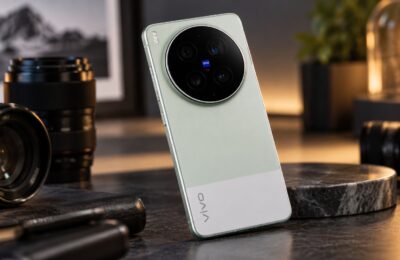
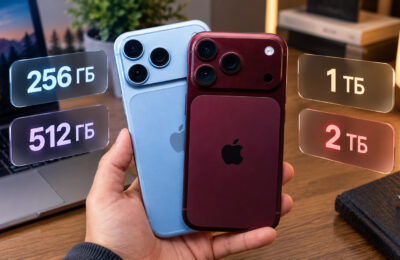
Android manufacturers have long stolen a whole bunch of ideas from Apple: Dynamic Island, smooth animations, a unified device ecosystem. They take the best and do it their own way, often better than the original. But does that mean you should go to the source? I’ll break it down honestly: where iPhone objectively wins, where it loses, and whether it’s even worth thinking about switching from Android to iPhone in 2026, when new nuances appear every day.
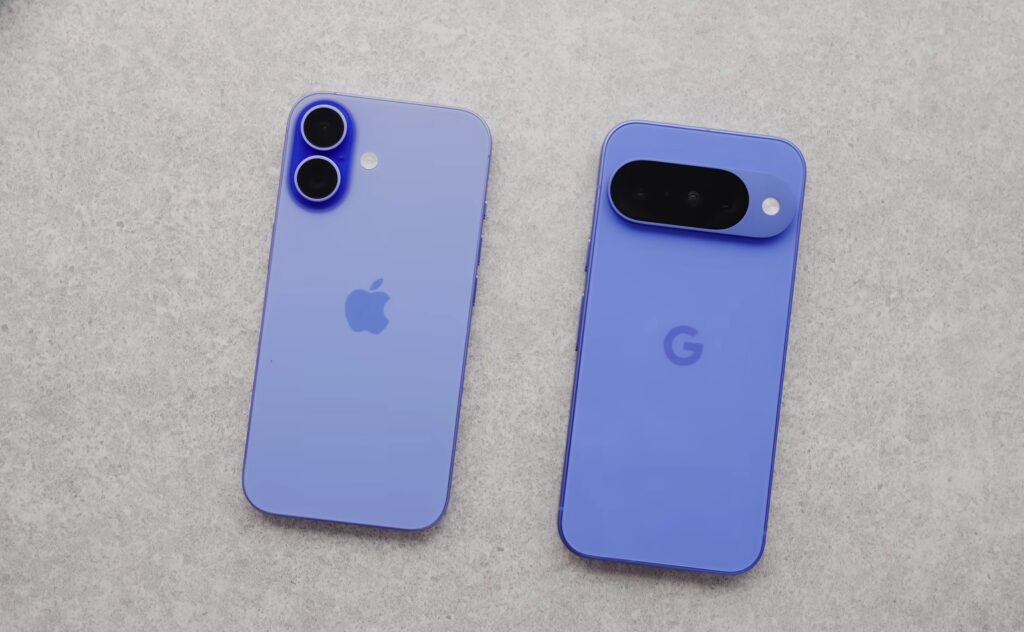
Trying to take a sober look at the situation. Image: Marques Brownlee
The Main Difference Between Android and iPhone
The key difference between Android and iOS lies in philosophy. Android is open: you can install an app from any source, customize the interface beyond recognition, change the browser, keyboard, launcher. iOS is closed: Apple decides for you what’s allowed, what’s not, and how things should look. This is a fundamental choice, not a technical nuance.
Here’s what this means in practice:
- App installation. On Android, you can install an APK from anywhere. On iPhone — only through the App Store. Apple itself decides which apps live and which die. In Russia, this resulted in mass removal of banking apps.
- Customization. Android lets you change literally everything. iOS lets you rearrange icons and choose wallpaper. Thanks, Apple.
- File system. On Android, files are directly accessible. On iPhone, transferring files through iTunes is a sport of its own.
- Device variety. Android runs on hundreds of models with different screens, batteries, and form factors. iOS is only available on iPhone. Want a foldable screen? Only Samsung, HUAWEI, or OPPO, but definitely not Apple. Well, actually Apple now too, but at what price.
- Fingerprint scanner. More convenient than Face ID in most scenarios, and on Android it’s available even in budget models. Apple is stubbornly sticking with Face ID and has no plans to back down.
The differences between iPhone and Android aren’t just technical. These are different approaches to who’s in charge: you or the manufacturer. On Android — it’s you.
Where iPhone Is Better Than Android
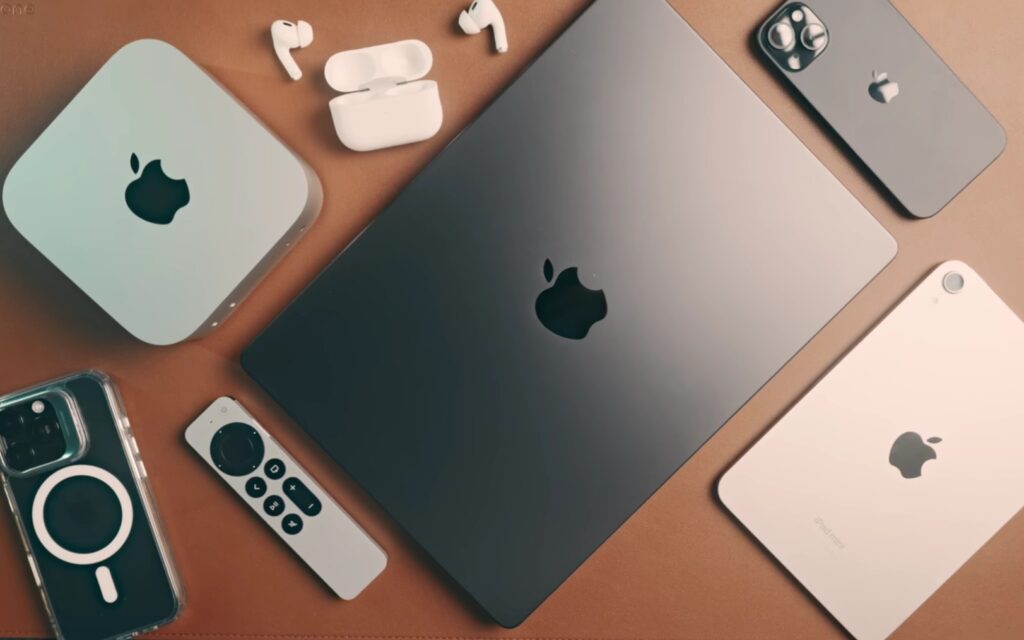
Apple has a cooler ecosystem that will squeeze every penny out of you. Image: Kyle Erickson
Honesty matters more than principles. So I’ll admit: iPhone has real advantages over Android that are hard to dispute:
- Long-term support. Apple updates iPhones for 6-7 years. Most Android manufacturers promise 4-5 years for flagships and less for mid-range devices.
- Stability and optimization. iOS is tailored to specific hardware. No fragmentation, no compatibility issues. It works predictably.
- Ecosystem. AirDrop, Handoff, iMessage, Continuity Camera — all of this works smoothly if you have a Mac, iPad, and AirPods. The Android ecosystem is also evolving, but it hasn’t reached this level of integration yet.
- Privacy. Apple consistently promotes privacy policies and limits tracking by apps. This isn’t just marketing: iOS genuinely has less ad tracking.
- Resale value. iPhone holds its value better than Android competitors. After three years, a flagship Android costs several times less than a comparable iPhone.
All of this is real. But how much does it outweigh the downsides? Because there are more than enough iPhone drawbacks in 2026.
Where Android Is Better Than iPhone
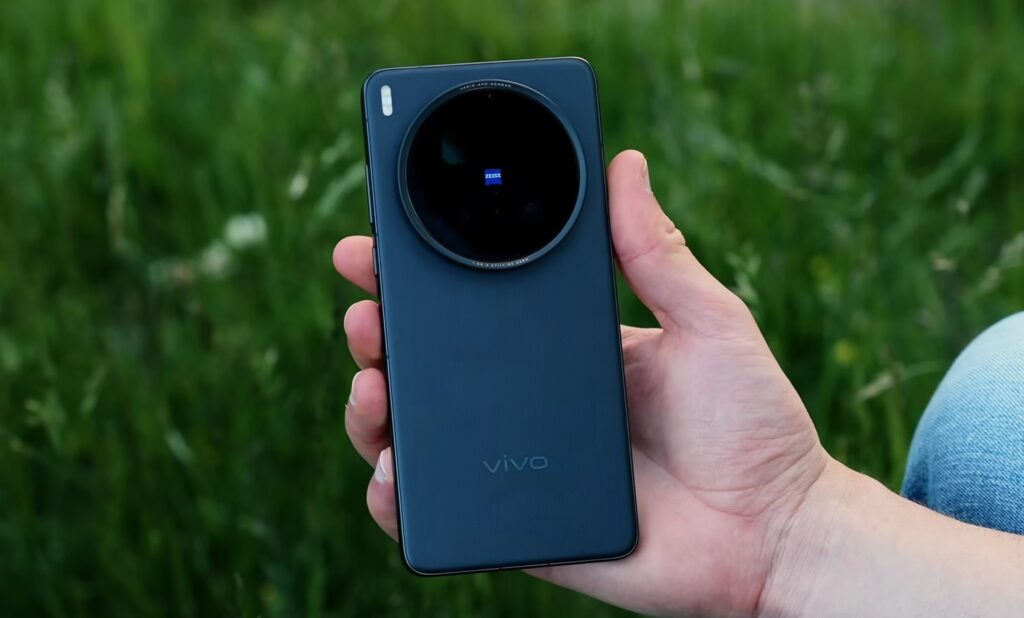
Take a look at these cameras and appreciate Android’s greatness. Image: Steven Divish
And here the list gets longer, and that’s no coincidence. There’s plenty of evidence that Android is more convenient than iPhone:
- Banking apps in Russia. This is the main argument in 2026. Most Russian banks removed their apps from the App Store under sanctions pressure. On Android, all of these can be installed via RuStore or APK. On iPhone — a trip to the bank branch, payment stickers, or third-party non-working solutions. For Russian users, this is critical.
- Charging. Flagship Android smartphones charge at speeds of 100-240W. iPhone 17 Pro Max charges at a maximum of 30W. The speed difference is several times over. Apple explains this as caring for the battery. However, smartphones with 120W charging claim 1600 cycles before degradation, while iPhone claims 1000. Care, indeed.
- Battery life. Modern Android flagships pack 6000-7500 mAh batteries. iPhone 17 Pro Max — 4685 mAh. While iOS is more efficient, the gap in capacity is still noticeable during a long day.
- Mid-range cameras. For 30-40 thousand rubles, an Android smartphone gives you a periscope zoom, a large sensor, and advanced processing. For the same money, iPhone is a used model missing some current features.
- What’s in the box. Almost every Android smartphone comes with a charger, cable, and case. iPhone in the box — just a cable. Buy the charger separately. Apple calls this caring for the environment.
- Flexibility. Widgets, side panels, split screen, app installation from any source. On Android, this has always been there. On iOS, it appears in portions and 15 years after Android.
At this point, one could wrap up the discussion about switching from Android to Apple, but there’s still the main nuance ahead that needs to be taken into account.
How to Transfer Data from Android to iPhone
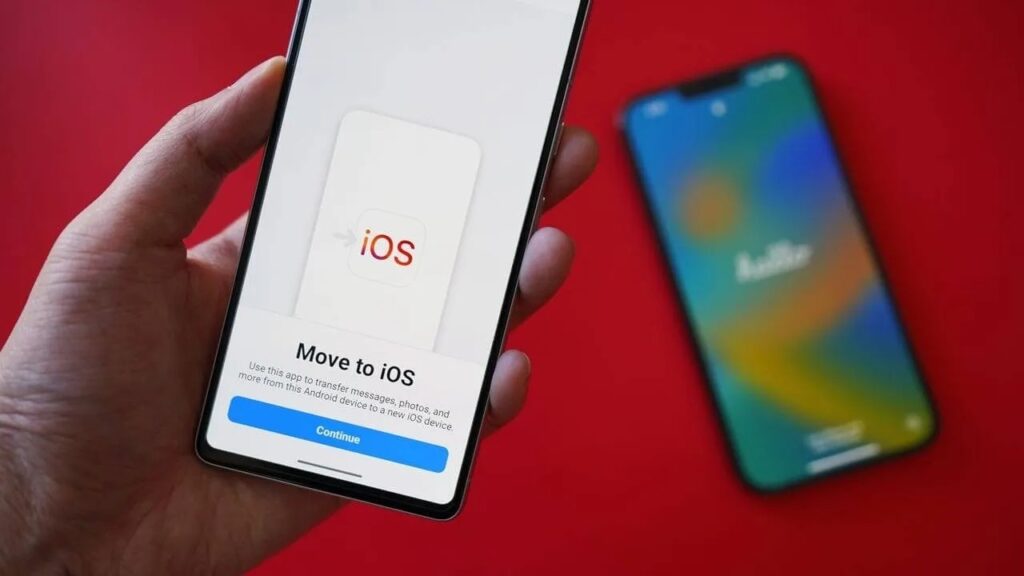
This won’t be easy. Image: zdnet.com
Let’s say you’ve made up your mind. Then you should know what awaits you. Our colleagues at AppleInsider.ru have prepared a full breakdown of how to transfer data from Android to iPhone. Sit down, take a deep breath, and read it. In short: Apple offers the “Move to iOS” app — it transfers contacts, photos, mail, and some apps. Sounds simple, but the nuances start right away. What transfers properly:
- contacts and calendars;
- photos and videos;
- mail and browser bookmarks;
- some apps, if they’re available in the App Store.
What doesn’t transfer or transfers with losses:
- messenger chat history;
- data from apps that aren’t in the App Store, and there are quite a few of those in Russia;
- music not purchased through Apple Music;
- files from internal storage need to be transferred manually via computer or cloud;
- settings and customization (you start from scratch).
Banking apps are a separate story: some of them simply don’t exist in the App Store. This can’t be solved by data transfer. This is a systemic iPhone problem in Russia.