Apple Watch is not about long conversations — it’s about quick replies on the go. Recently, an official Telegram app for Apple Watch appeared in the App Store, and I immediately installed it on my watch. The idea sounds perfect: when needed, you can open any chat and view its contents without even pulling out your iPhone. I tested how it works in practice and spent several days with the app. In short: a simple authorization process stretched over an entire day, and things only got more fun from there.
Telegram on Apple Watch is completely unusable
Telegram Authorization Not Working on Apple Watch: What to Do
Authorization on the watch is designed to be convenient. The app shows a QR code right on the screen of the Apple Watch, you point your iPhone camera at it, and the account connects. Sounds like a five-second task. For me, it took almost an entire day.
The code simply wouldn’t generate. I opened the app, it crashed. I opened it again, saw an endless loading indicator, after which the screen closed on its own again. And so it went in circles: launch, wait, crash. No code, no clear error, just a black watch face instead of the app.
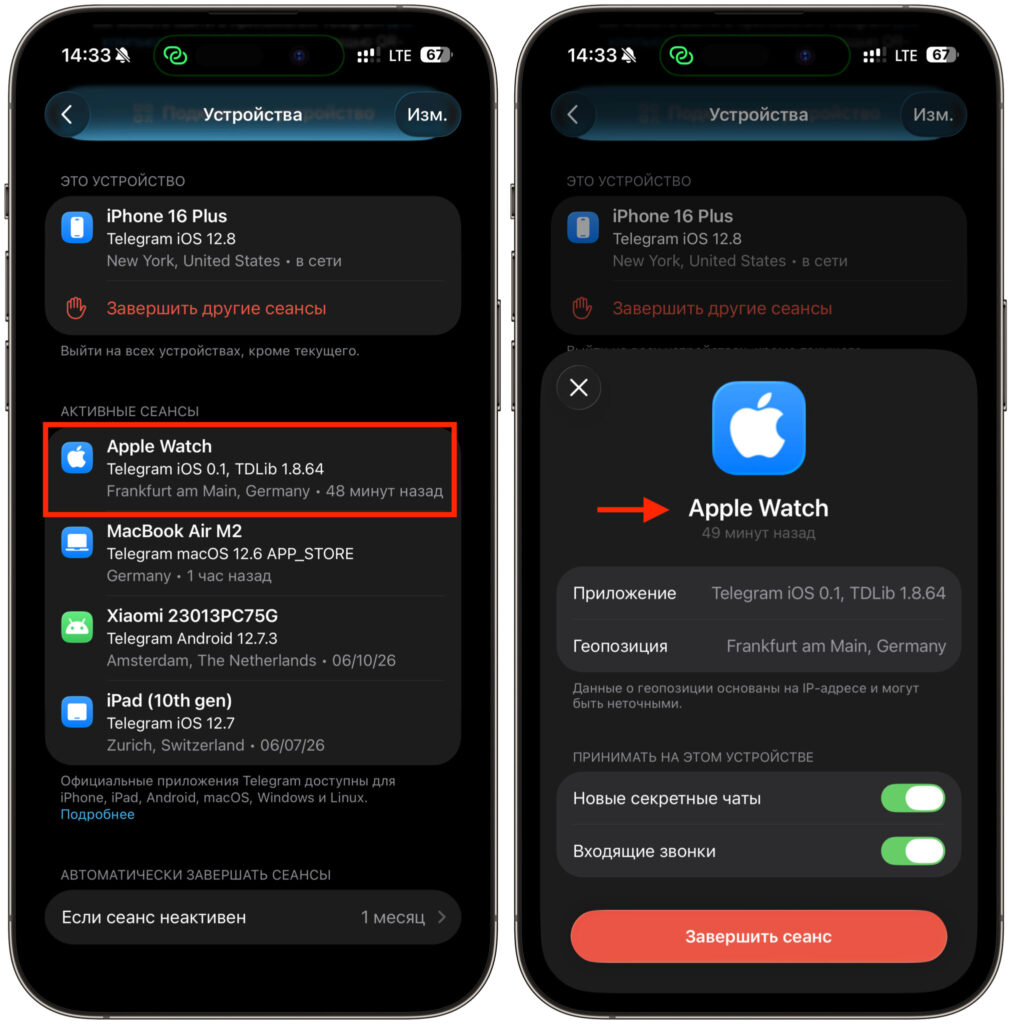
Apple Watch shows up as a separate device
I rebooted the watch, reinstalled the app, checked the connection with iPhone. Nothing helped at all. Then, after about a day, the code suddenly appeared on its own, without any action on my part. I quickly pointed the camera at it, and authorization finally went through. That said, joy was premature.
Telegram for Apple Watch Lags and Closes on Its Own
The main problem is that the app crashes on almost every launch. This is not an exaggeration: you open Telegram on the watch and there’s a high chance you’ll watch it close a second after starting. Sometimes you can get in on the second try, sometimes on the third.
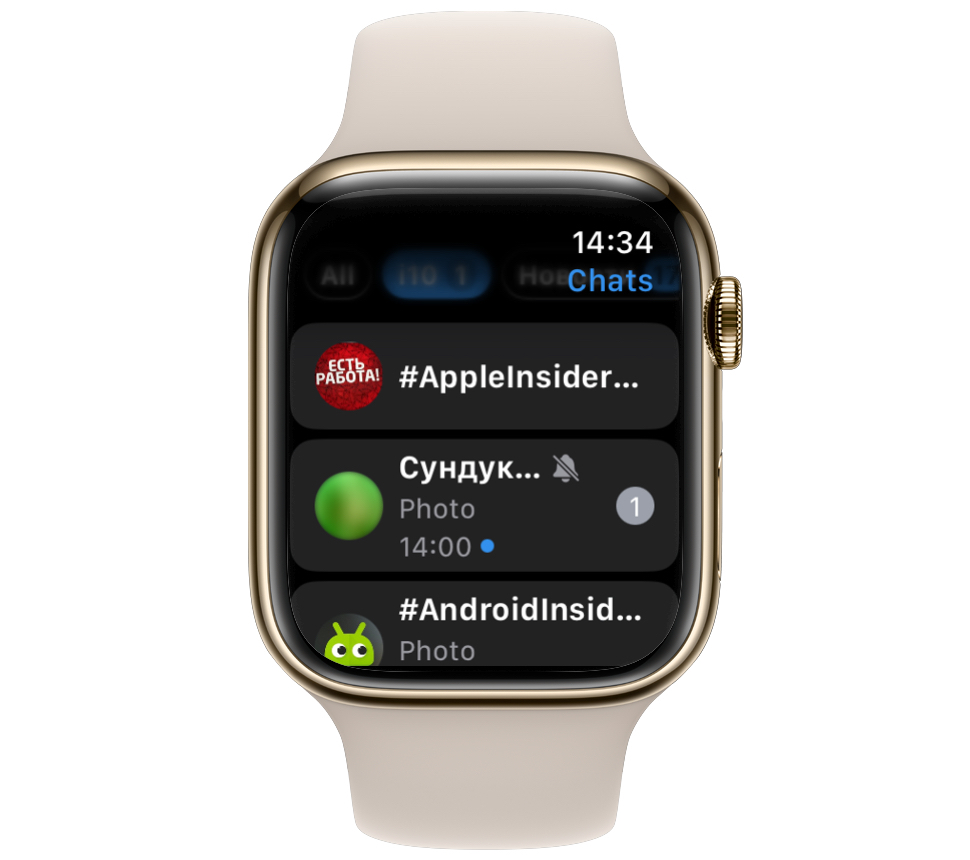
Chats and images can’t load and a crash immediately follows
If the app does manage to open, the second act begins. Chats load painfully slowly: the dialog list pulls up in jerks, messages appear with a delay, and sometimes don’t appear at all. You sit there staring at a spinner, as if you’ve been transported back to the era of dial-up mobile internet.
A separate delight is switching between chats. The simplest action: tap on a dialog, read it, go back. But switching chats also frequently crashes the app. That means you can get kicked back to the watch face at the exact moment you open a conversation. Calmly scrolling through a message thread is out of the question.
Funnily enough, on the iPhone itself the client works perfectly. There are no crashes, no lag. But on the watch, everything falls apart. The conclusion is obvious: it’s impossible to use the app normally. It’s unstable at every step, from launch to opening a specific chat, and this has been going on for days, not just once.
Quick Replies in Telegram on Apple Watch
The funniest part is that this story has a working ending. While the app crashes at every opportunity, replies from notifications work reliably. That’s exactly how I ended up chatting in Telegram from my watch. The process is simple, and you don’t even need to open the app itself:
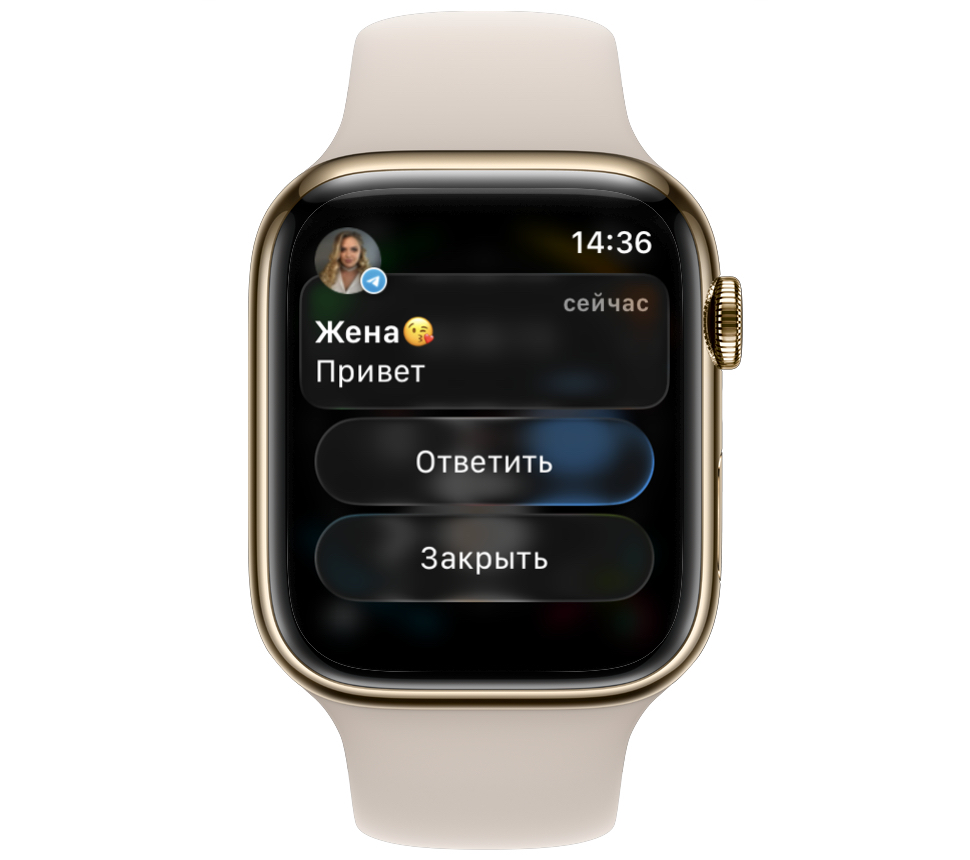
It’s easier to reply to messages through notifications
- Wait for a new message notification on Apple Watch.
- Raise your wrist and tap on the notification to expand it.
- Press the quick reply button.
- Dictate by voice, type on the keyboard, choose a ready-made template, or send an emoji.
This scenario has never let me down. The notification arrives, the reply goes out, the conversation continues. It creates a strange picture: the most stripped-down feature works, while the full-fledged app doesn’t. But for quick reactions on the go, nothing more is needed — after all, Apple Watch was never designed for long conversations.
There is one downside: you depend on notifications. If you want to write first or reply to someone who hasn’t just sent you a message, you’ll have to pull out your iPhone. Starting a chat from scratch directly from the watch is nearly impossible due to the crashes.
Telegram for Apple Watch: Drawbacks and Real Limitations
Honestly, right now there’s not much point in installing it. The app in its current state is non-functional: it barely passes authorization, crashes on launch, and stumbles on chat switching. Everything that would make it worth keeping on your wrist breaks at almost every step.
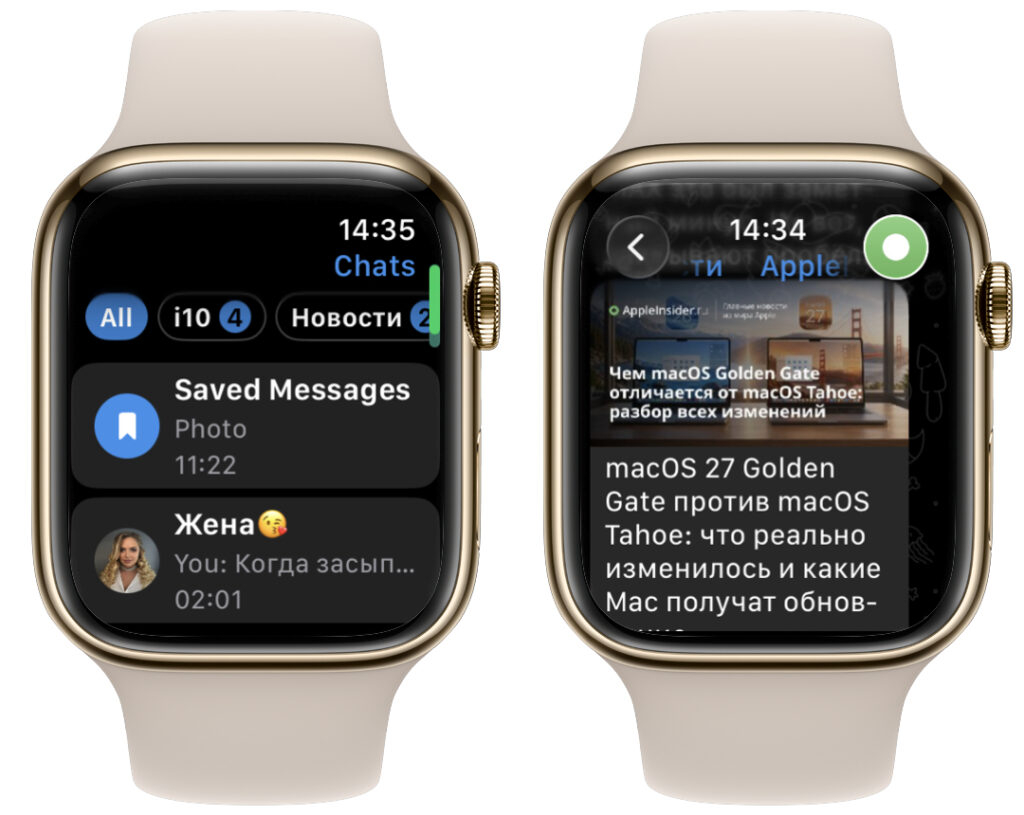
By some miracle you can get into a channel and the start page. Out of 10 attempts, 1 succeeds, 2 at most
But the main task — replying to messages without pulling out your phone — can be accomplished without the app itself. Notifications and quick reply work independently of whether the Telegram client is installed on the watch. By deleting the app, you won’t lose anything: push notifications from iPhone are still mirrored to Apple Watch, and replying from them is just as easy.
So the advice is simple. If you only need quick replies — keep notifications and don’t bother with the app. If you want a full-fledged Telegram on your wrist — you’ll have to wait for an update that fixes the crashes and speeds up chat loading. For now, the most stable experience is the one that doesn’t require opening the app at all.